Home / Demos
Demo videos

See every workflow, start to finish

Short, focused walkthroughs recorded in the real product with a sample portfolio. Each video lists its chapters so you can jump to what matters to you — or watch the overview first and pick from there.

Getting started

The big picture

8 min
OverviewAll roles

AccordPortal product tour

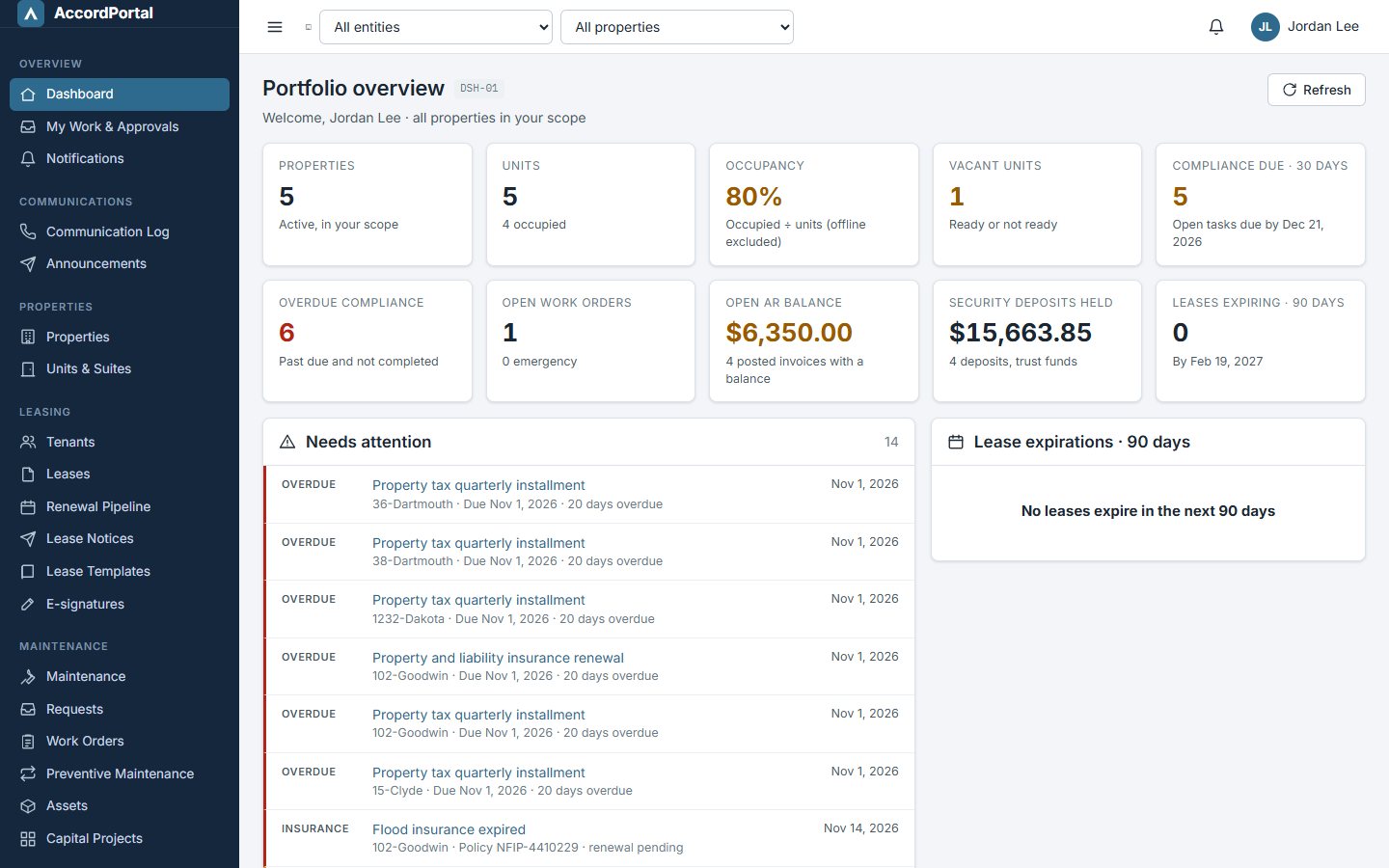
A guided tour of the whole product: the role-based dashboard and work inbox, how properties, leases and the ledger connect, where the portals fit, and how approvals and the audit trail keep everything controlled. Ideal as a first look before any of the deeper videos.

Chapters
  1. Signing in and two-step verification
  2. Dashboard: KPIs, alerts and shortcuts by role
  3. Work inbox, notifications and communications
  4. Property → unit → lease → charges → ledger
  5. Accounting home and the report center
  6. Maintenance, vendors and compliance at a glance
  7. Resident and vendor portals
  8. Administration, roles and the audit log
6 min
PropertiesProperty managers

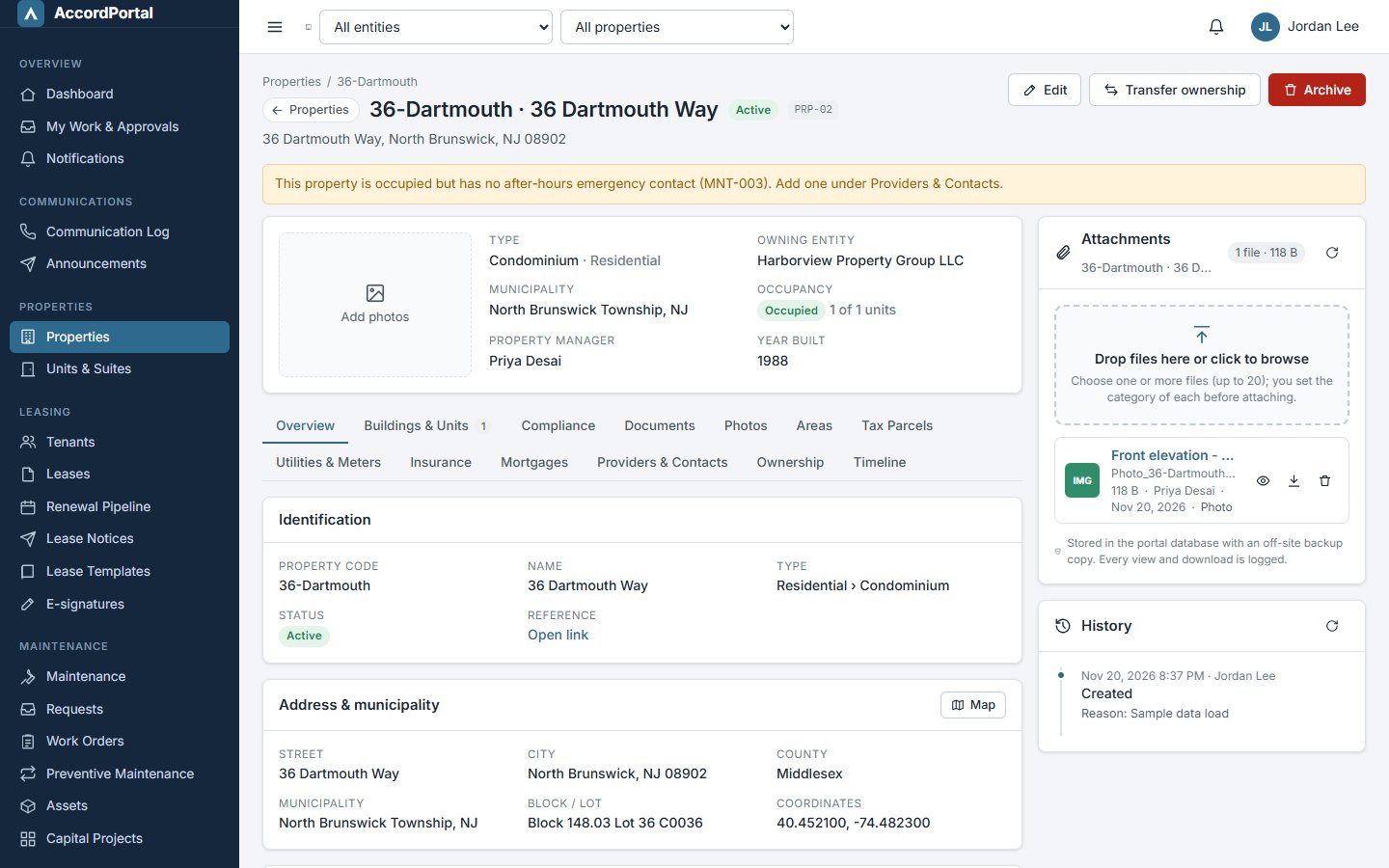
Setting up properties, buildings & units

Create a legal entity and portfolio, add a property with its buildings and units, record unit types, square footage, rent targets and amenities, upload photos and documents, and see occupancy and vacancy roll up instantly.

Chapters
  1. Legal entities and portfolios
  2. Adding a property and its buildings
  3. Units: type, status, area, market rent
  4. Photos, documents and notes
  5. Occupancy, vacancy and the property summary
Leasing

Tenants, leases and the full lease lifecycle

9 min
LeasingLeasing agents

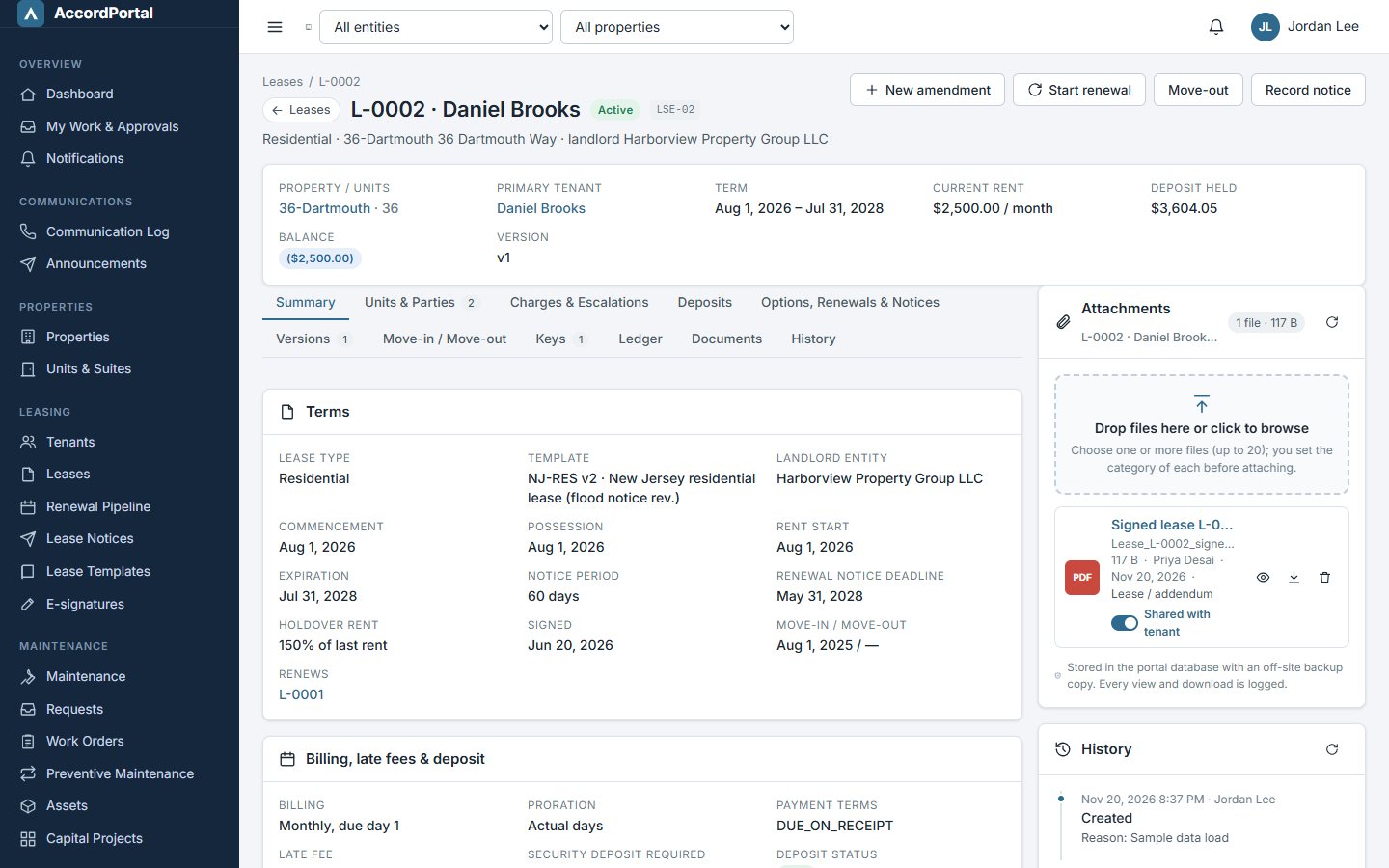
Tenants and leases, from draft to active

Add a tenant, build a lease from a template, set rent, recurring charges, escalations, proration and the security deposit, send it for approval and signature, and activate it — with every version kept.

Chapters
  1. Tenant record: people, contacts, insurance
  2. Starting a lease from a lease template
  3. Rent, recurring charges and escalations
  4. Proration and the security deposit
  5. Approval (including self-approval) and e-signature
  6. Activation, the lease ledger and versions
7 min
LeasingRenewals & move-out

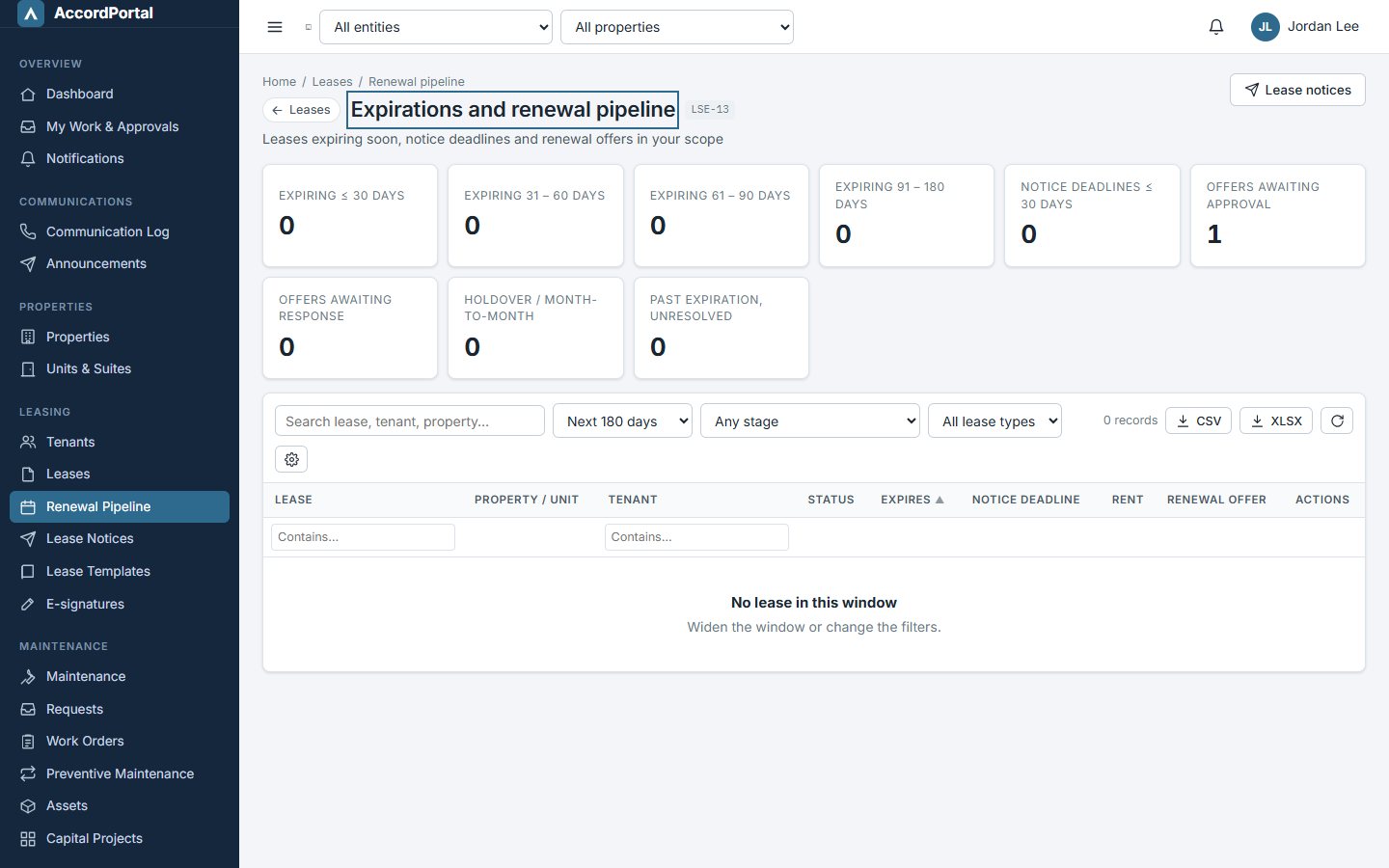
Renewals, notices, holdover and move-out

Work the renewal pipeline, send renewal offers tenants accept online, issue legal notices, understand holdover after a lease ends, and complete a move-out with the deposit settlement and final statement.

Chapters
  1. The renewal pipeline and expiring leases
  2. Renewal offers and tenant acceptance
  3. Amendments and extensions
  4. Lease notices and acknowledgements
  5. Expired leases and holdover rent
  6. Move-out and the deposit settlement
5 min
E-signatureBuilt in

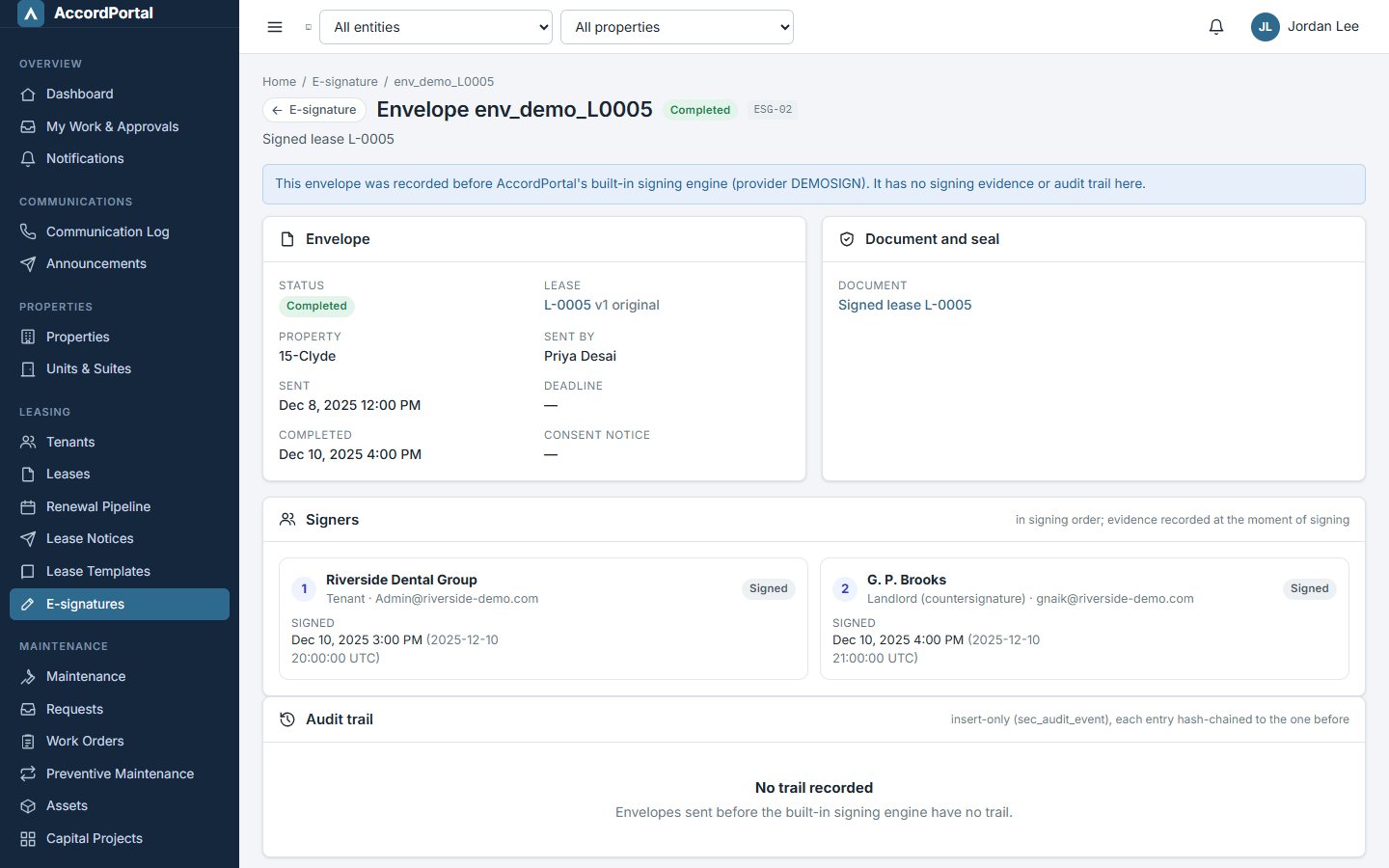
Built-in e-signature

Send a lease, renewal or amendment for signature without a third-party service: build the envelope, set the signing order, follow progress, send reminders and keep the signed copy with its completion certificate.

Chapters
  1. Creating an envelope from a lease
  2. Signers and signing order
  3. The tenant's signing experience
  4. Status, reminders and voiding
  5. Signed documents and the audit record
Receivables & payments

Bill, collect and follow up

7 min
ReceivablesProperty clerks

Running rent for the month

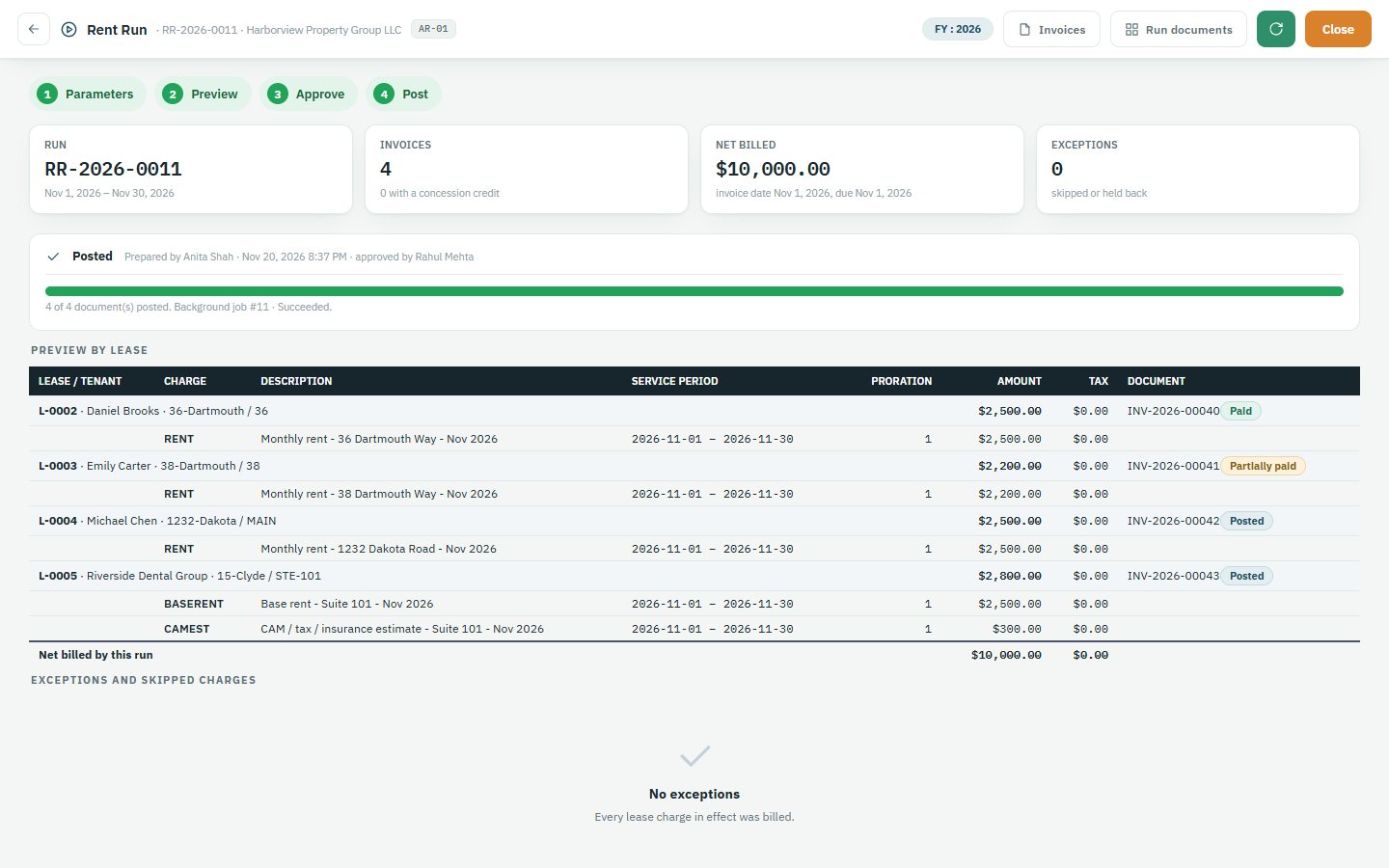
Choose the entity, property and billing period, preview every invoice with prorations and escalations, fix exceptions, approve and post the run — and see the invoices land in tenant ledgers and the general ledger.

Chapters
  1. Starting a rent run
  2. Reviewing the preview and exceptions
  3. Approving and posting
  4. Invoices and the tenant ledger
  5. Cancelling, deleting and recent runs
8 min
ReceivablesOnline payments

Receipts, online payments & autopay

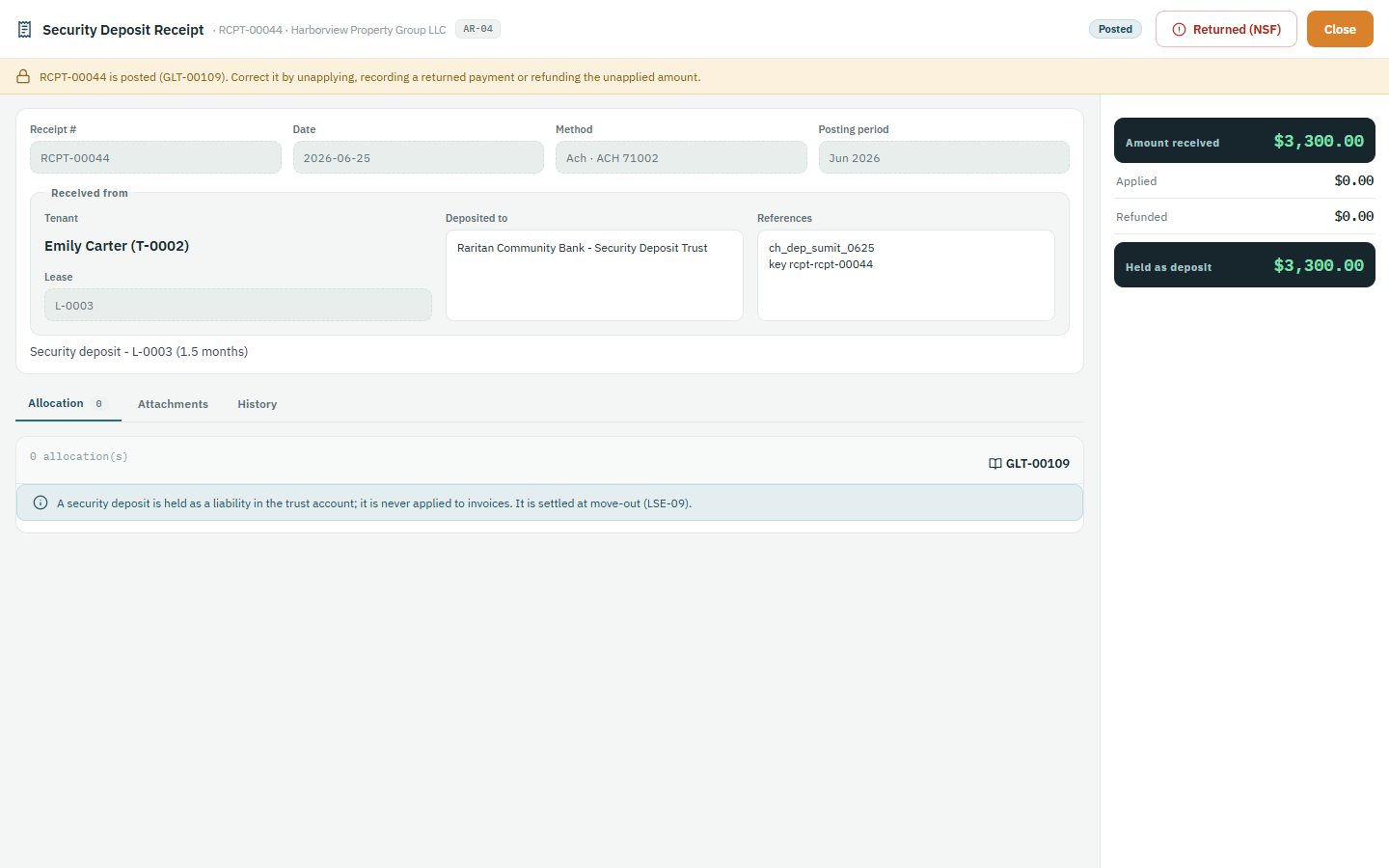
Record a check, cash or wire receipt and apply it to open charges, see online and autopay payments arrive from the resident portal, handle a returned payment, and print or e-mail receipts.

Chapters
  1. Recording and applying a receipt
  2. Partial payments and credits
  3. Online payments from the portal
  4. Autopay schedules
  5. Returned payments (NSF) and refunds
5 min
ReceivablesCollections

Late fees and collections

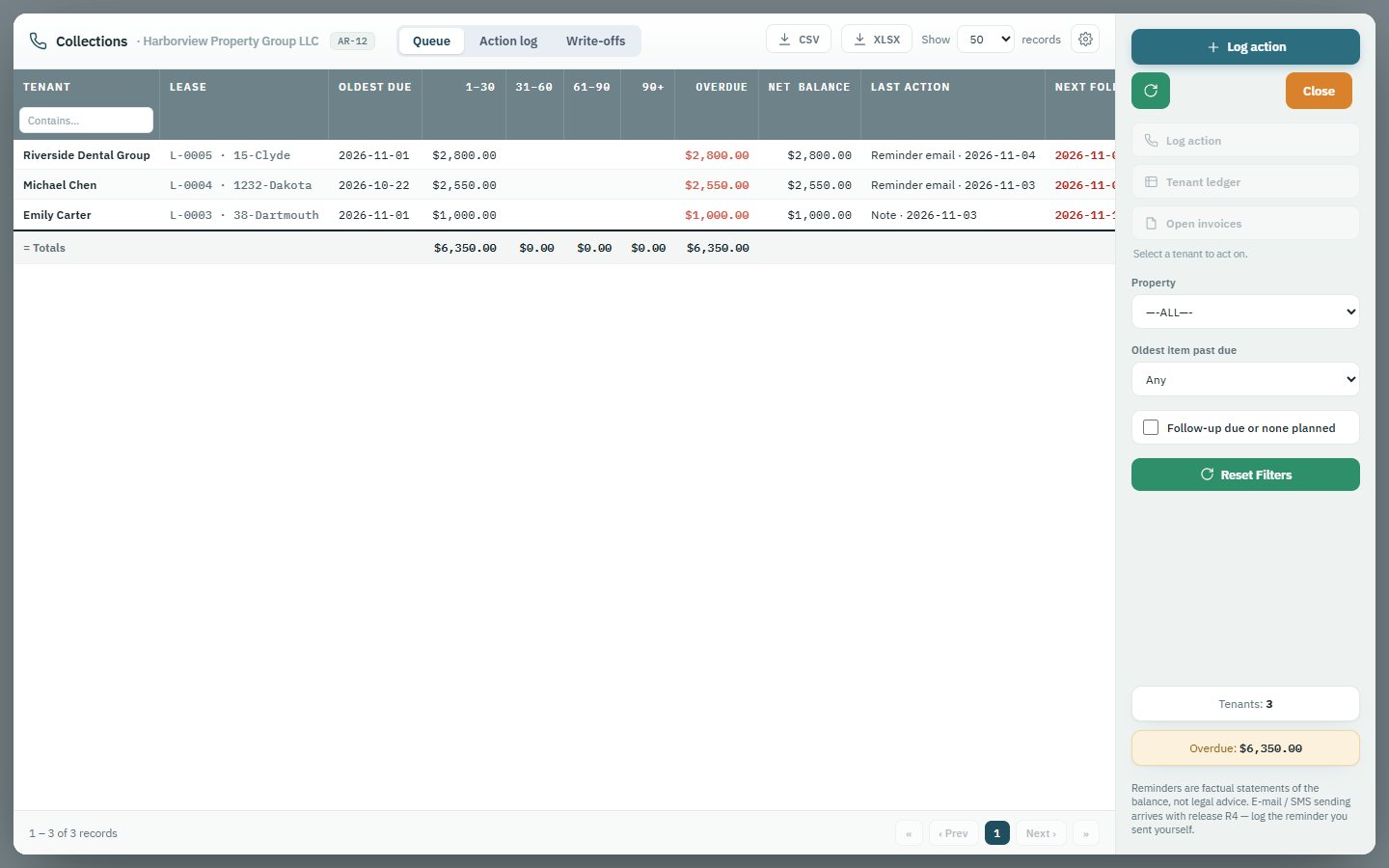
Set late-fee rules, let the nightly job assess them, review aging, work the collections list with reminders, notes and payment plans, and write off what can't be collected — with every step on the tenant's record.

Chapters
  1. Charge codes and late-fee rules
  2. Late-fee assessment and waivers
  3. Aging and the collections queue
  4. Actions, promises and payment plans
  5. Write-offs
9 min
CommercialEnterprise plan

CAM, tax & insurance recoveries

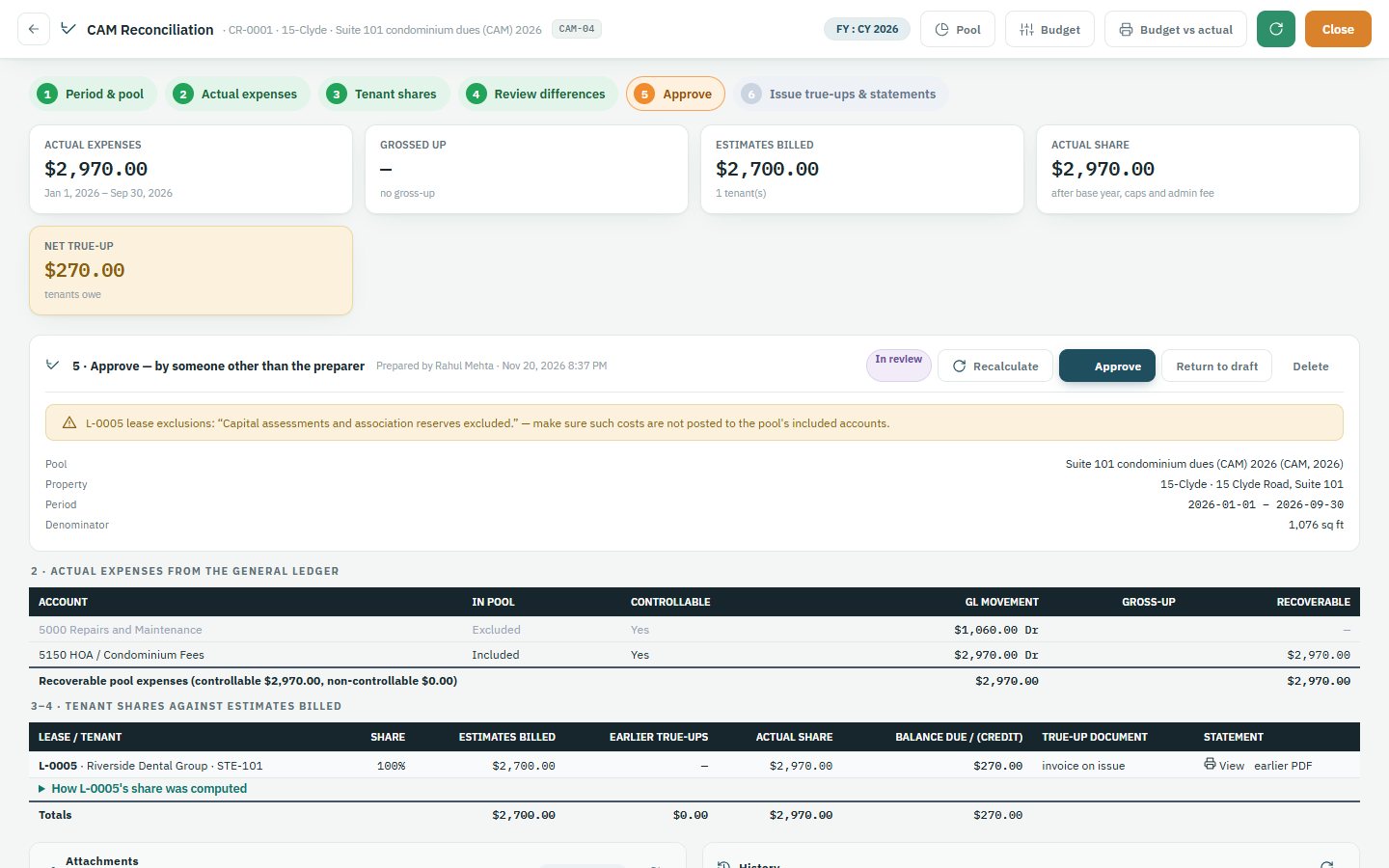
Define recovery pools and tenant shares, budget and bill monthly estimates, then run the annual reconciliation with base years, caps and admin fees, and issue tenant statements and true-up invoices.

Chapters
  1. Recovery pools and allocation bases
  2. Tenant shares, base years and caps
  3. CAM budget and monthly estimates
  4. Year-end reconciliation
  5. Tenant statements and true-ups
Accounting

Books you can close with confidence

8 min
General ledgerAccountants

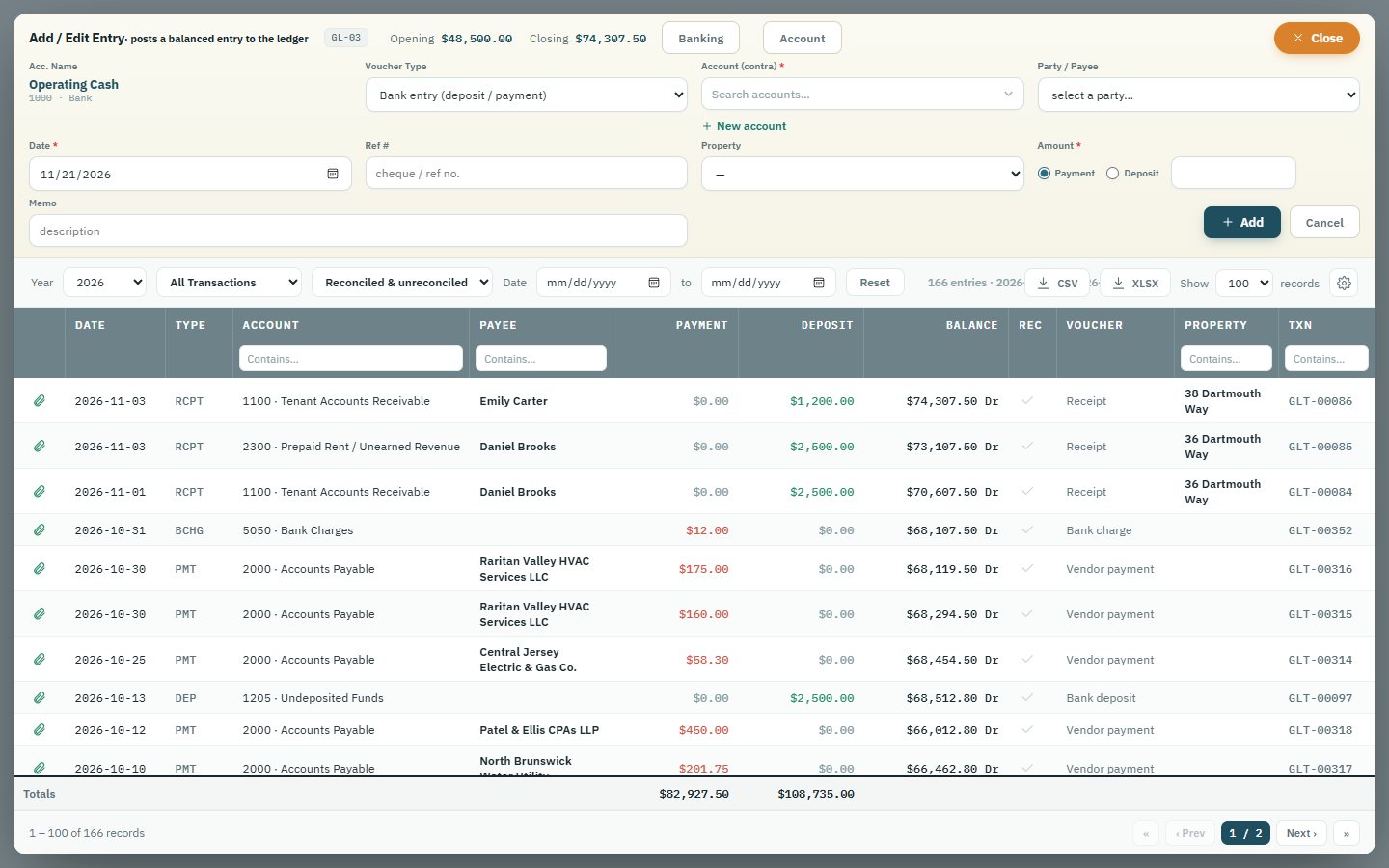
Chart of accounts, journals & the account register

Tour the chart of accounts and dimension rules, enter journals and register transactions with property and tenant detail, set up recurring journals and allocations, and drill from any balance to its source.

Chapters
  1. Chart of accounts and dimension rules
  2. The account register and its columns
  3. Journal entries, attachments and reversals
  4. Recurring journals and allocations
  5. Opening balances and fixed-asset depreciation
9 min
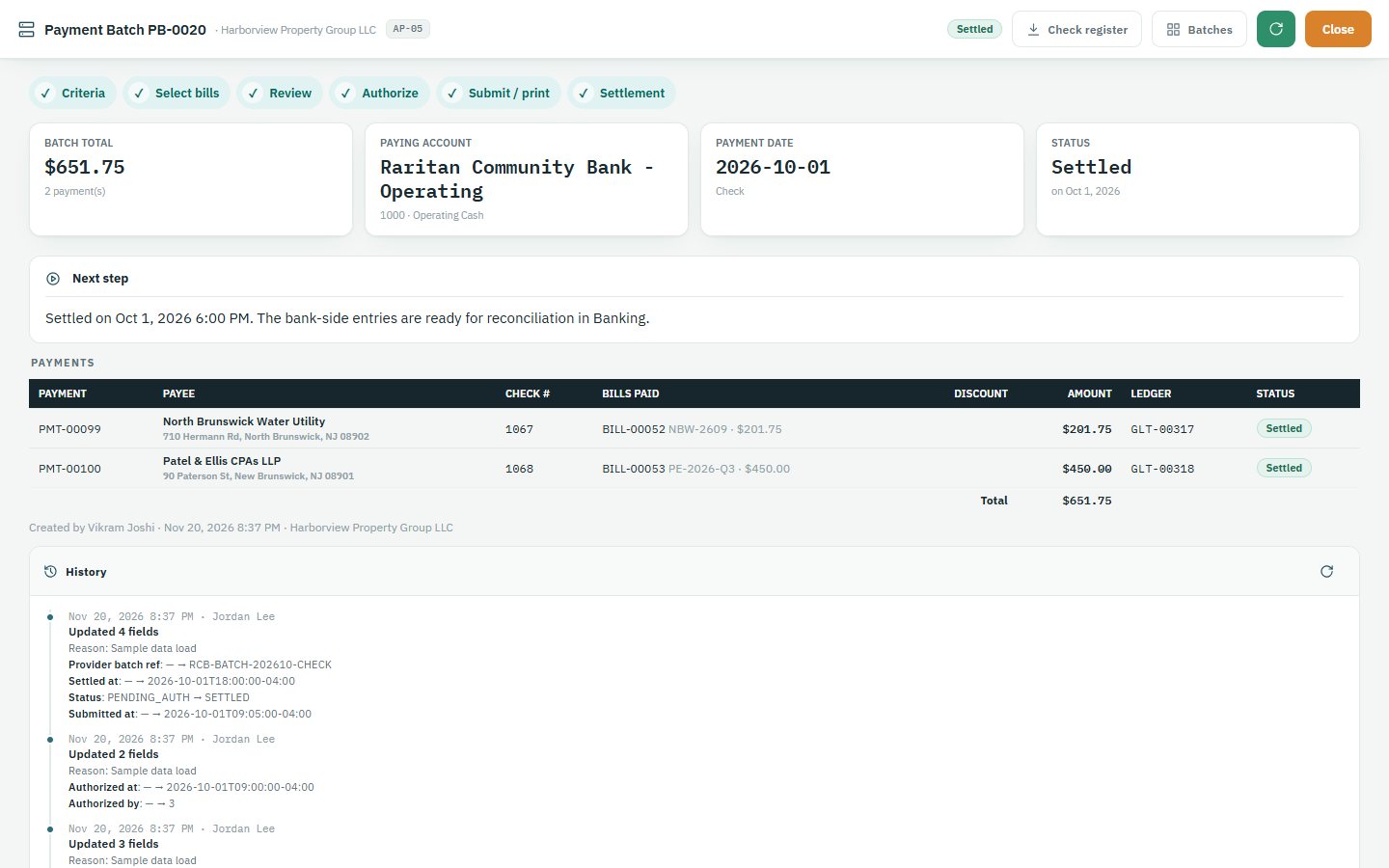
PayablesProfessional plan

Bills, purchase orders & payment batches

Raise a purchase order, enter or receive a vendor bill, route it through approvals, build a payment batch by due date, pay by check or ACH, and prepare 1099s at year end.

Chapters
  1. Purchase orders and matching
  2. Entering bills and vendor-portal invoices
  3. Bill approvals
  4. The payables calendar and payment batches
  5. Checks, ACH and remittance
  6. 1099 preparation
7 min
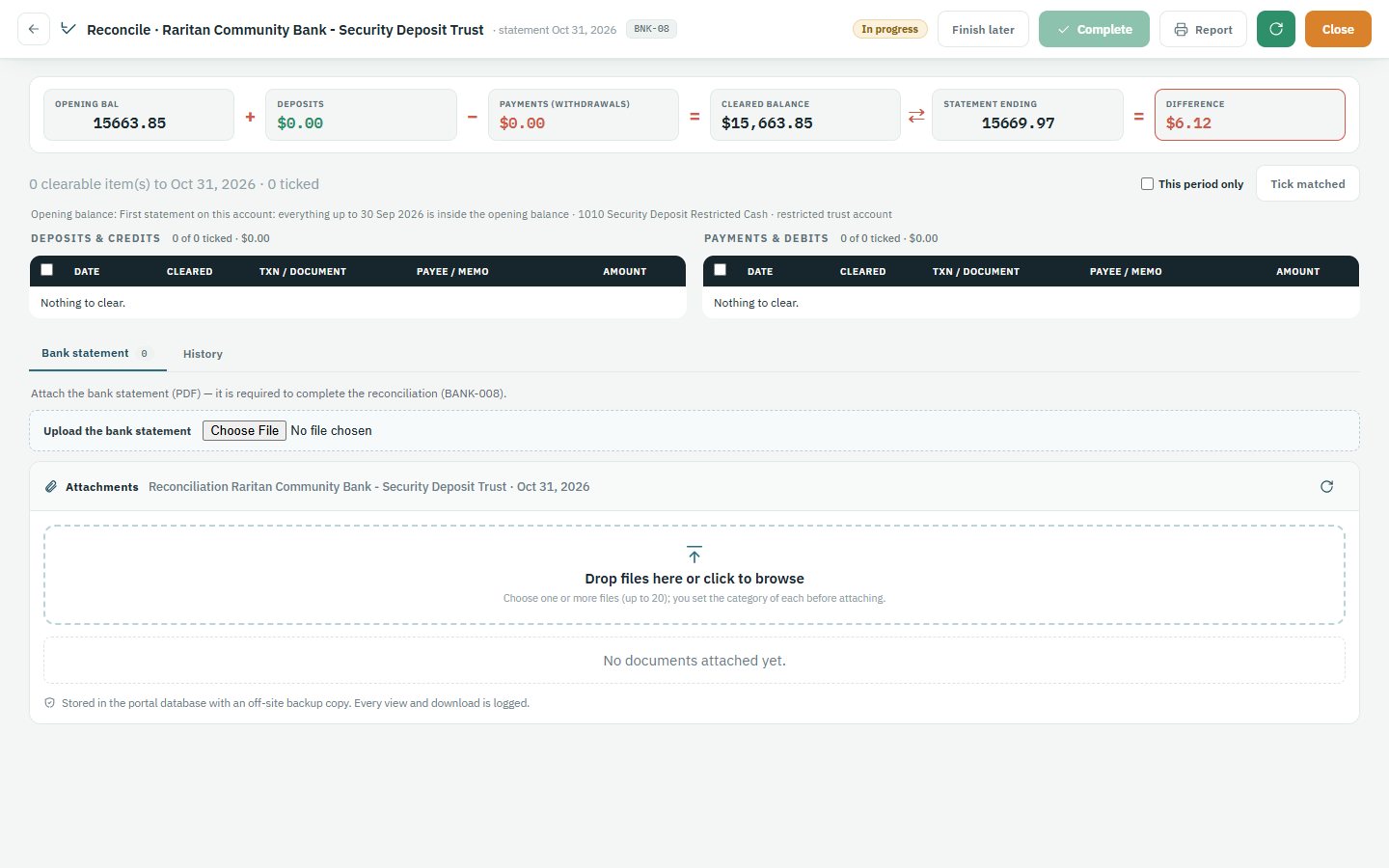
BankingProfessional plan

Bank statements & reconciliation

Import a bank statement with a saved format, let matching pair it with receipts, payments and deposits, handle what's left, and finish the reconciliation with a report that ties to the ledger.

Chapters
  1. Bank accounts and import formats
  2. Importing a statement
  3. Automatic and manual matching
  4. Adjustments and unmatched items
  5. Completing the reconciliation
7 min
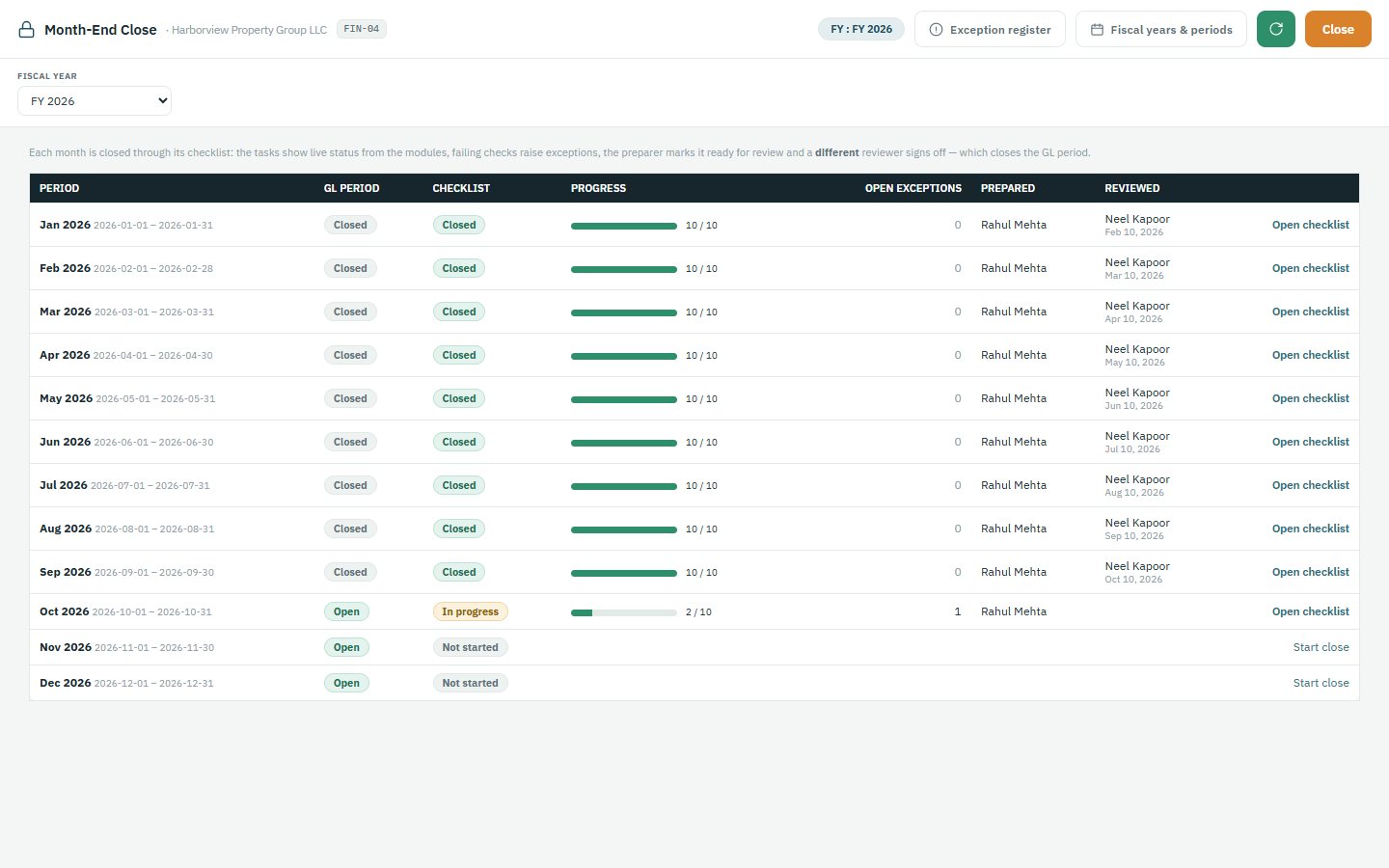
CloseControllers

Budgets, month-end close & consolidation

Build a budget by property and account, compare budget to actual, work the close checklist and its exceptions, close the period, and produce consolidated statements across legal entities.

Chapters
  1. Budgets and budget versions
  2. Budget vs actual
  3. The month-end close checklist
  4. Close exceptions and period locks
  5. Fiscal years and consolidation
6 min
ReportsOwners & managers

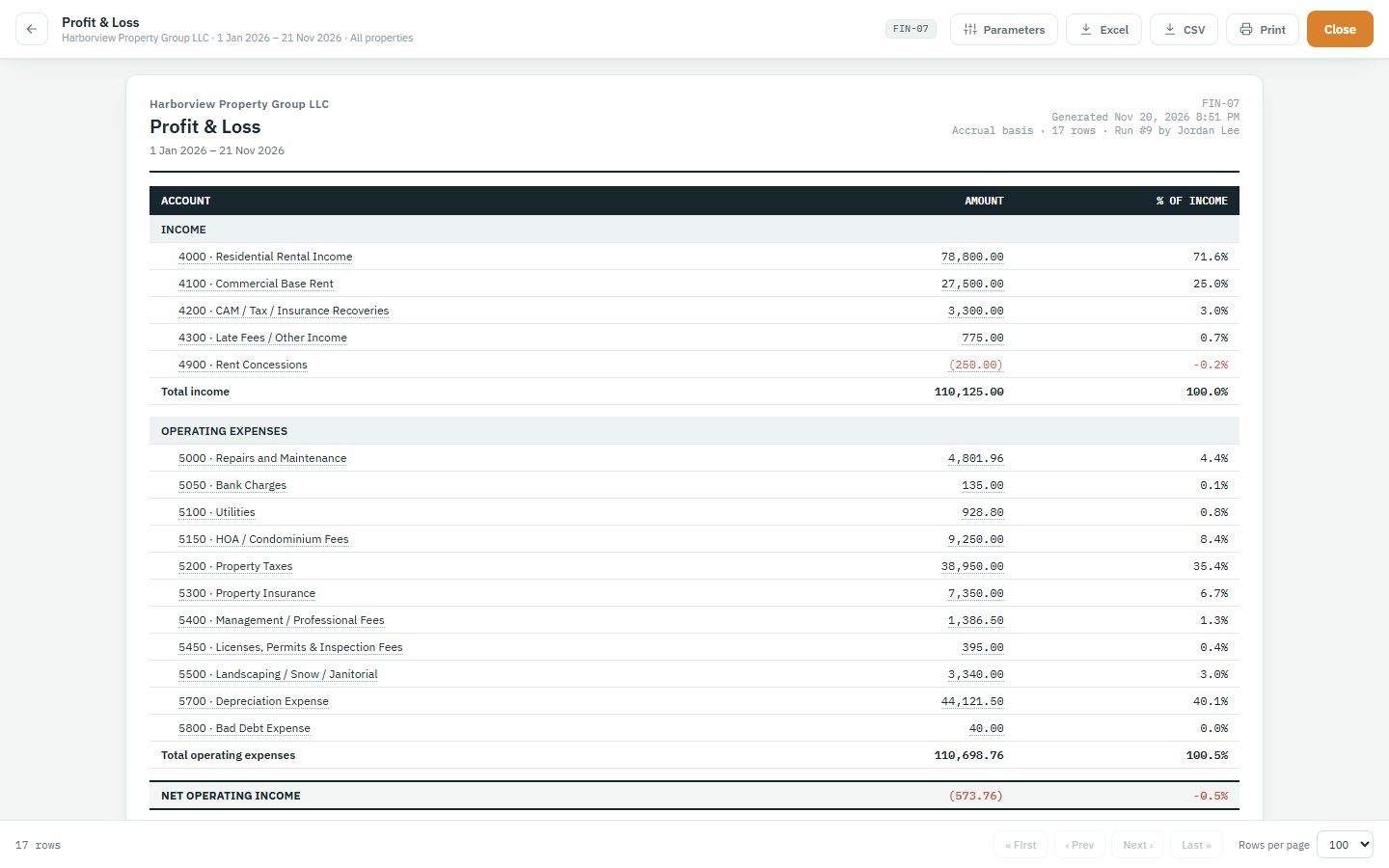
The report center

Generate the trial balance, income statement, balance sheet, rent roll, aging and more for any entity, property and period; compare periods, drill down to transactions and export to Excel or CSV.

Chapters
  1. Choosing a report and its filters
  2. Financial statements
  3. Property and receivables reports
  4. Drill-down to source transactions
  5. Exporting and sharing
Operations

Maintenance, compliance and documents

8 min
MaintenanceMaintenance coordinators

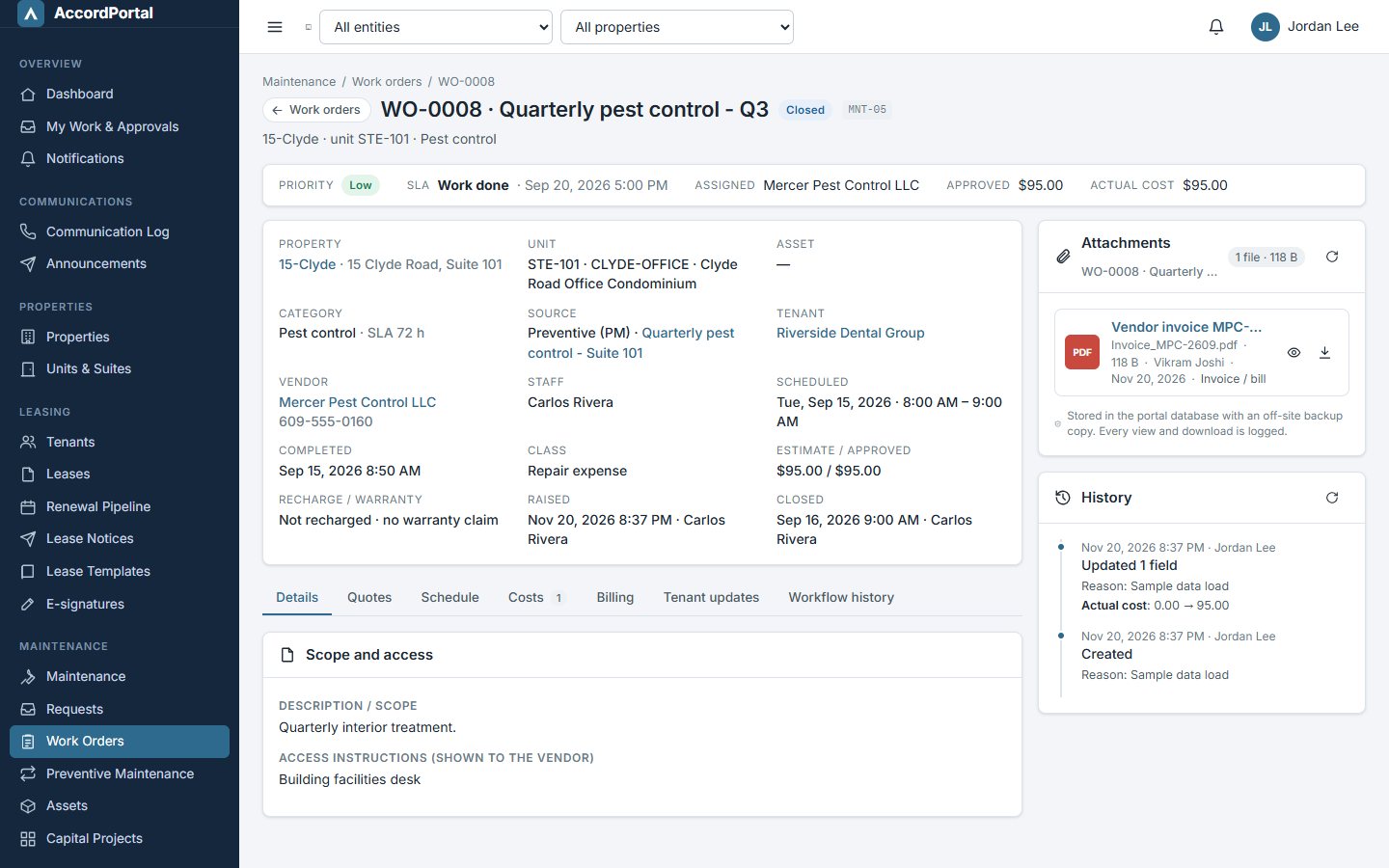
Requests, work orders & preventive maintenance

Triage a tenant request, turn it into a work order, assign a vendor, track it to completion with photos and costs, schedule preventive maintenance, and manage assets and capital projects.

Chapters
  1. Maintenance requests from tenants and staff
  2. Work orders, vendors and quotes
  3. Completion, costs and billing back
  4. Preventive maintenance schedules
  5. Assets and capital projects
5 min
VendorsCompliance documents

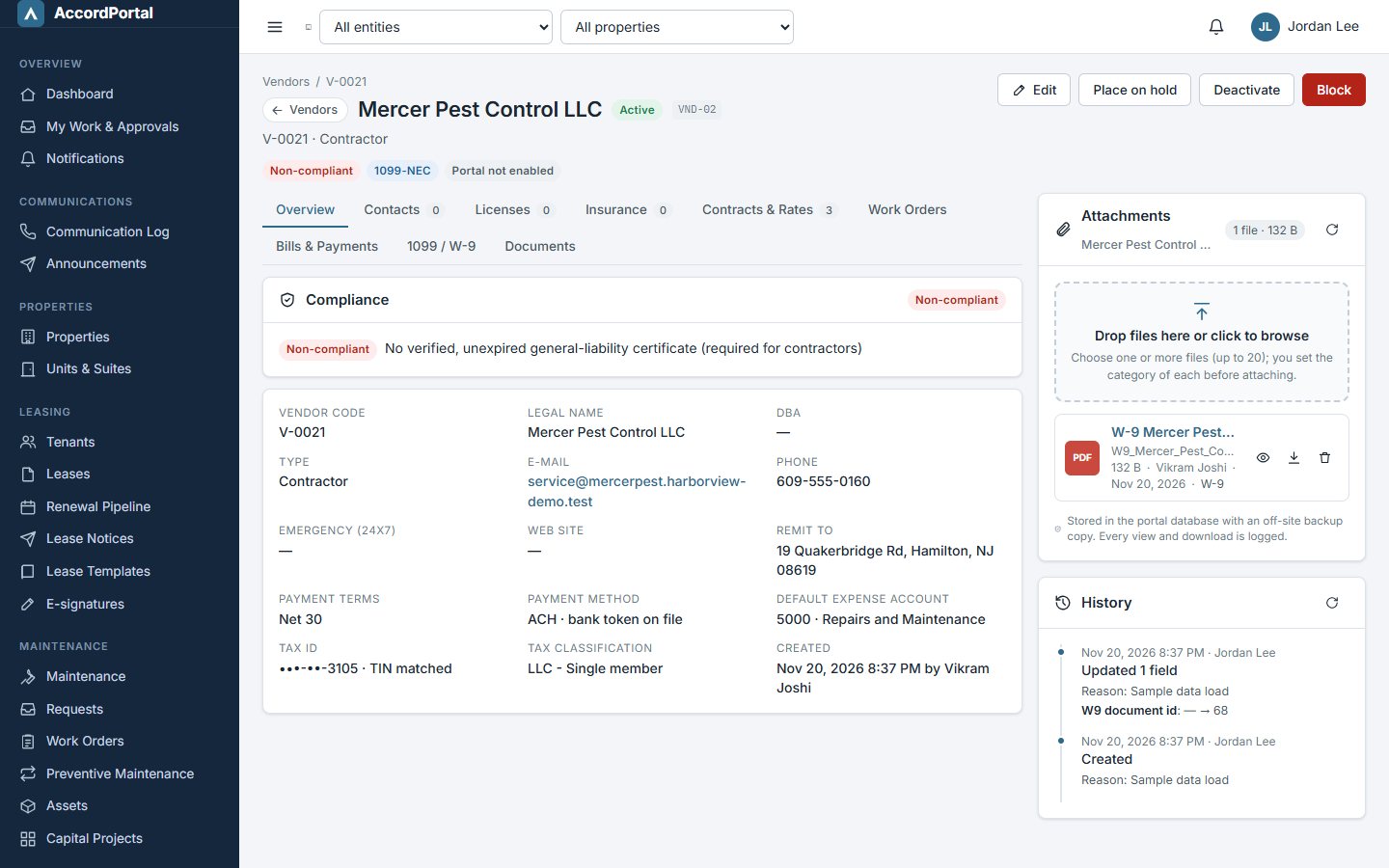
Vendor management

Onboard a vendor with W-9, insurance and licenses, watch expiring documents, review performance and spend, and invite the vendor to the portal so they keep their own details current.

Chapters
  1. Vendor record and remit-to details
  2. Insurance, licenses and W-9
  3. Expiring documents
  4. Work history and spend
  5. Inviting the vendor to the portal
7 min
ComplianceInspections

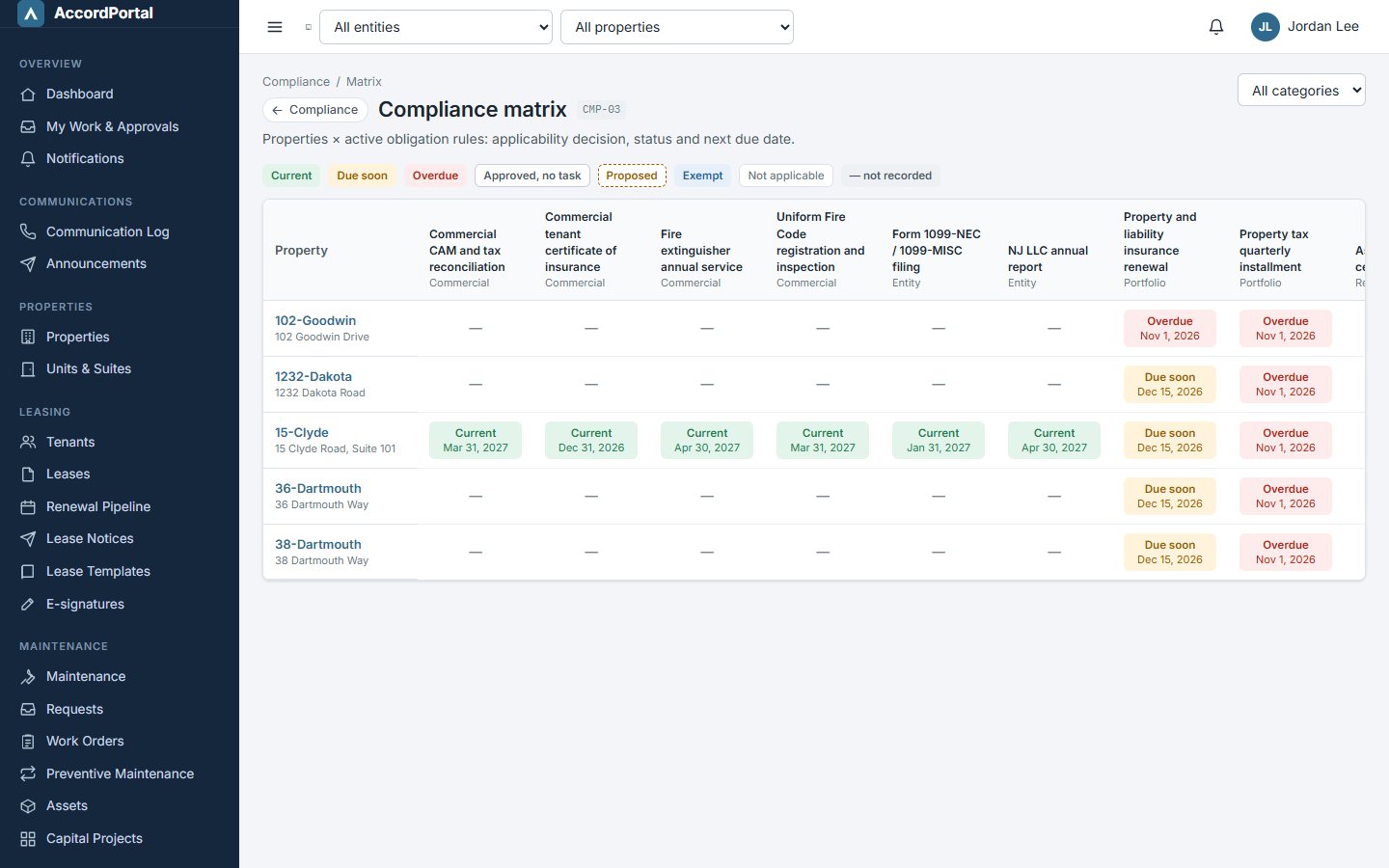
Compliance, inspections & certificates

See every obligation for every property on the compliance calendar and matrix, complete tasks and inspections, file certificates and disclosures, and add your own templates and applicability rules.

Chapters
  1. Obligation templates and authorities
  2. Applicability rules
  3. The compliance calendar and matrix
  4. Tasks, inspections and findings
  5. Certificates and disclosures
5 min
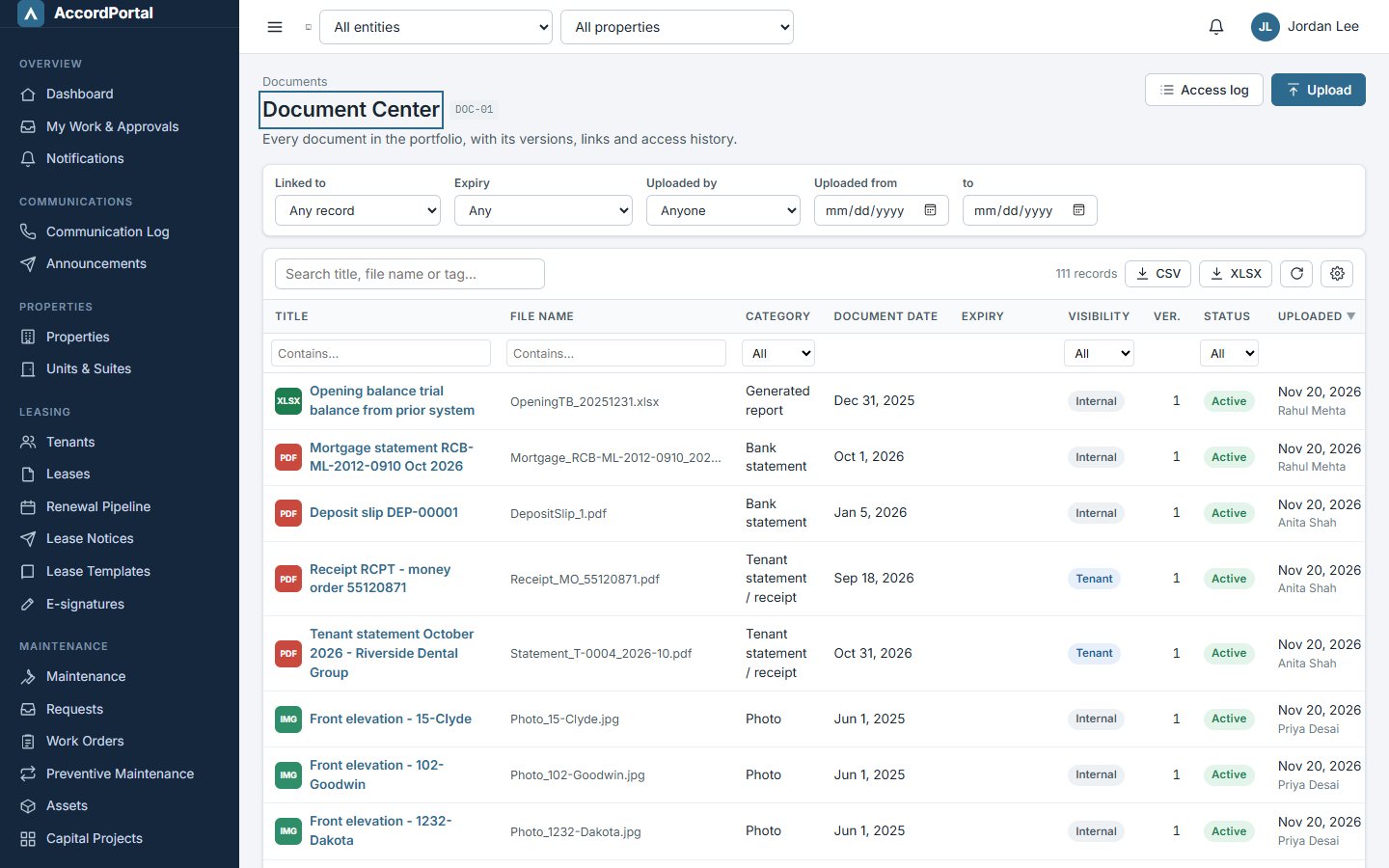
DocumentsCommunications

Documents, communications & announcements

Store and categorize documents against any record, control what is shared to the portals, review the access log, and reach tenants with communications and building announcements.

Chapters
  1. Document library and categories
  2. Sharing to the portals
  3. The document access log
  4. Communications and templates
  5. Announcements
Portals

What your tenants and vendors see

6 min
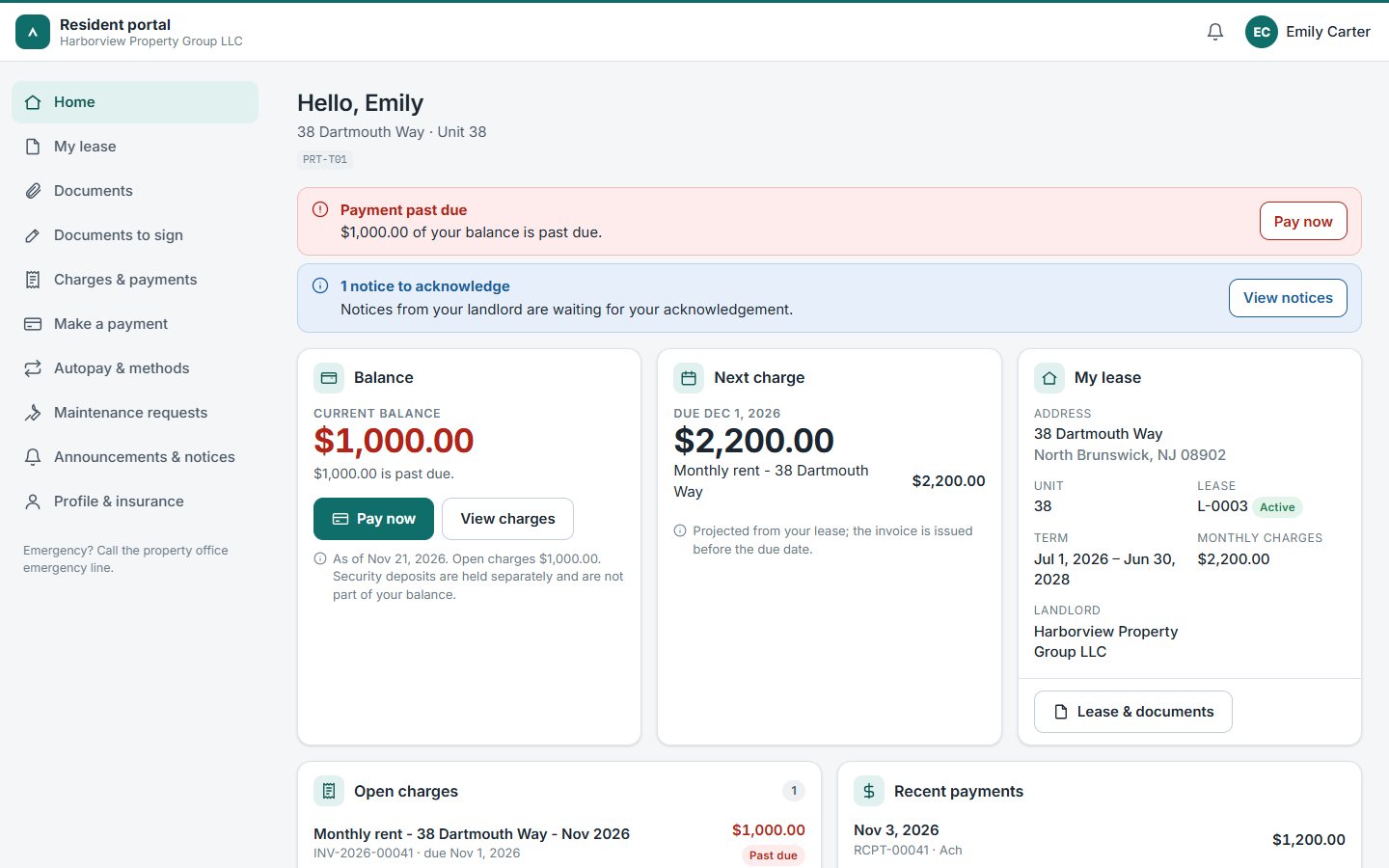
Resident portalTenants

The resident portal

Follow a tenant from the invitation e-mail through the home page, charges and payments, paying online and setting up autopay, reporting a maintenance problem, signing a renewal and acknowledging a notice.

Chapters
  1. Invitation and first sign-in
  2. Home, charges and statements
  3. Paying online and autopay
  4. Maintenance requests
  5. Documents, signing and notices
4 min
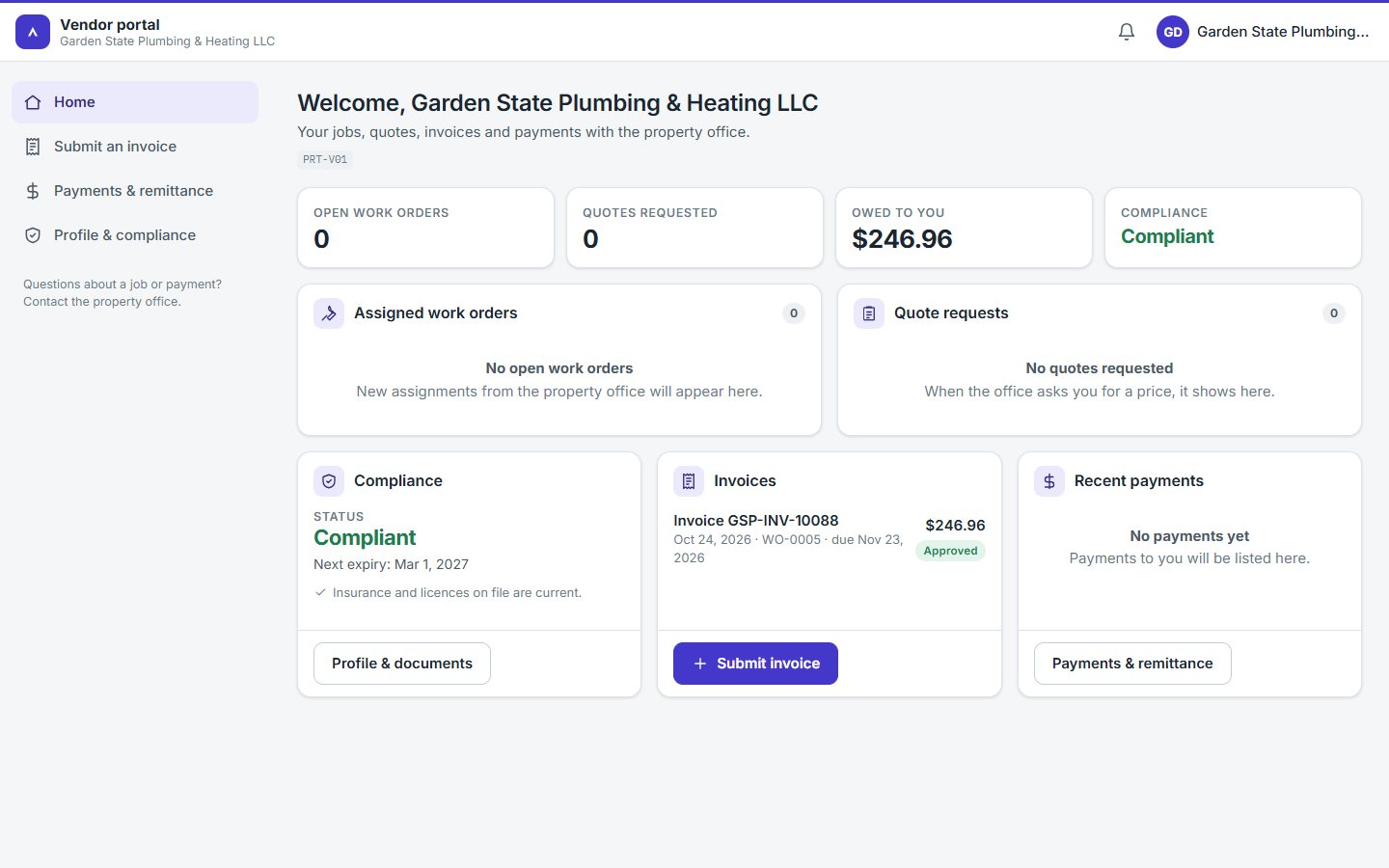
Vendor portalVendors

The vendor portal

See how vendors receive work orders and quote requests, update jobs with notes and photos, submit invoices that arrive as draft bills, and follow their payments and remittance.

Chapters
  1. Assigned work and quote requests
  2. Updating a job
  3. Submitting an invoice
  4. Payments and remittance
  5. Profile and compliance documents
Platform & SaaS

Control, security and your subscription

8 min
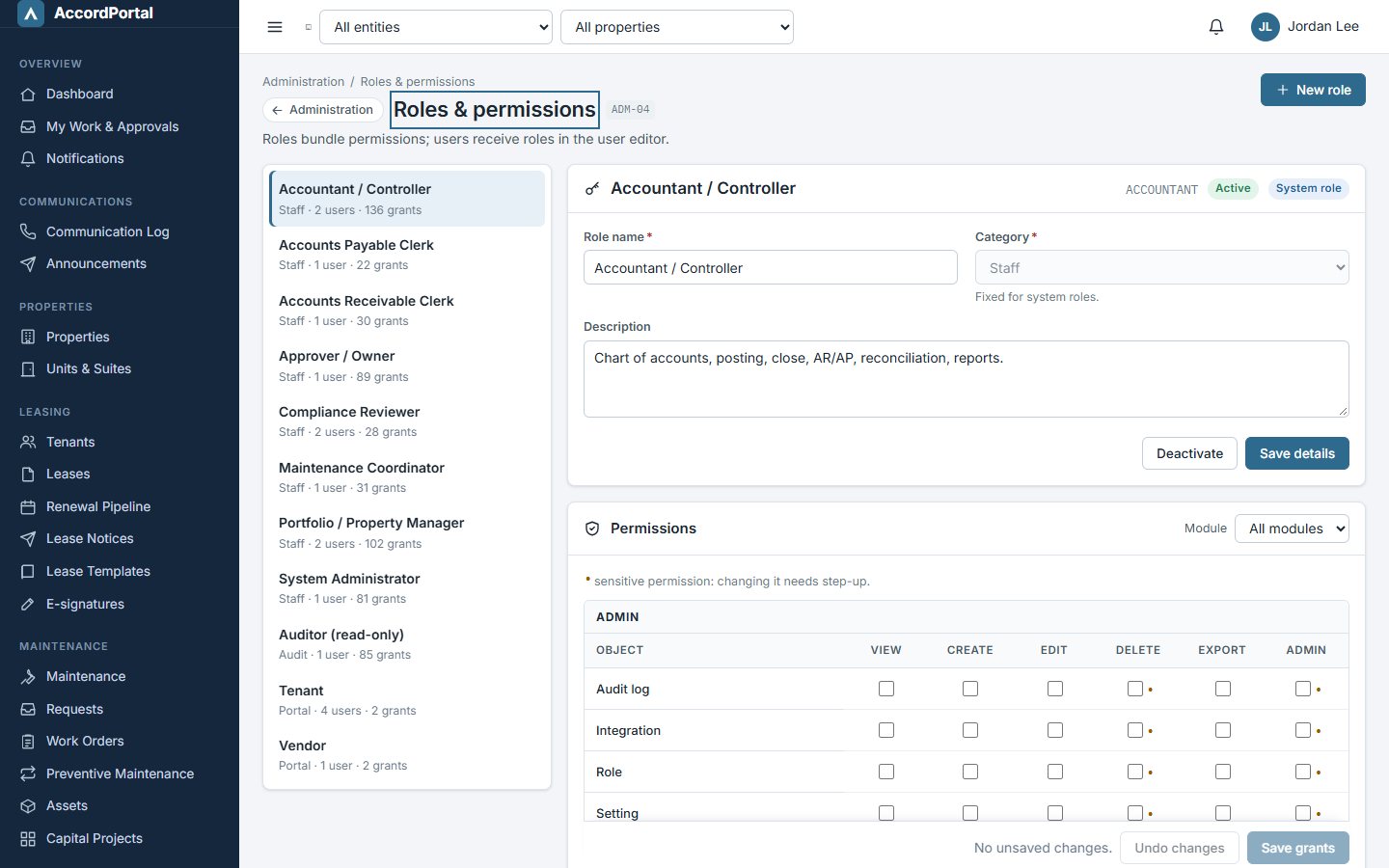
AdministrationAdministrators

Users, roles, approvals & the audit trail

Invite users, assign roles and data scope by entity and property, configure the approval matrix and workflows, adjust system settings and numbering, and trace any change in the audit log.

Chapters
  1. Users, roles and permissions
  2. Data scope by entity and property
  3. The approval matrix and workflows
  4. System settings, number sequences and reference lists
  5. Notification templates and background jobs
  6. The audit log
5 min
SubscriptionOwners

Sign up, subscription & data export

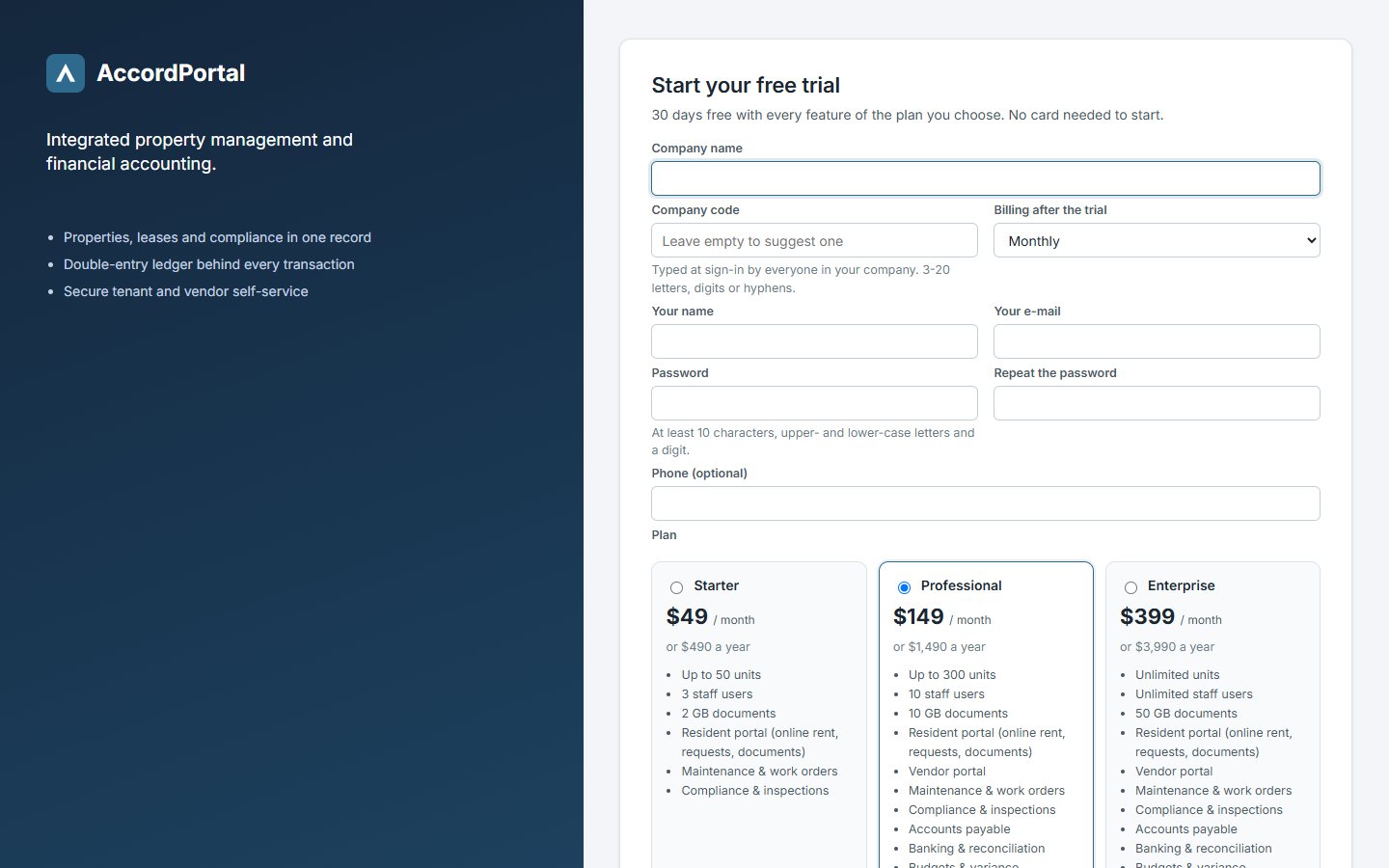
Start a free trial, confirm your e-mail and sign in with your company code; then choose a plan, add a payment method, see usage against plan limits, grant temporary support access and export all of your data.

Chapters
  1. Starting a free trial
  2. Signing in with a company code
  3. Choosing a plan and paying
  4. Usage, limits and invoices
  5. Support access and data export

Prefer a live walkthrough?

Book a personal demo and we'll follow your own workflow — your property types, your leases, your month-end.