Everything AccordPortal does, in one place
Sixteen areas, one database, one login. Use this page as a checklist when you compare systems — then browse the screenshot gallery at the bottom to see each screen.
Work & dashboards
Where every user starts the day.
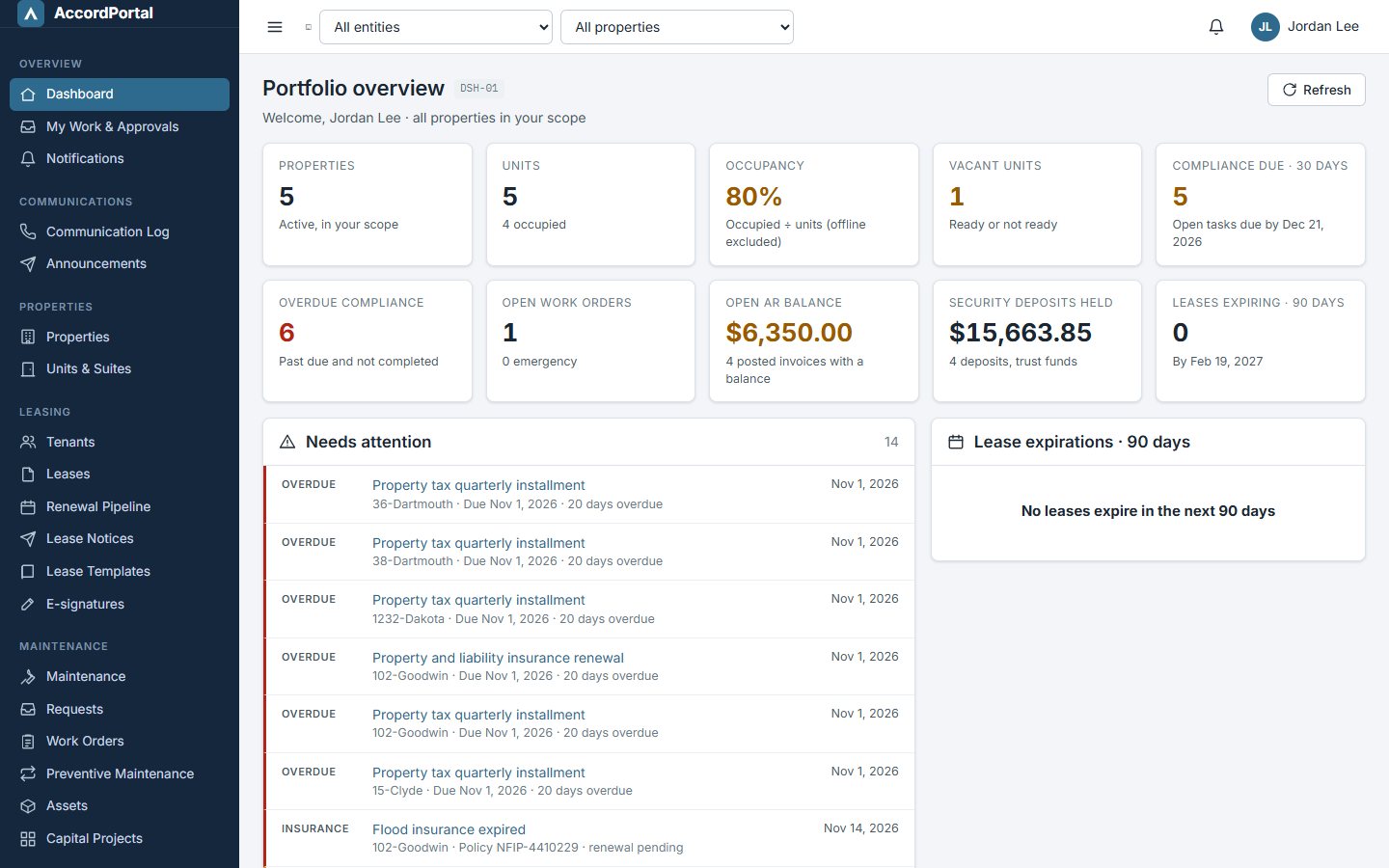
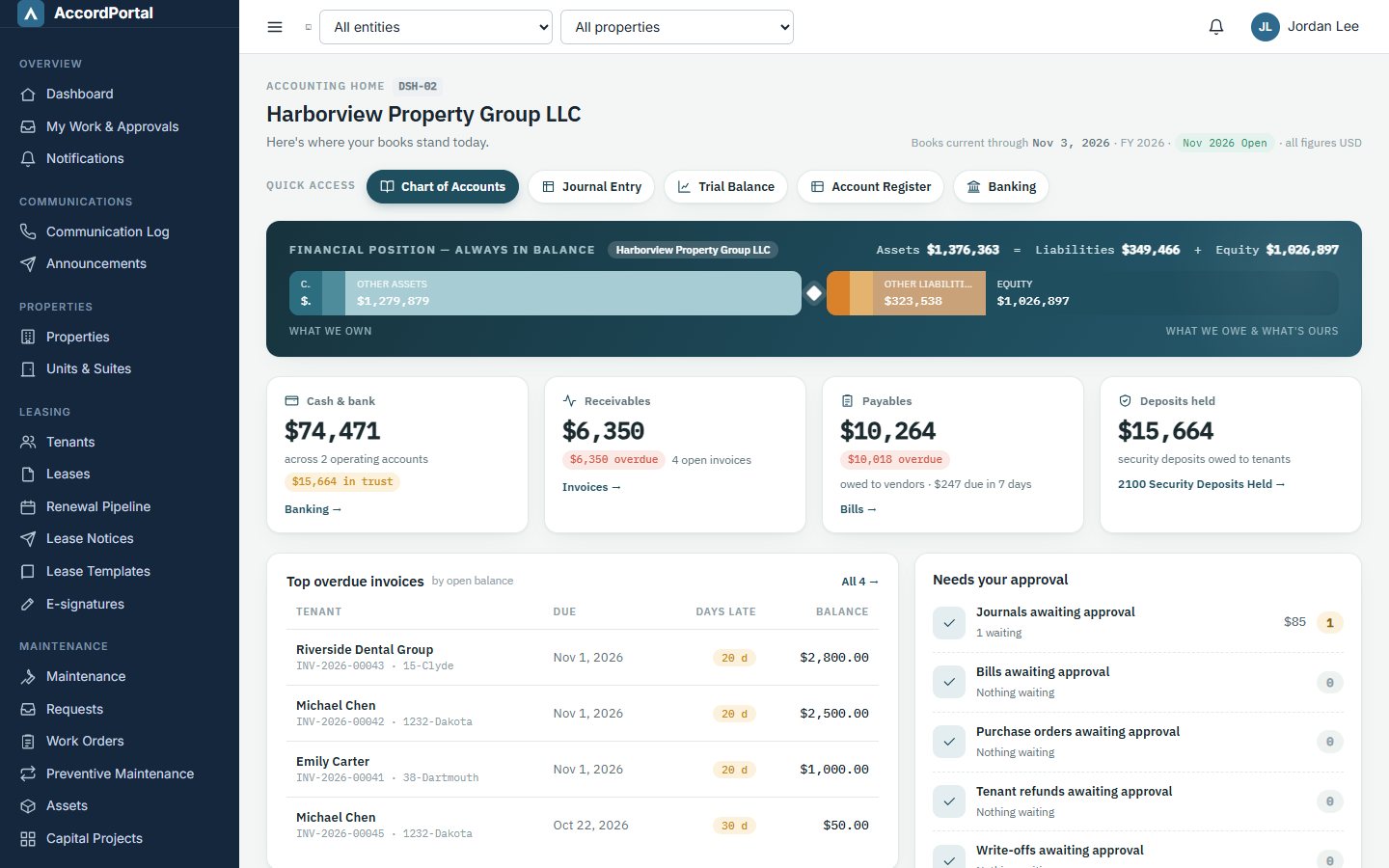
- Portfolio dashboard
- Properties, units, occupancy, vacant units, open work orders, open balances, compliance due, lease expirations and "needs attention" items for your scope.
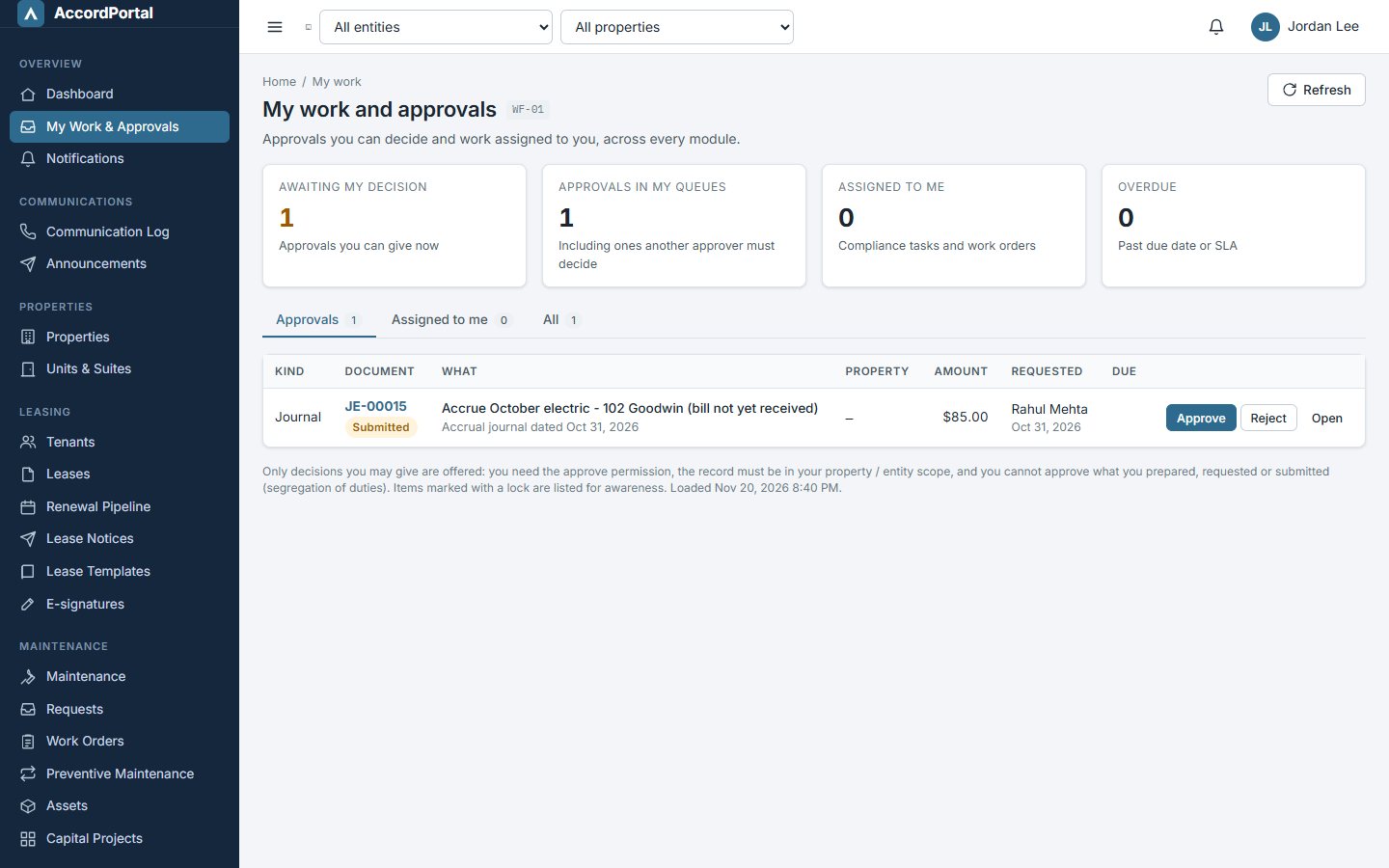
- My work & approvals
- One inbox for bills, journals, leases, concessions, renewals, rent runs, budgets, write-offs, refunds and more — decided in place.
- Notification center
- In-app notifications with read / unread, plus e-mail and SMS per preference.
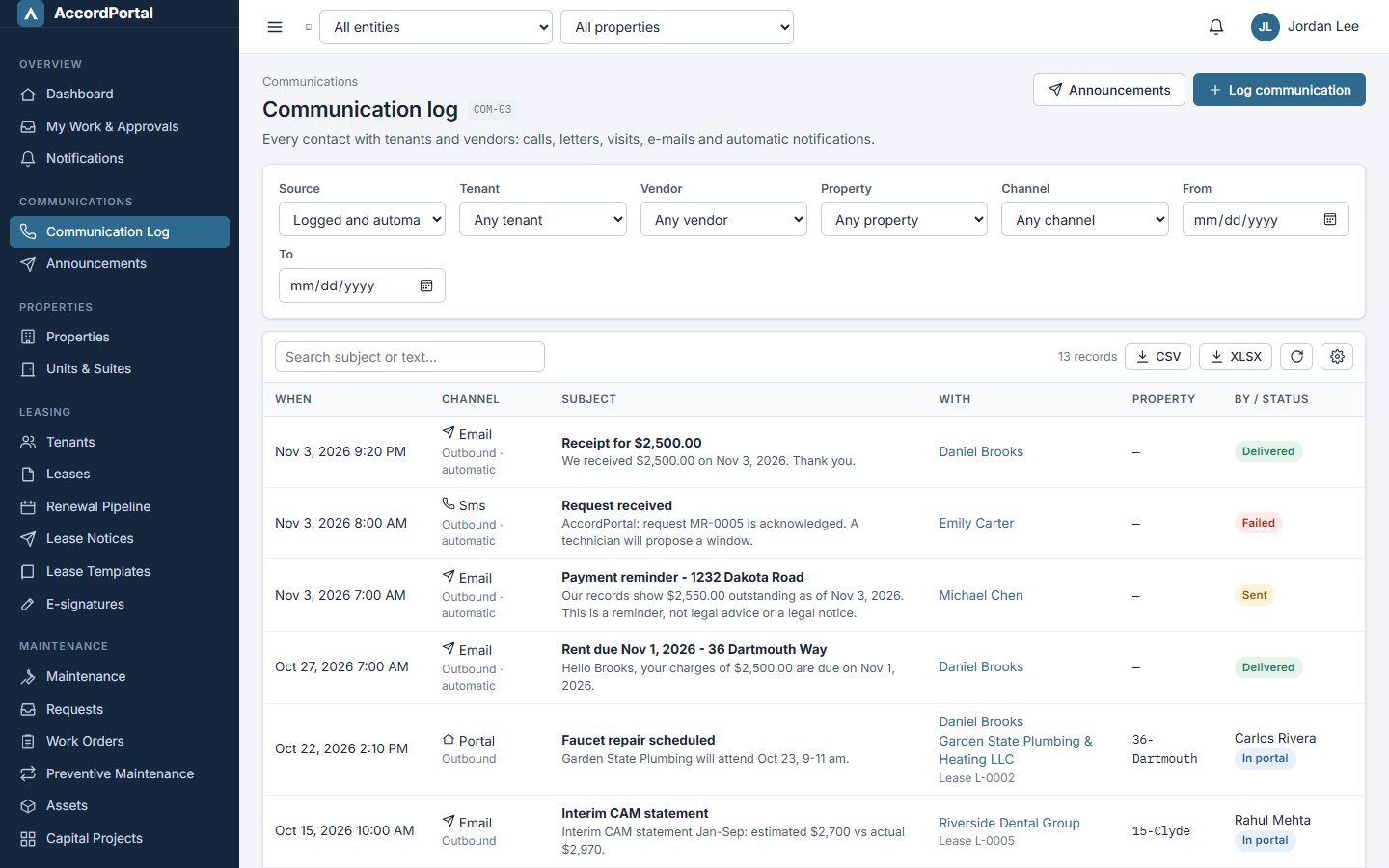
- Communication log
- Calls, e-mails, letters and visits logged against tenants, vendors and properties, with follow-ups.
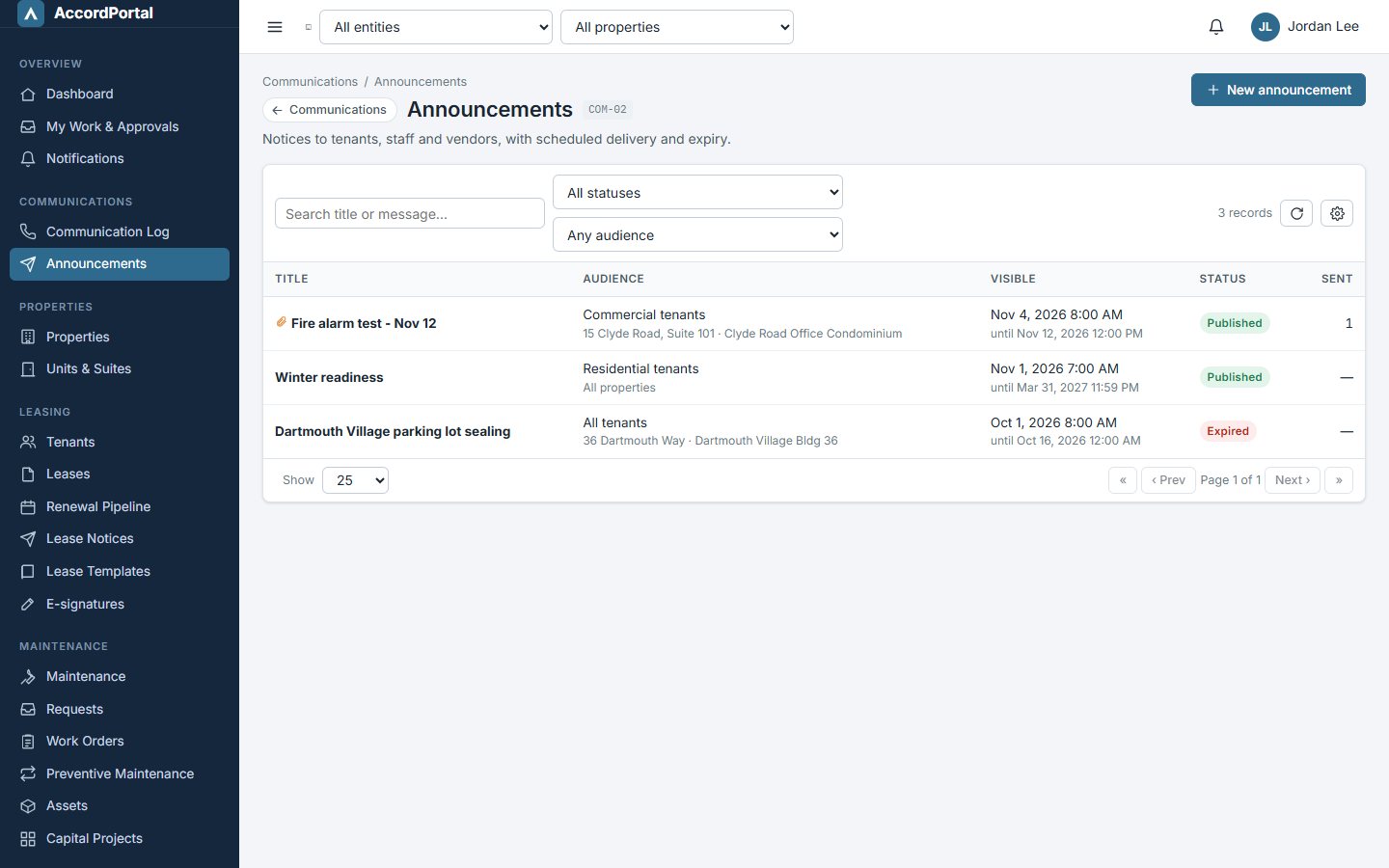
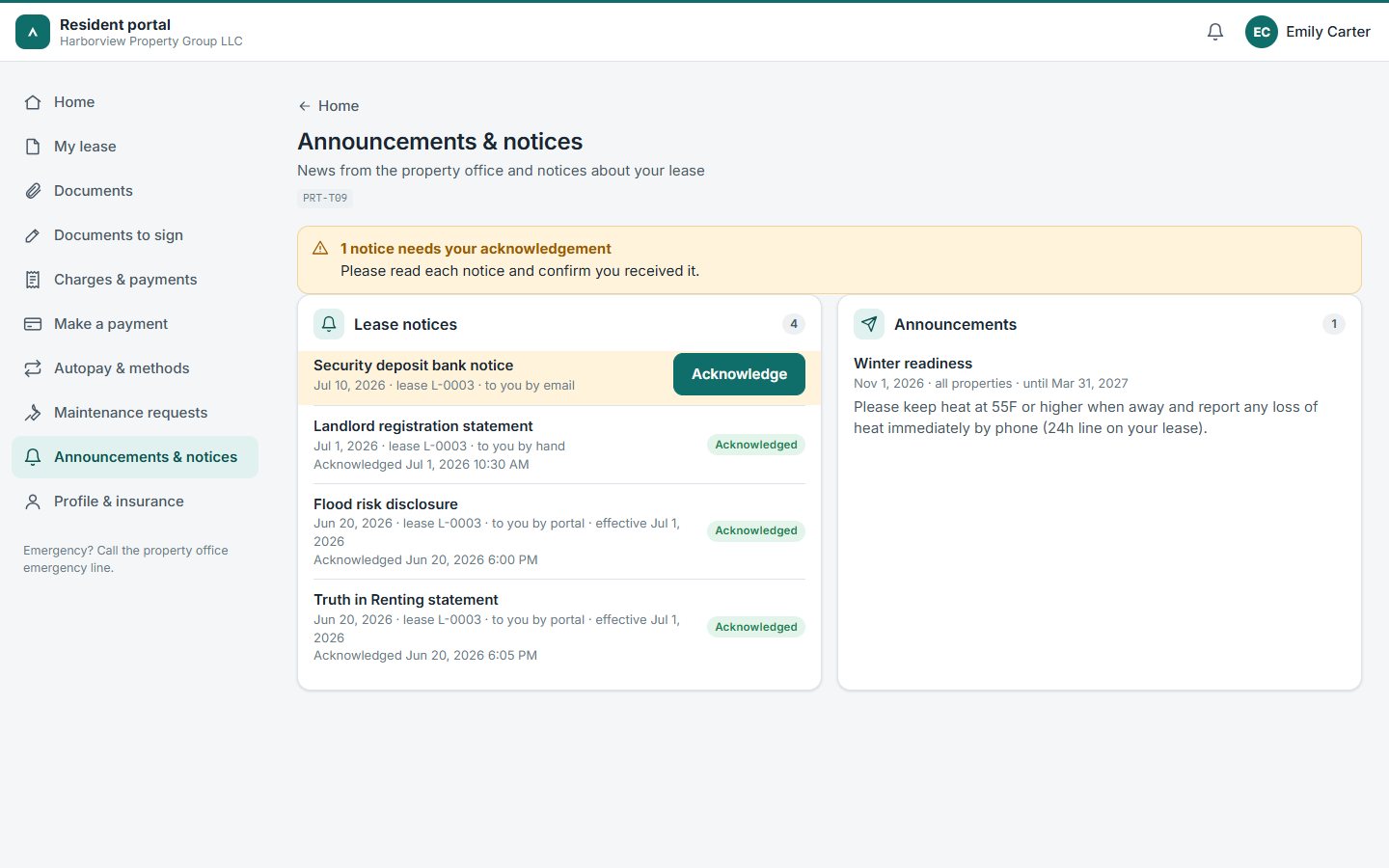
- Announcements
- Targeted notices to residents and vendors by property or portfolio, scheduled and expiring automatically.
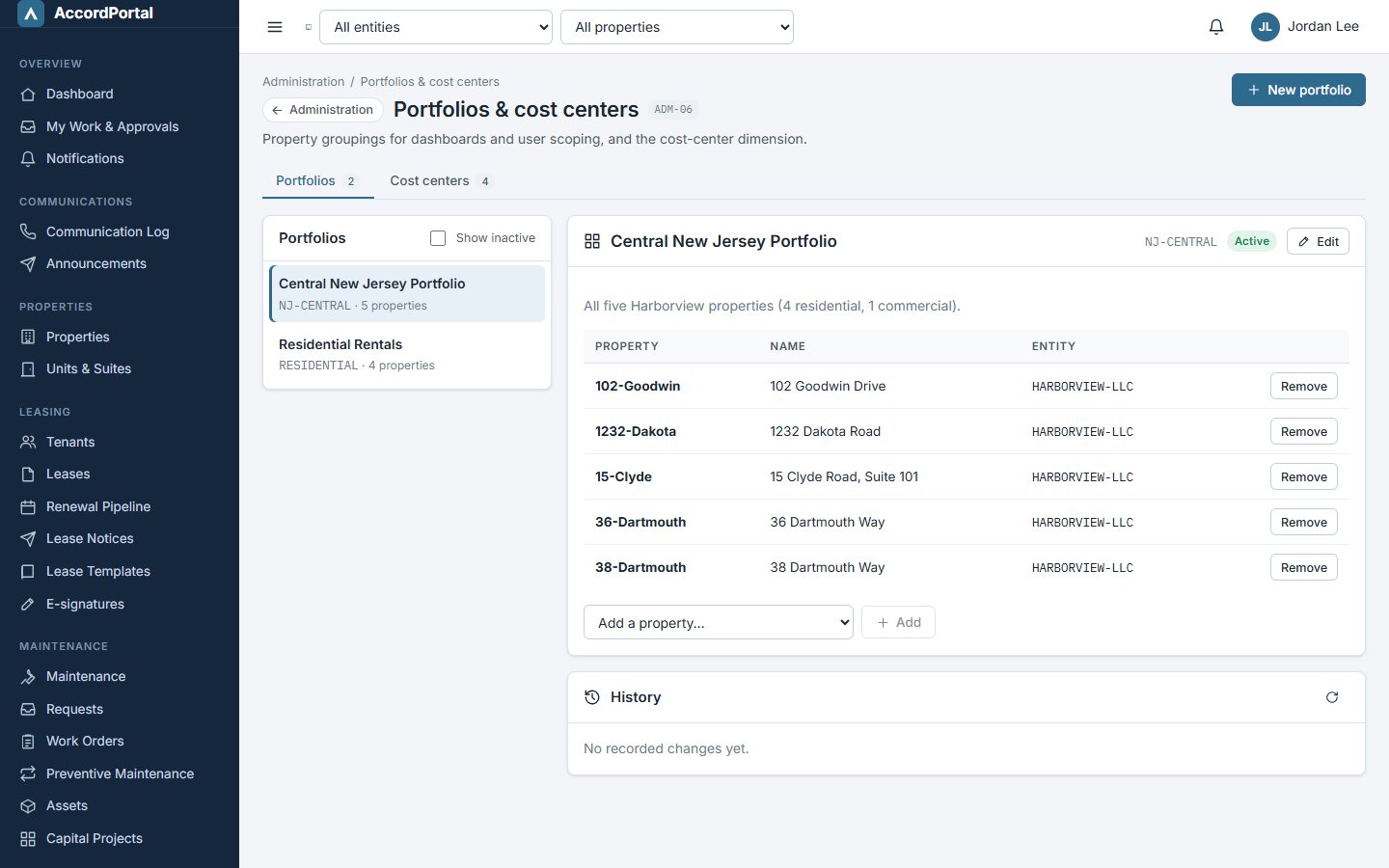
- Context switcher
- Pick an entity and property in the header to narrow every page at once.
Properties
Your portfolio, modelled precisely.
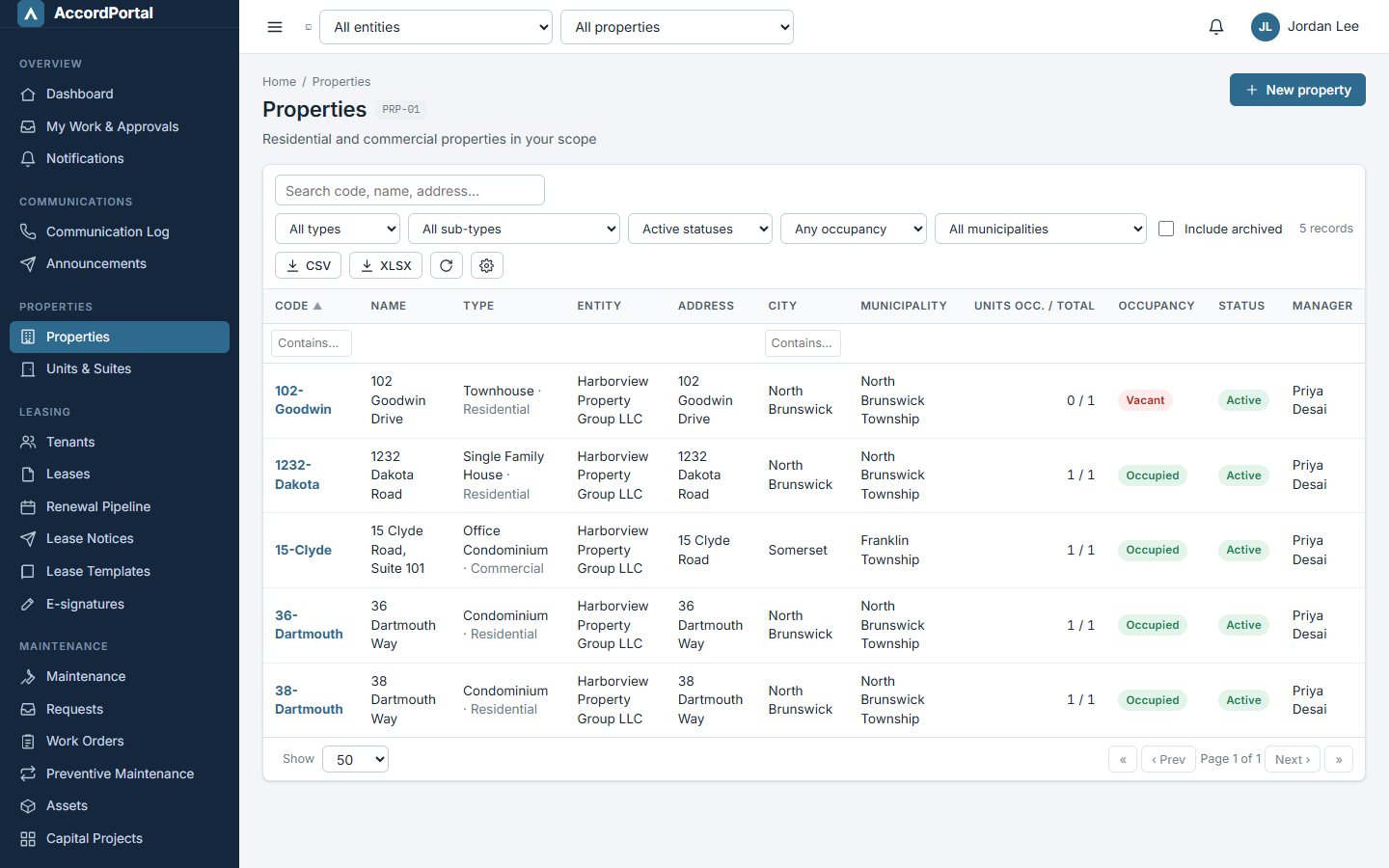
- Properties
- Residential, commercial and mixed portfolios with type, entity, municipality, status and occupancy.
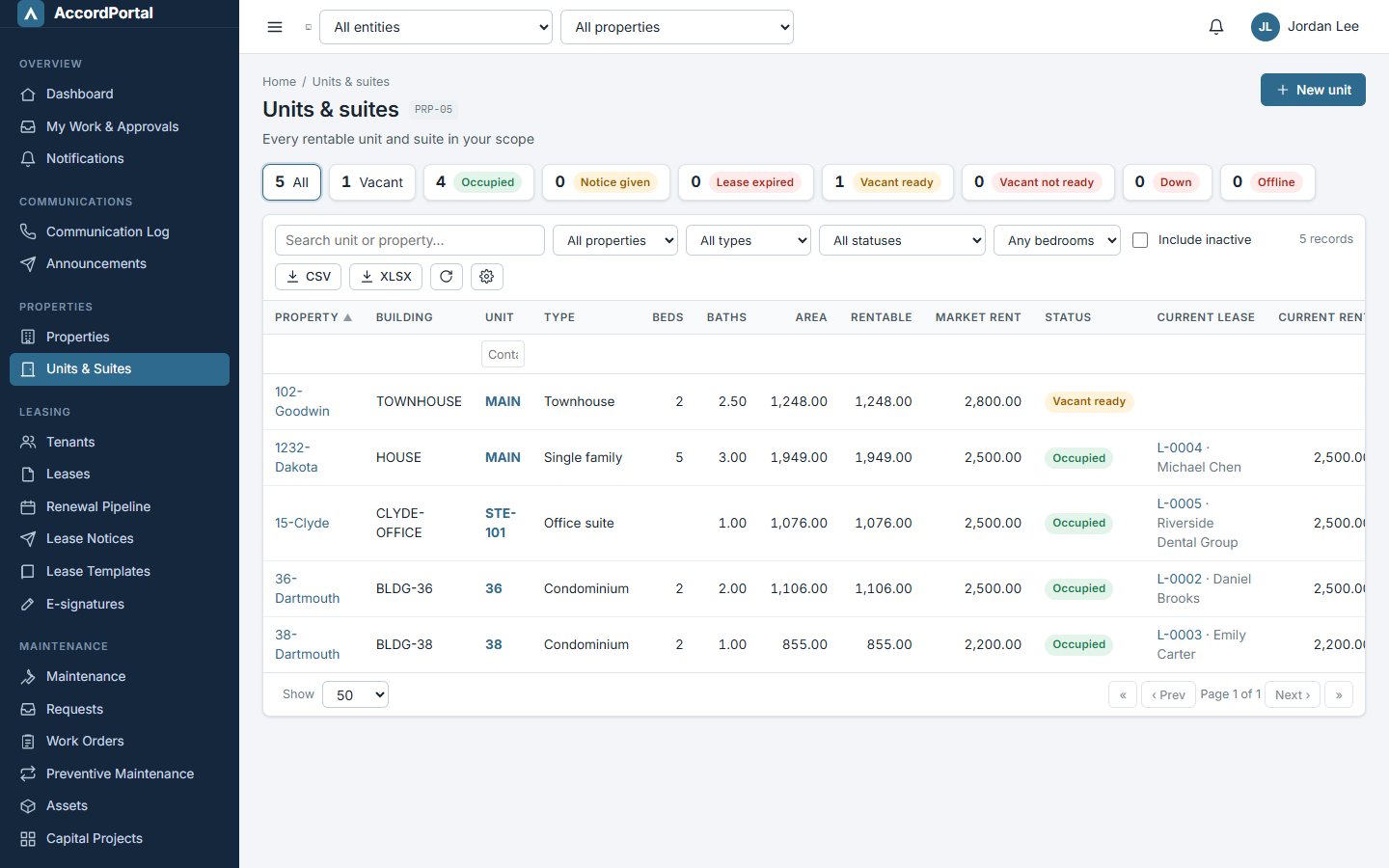
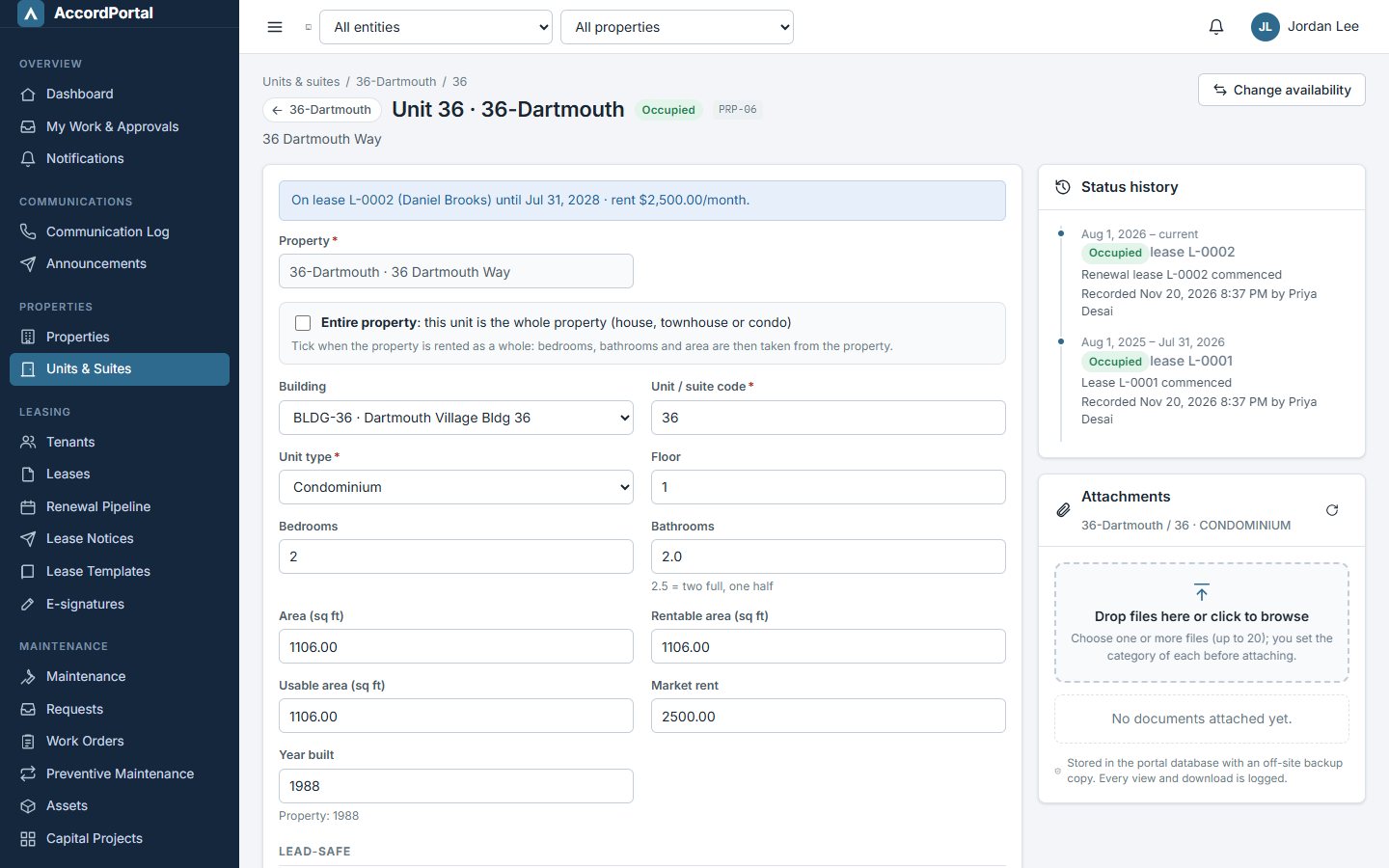
- Buildings, units & rooms
- Unit types, bedrooms, bathrooms, rentable and usable area, market rent, "entire property" units.
- Unit status history
- Occupied, notice given, vacant–ready, vacant–not ready, down, offline — with dates and reasons.
- Ownership & transfers
- Effective-dated ownership and property transfer between legal entities.
- Photo gallery
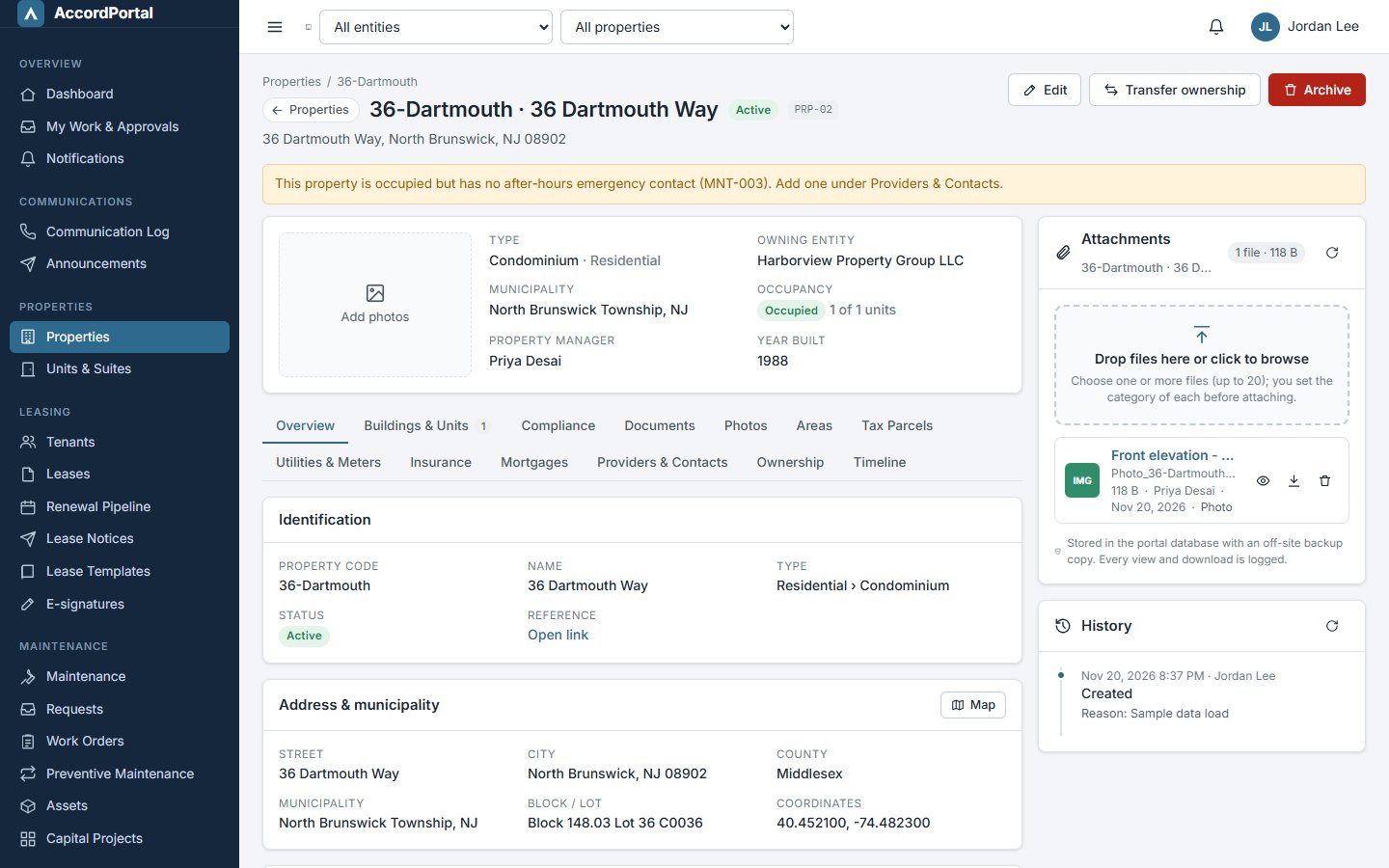
- Property photos with captions, ordering, cover image and slide show.
- Property details
- Tax parcels, utility accounts and meters, insurance policies, mortgages, preferred vendors and contacts.
- Registrations
- Landlord registration and association census forms tracked with their documents.
- History & attachments
- Every change audited; documents linked to the property and its units.
Tenants & leasing
The complete lease life cycle.
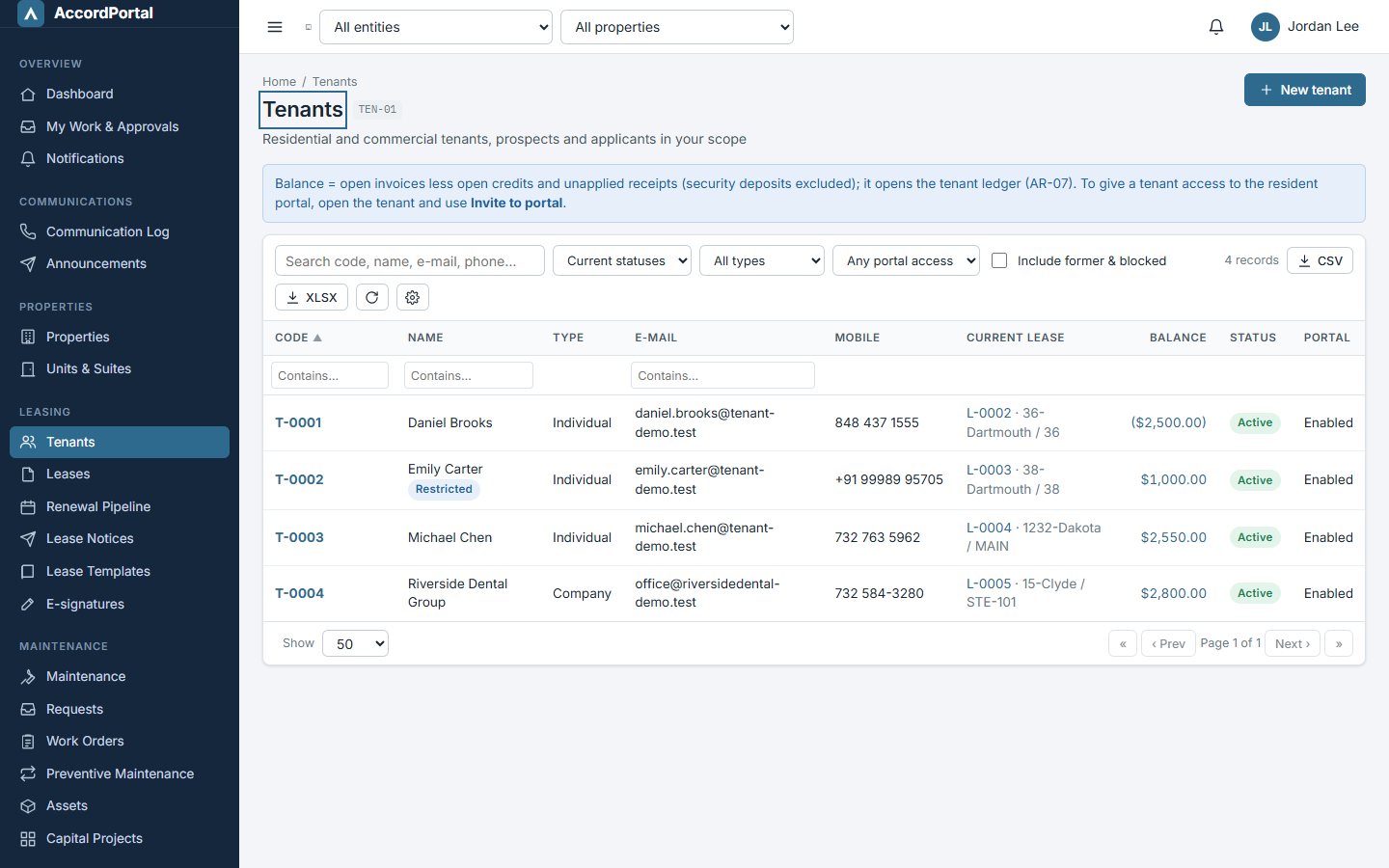
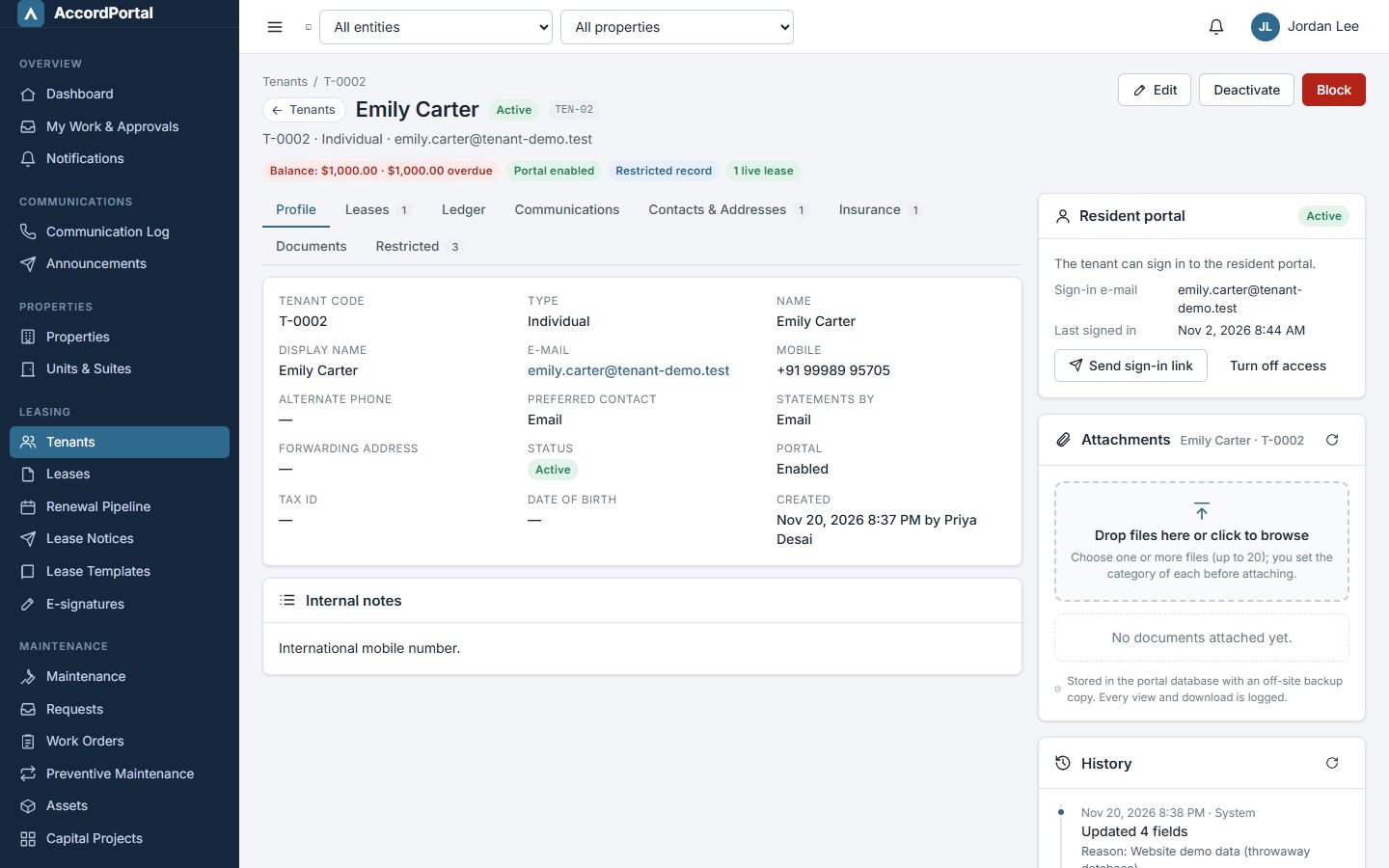
- Tenants & occupants
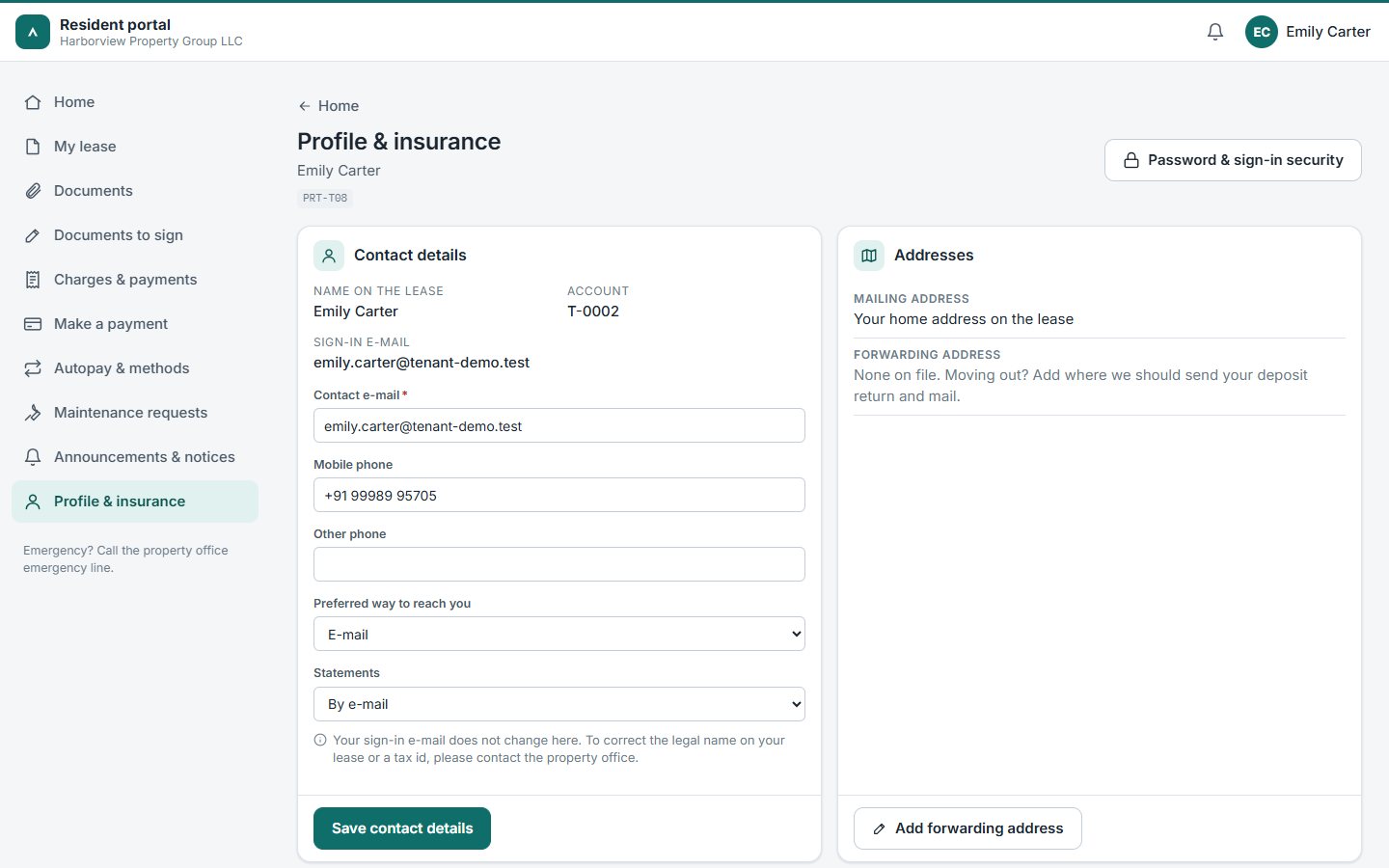
- Individuals and companies, contacts, occupants, insurance, communication preferences, restricted records.
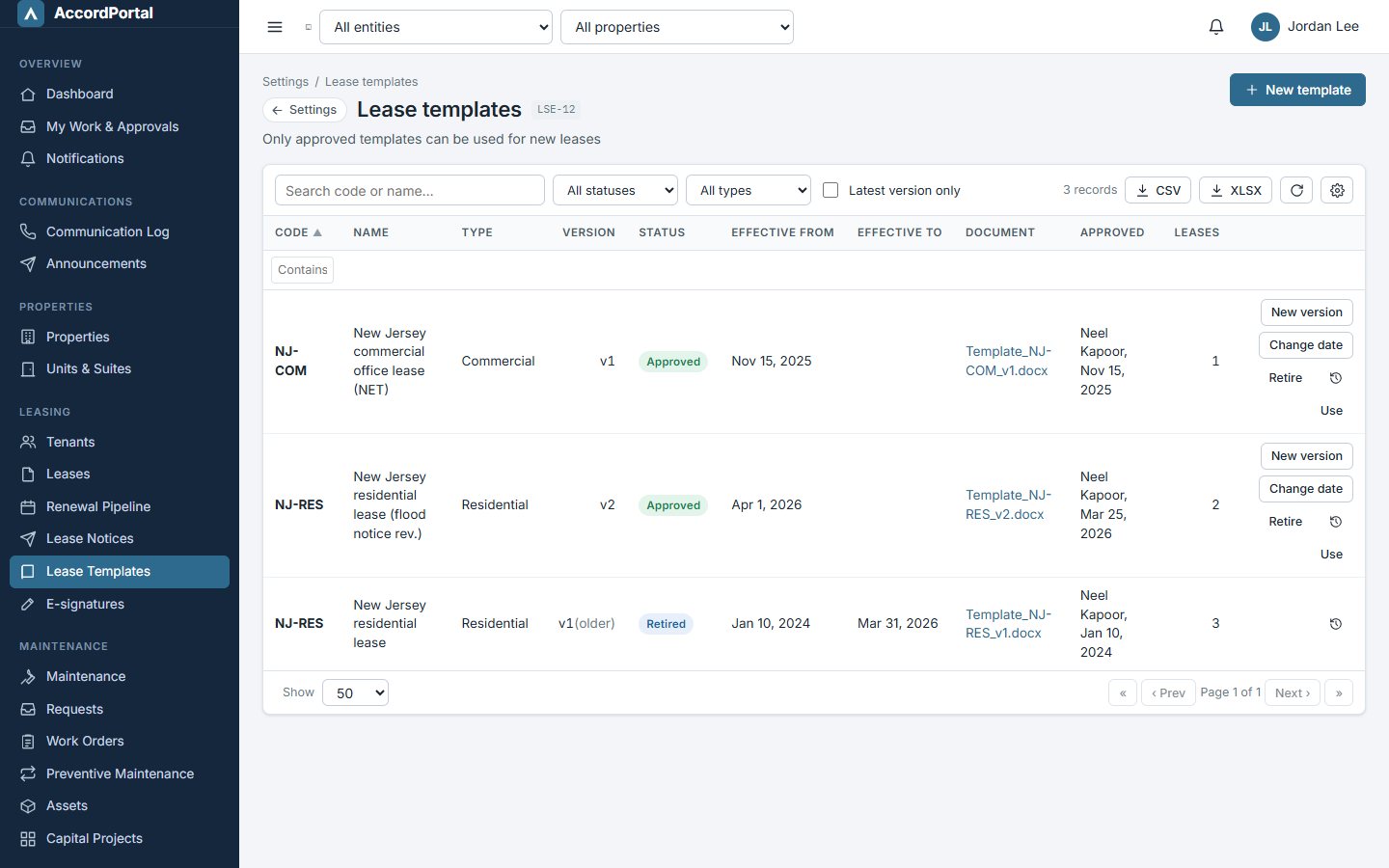
- Lease templates
- Versioned residential and commercial templates with legal-review approval and effective dates.
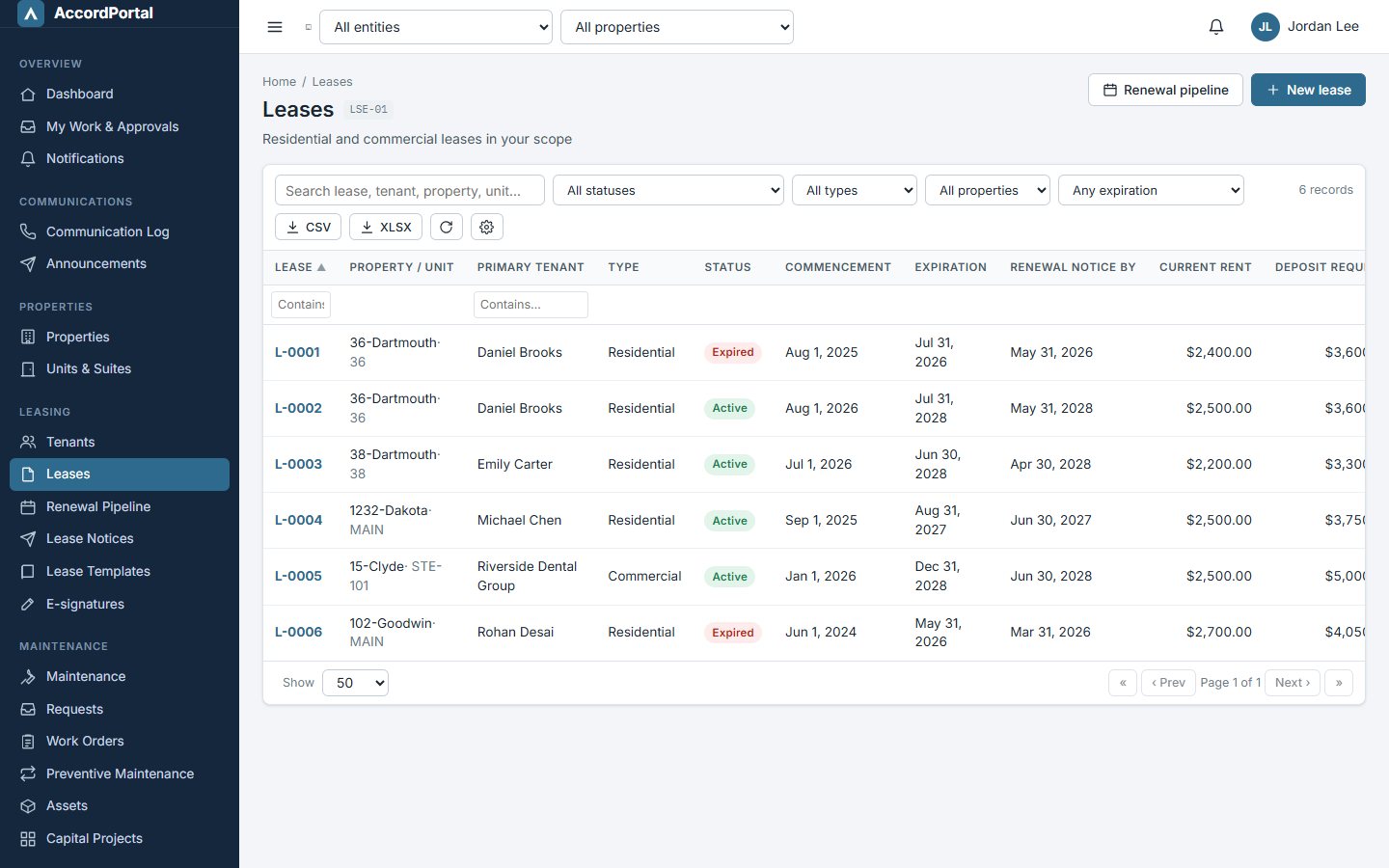
- Lease workflow
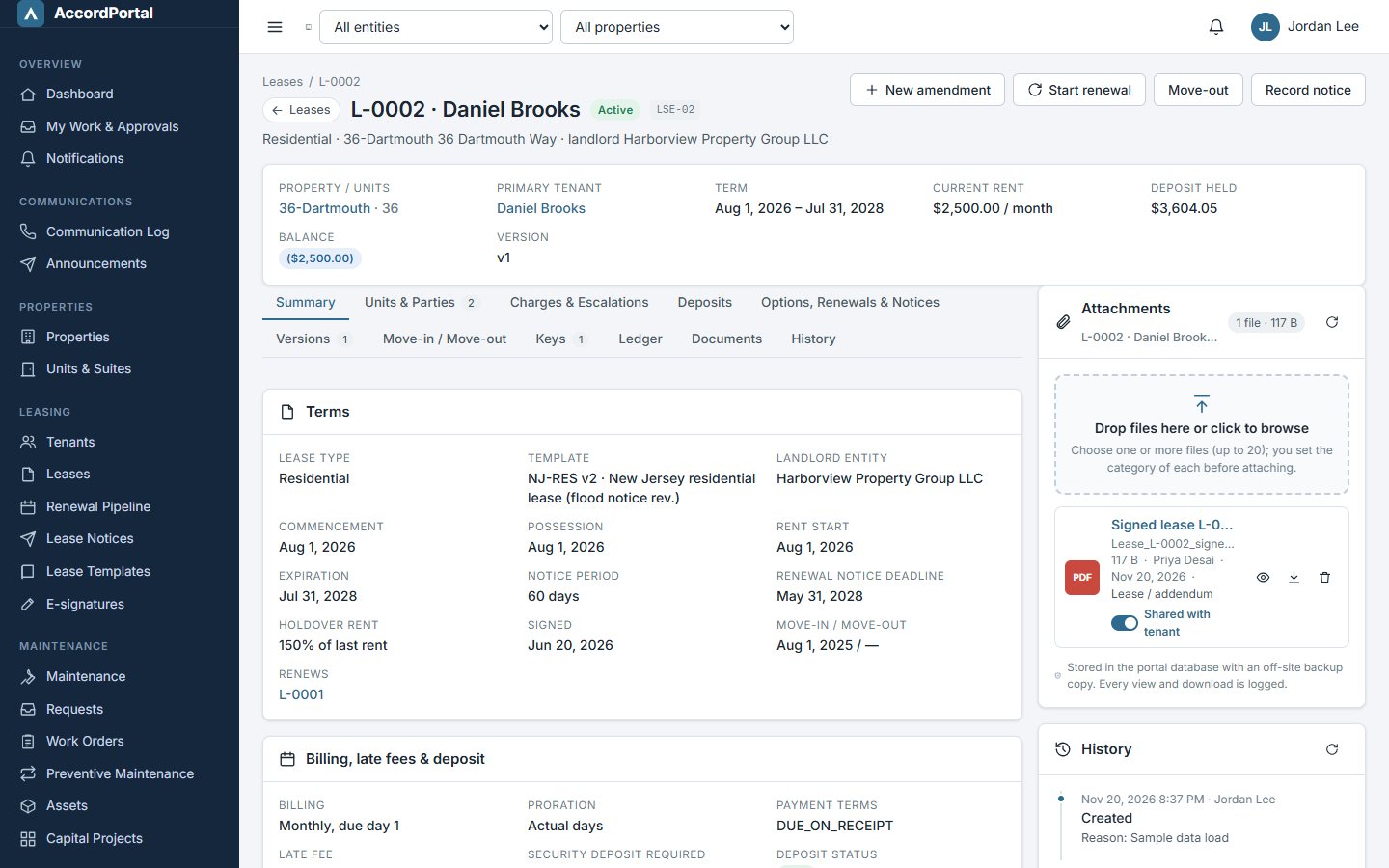
- Draft → submit → approve → sign → active, with issue checklist, send-back and back-dated approval.
- Charges & escalations
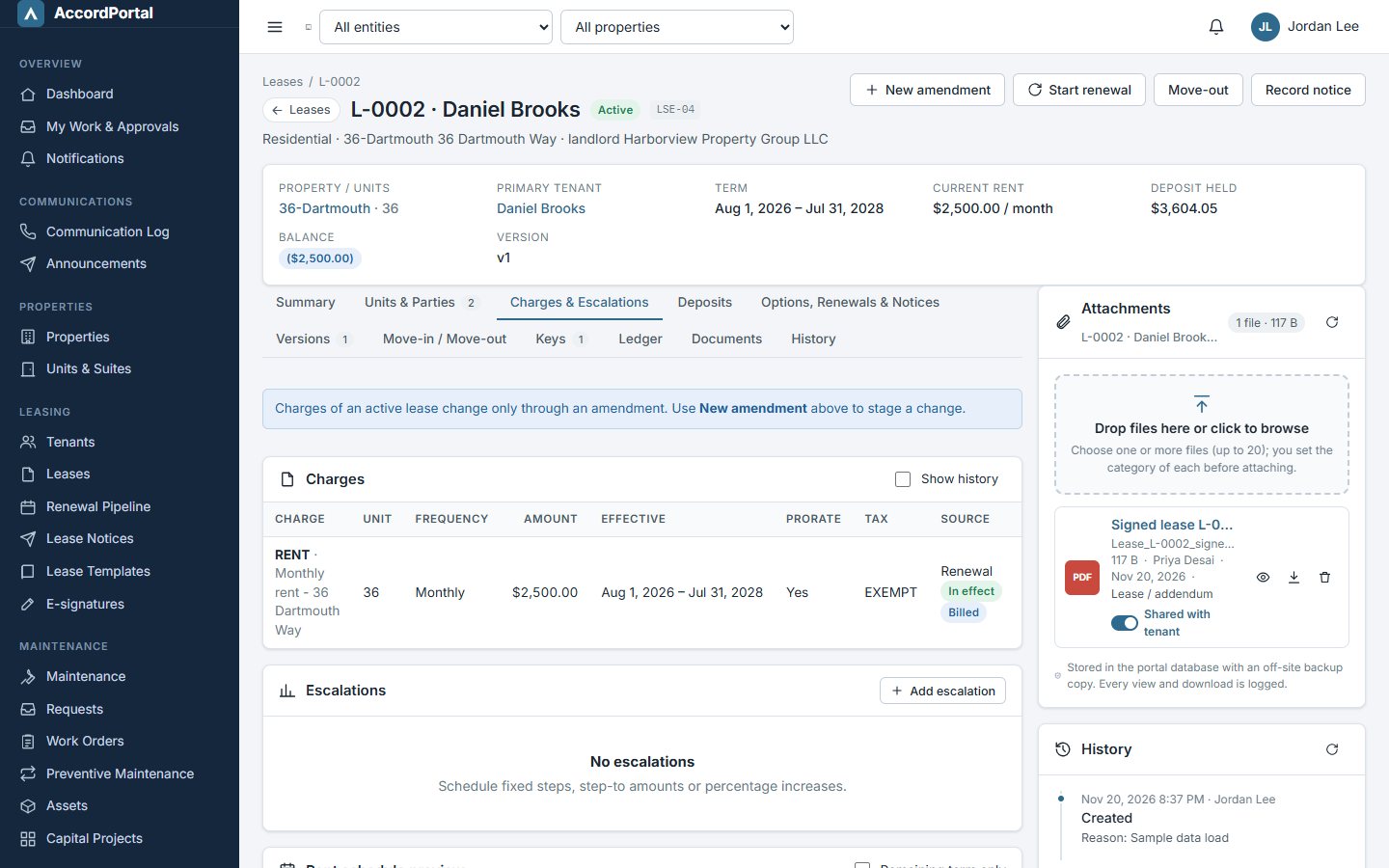
- Recurring and one-time charges (weekly to annual); fixed, step, percentage and index escalations.
- Concessions
- Free rent, percentage discount or fixed credit, with approval above a threshold.
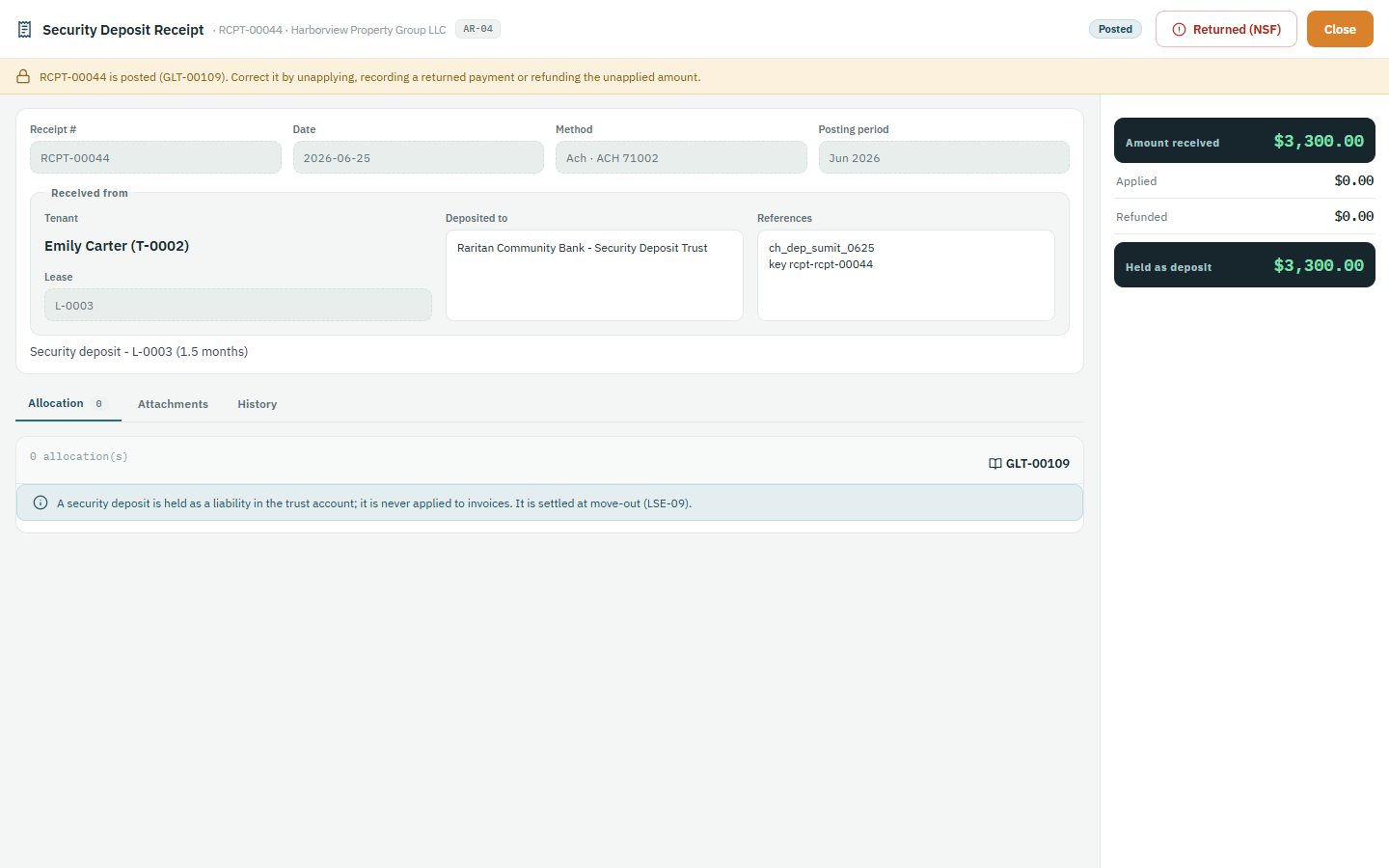
- Security deposits
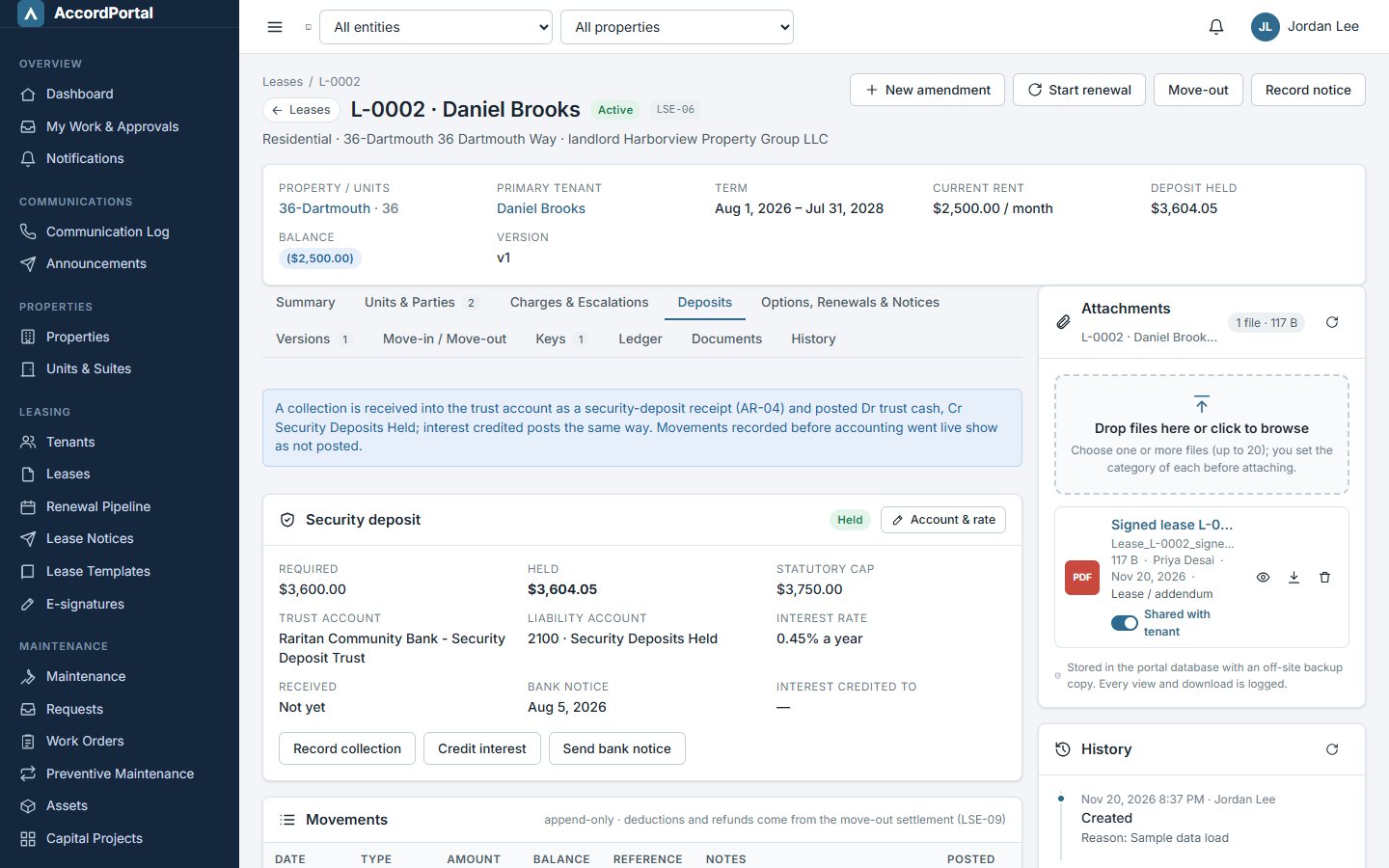
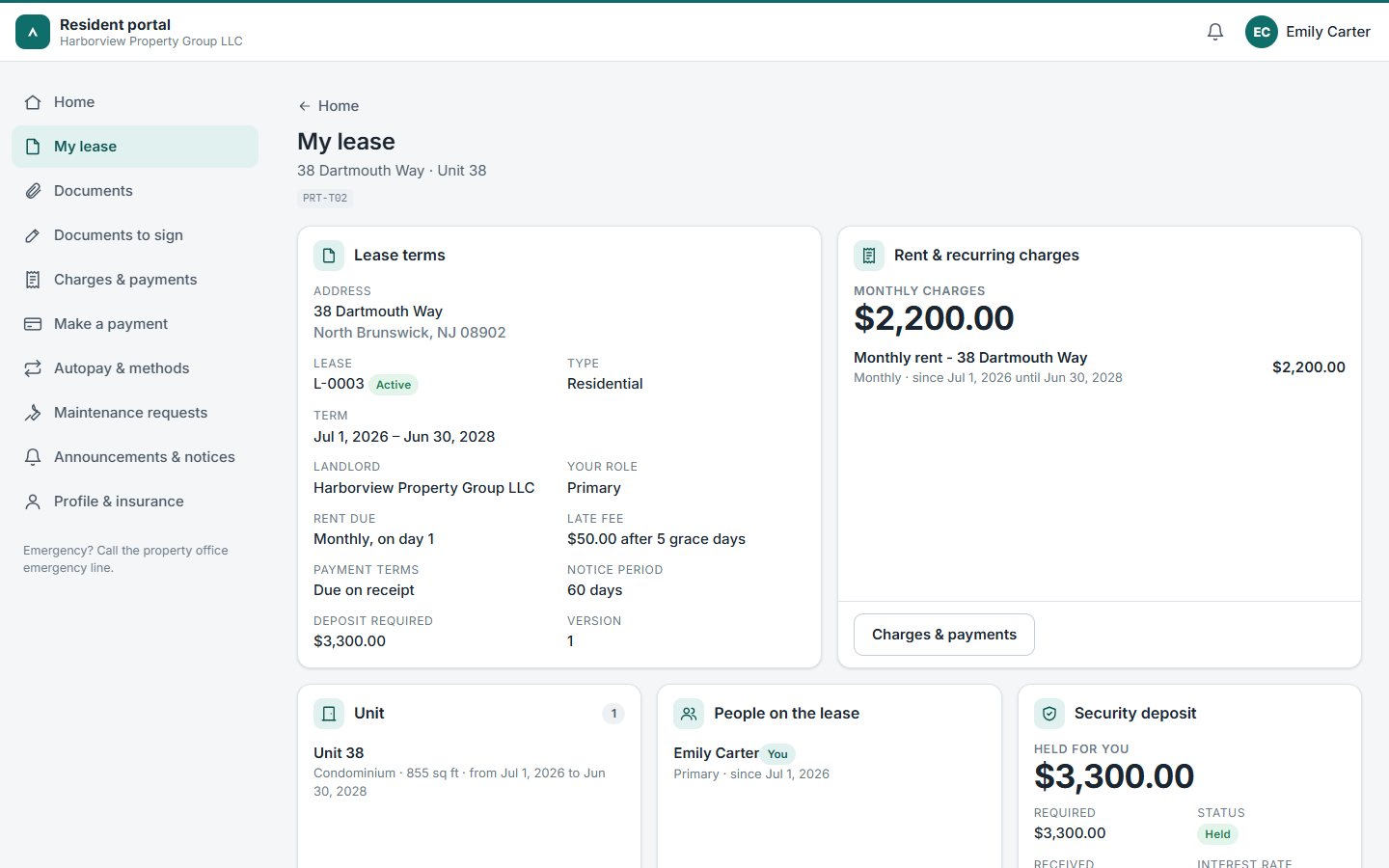
- Required, received, held, interest, trust account, cap and return-deadline rules, settlement.
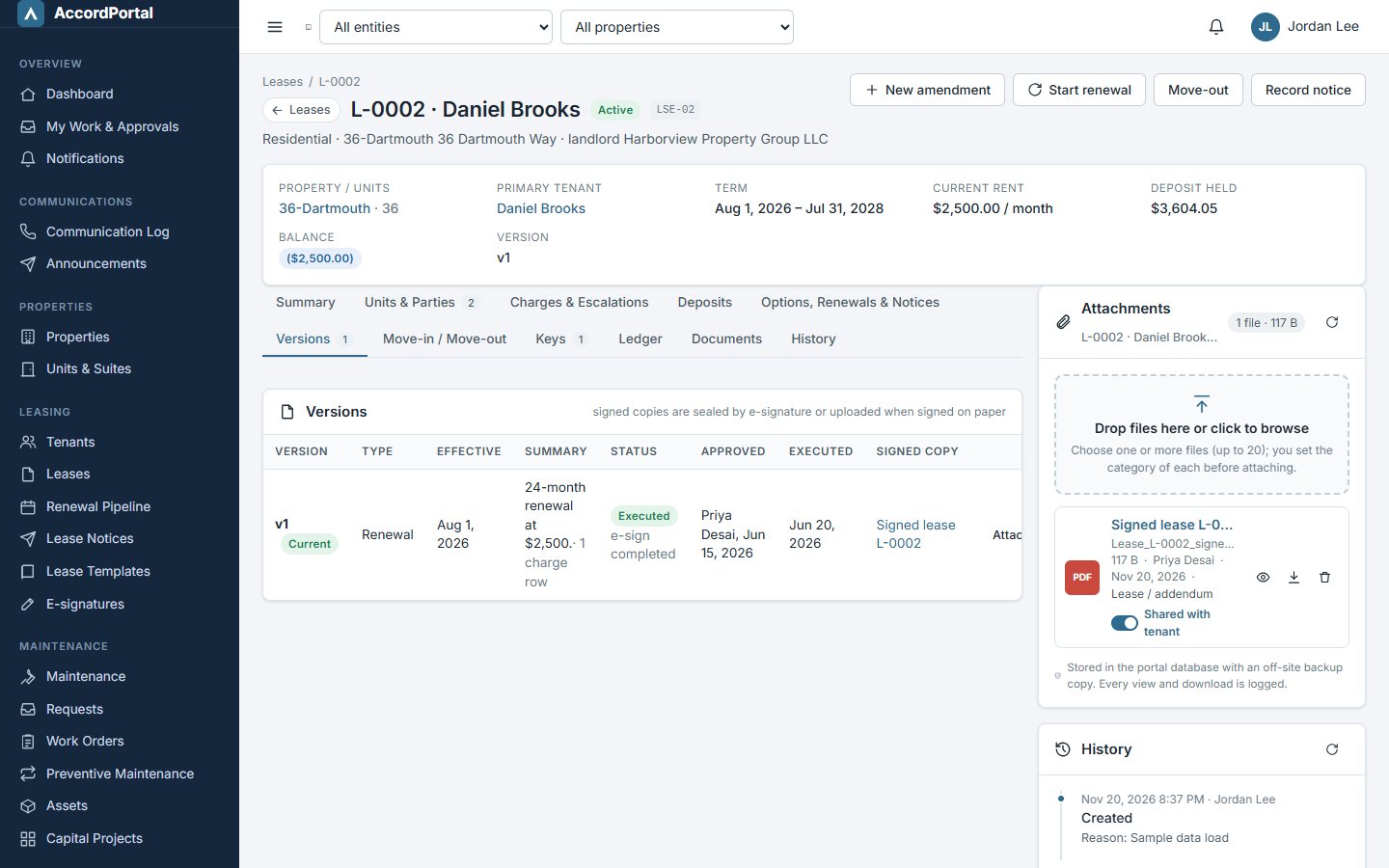
- Amendments & versions
- Every change after approval is a new, approved and signed version.
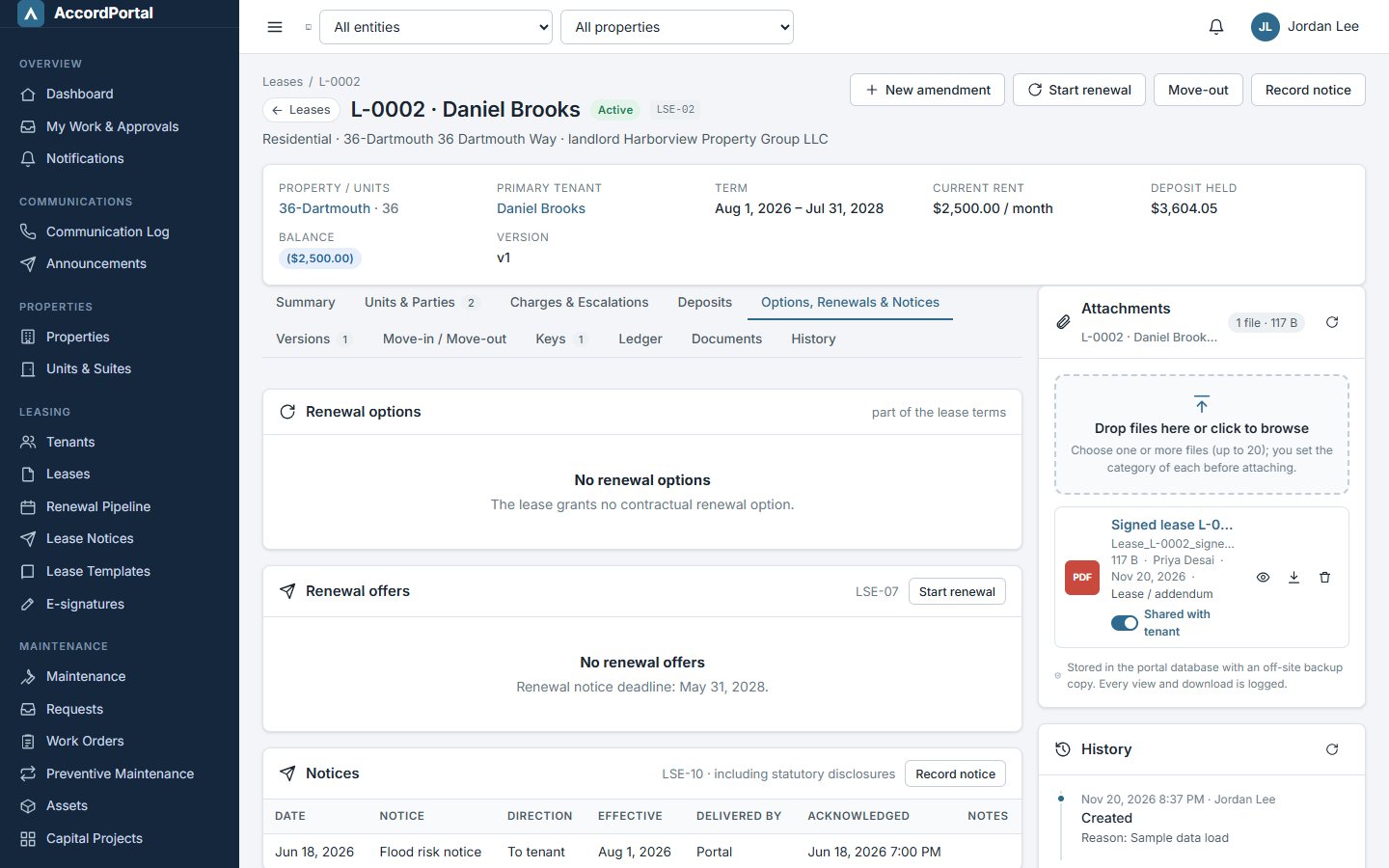
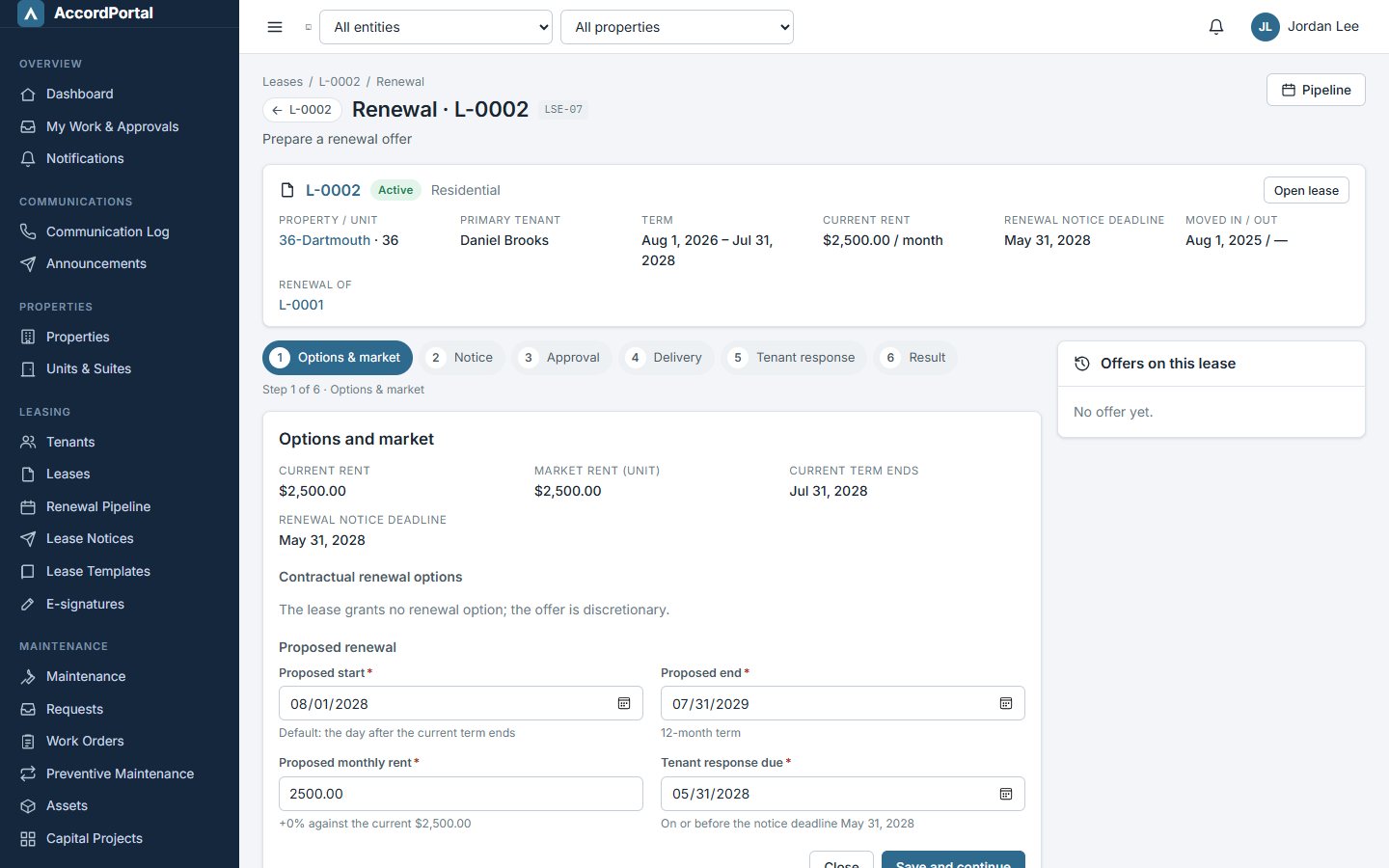
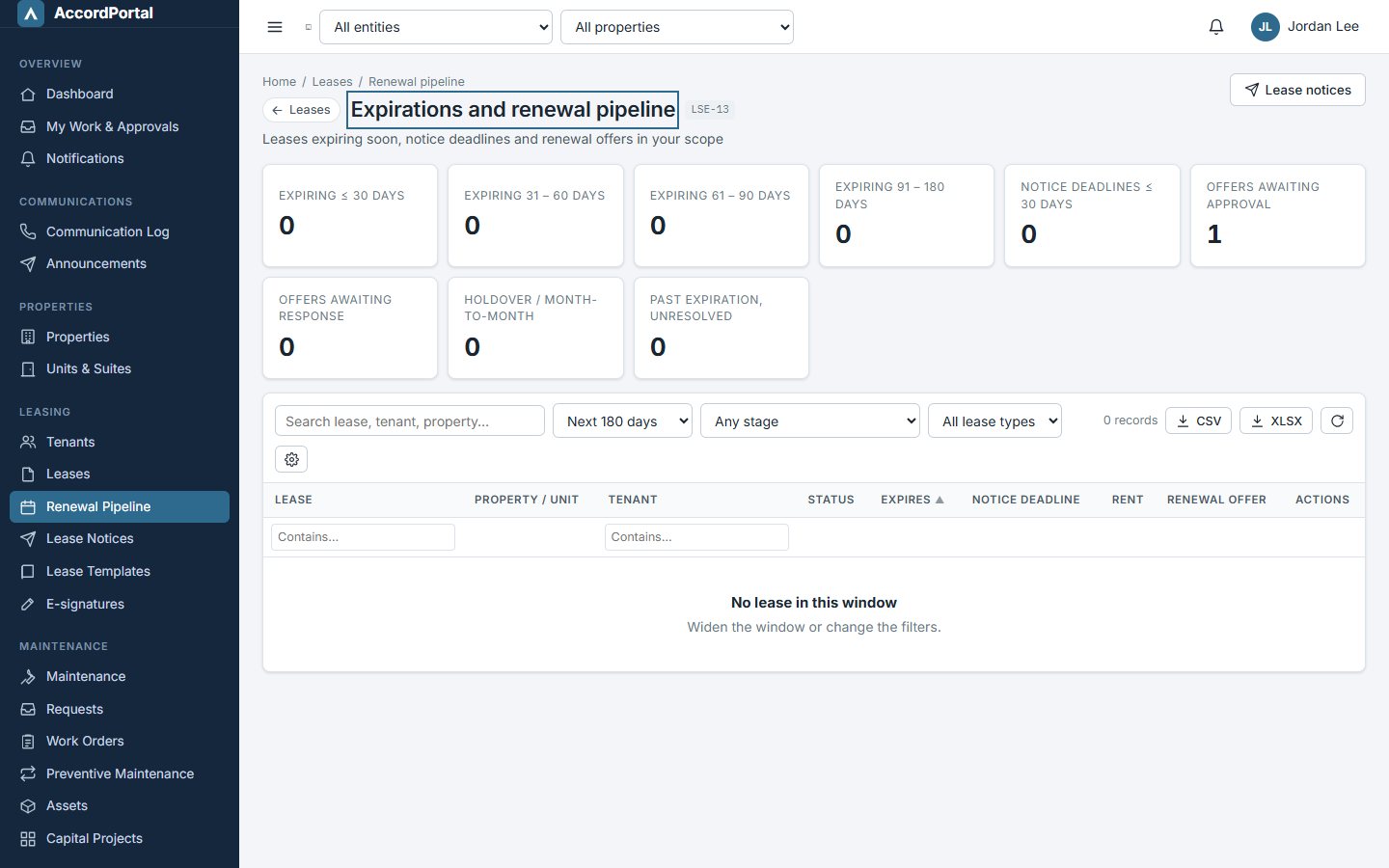
- Renewals
- Expiration pipeline, renewal wizard, offer approval, tenant accept / decline online.
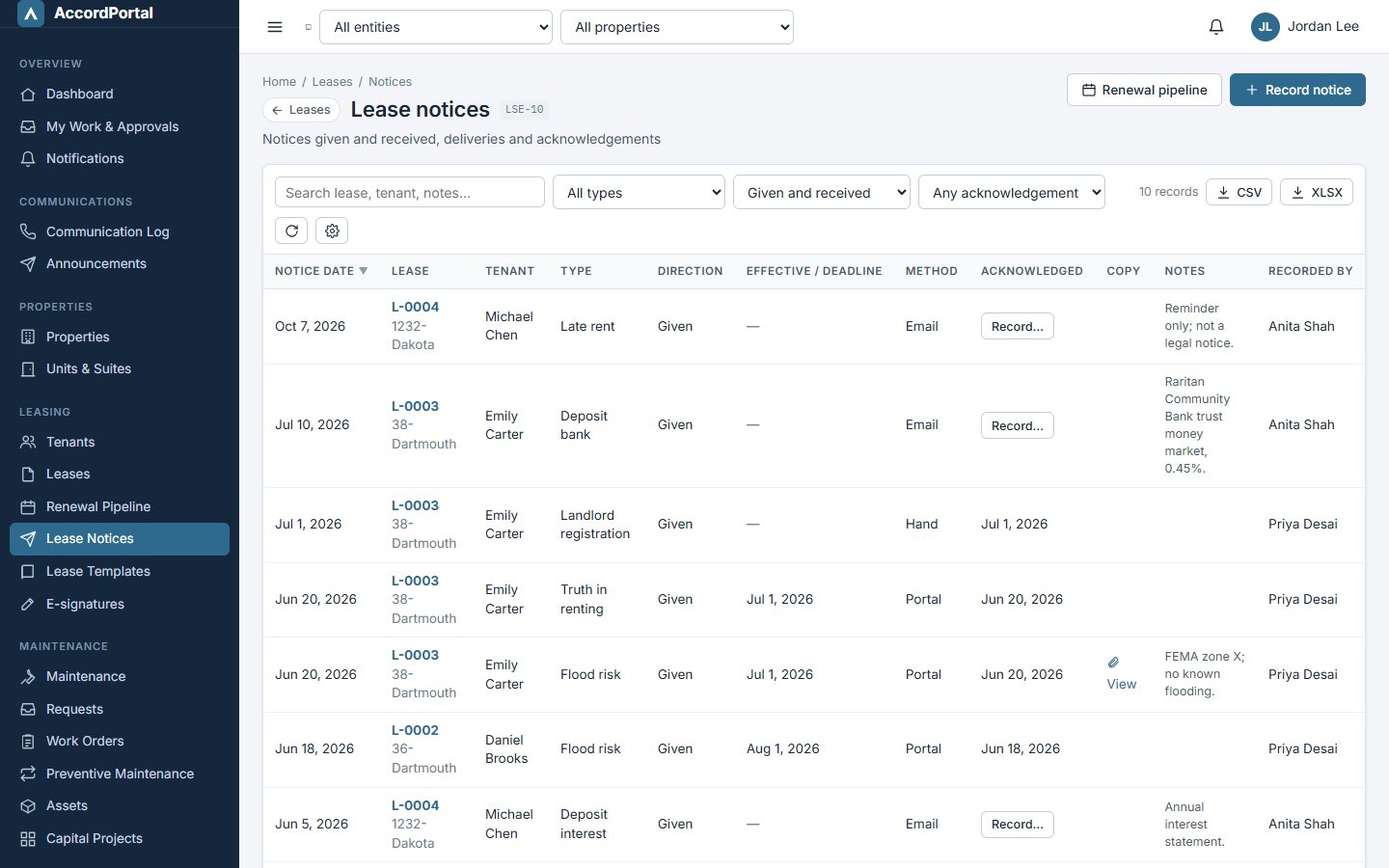
- Lease notices
- Renewal, rent increase, non-renewal, termination, late rent and required disclosures, with acknowledgement.
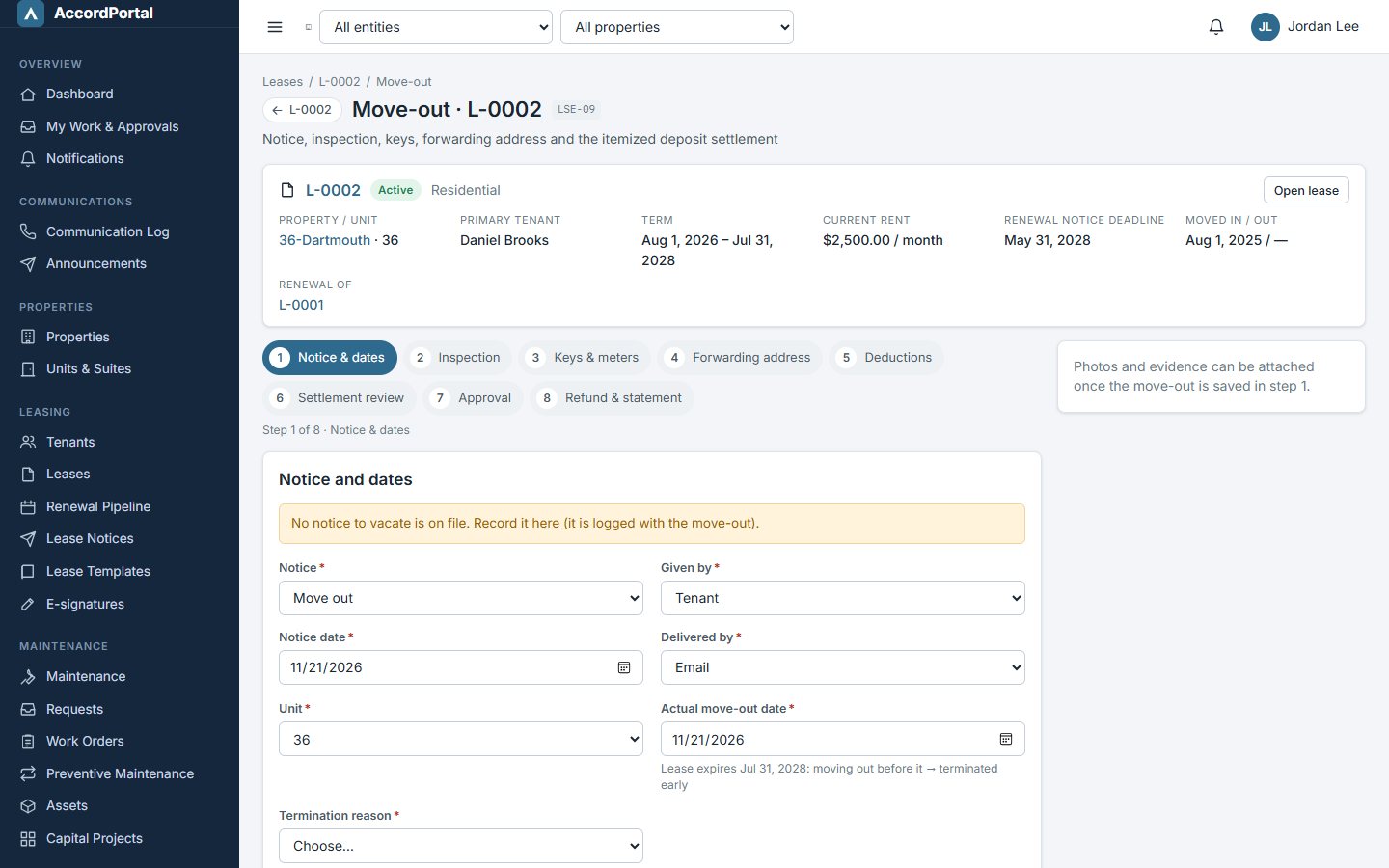
- Move-in & move-out
- Wizards for keys, occupants, inspections, deductions with evidence and deposit settlement.
- End-of-term automation
- Holdover or month-to-month applied nightly; late renewals back-dated; holdover rent optional.
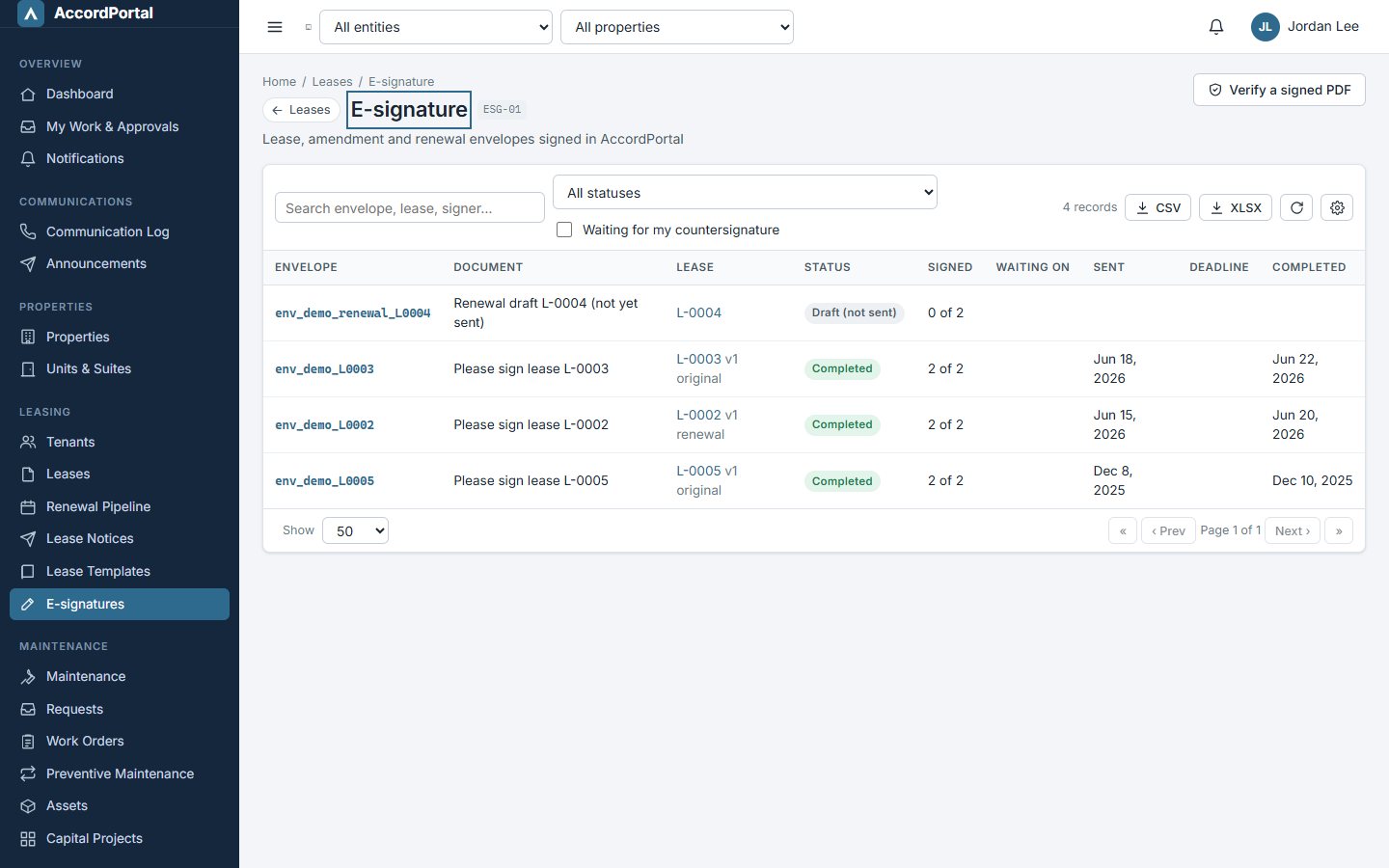
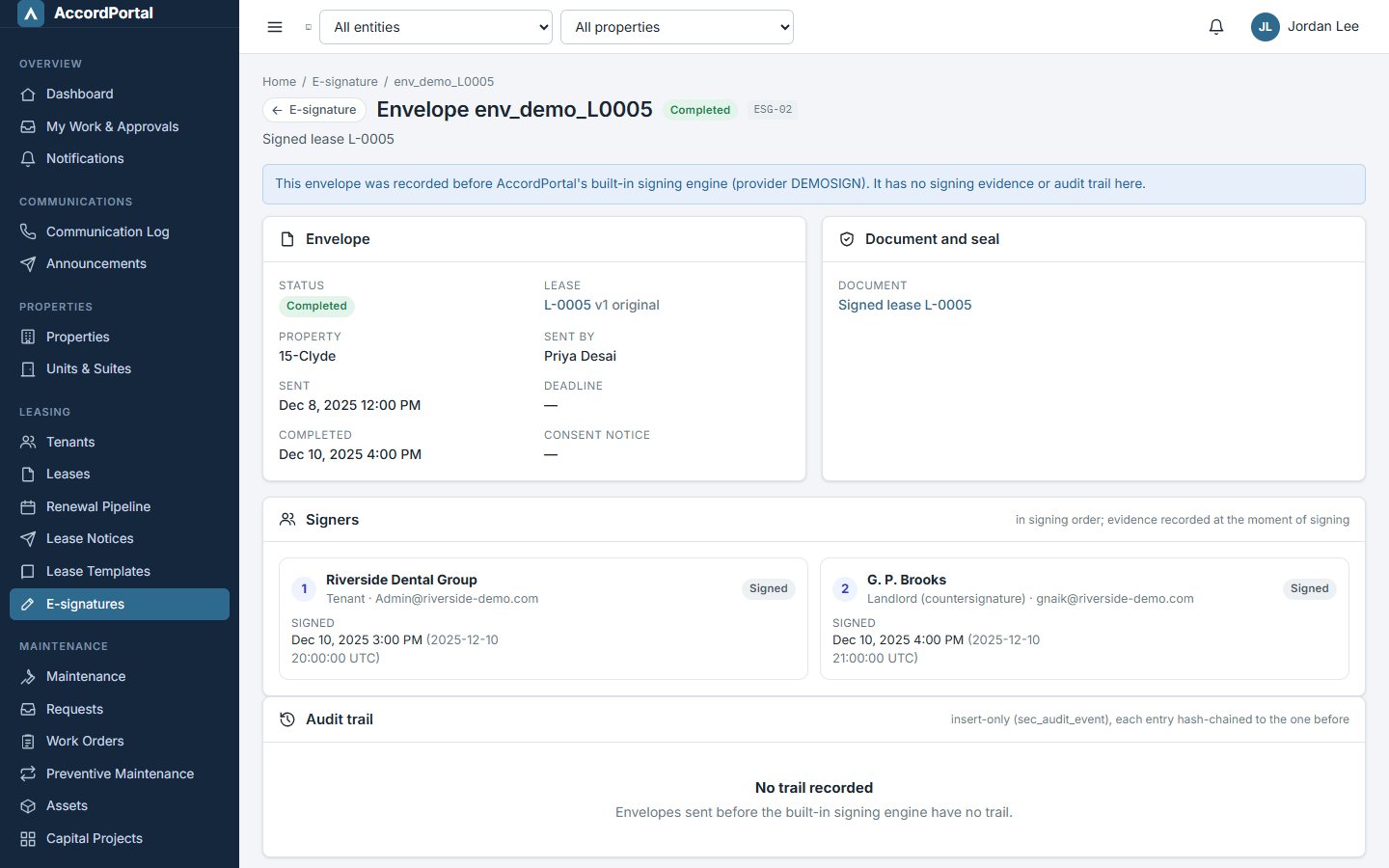
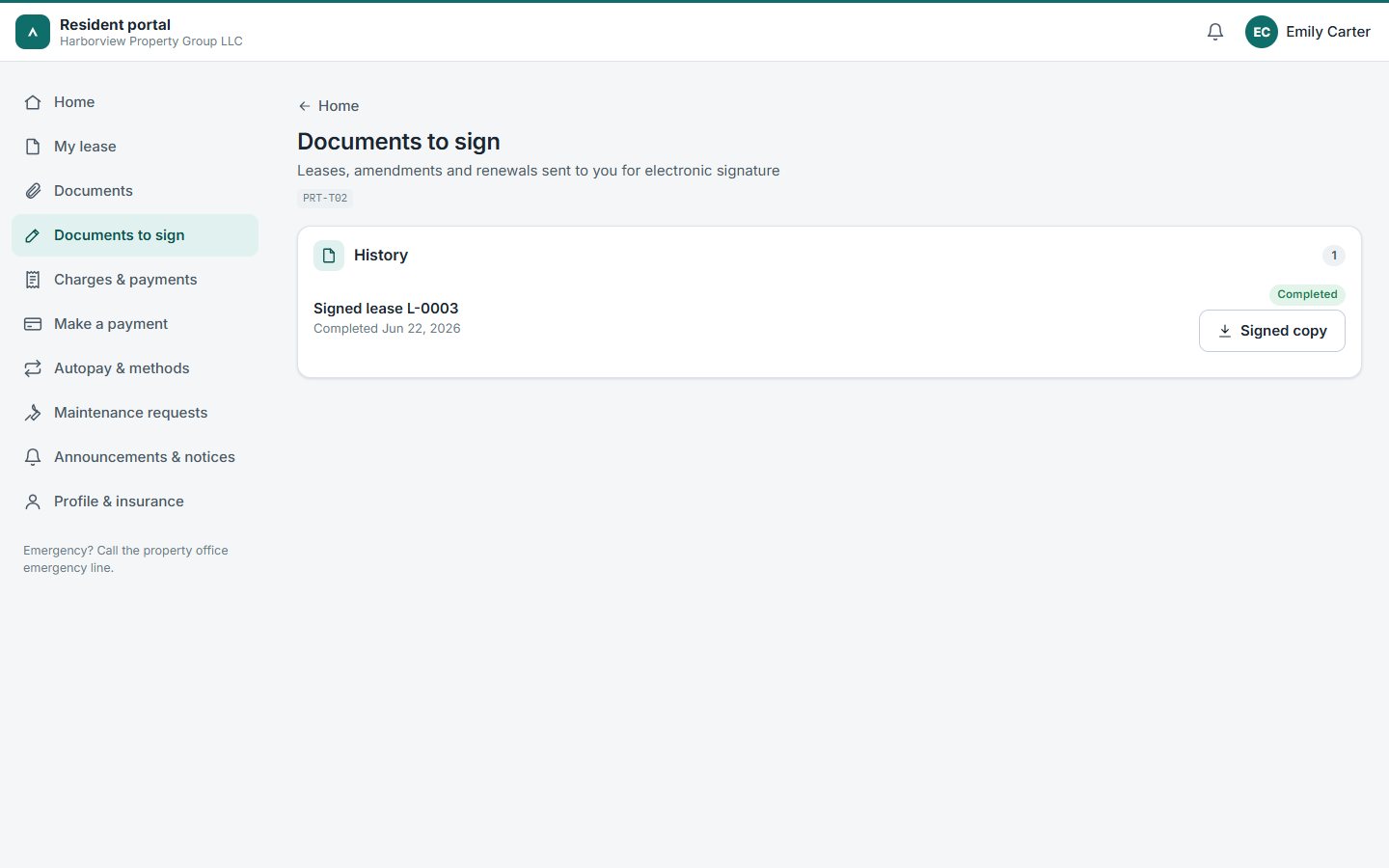
- E-signature
- Built-in envelopes, signing order, countersignature, reminders, audit trail, signed-PDF verification.
General ledger
True double-entry, multi-entity.
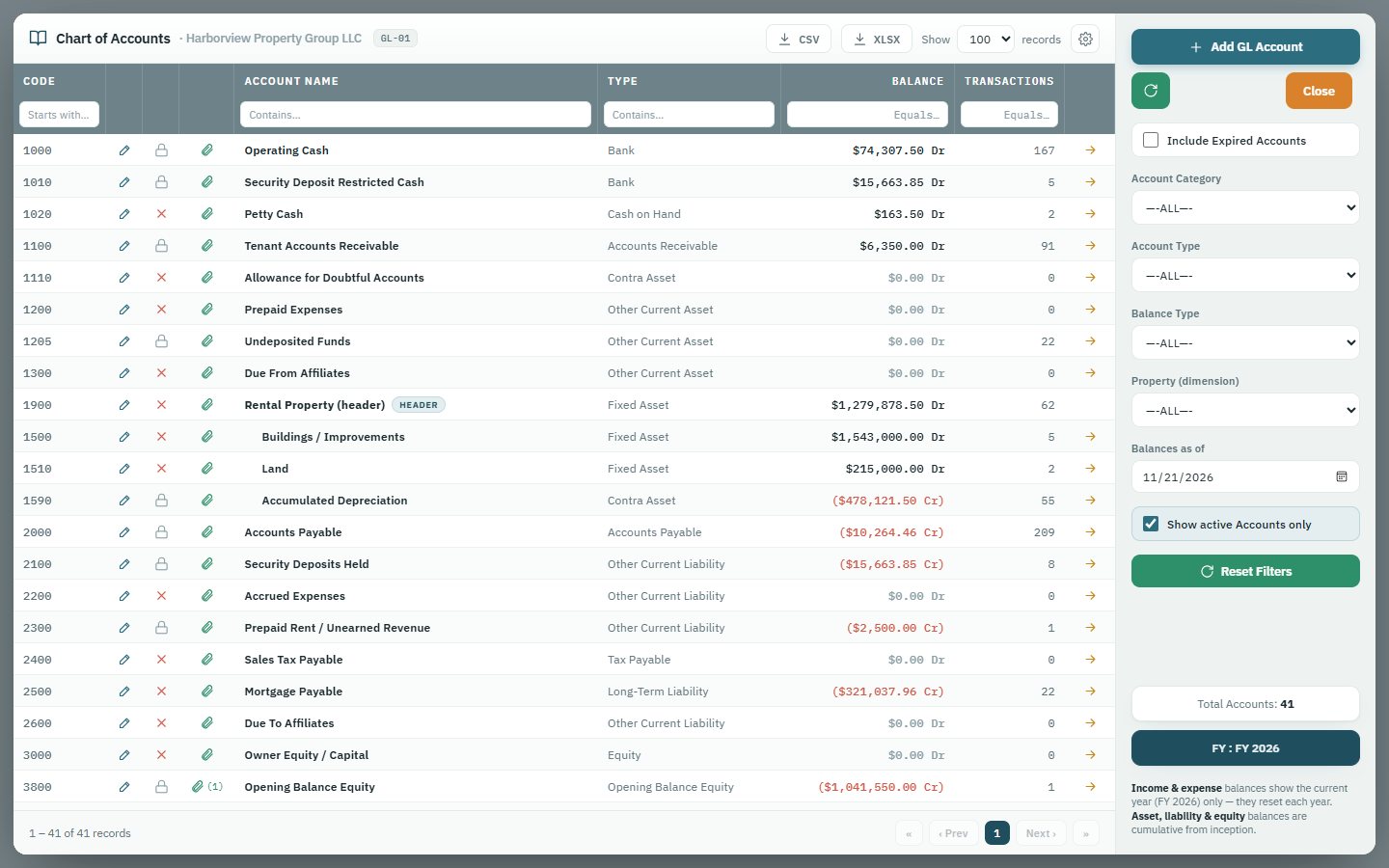
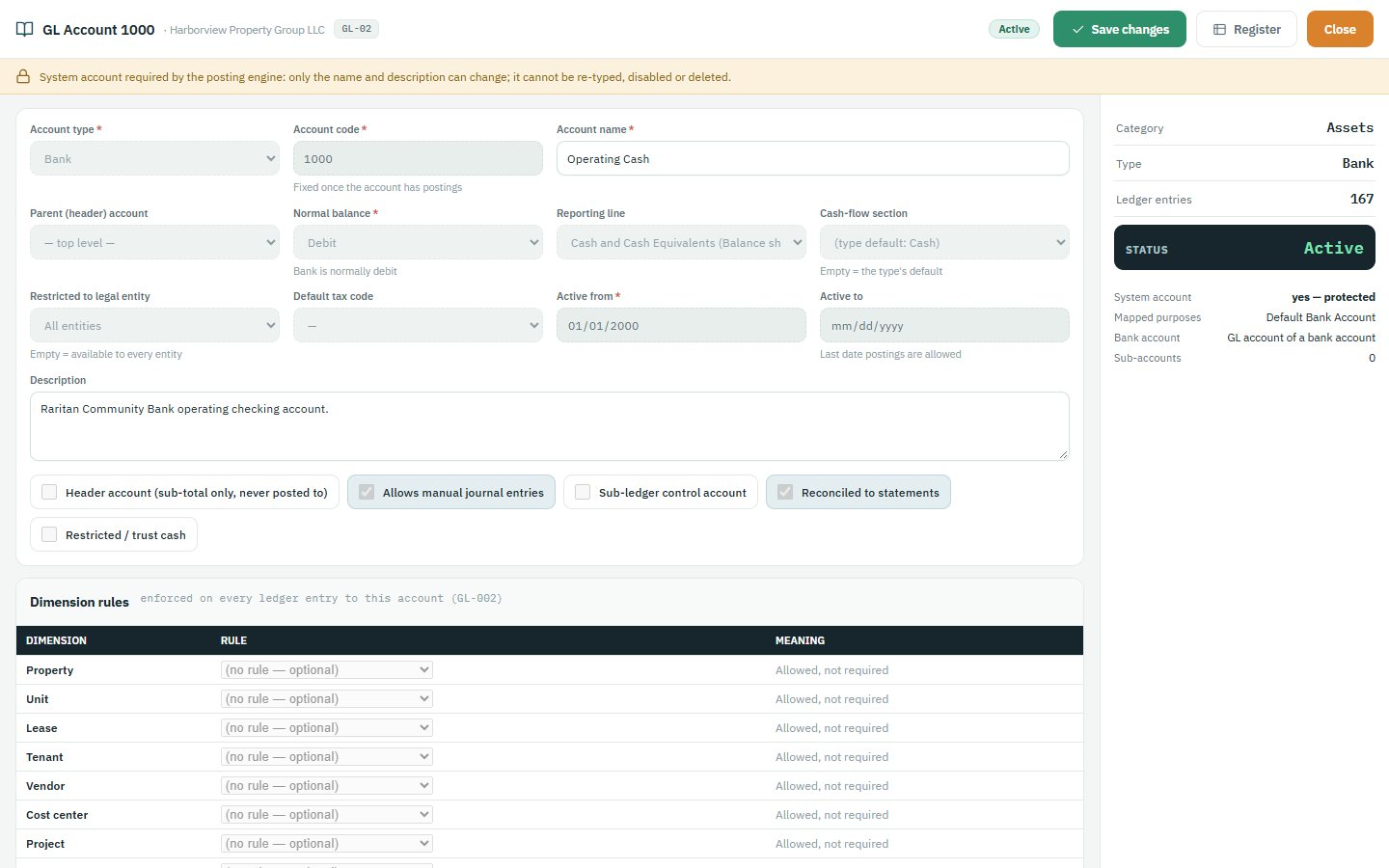
- Chart of accounts
- Categories, types, headers, normal balance, reporting groups, cash-flow sections, protected system accounts.
- Dimension rules
- Property, unit, lease, tenant, vendor, cost center, project and asset — required, optional or not allowed per account.
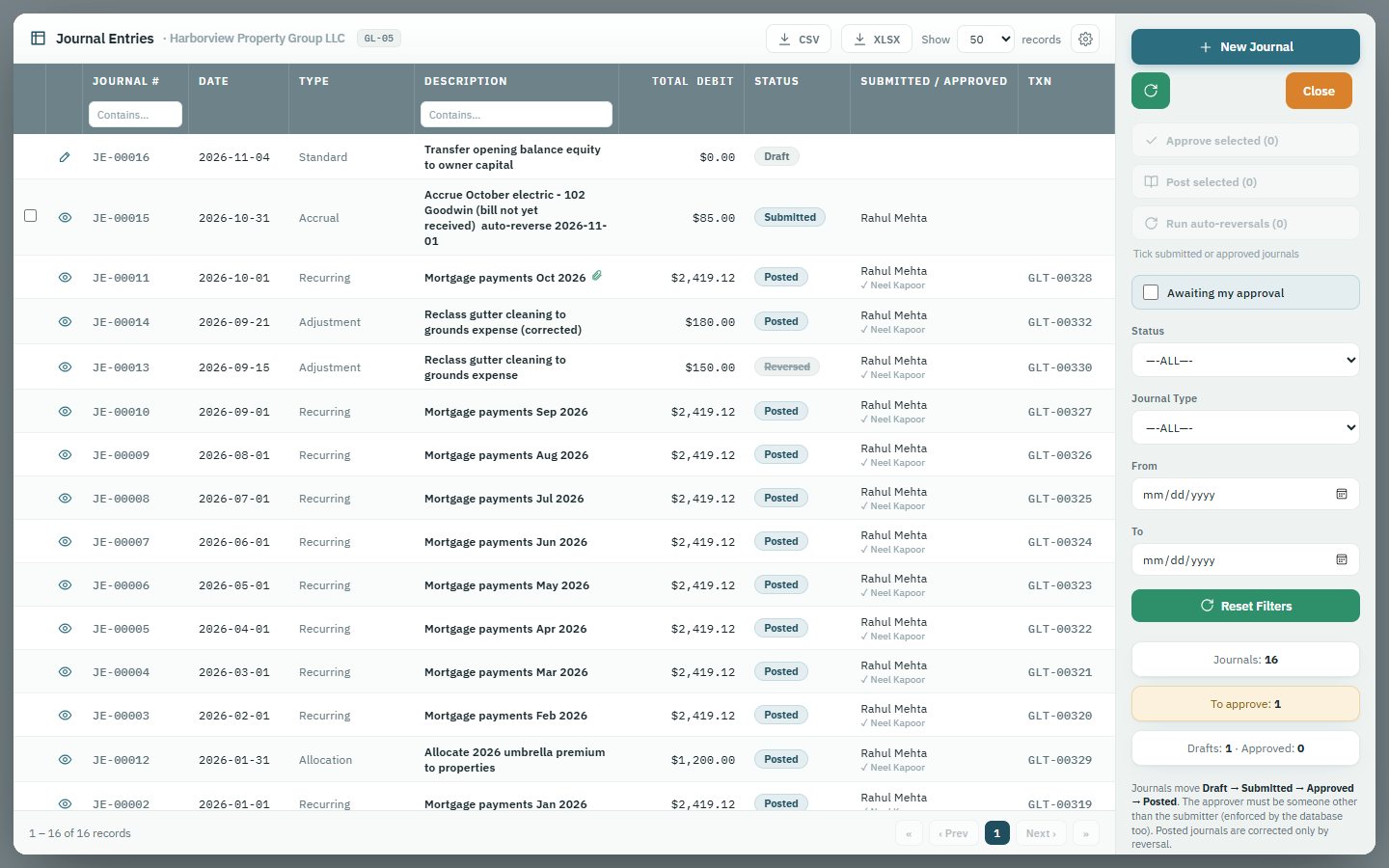
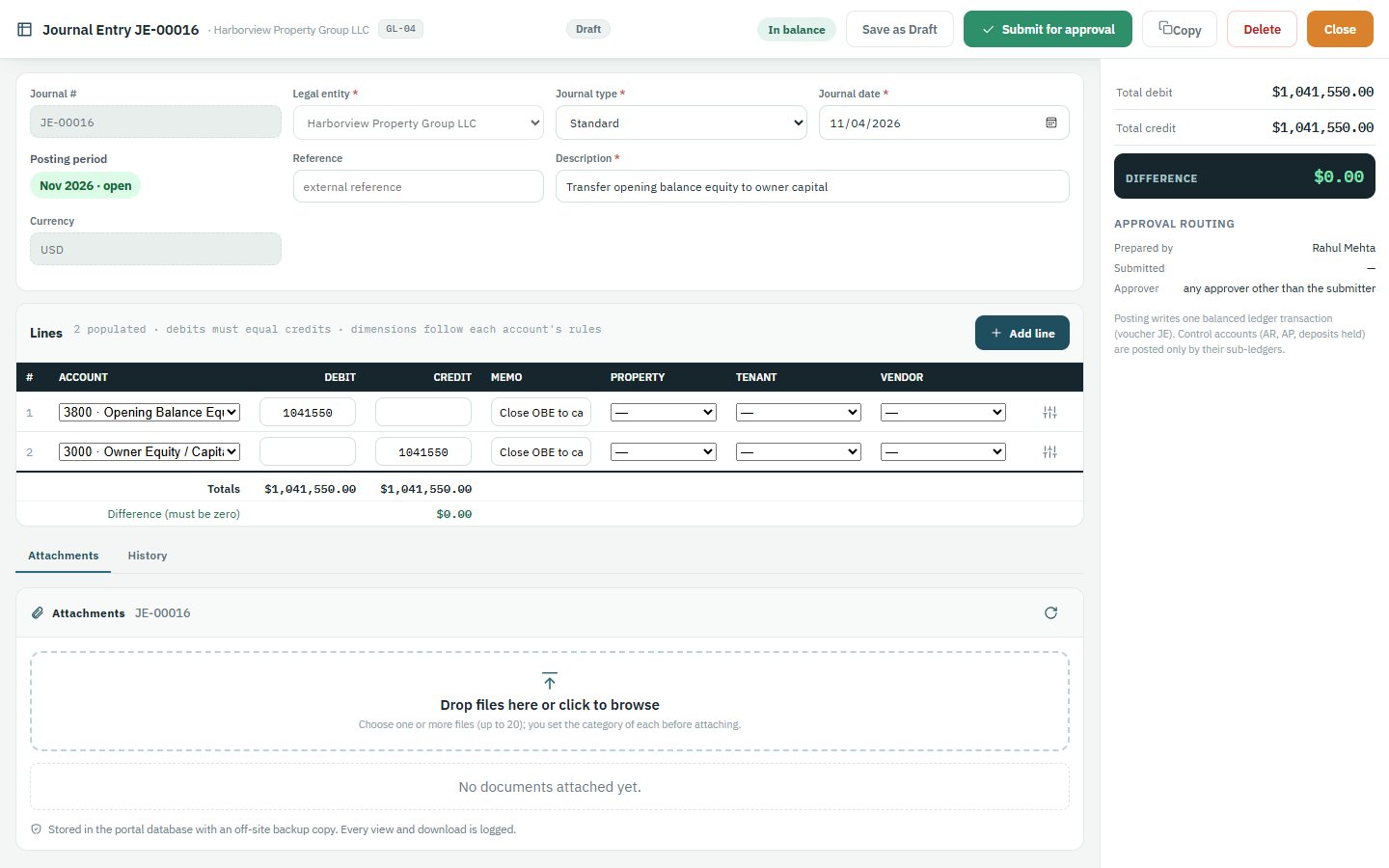
- Journal entries
- Draft, submit, approve, post; attachments; auto-reversing accruals; system journals.
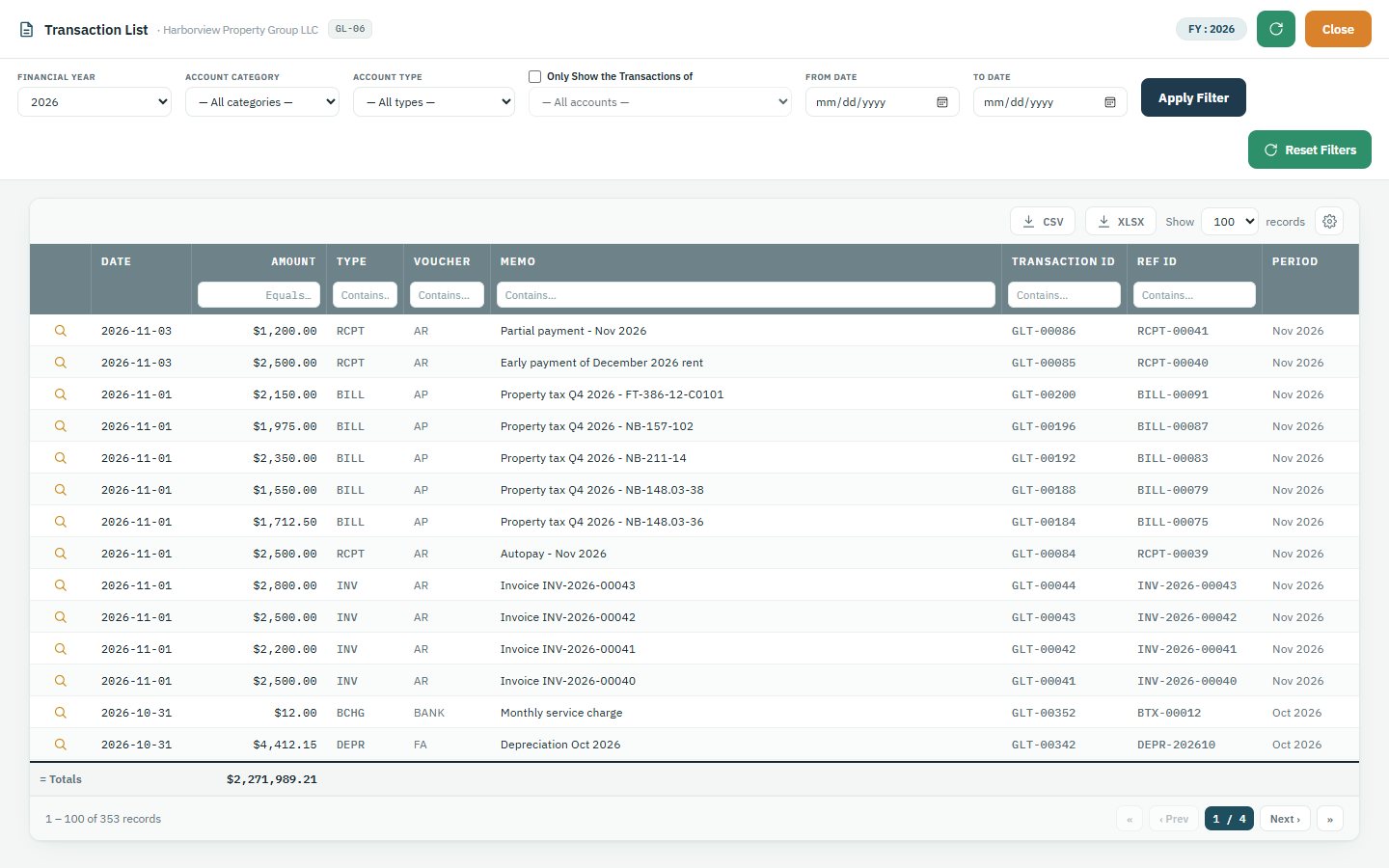
- Transactions
- Immutable posted entries; reversal with reference; balanced per legal entity.
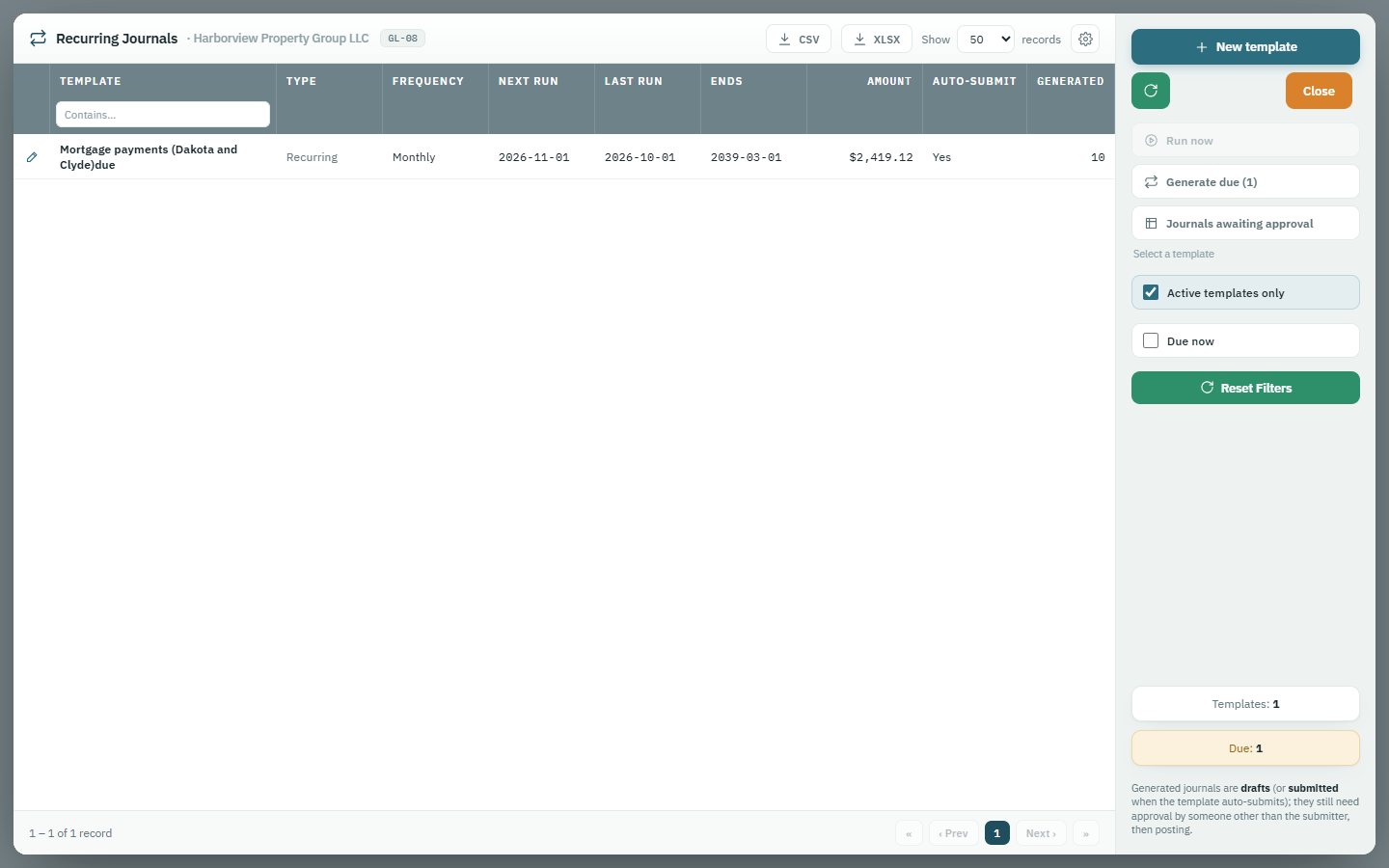
- Recurring journals & allocations
- Scheduled entries; cost allocation by percentage, area, unit count or revenue.
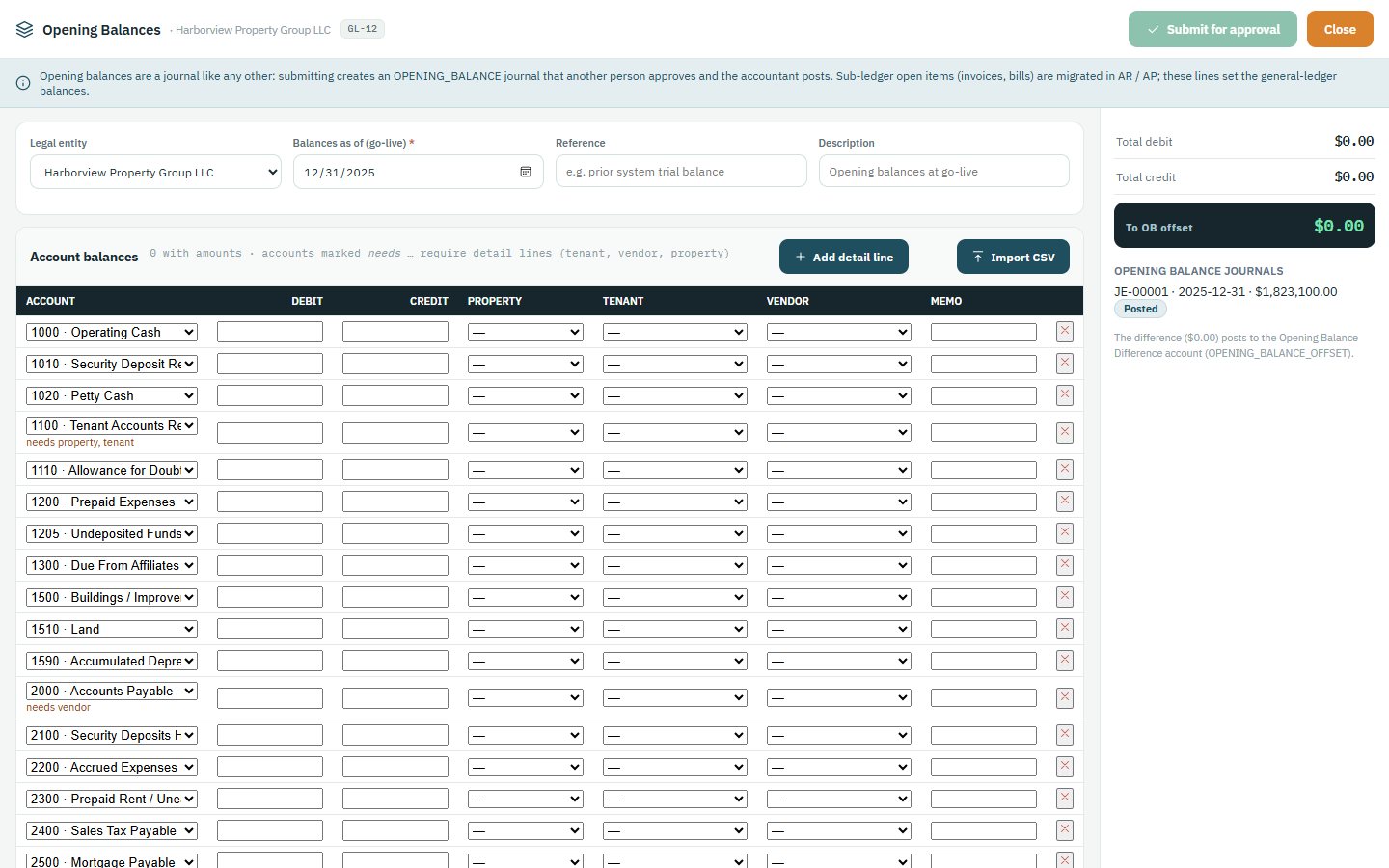
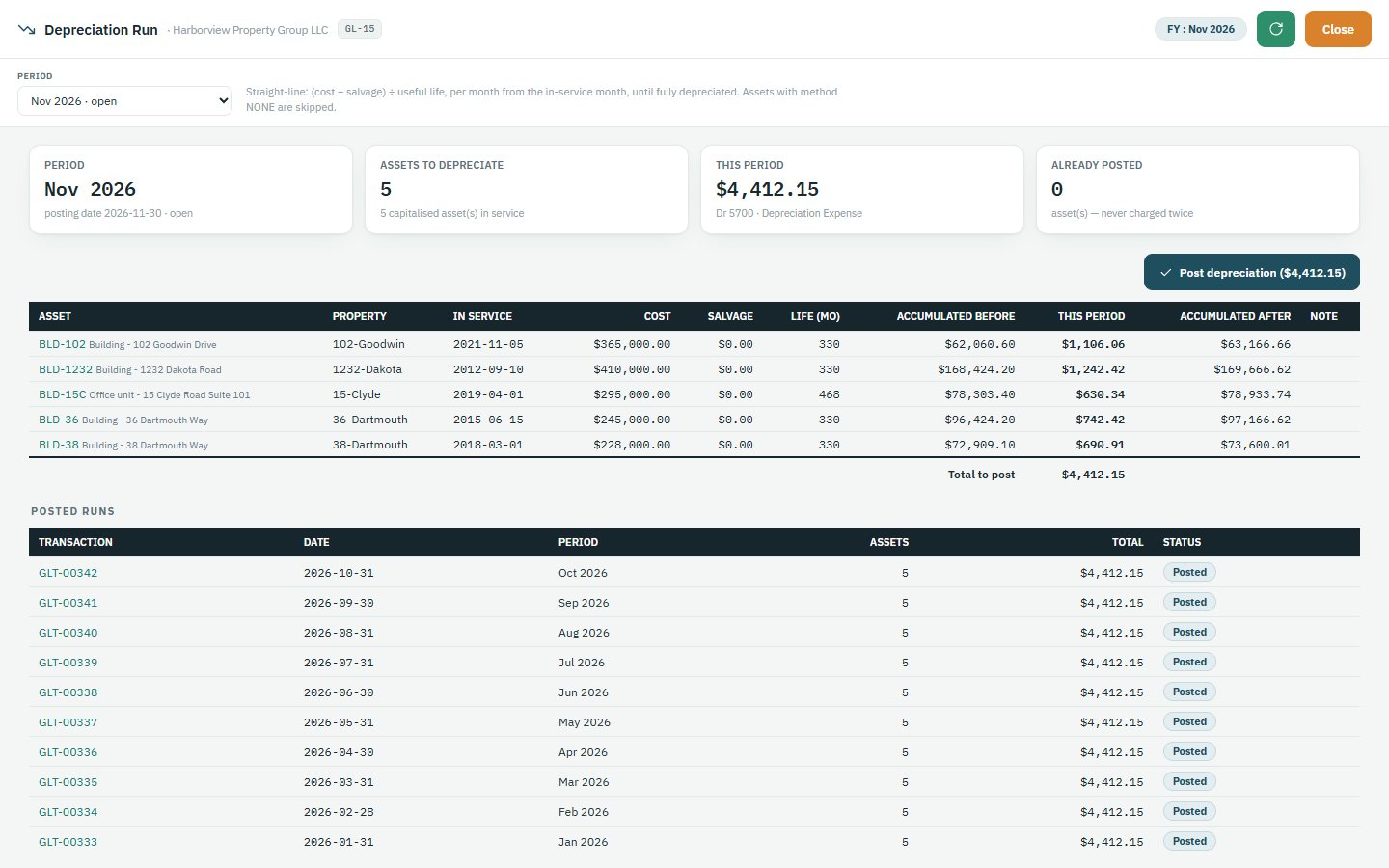
- Opening balances & depreciation
- Go-live balances in one screen; monthly depreciation run for every asset.
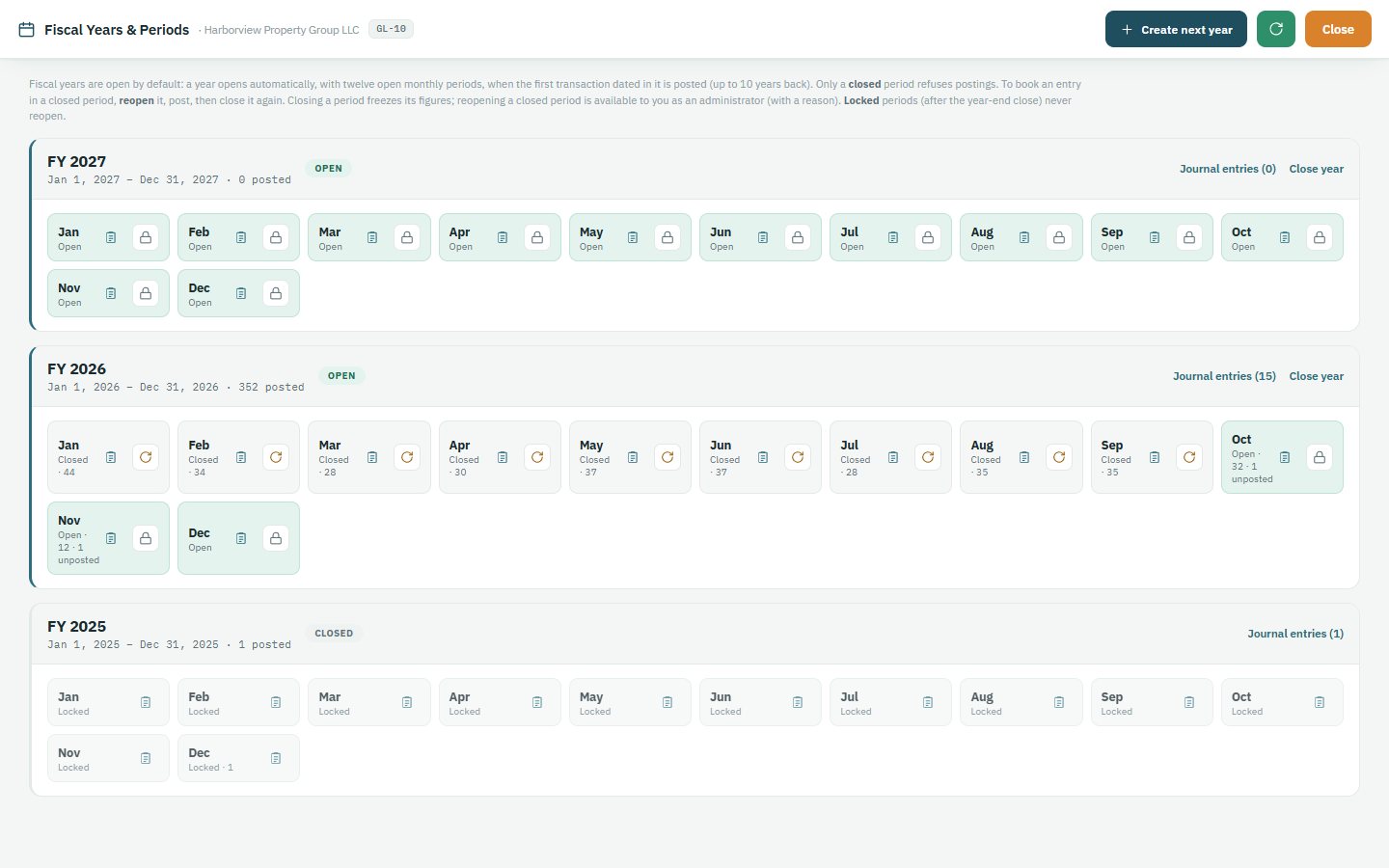
- Fiscal years & periods
- Open, close and lock periods; year-end close to retained earnings.
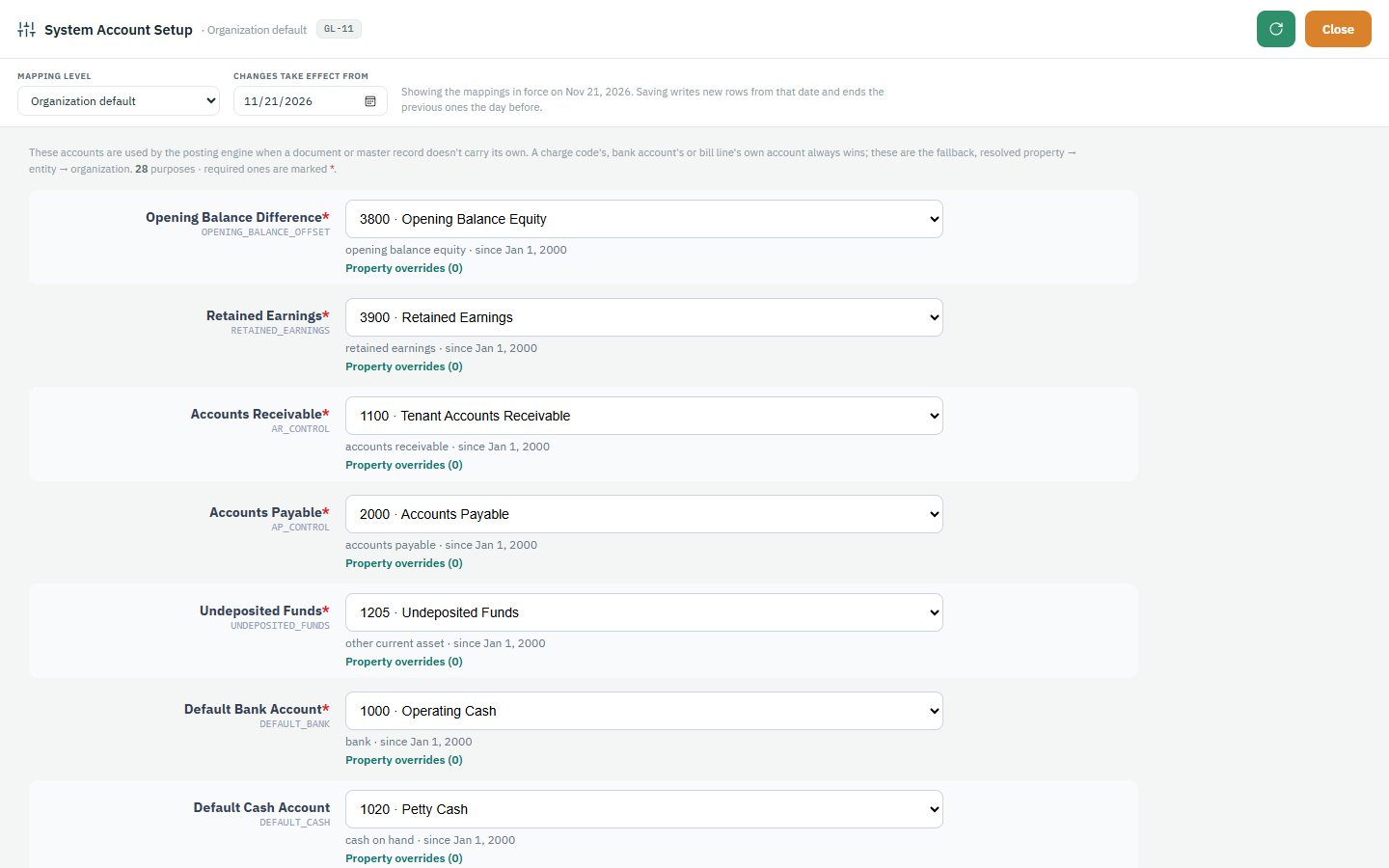
- System account setup
- 28 posting purposes mapped to accounts with entity and property overrides.
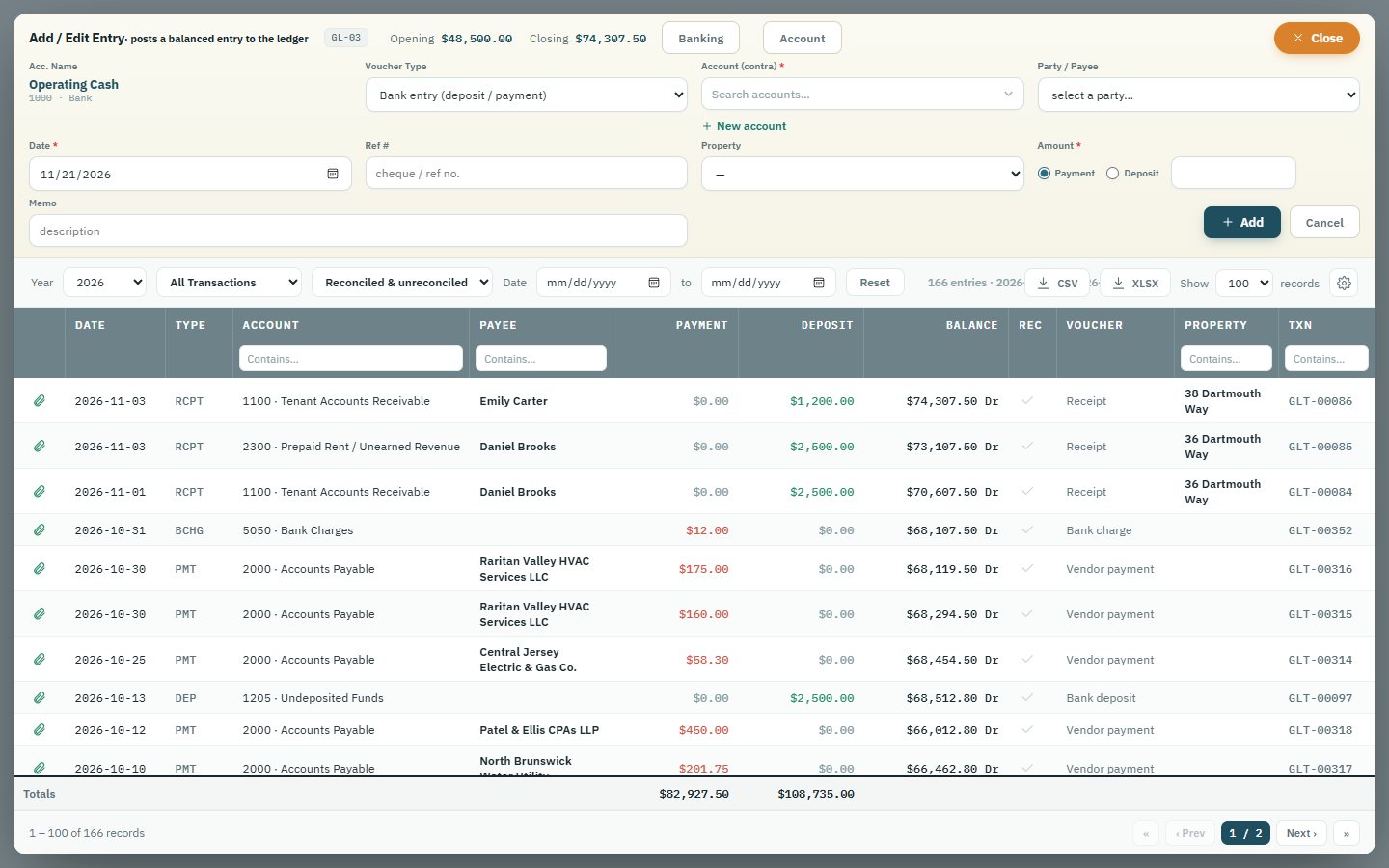
- Account register
- Checkbook-style quick entry for bank, cash and card accounts, with configurable columns.
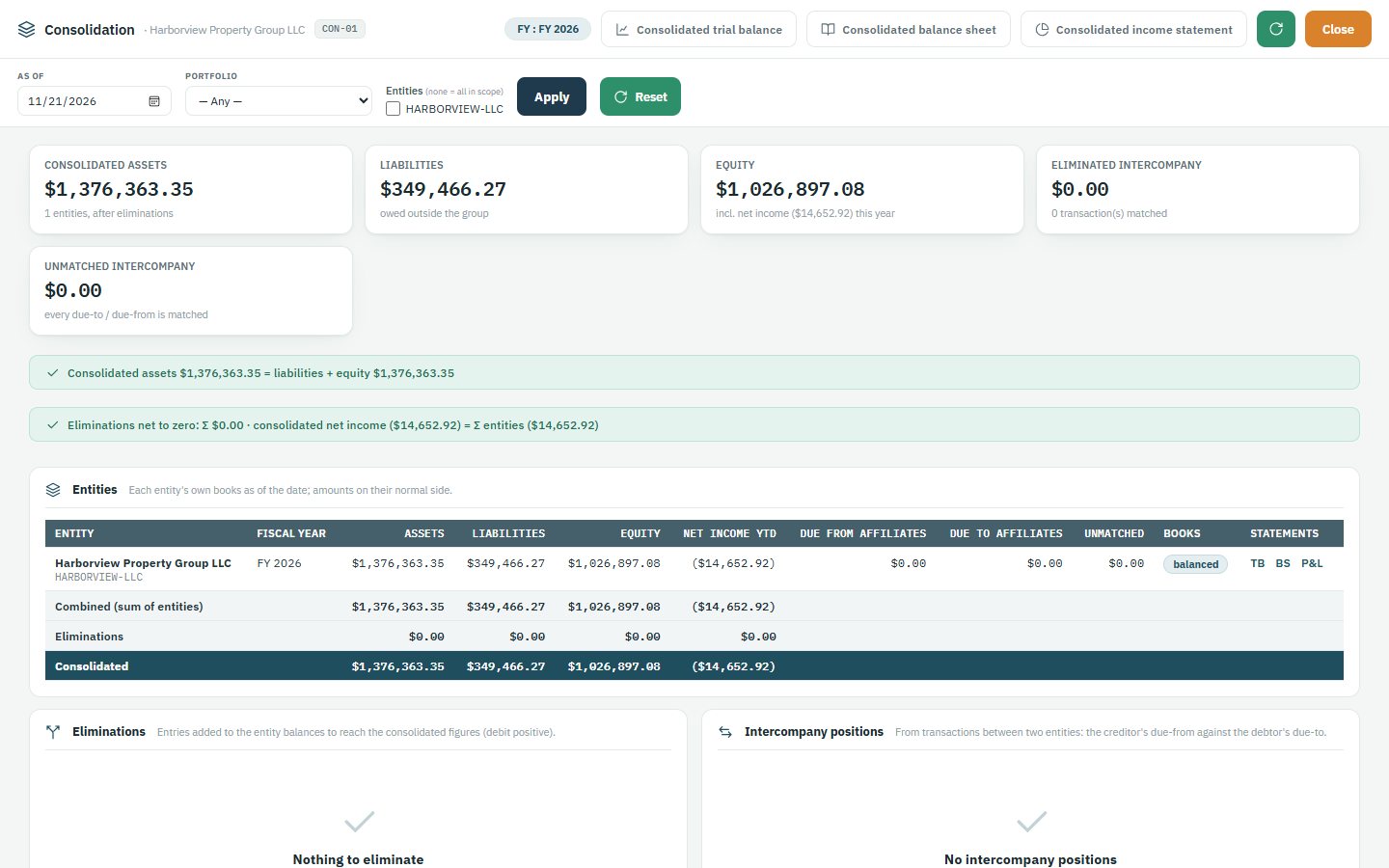
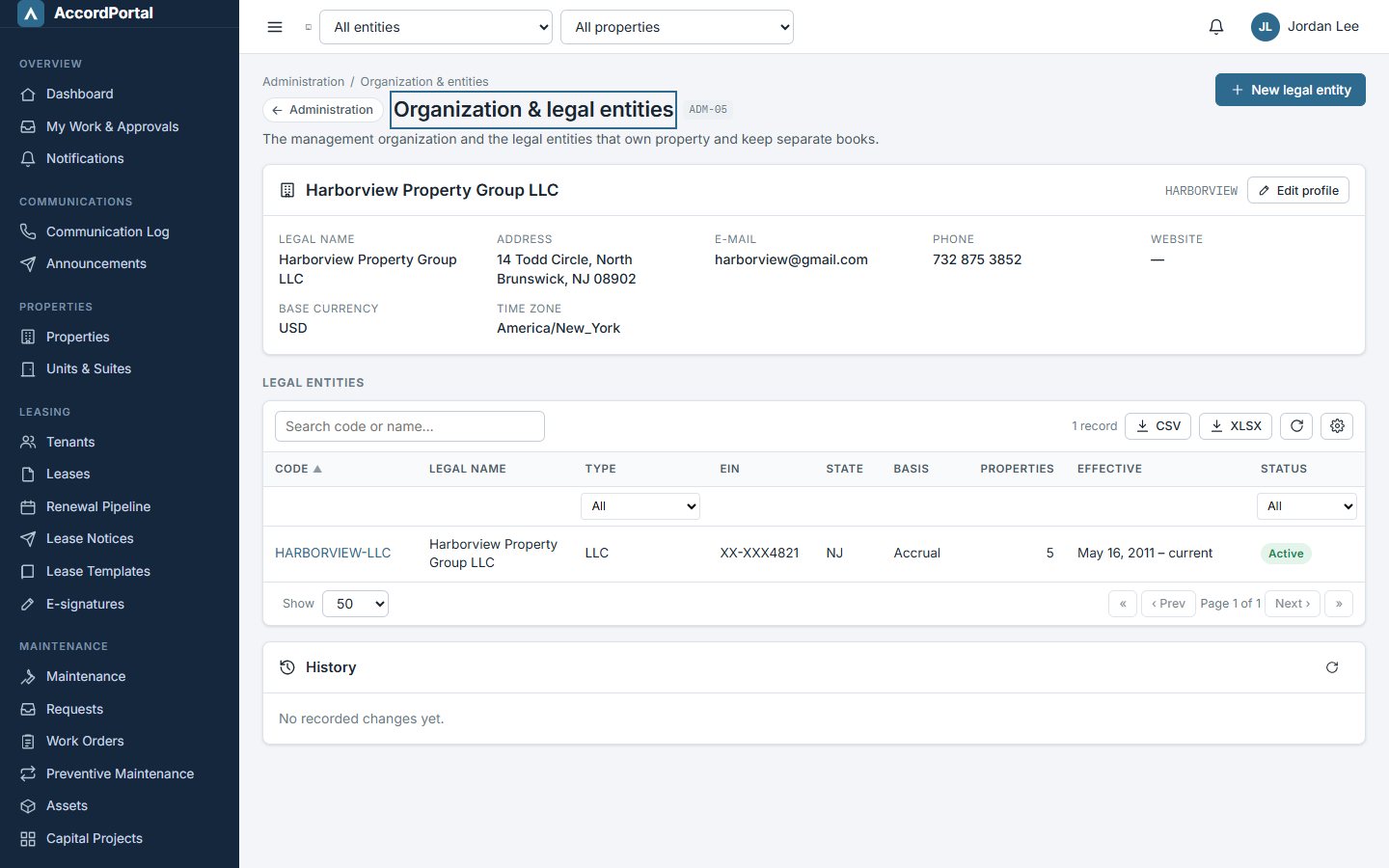
- Consolidation
- Consolidated statements across entities with intercompany eliminations.
Receivables
Billing to collection.
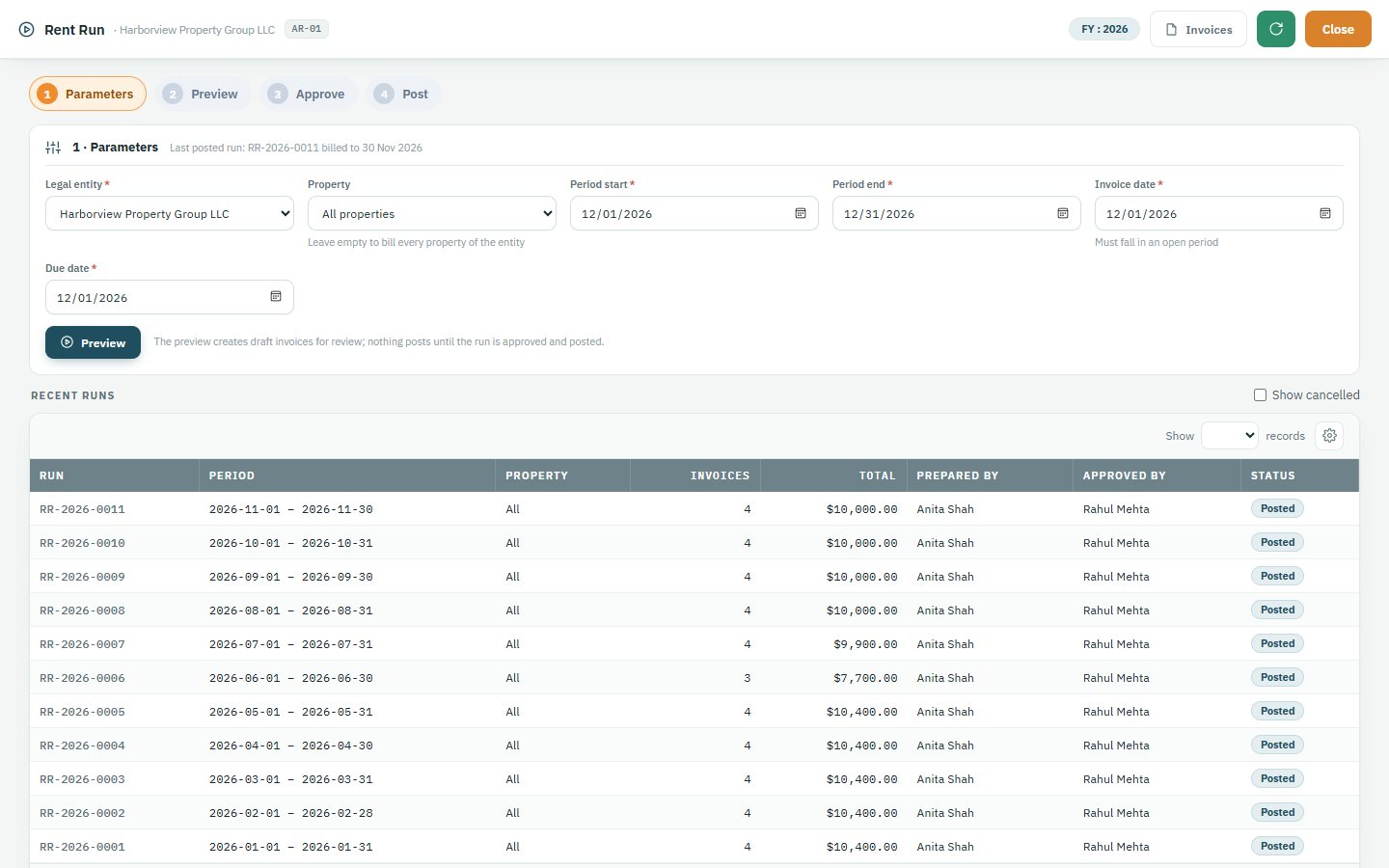
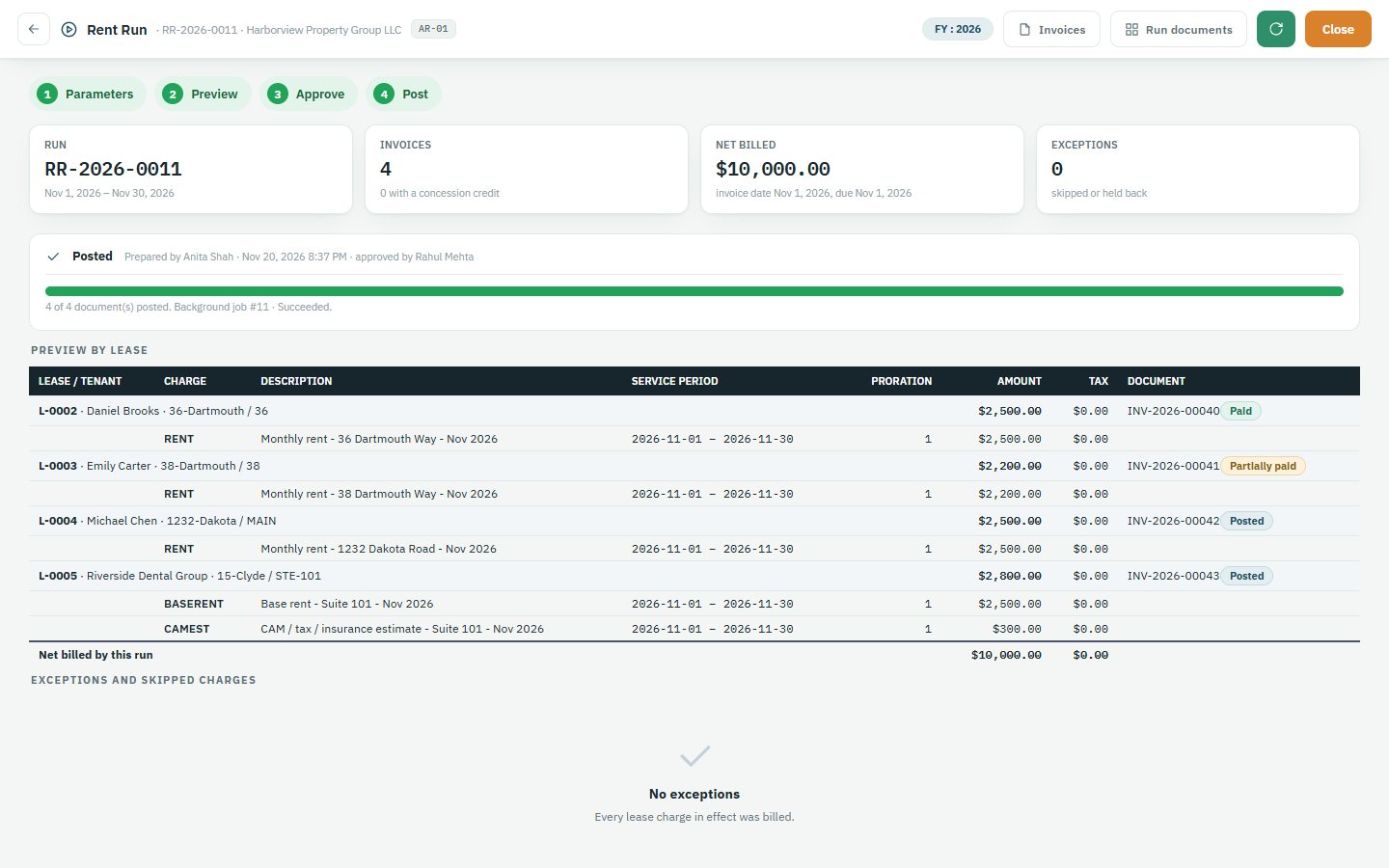
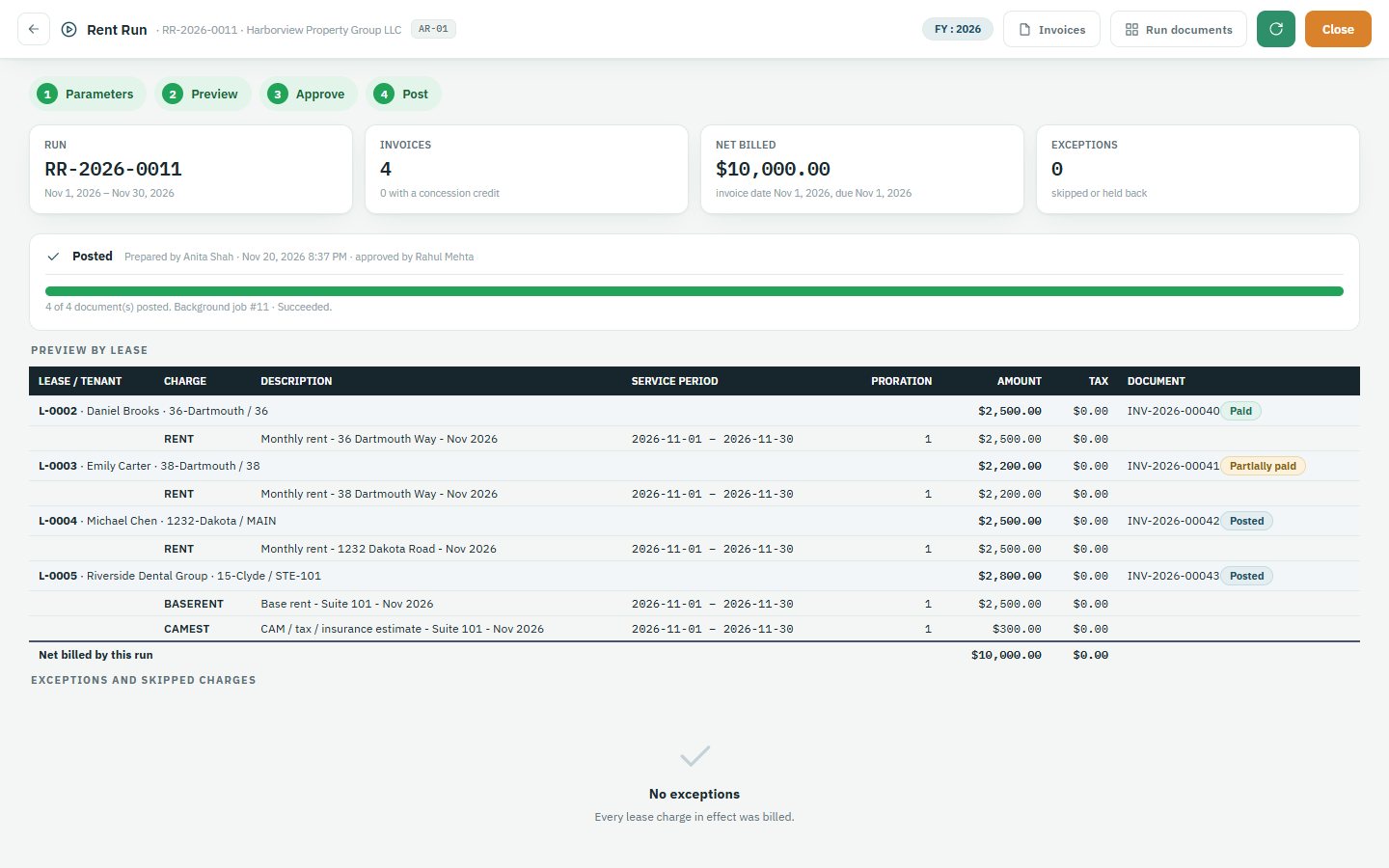
- Rent run
- Preview, approve and post the period's charges for one or all properties; duplicate-proof; cancel and delete.
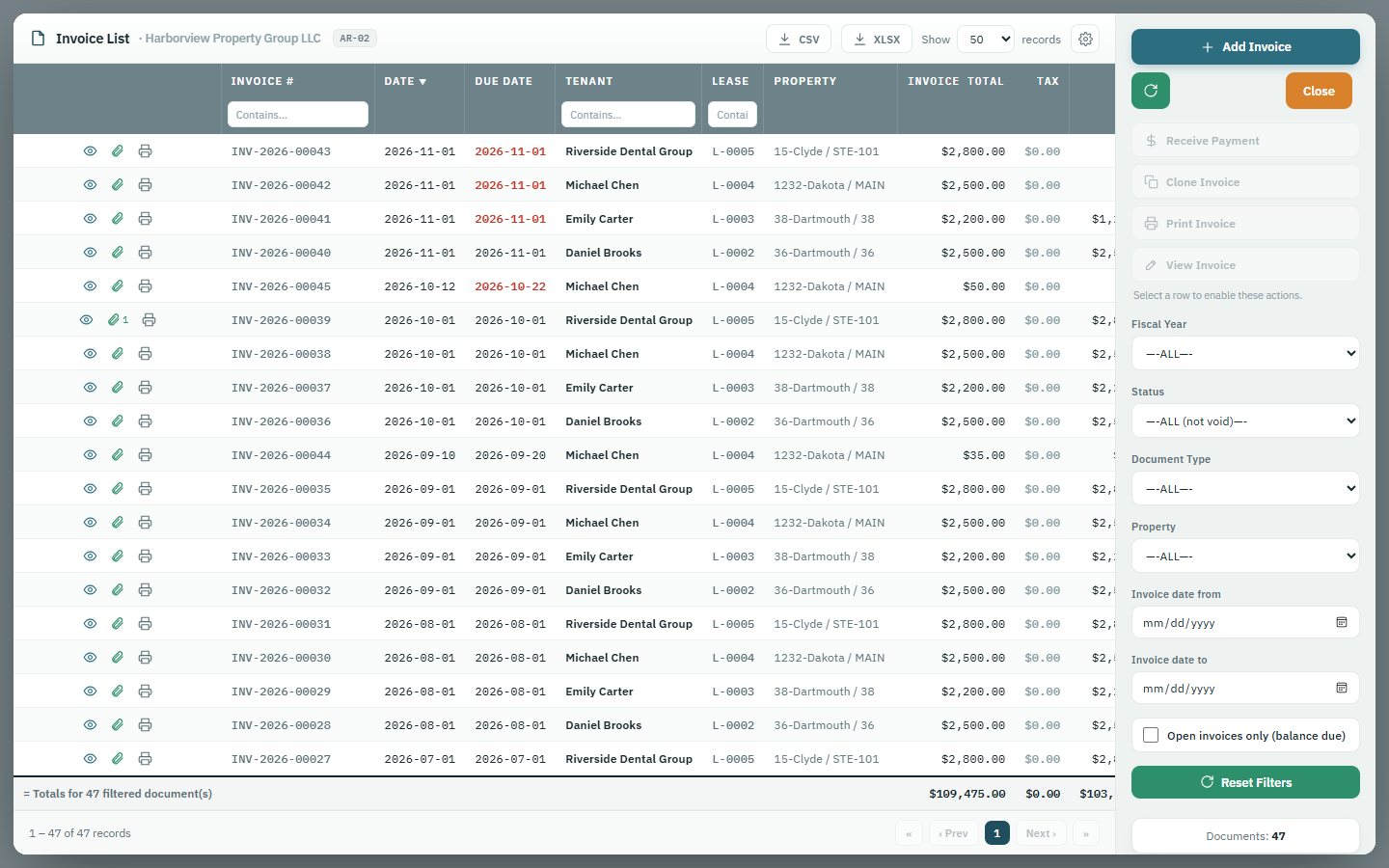
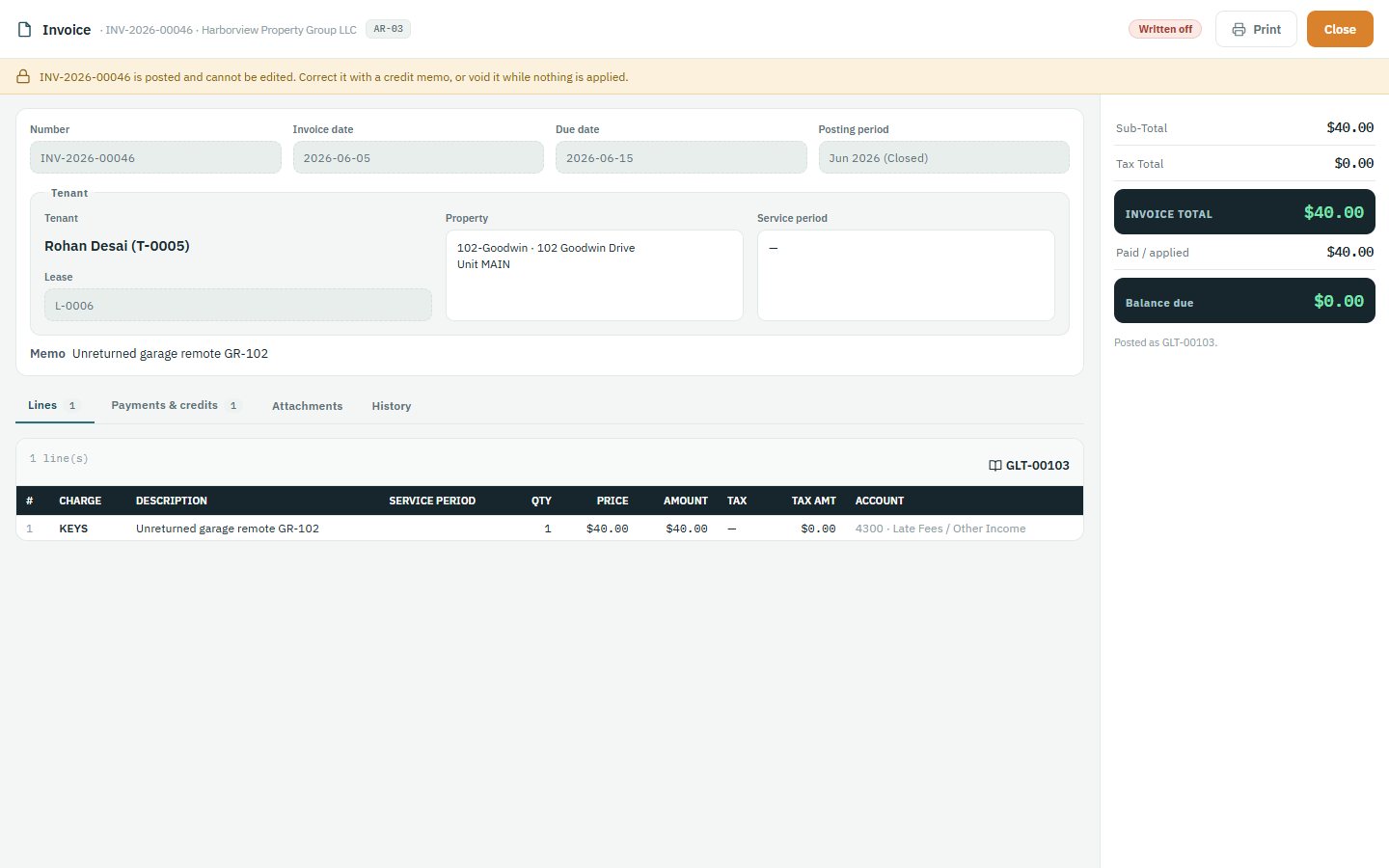
- Invoices & credit memos
- Manual invoices, credits, voids with reason, service periods, tax per line.
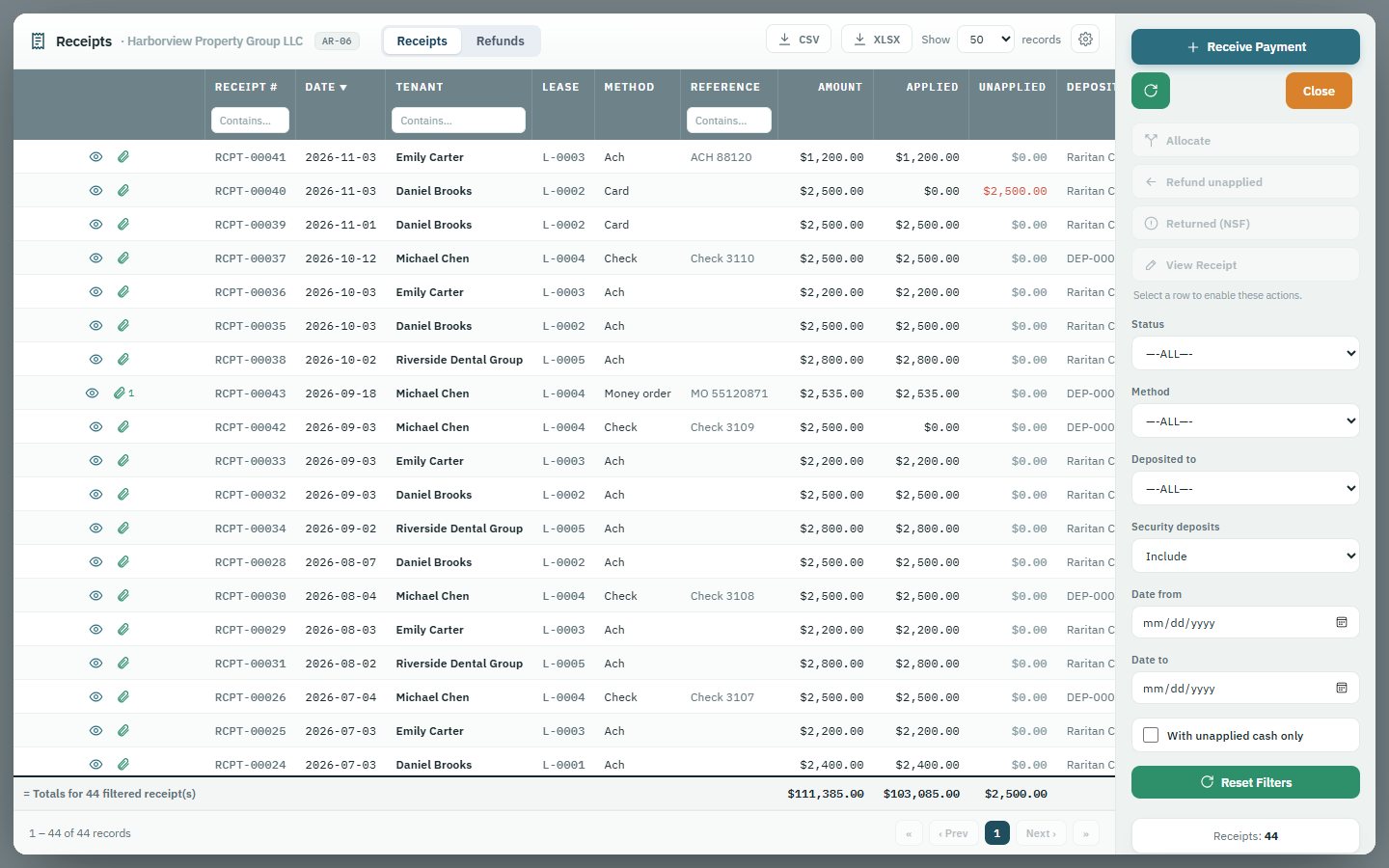
- Receipts & allocation
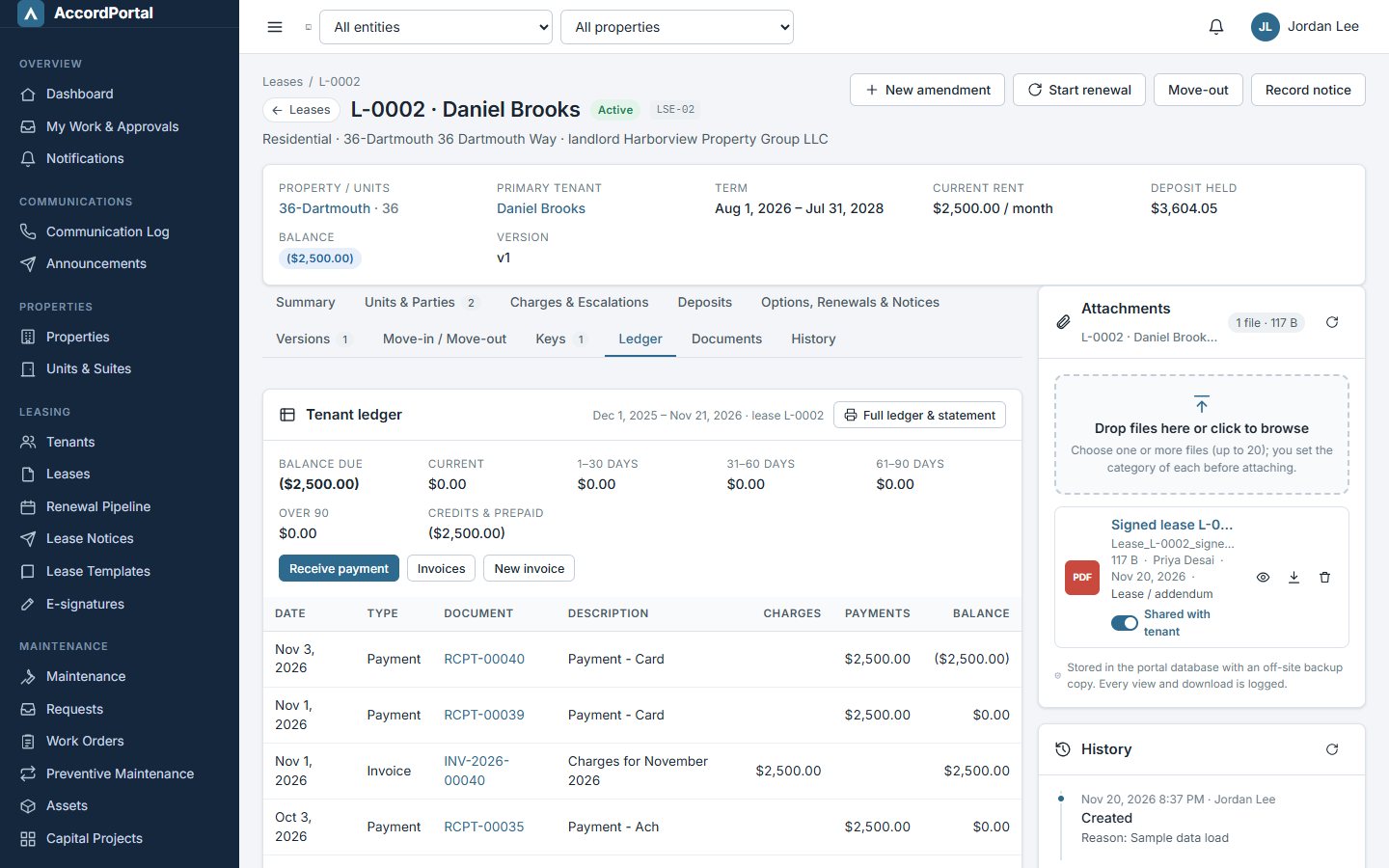
- ACH, card, check, cash, money order, wire; oldest-first, priority or manual allocation; prepaid rent.
- Returns, NSF & refunds
- Returned payments with NSF fees; refunds of credits and deposits with approval.
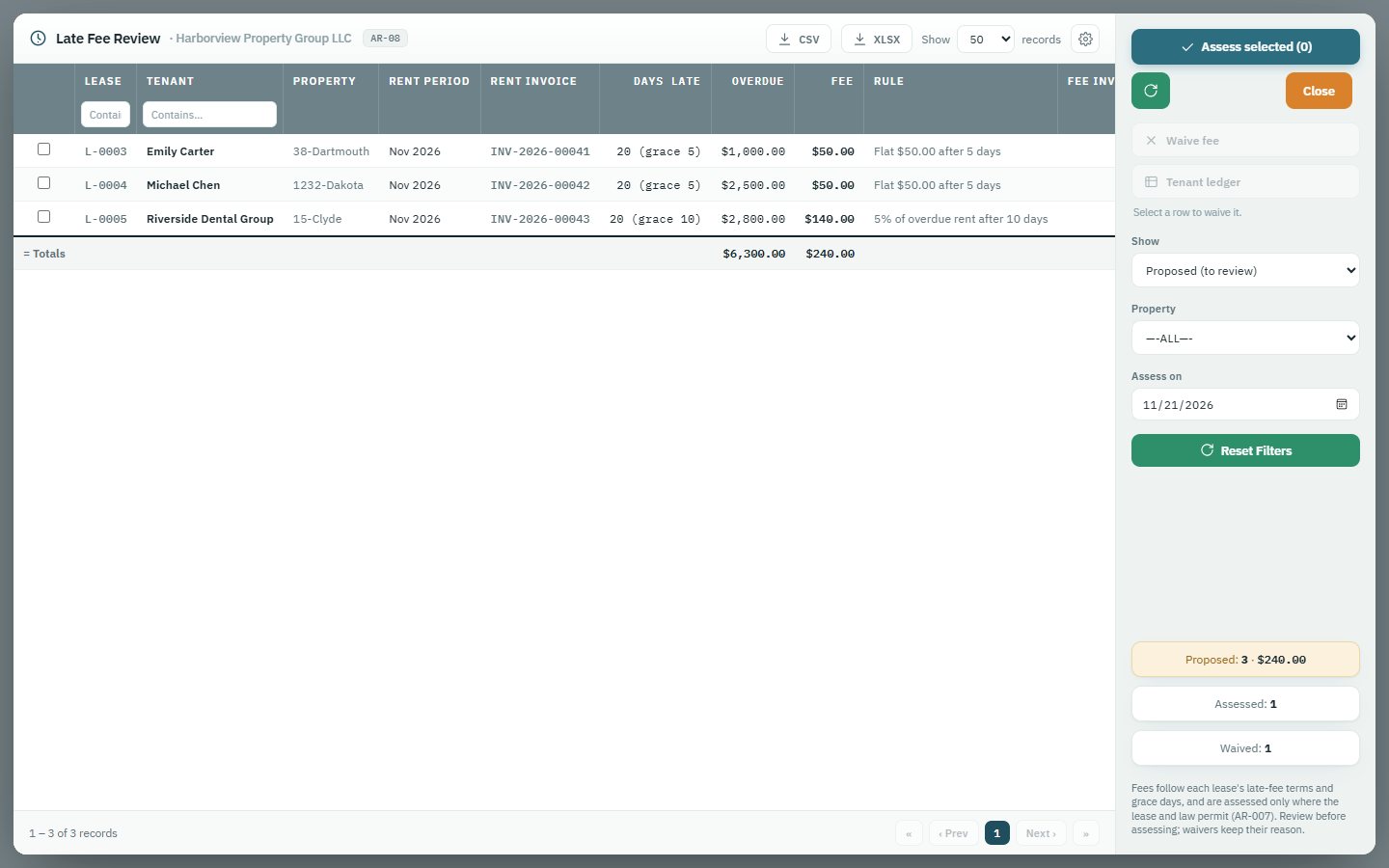
- Late fees
- Review and assess flat, percentage or daily fees with caps; waive with a reason.
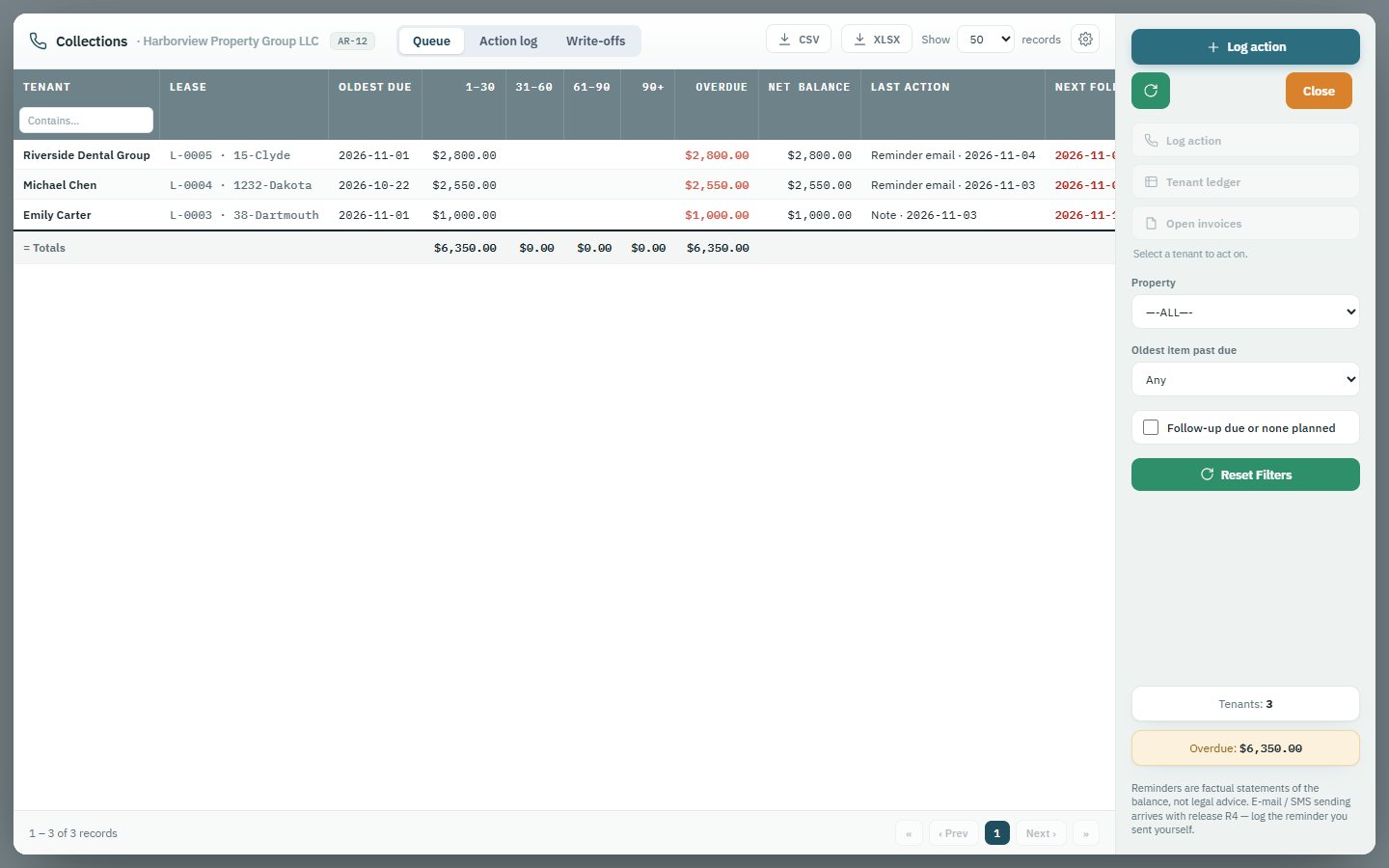
- Collections & write-offs
- Aged queue with reminders, calls, letters, payment plans, referrals; approved write-offs.
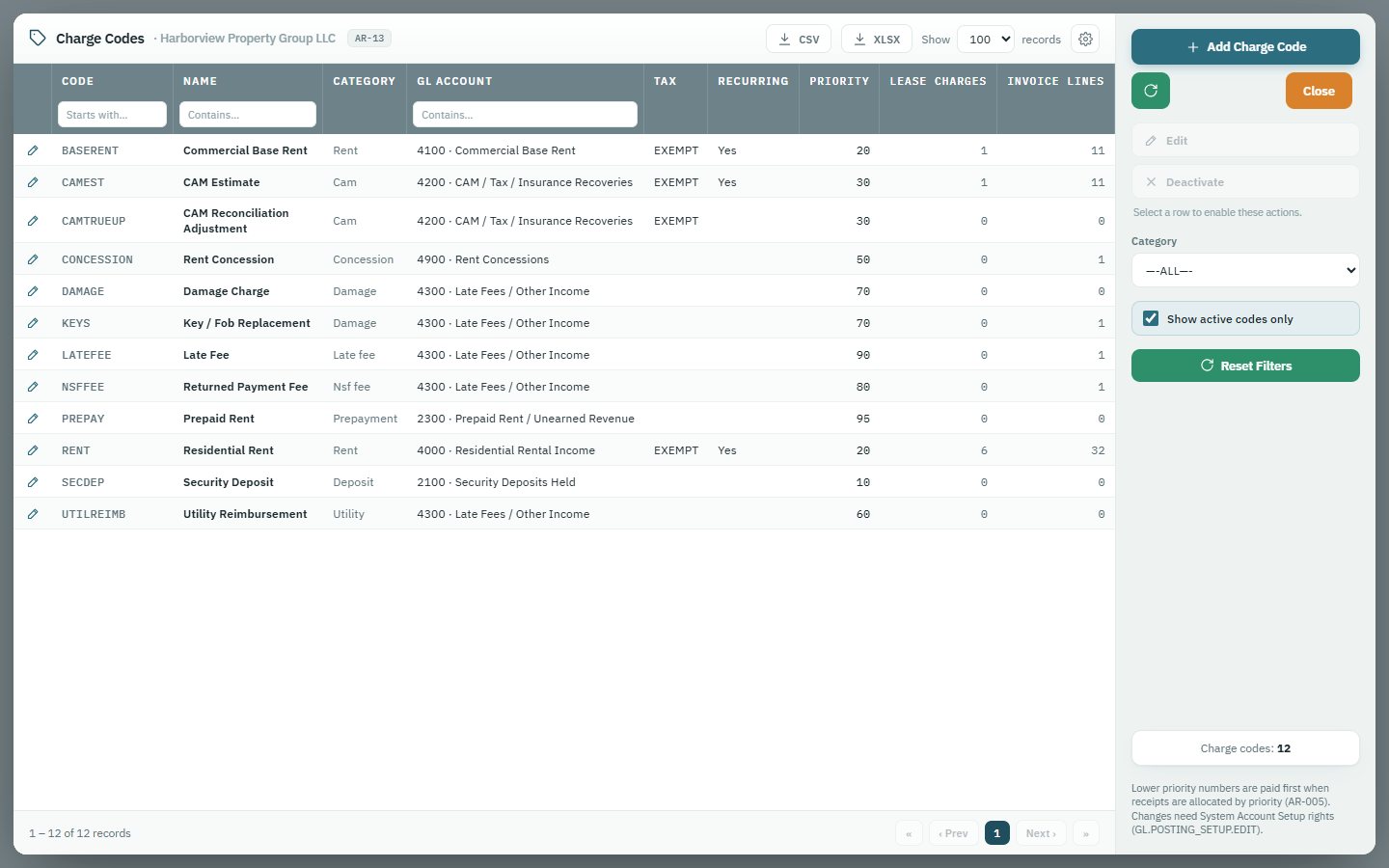
- Charge codes
- Income account, tax treatment and allocation priority per charge type.
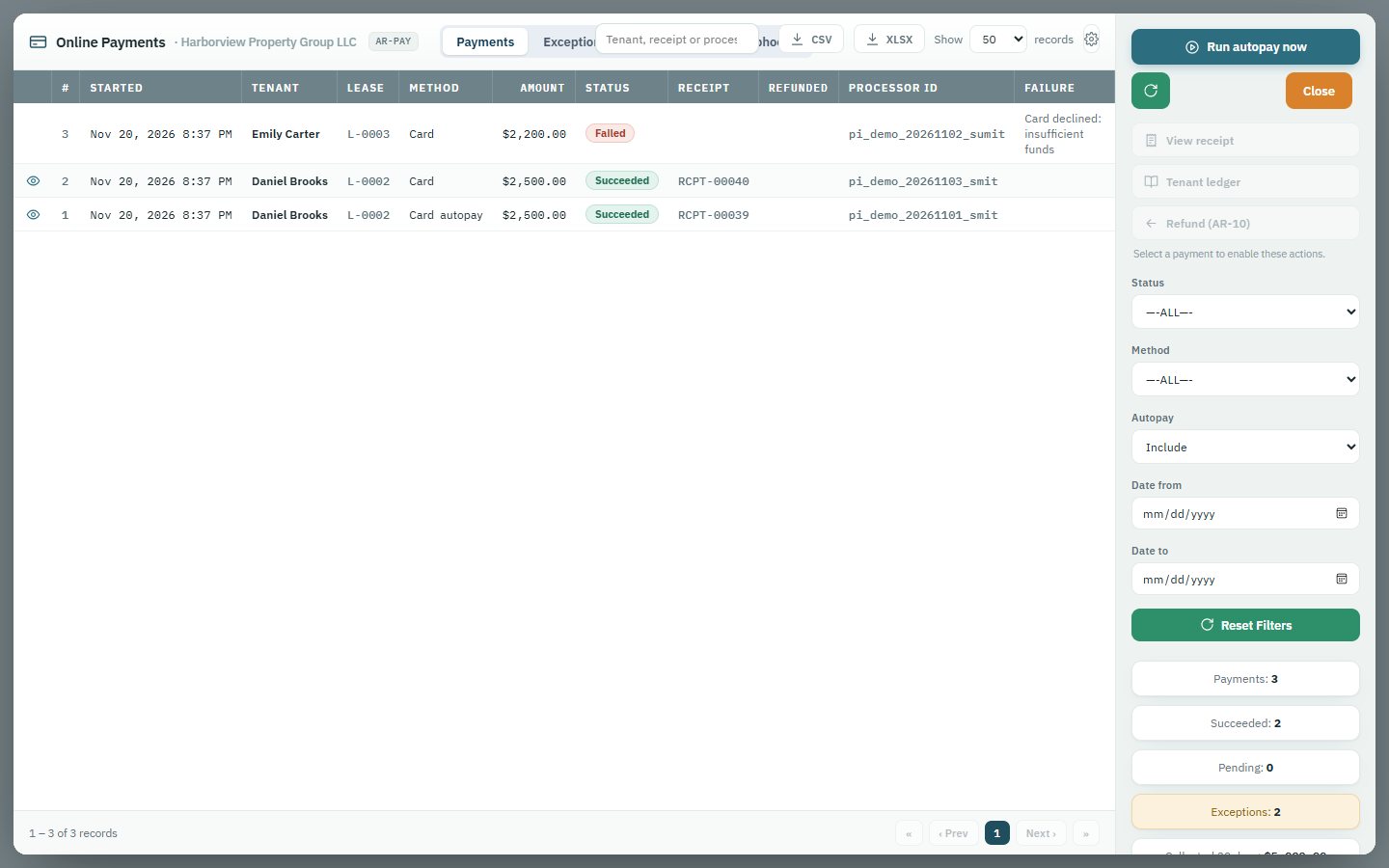
- Online payments & autopay
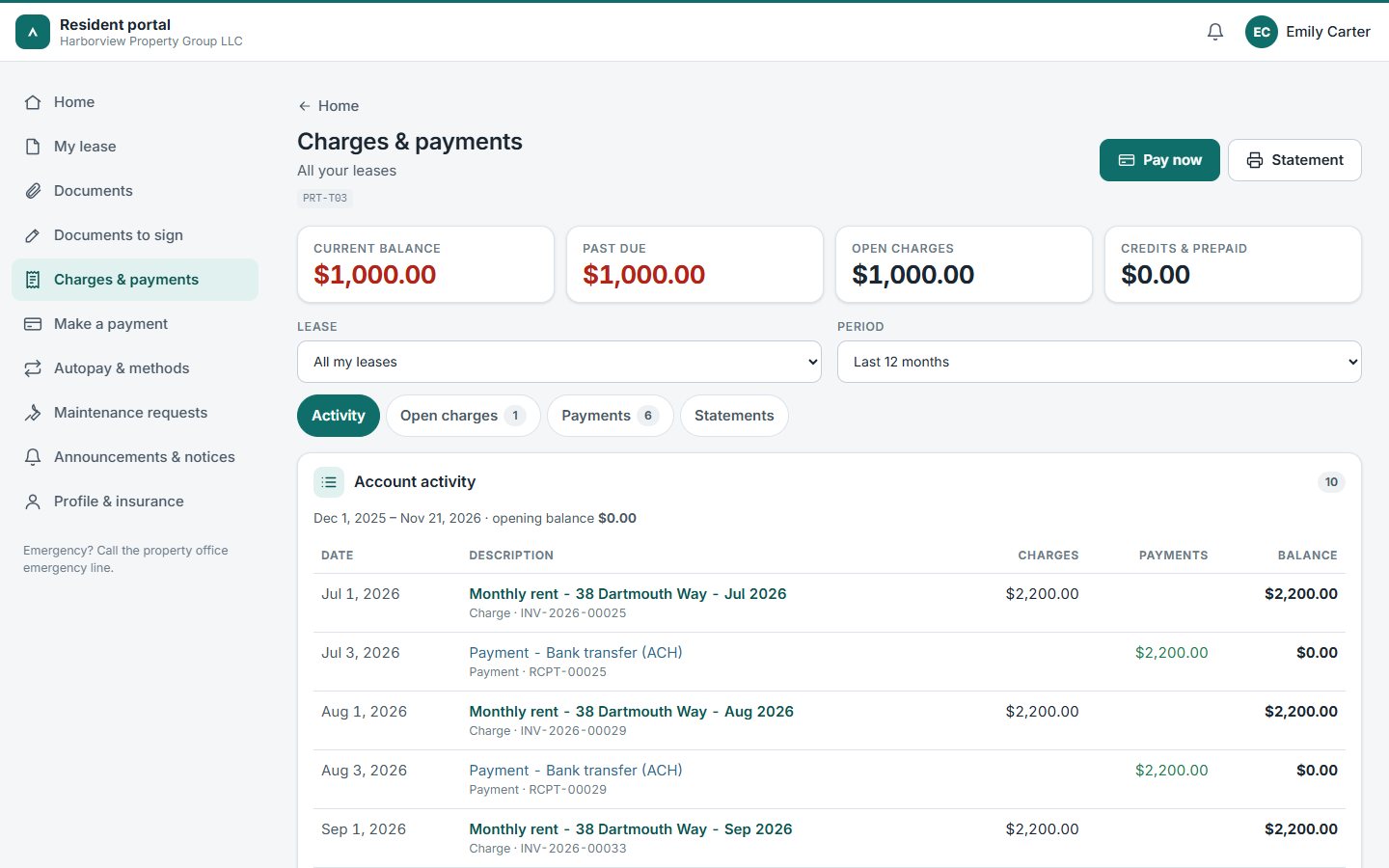
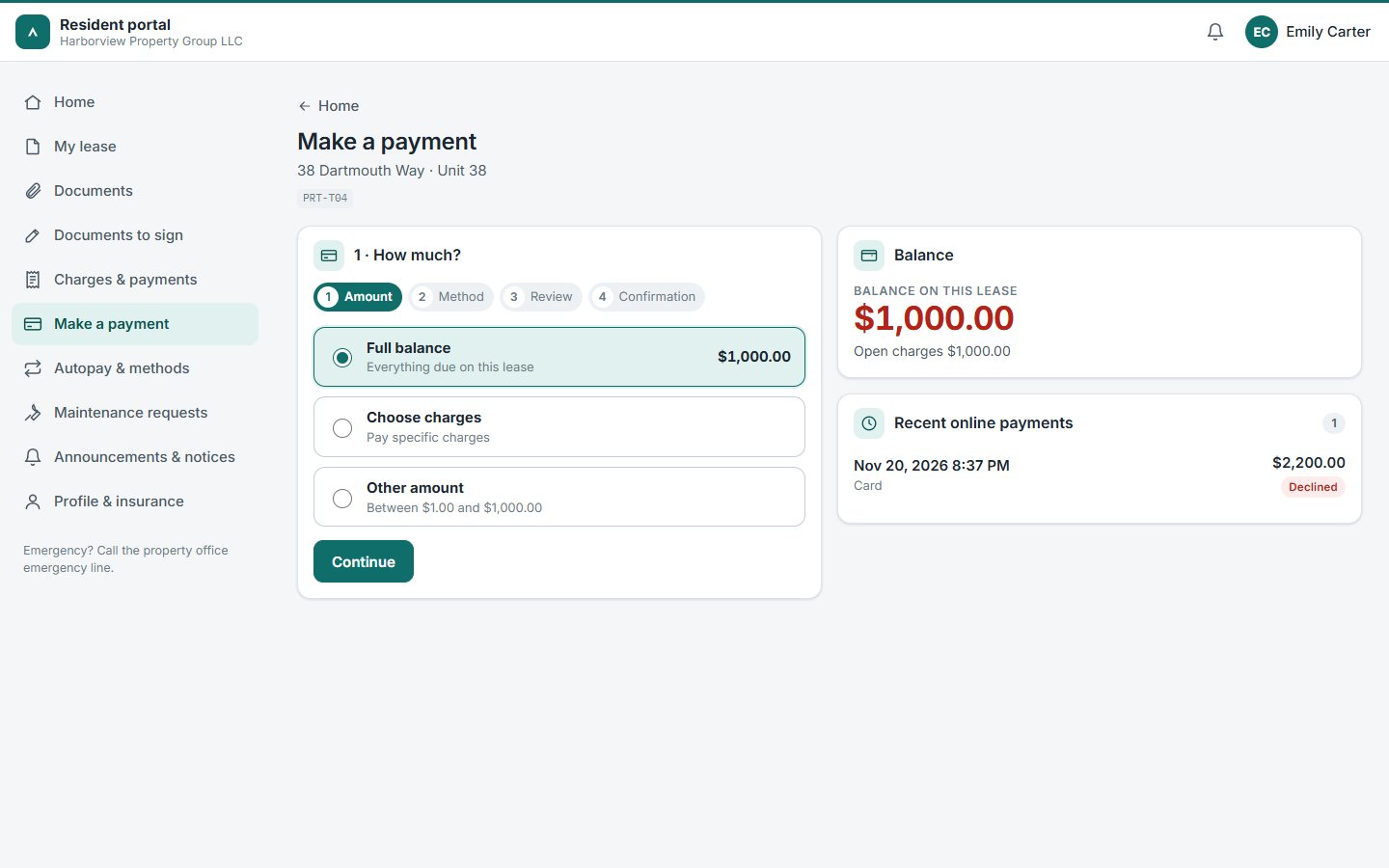
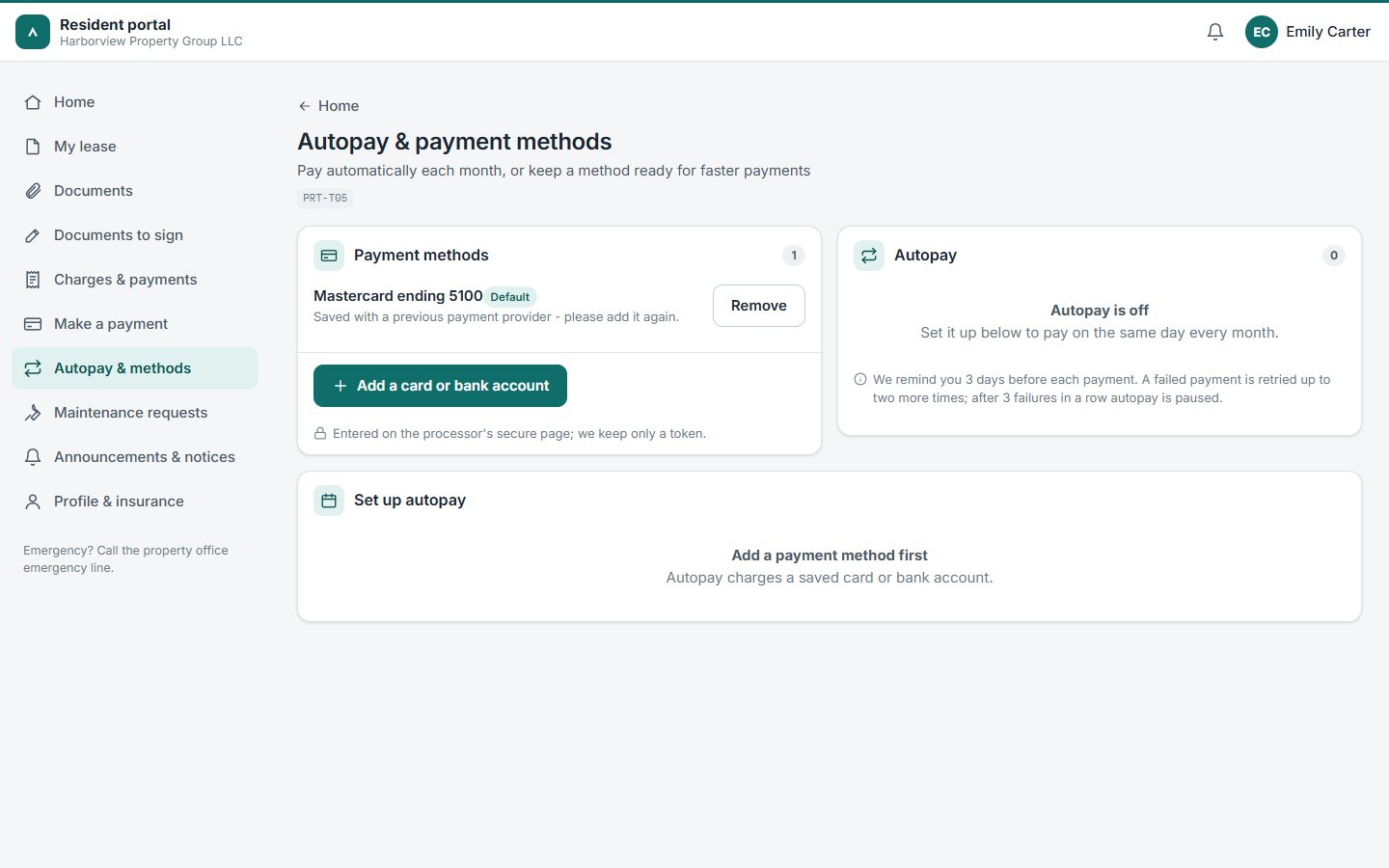
- Hosted card / ACH payments, saved methods, autopay, webhooks, returns.
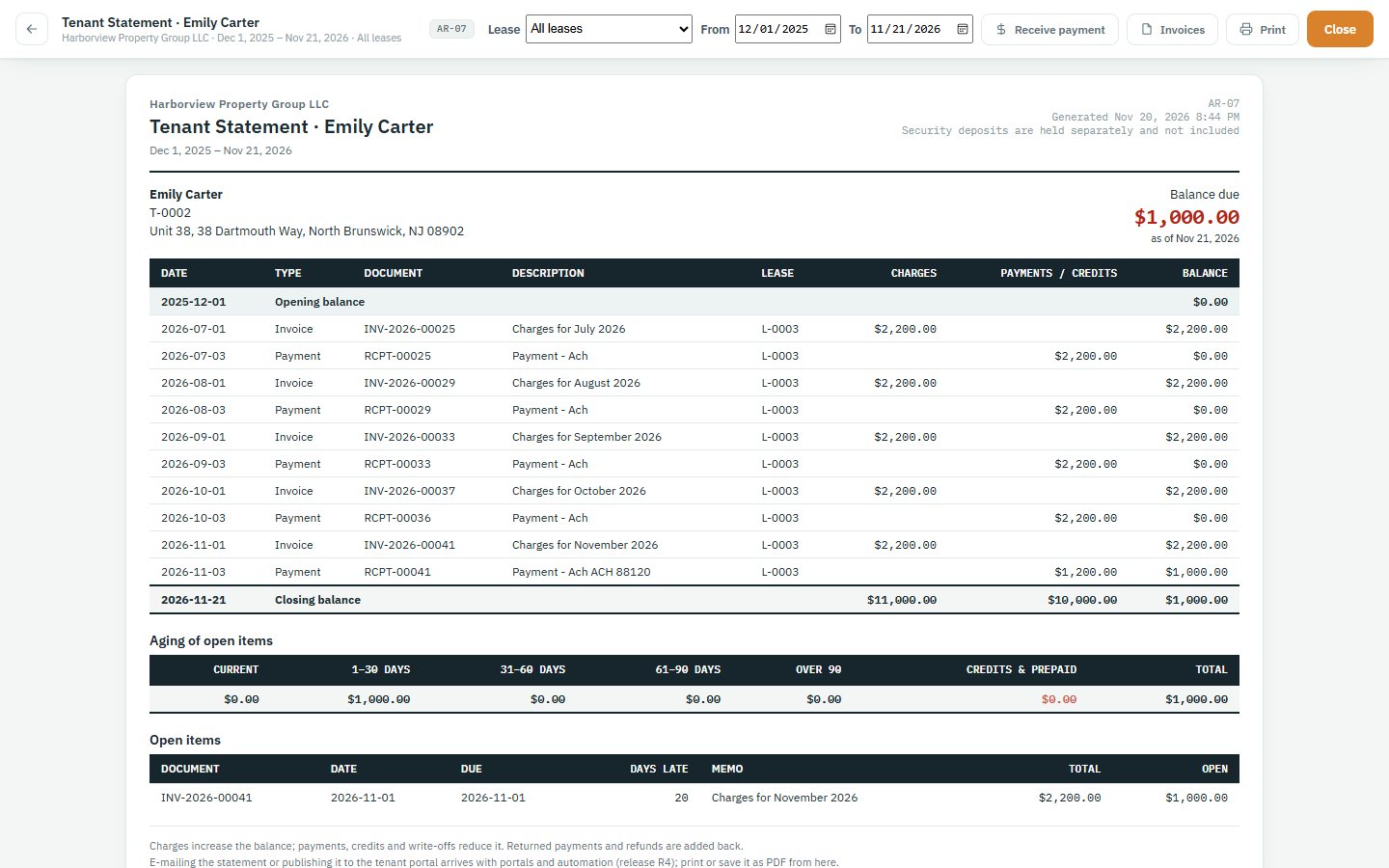
- Tenant statements
- Running-balance statement with aging, printable and shared in the portal.
Payables
Purchase to pay, with controls.
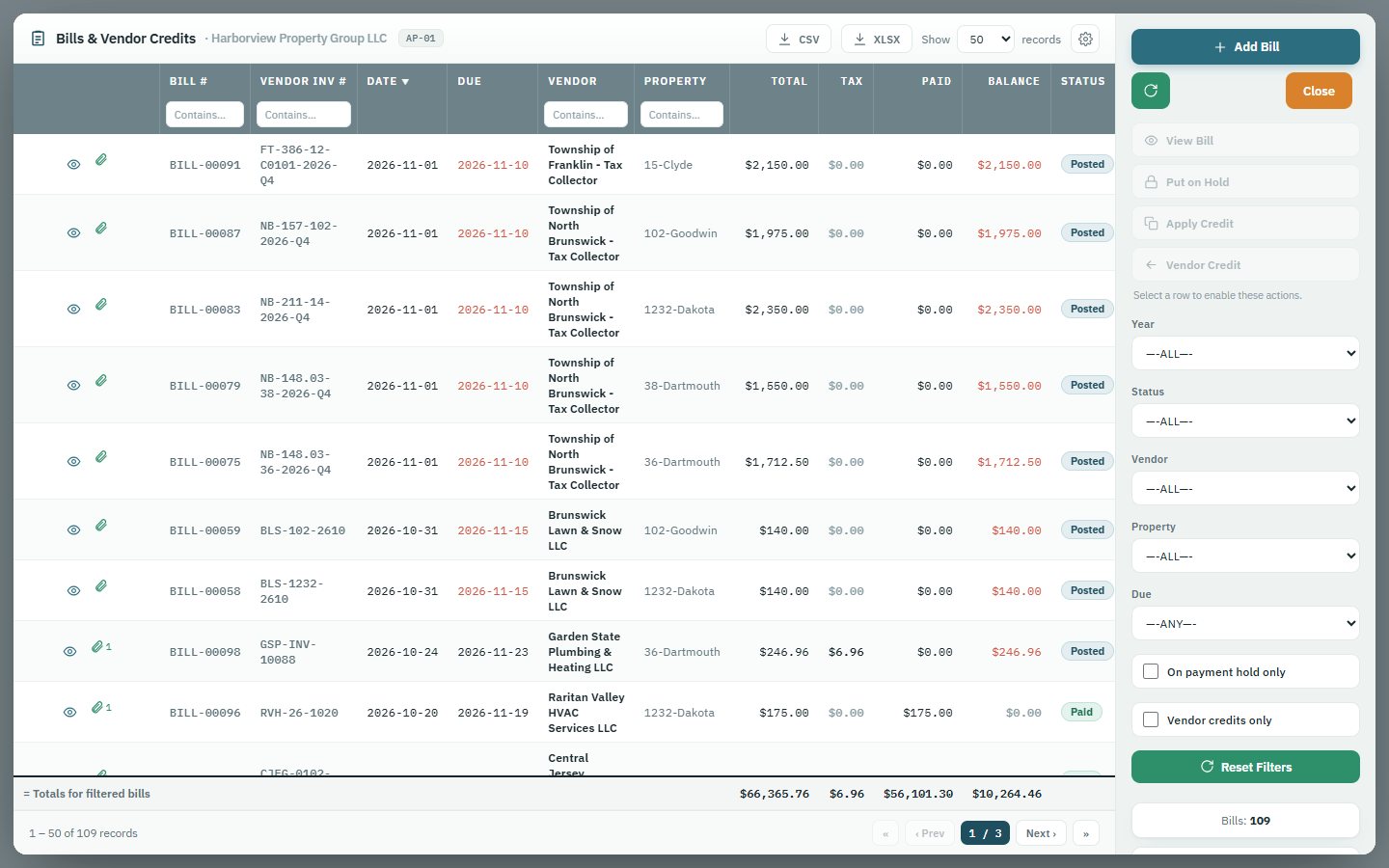
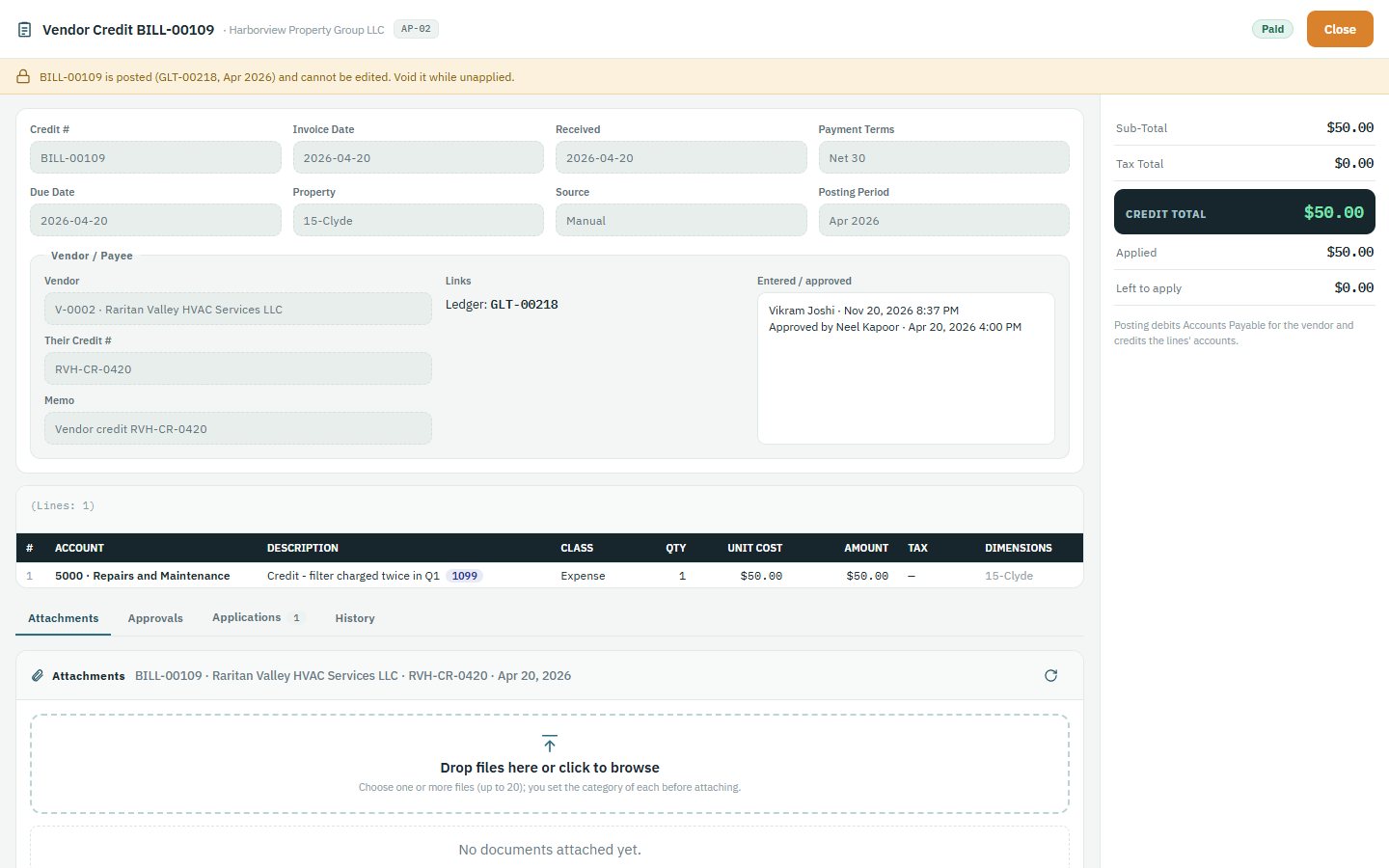
- Bills & vendor credits
- Allocation to property, unit, asset and project; credits applied to open bills.
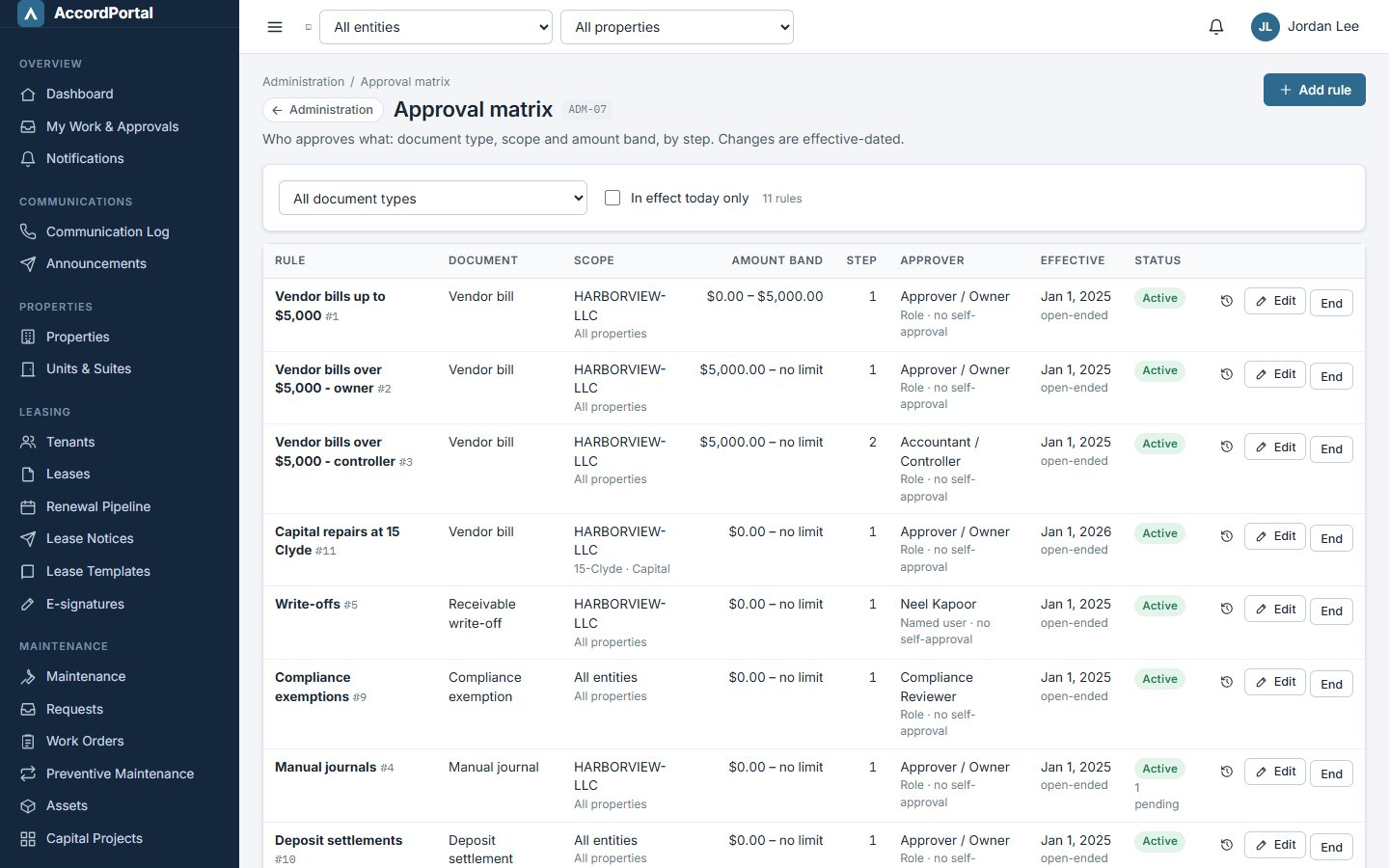
- Bill approvals
- Routed by the approval matrix; segregation-of-duties threshold for creator and payer.
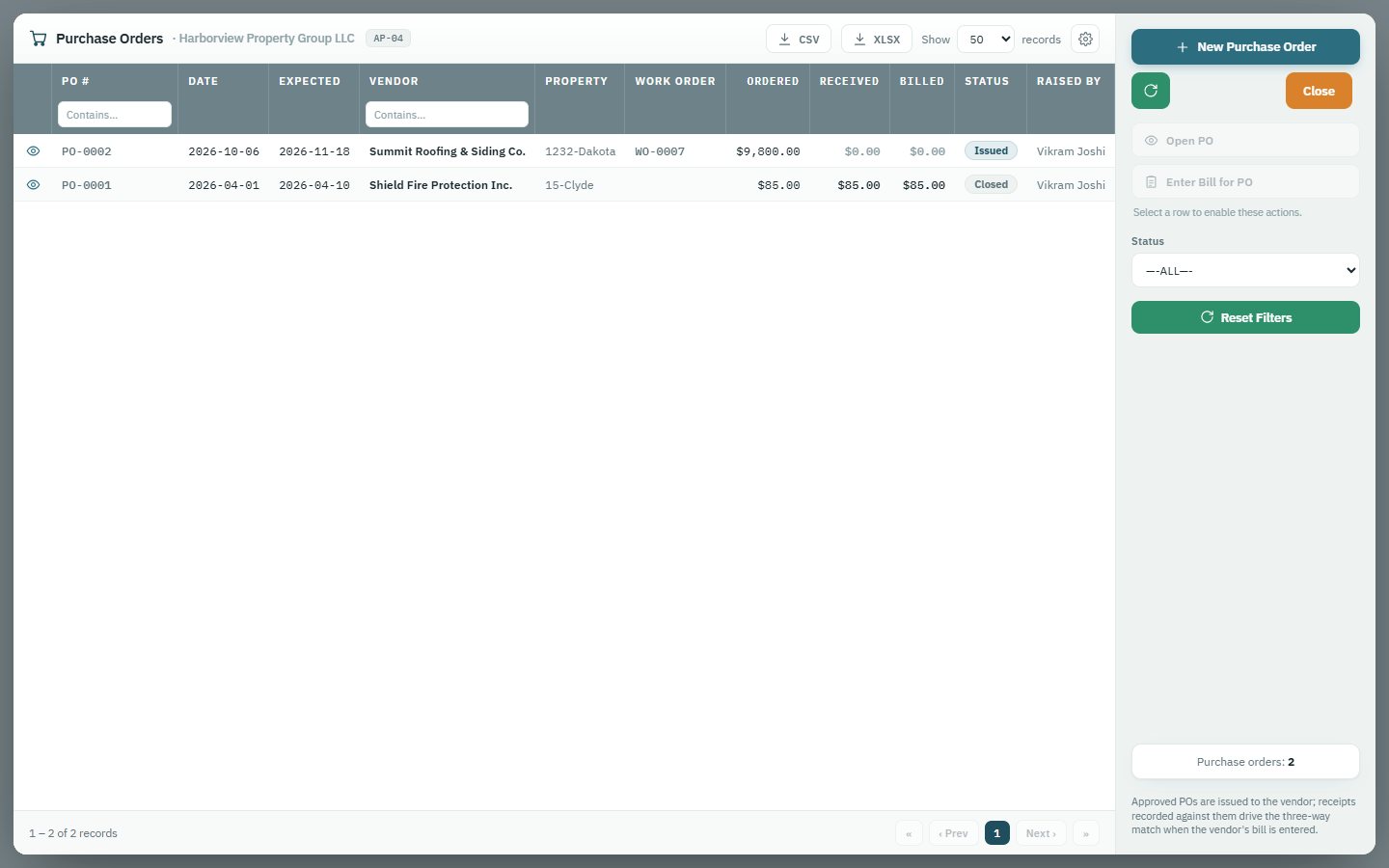
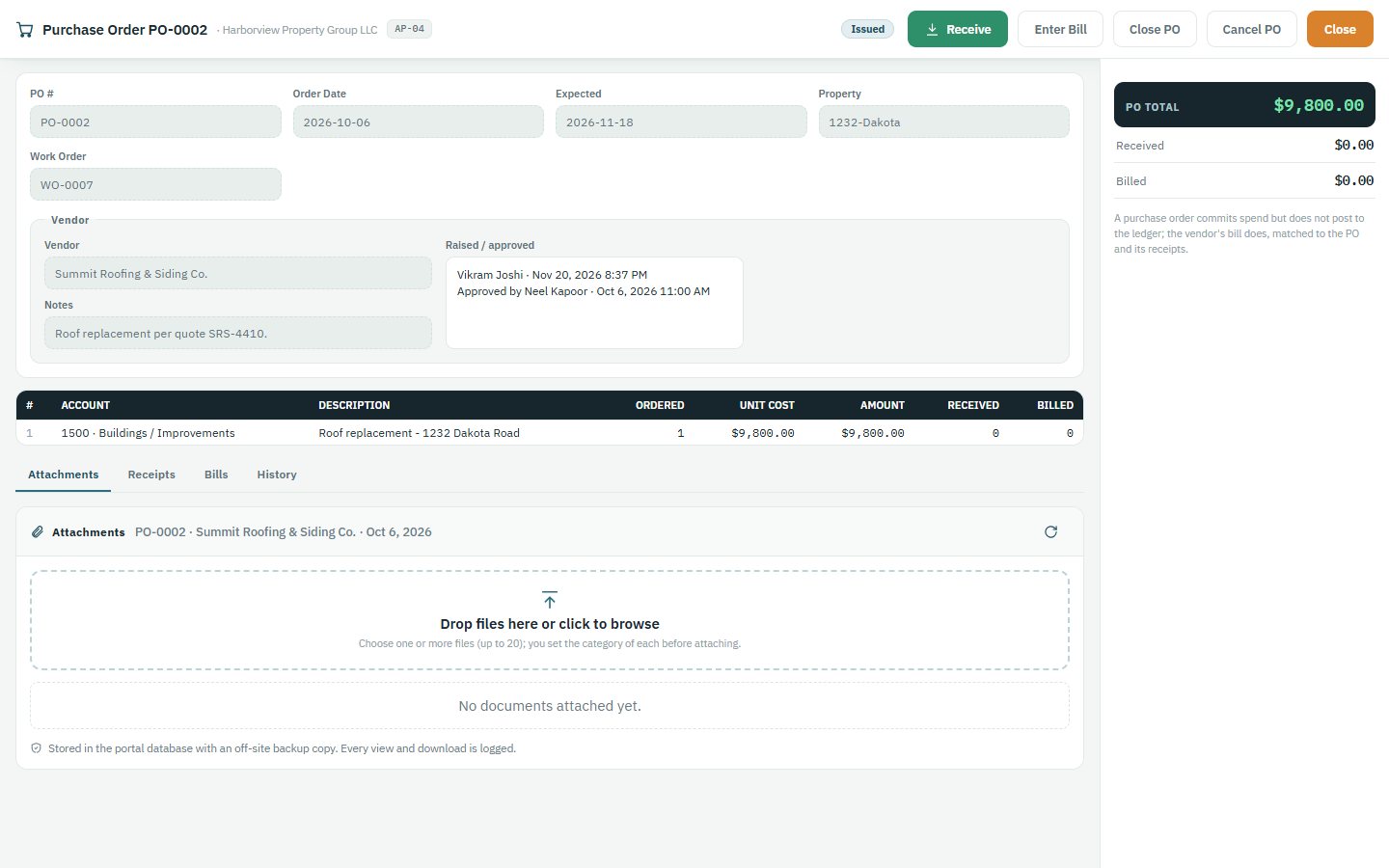
- Purchase orders & receipts
- Raise, approve, receive and match bills to orders.
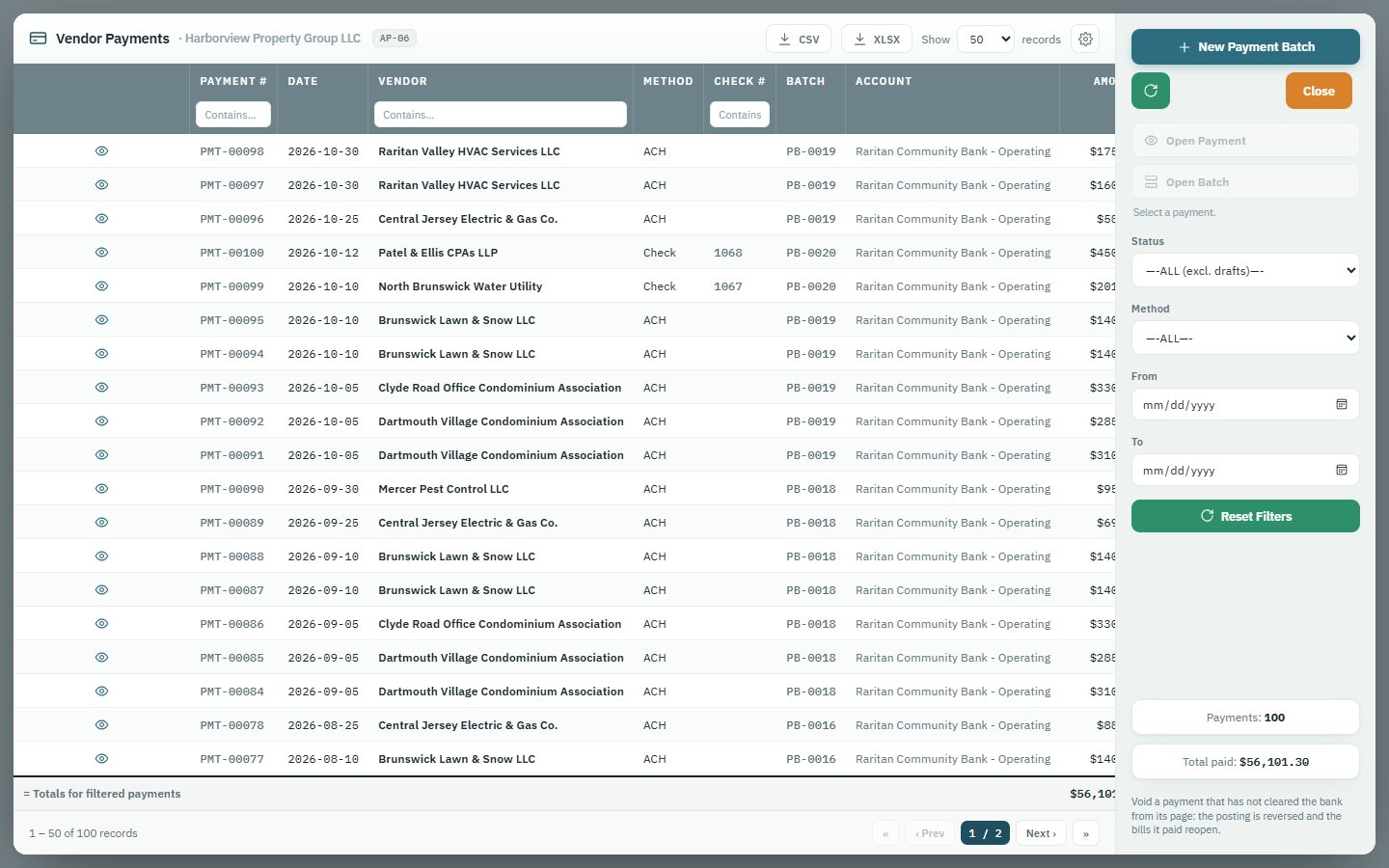
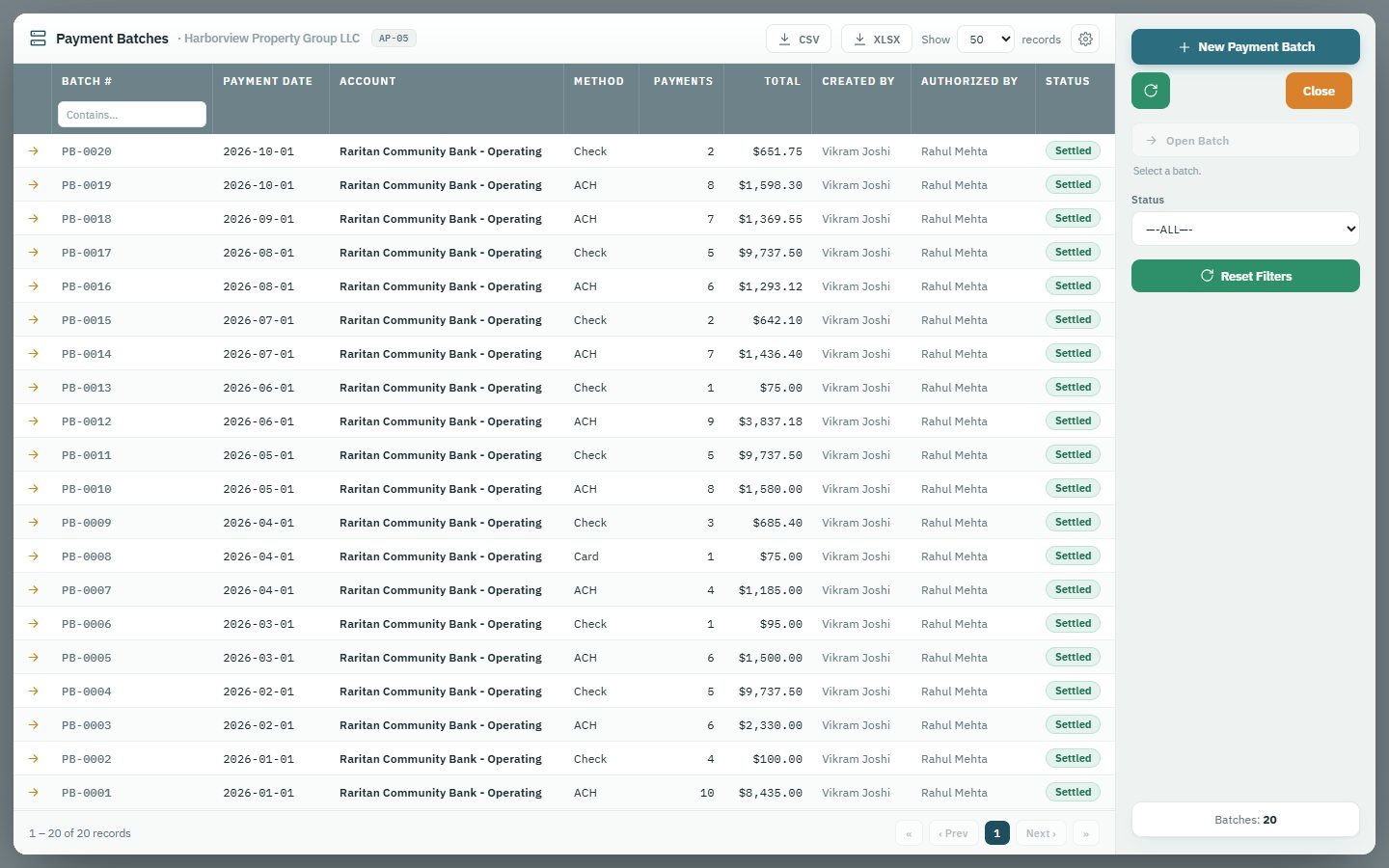
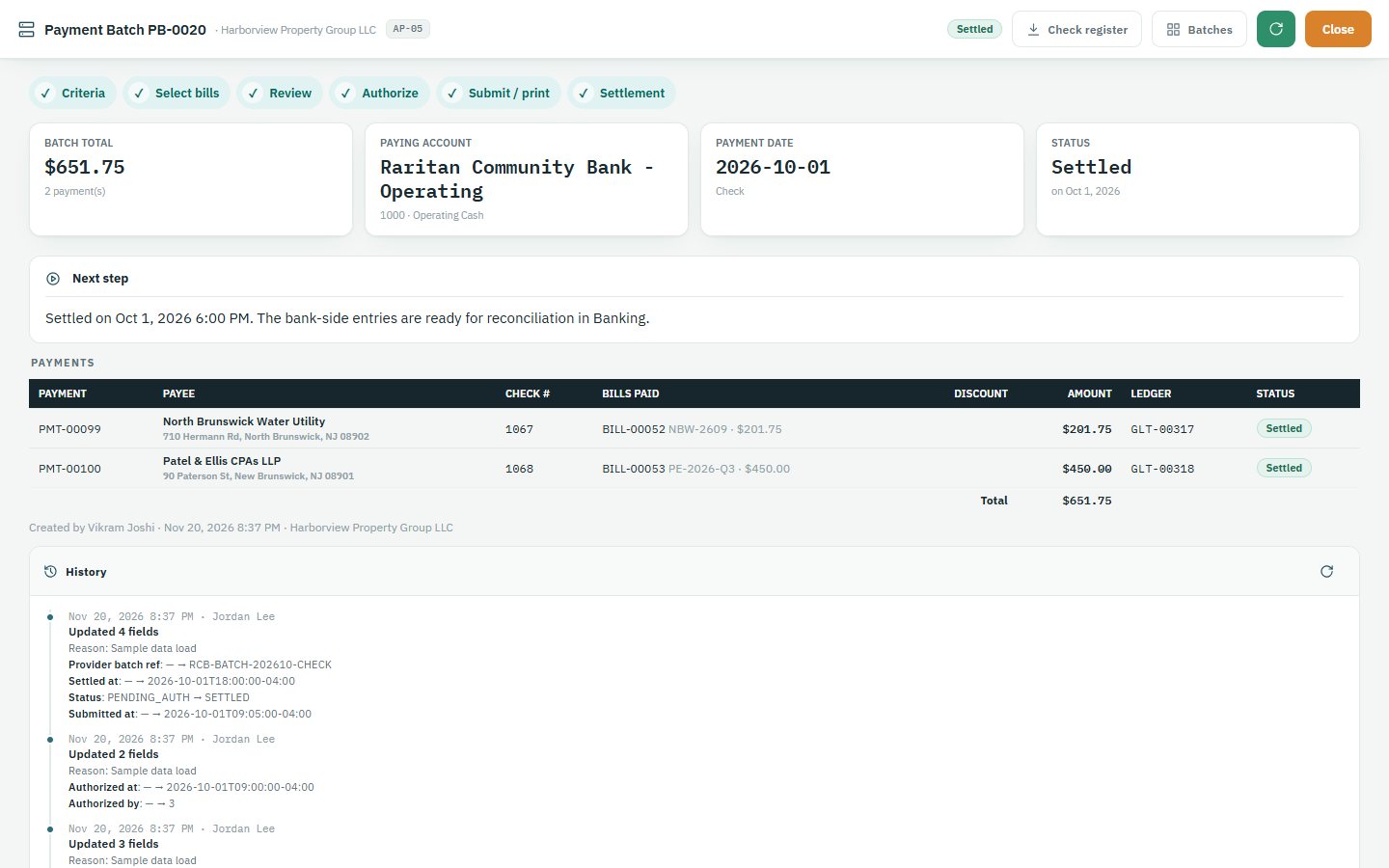
- Payments & batches
- Check and ACH batches with numbering, approval and settlement confirmation.
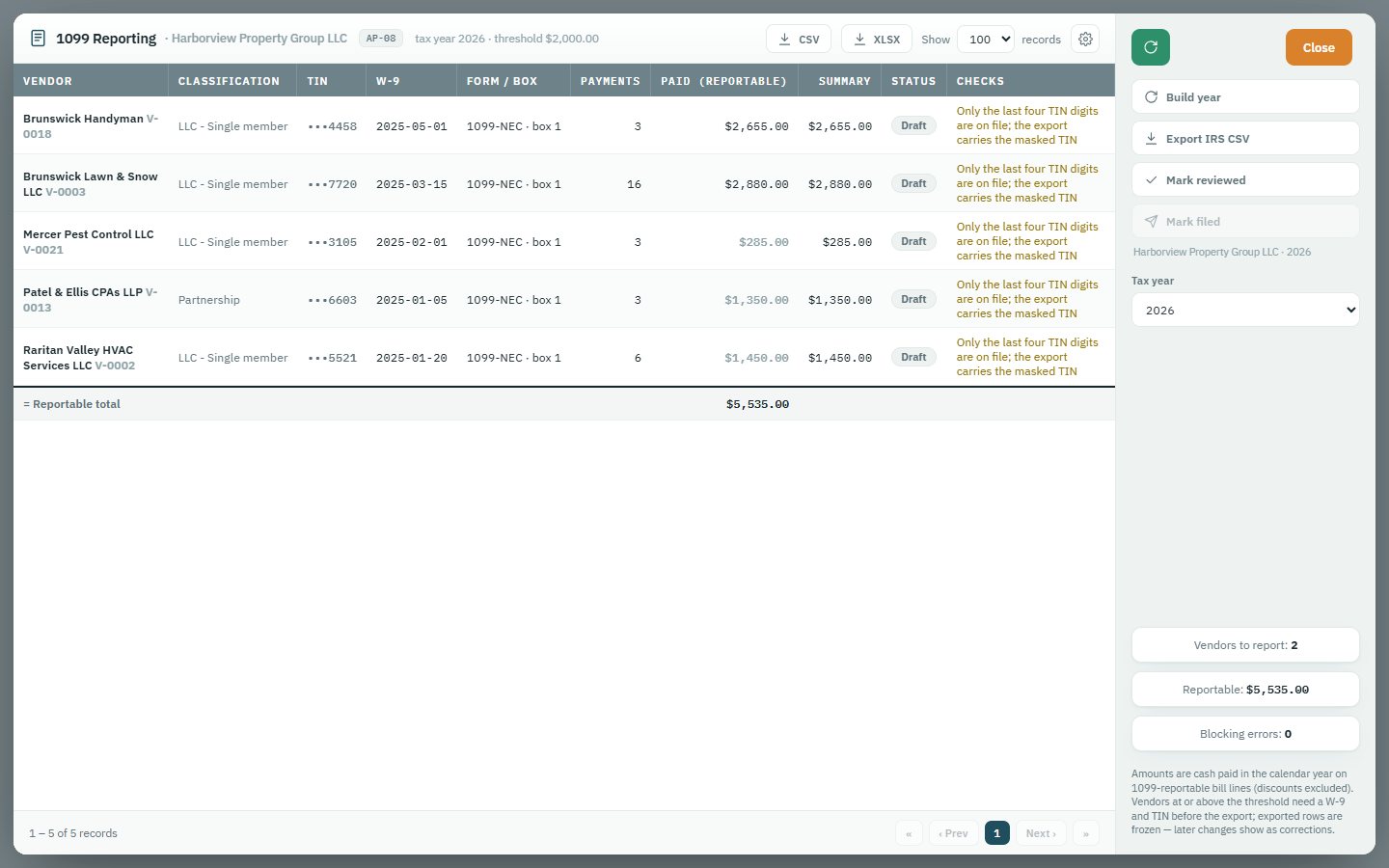
- 1099 reporting
- Eligible vendors, yearly totals and thresholds; encrypted tax ids.
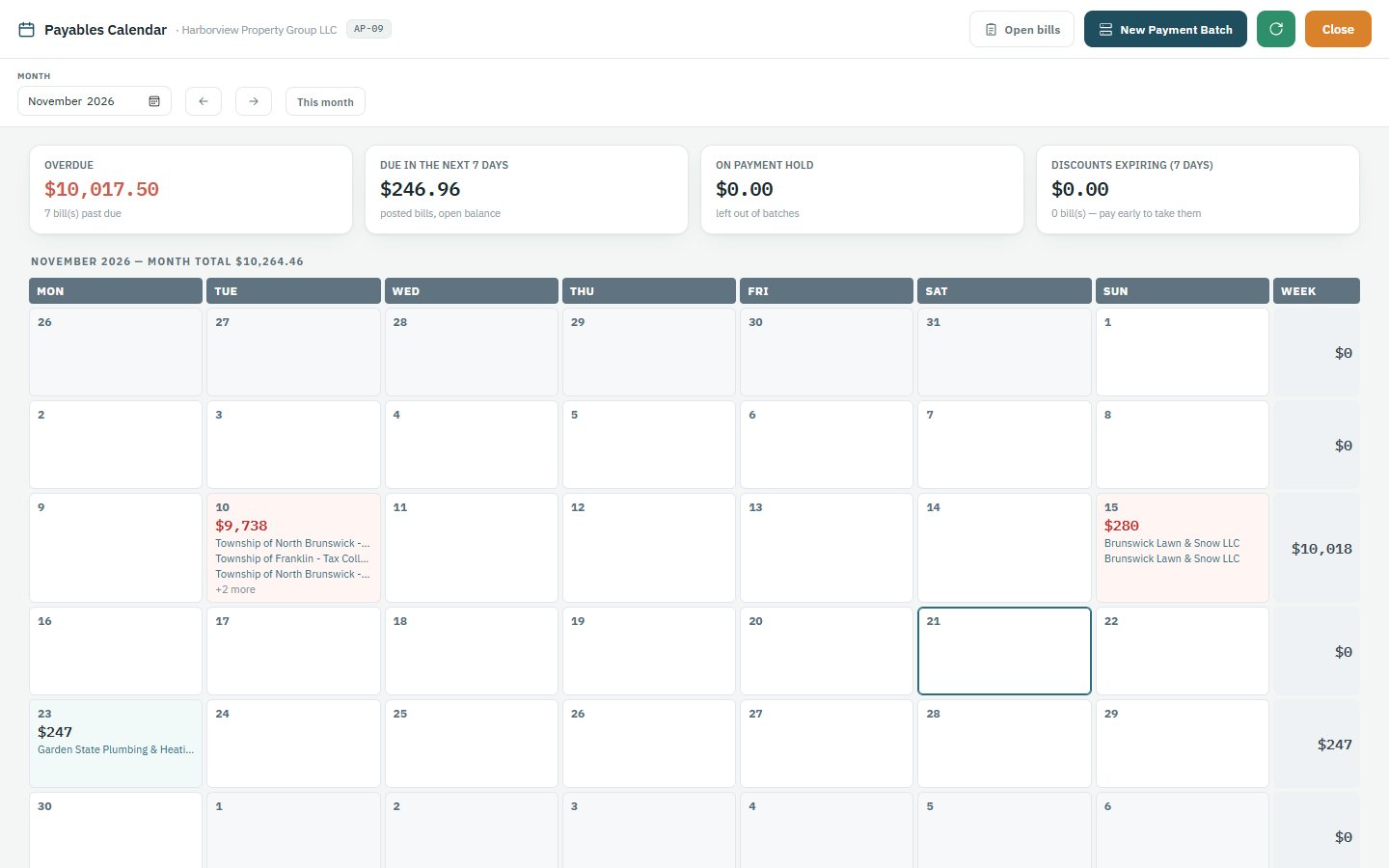
- Payables calendar
- What is due each day and the cash it needs.
Banking
Cash you can reconcile.
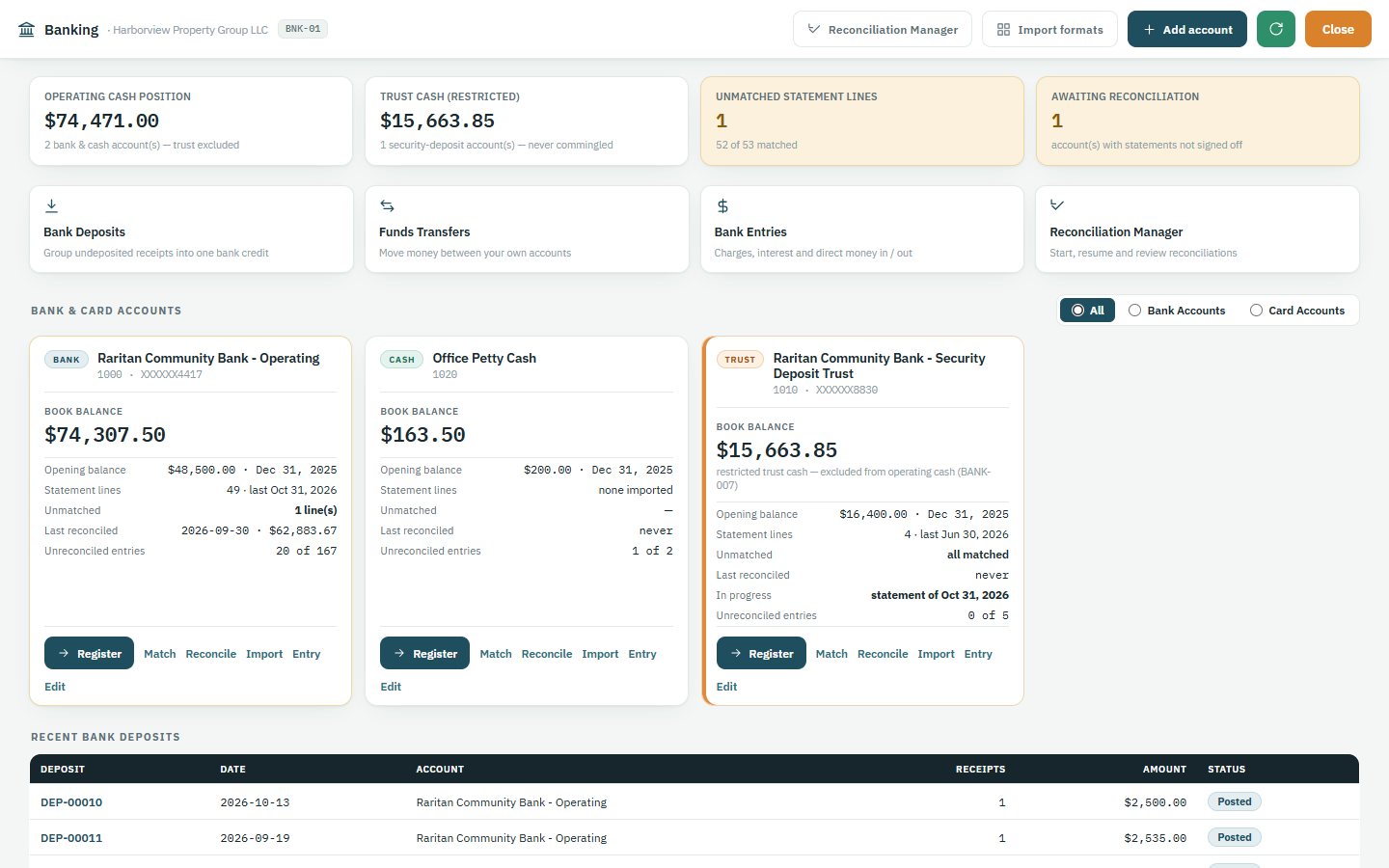
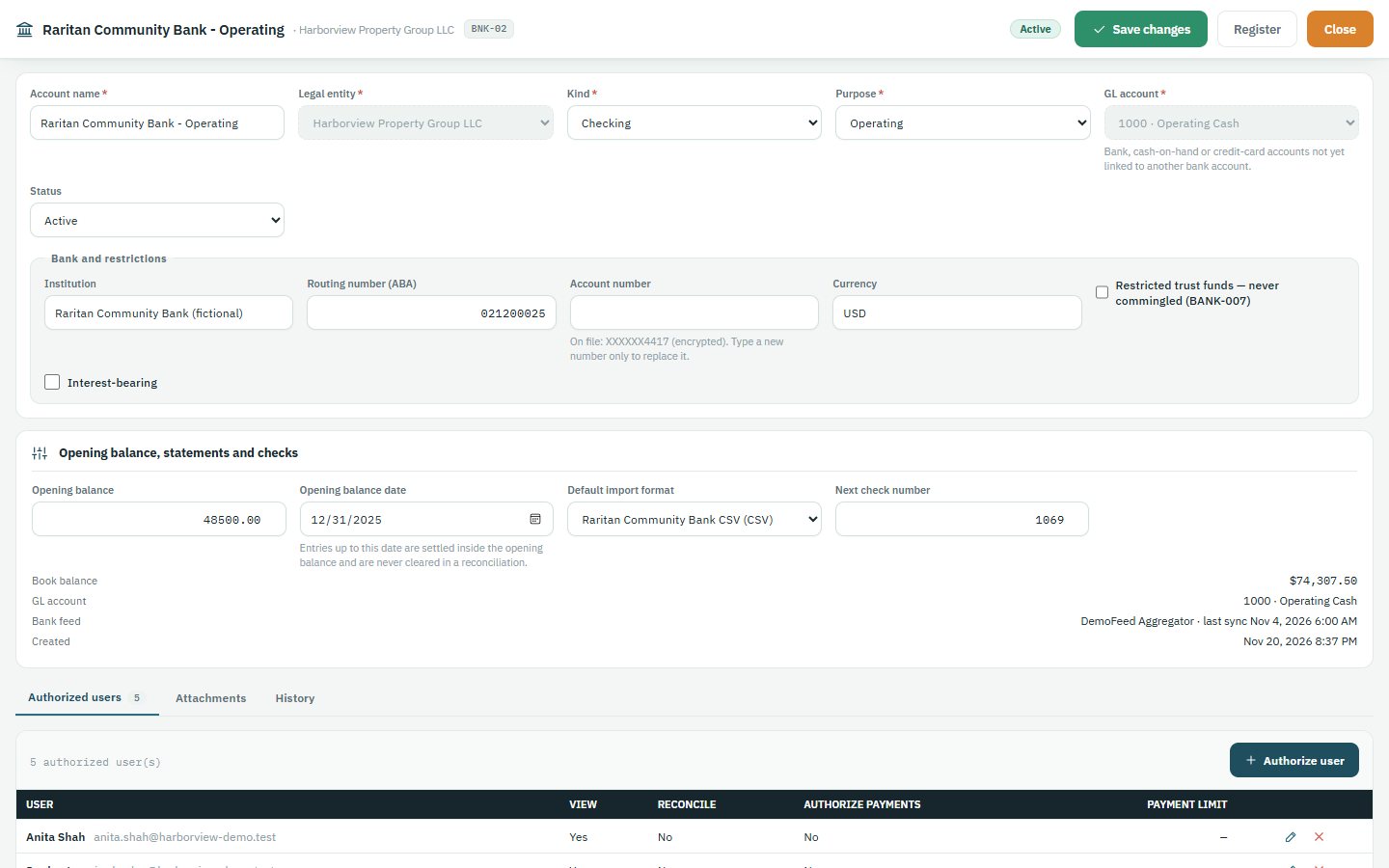
- Bank accounts
- Operating, petty cash and restricted trust accounts linked to their ledger accounts, with authorized users.
- Deposits
- Group receipts into the actual bank deposit.
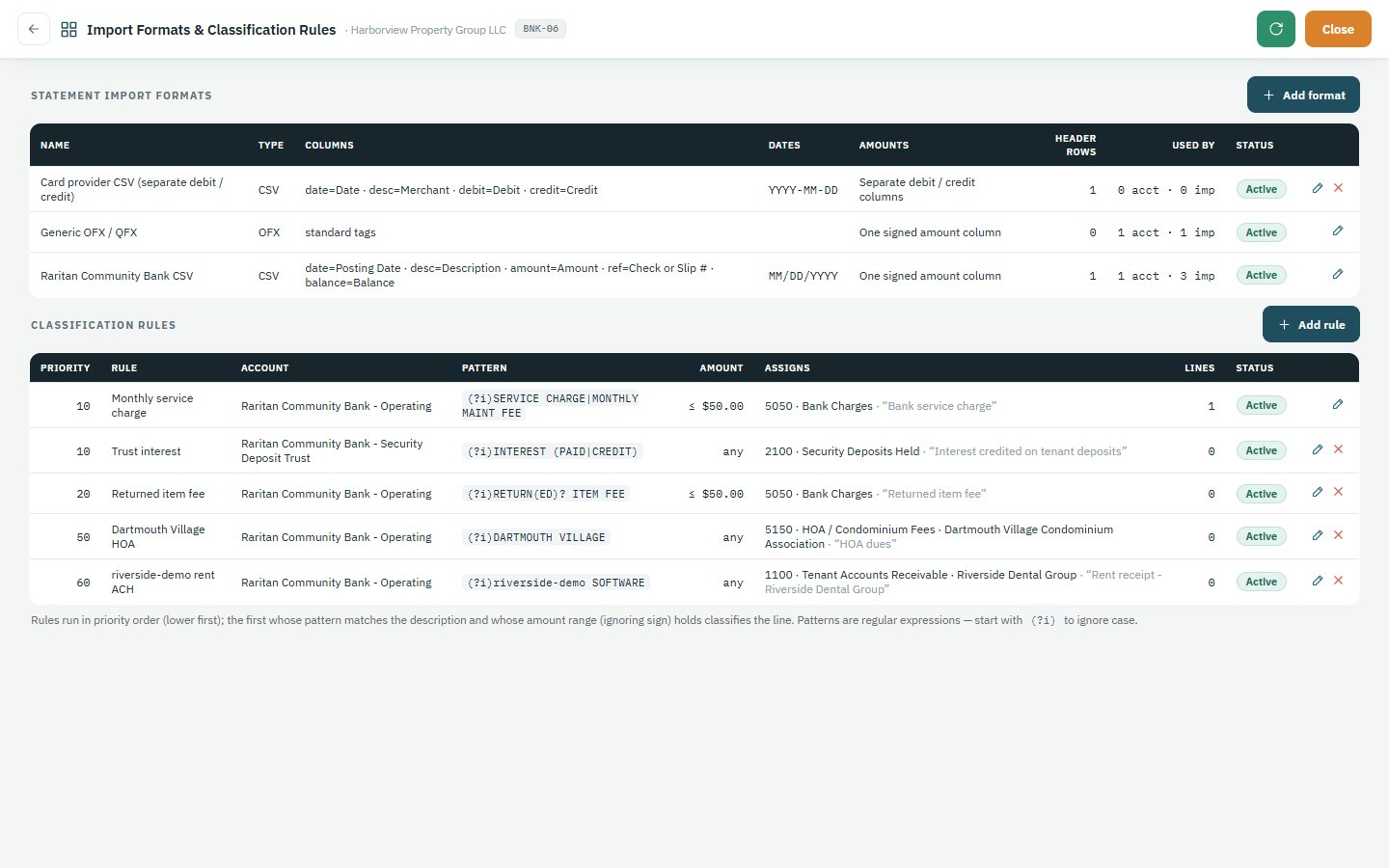
- Statement import
- Import formats per bank and classification rules for recurring items.
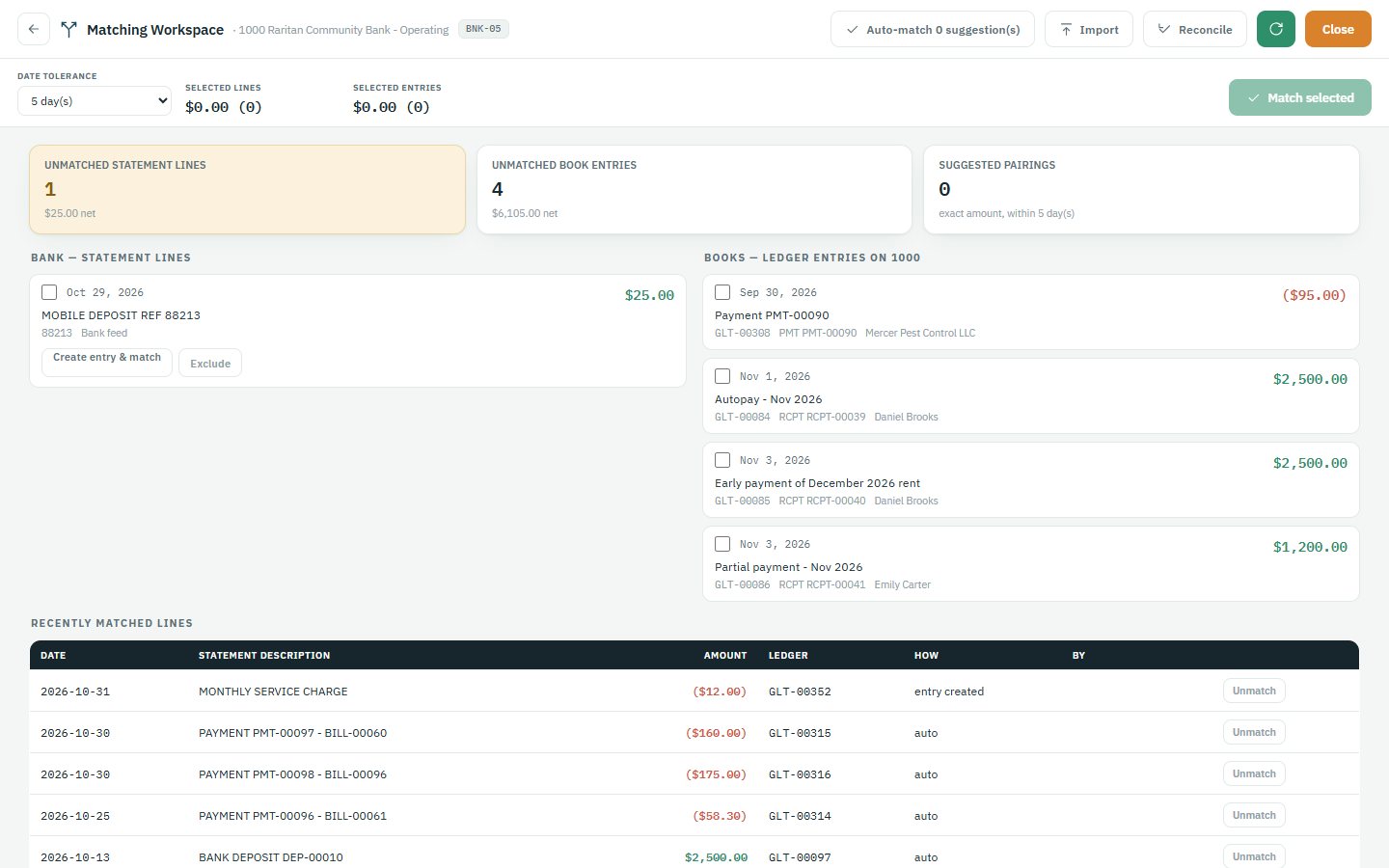
- Matching workspace
- Match statement lines to ledger entries; create missing entries from the line.
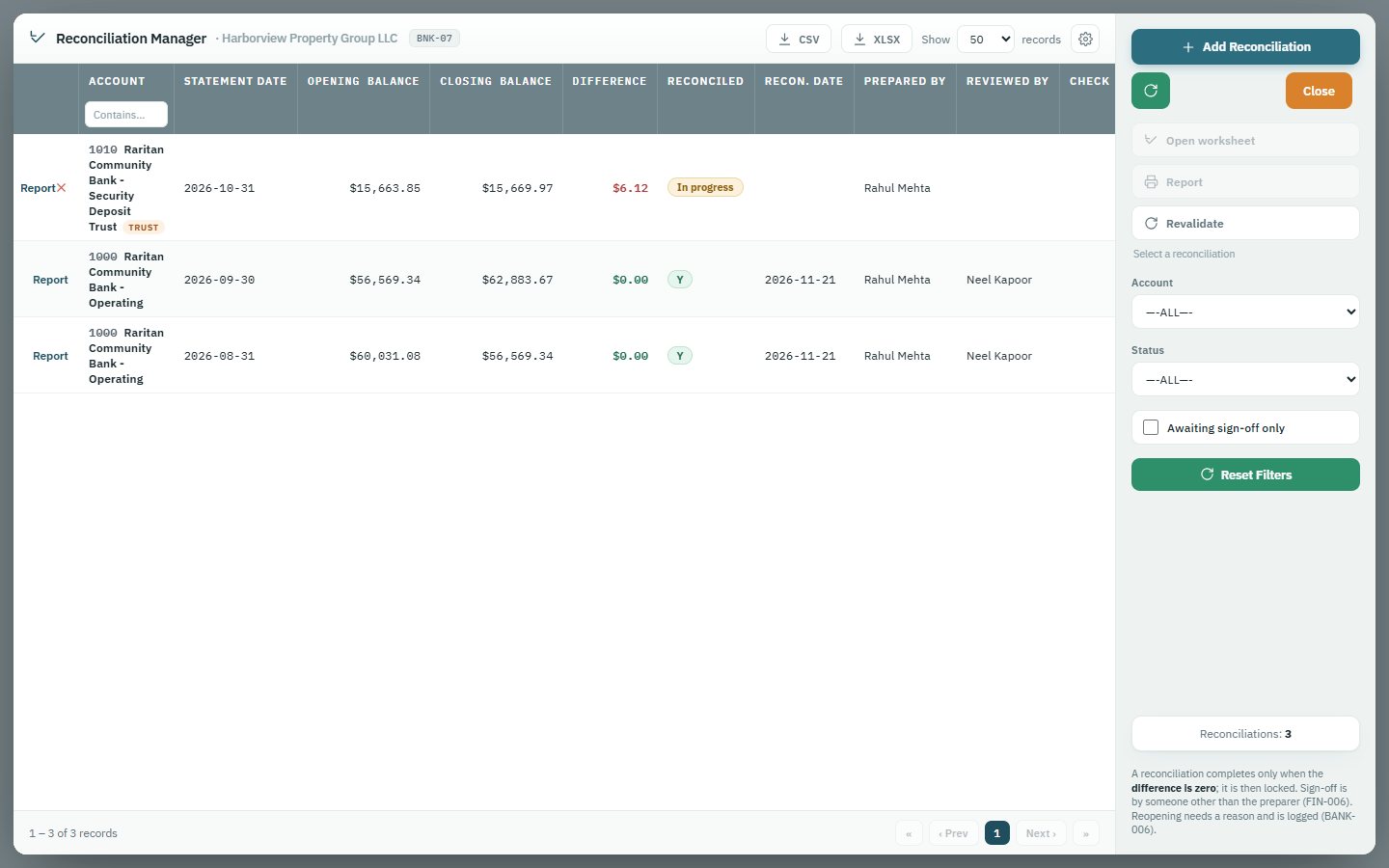
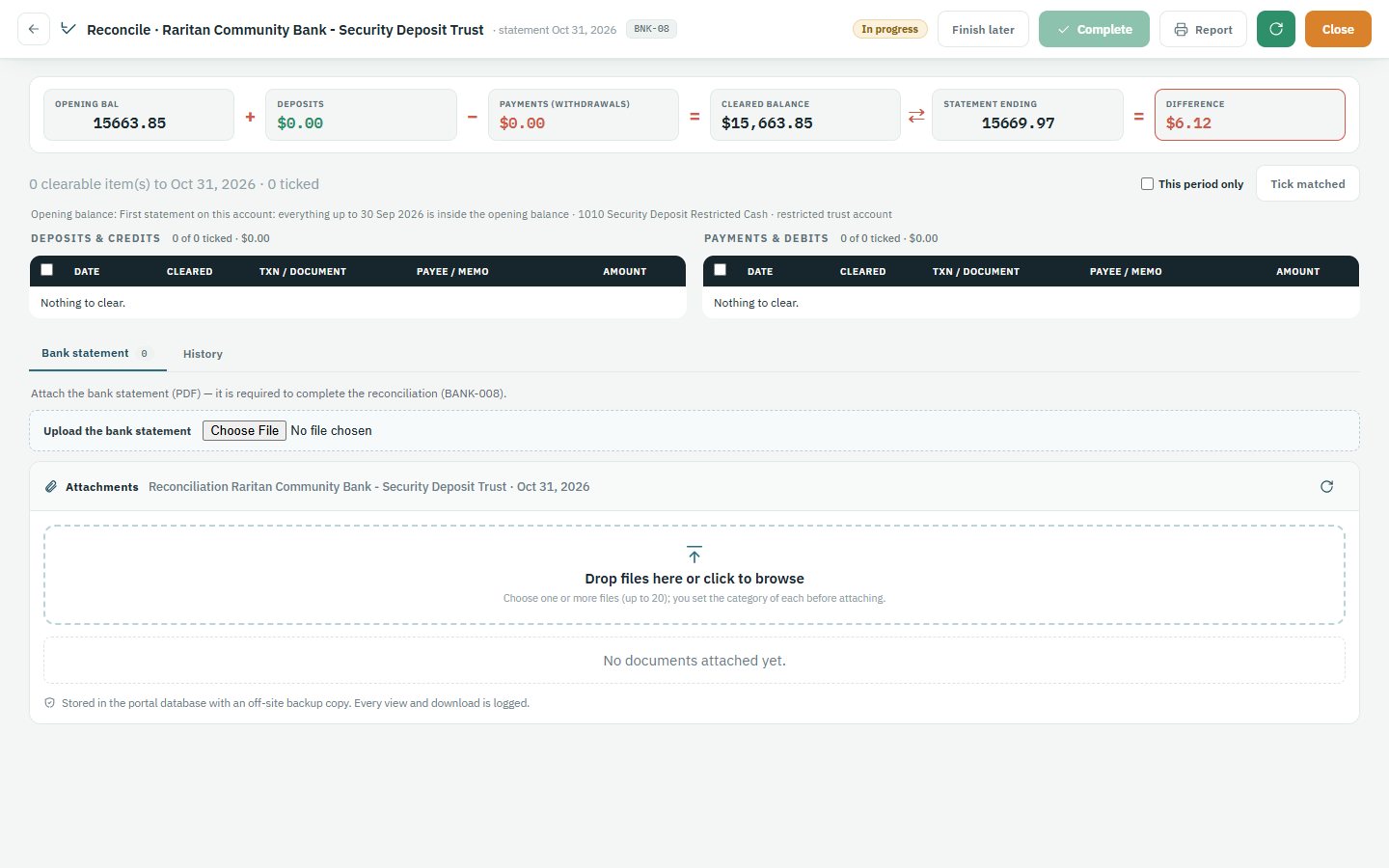
- Reconciliation
- Cleared items, differences, sign-off by a separate reviewer and a printable report.
CAM, budgets & close
Commercial recoveries and financial control.
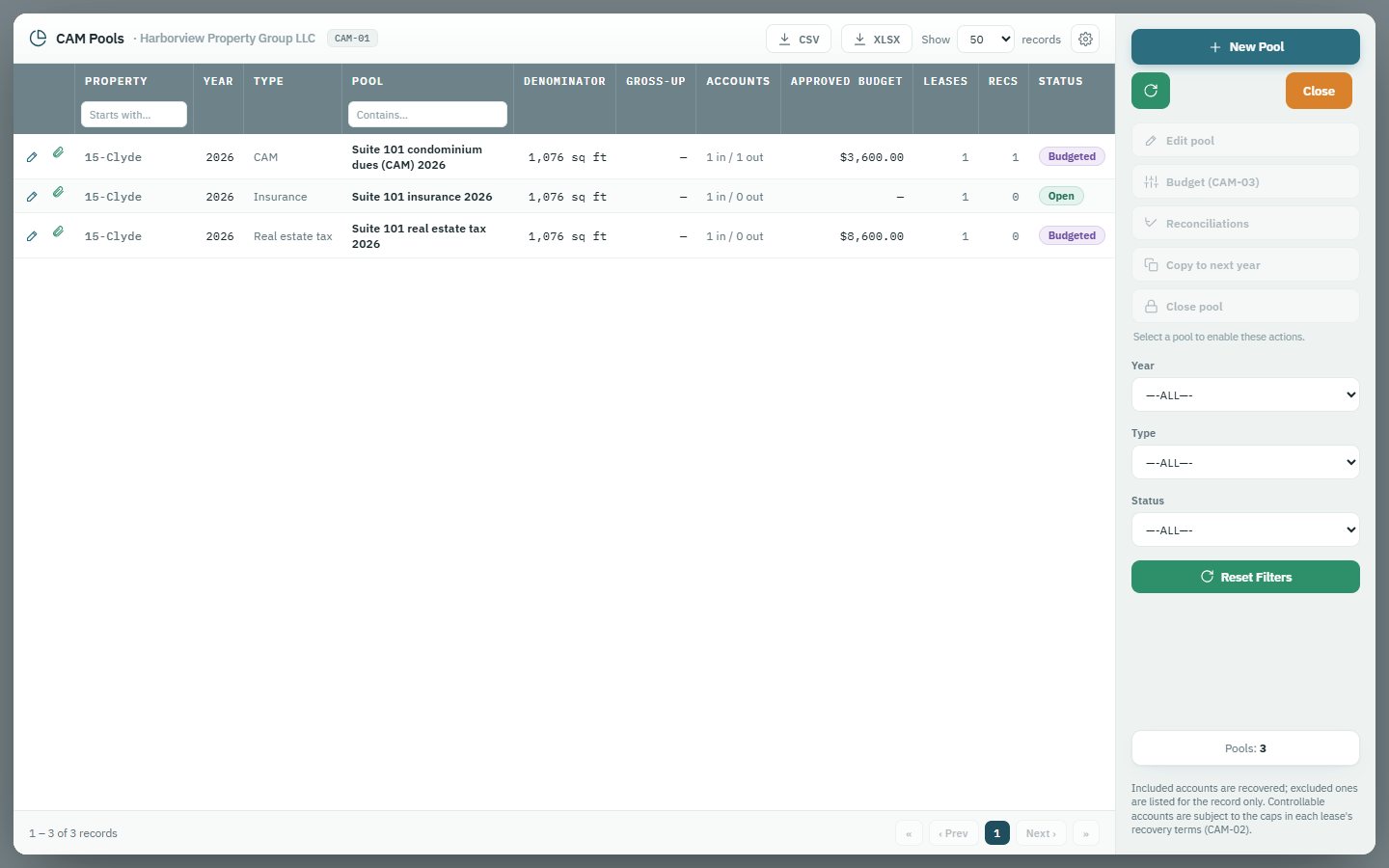
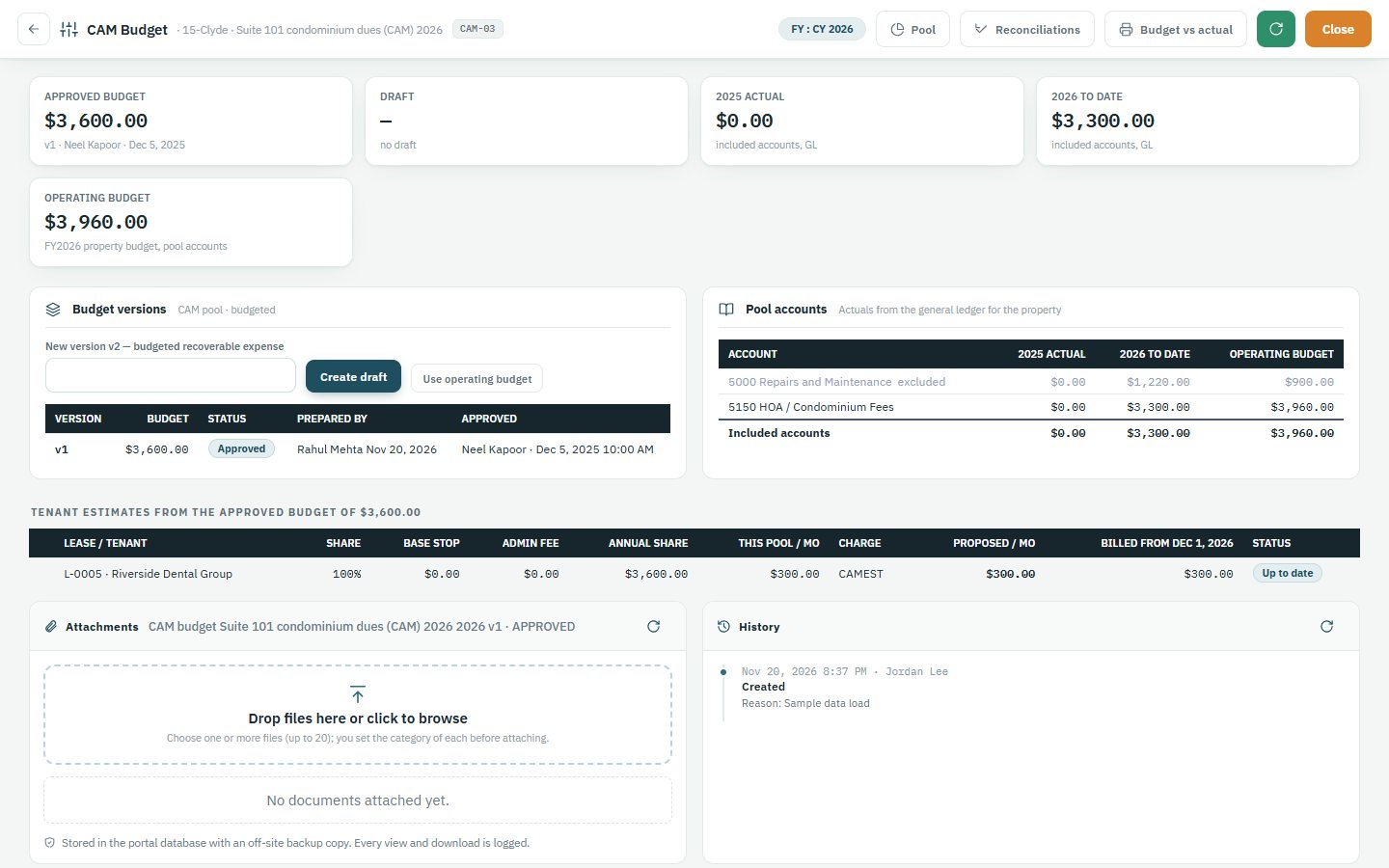
- CAM pools & budgets
- CAM, tax, insurance and utility pools with included accounts and tenant shares.
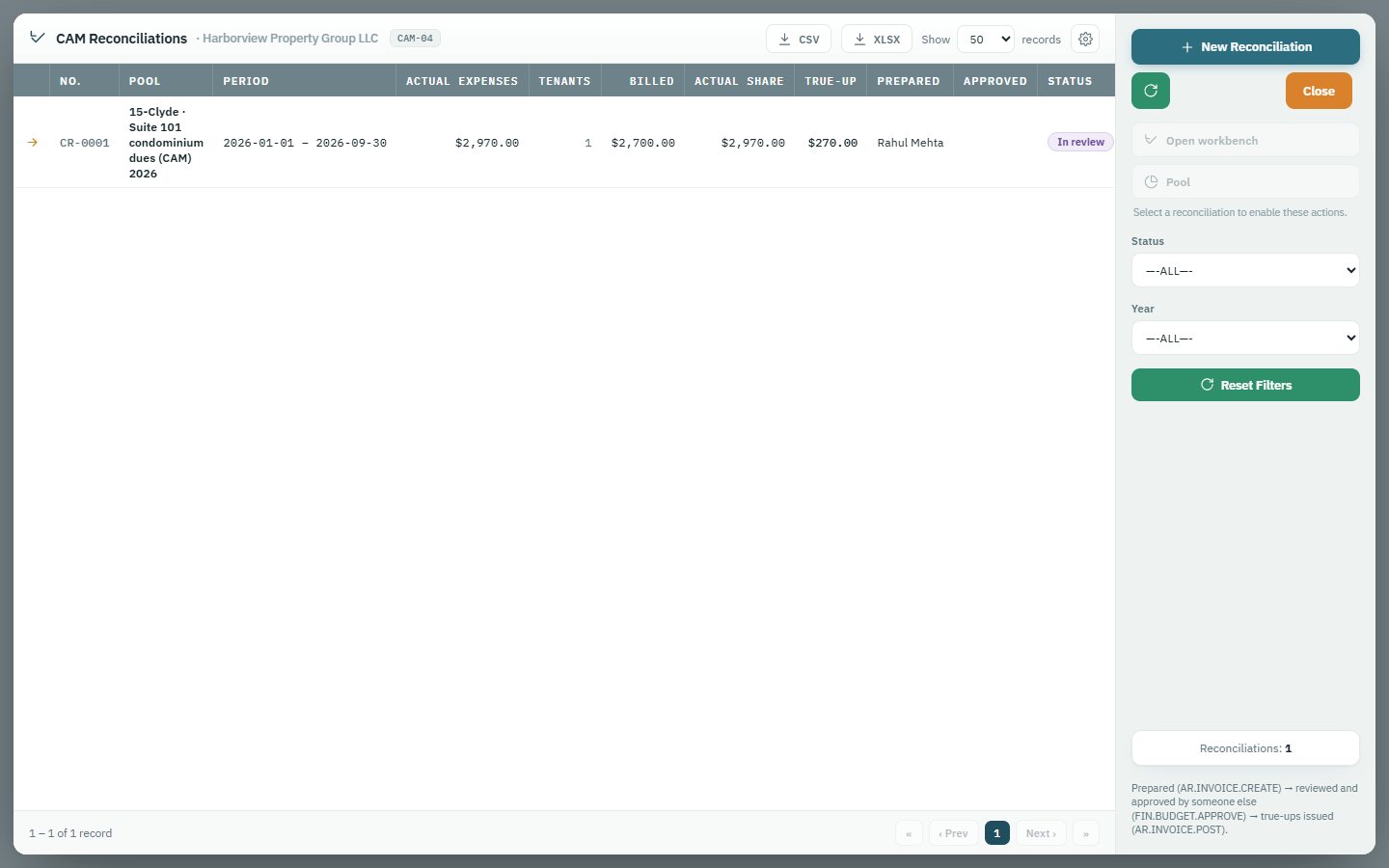
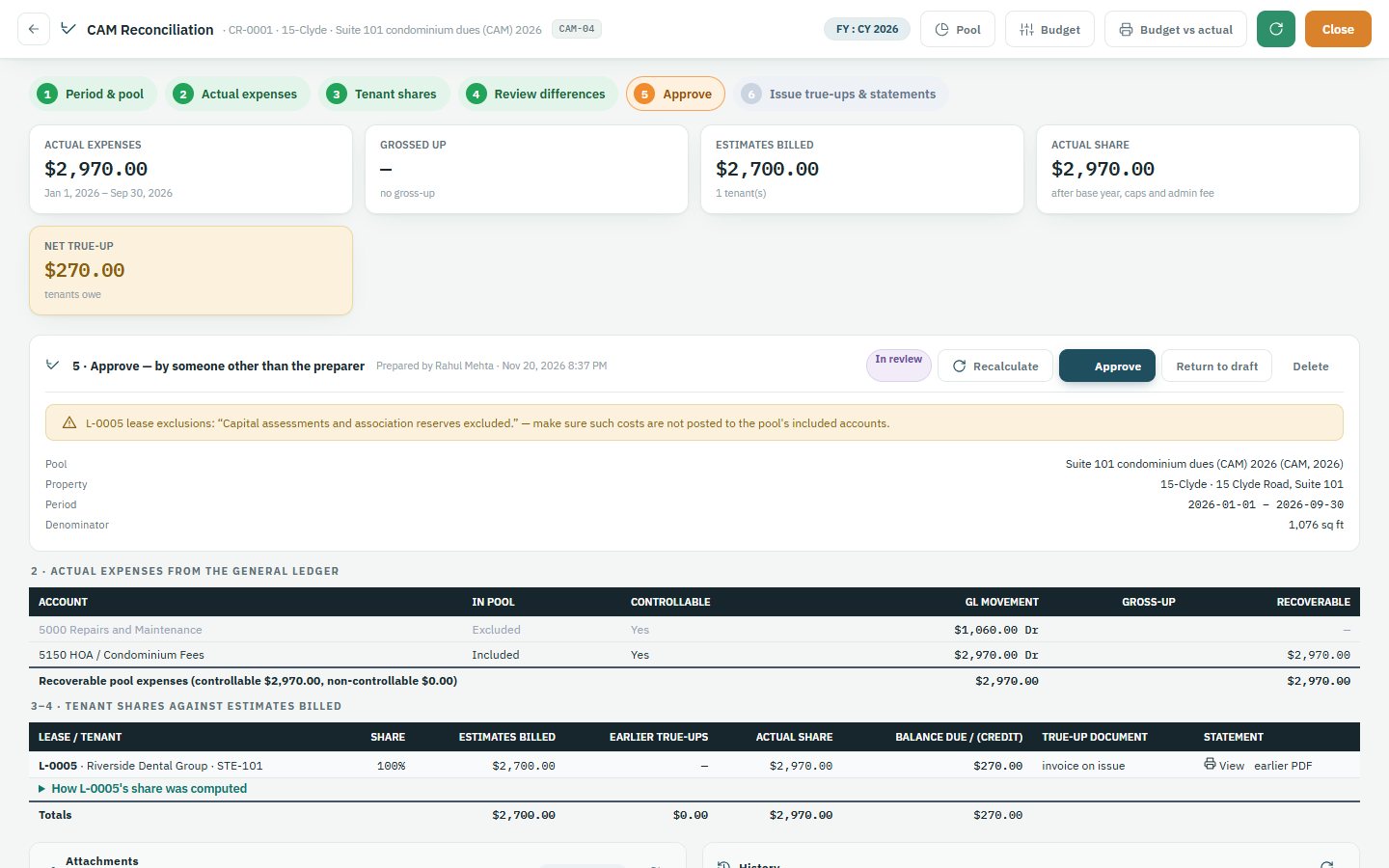
- CAM reconciliation
- Actual vs estimates with base years, caps and admin fees; tenant statements; approval.
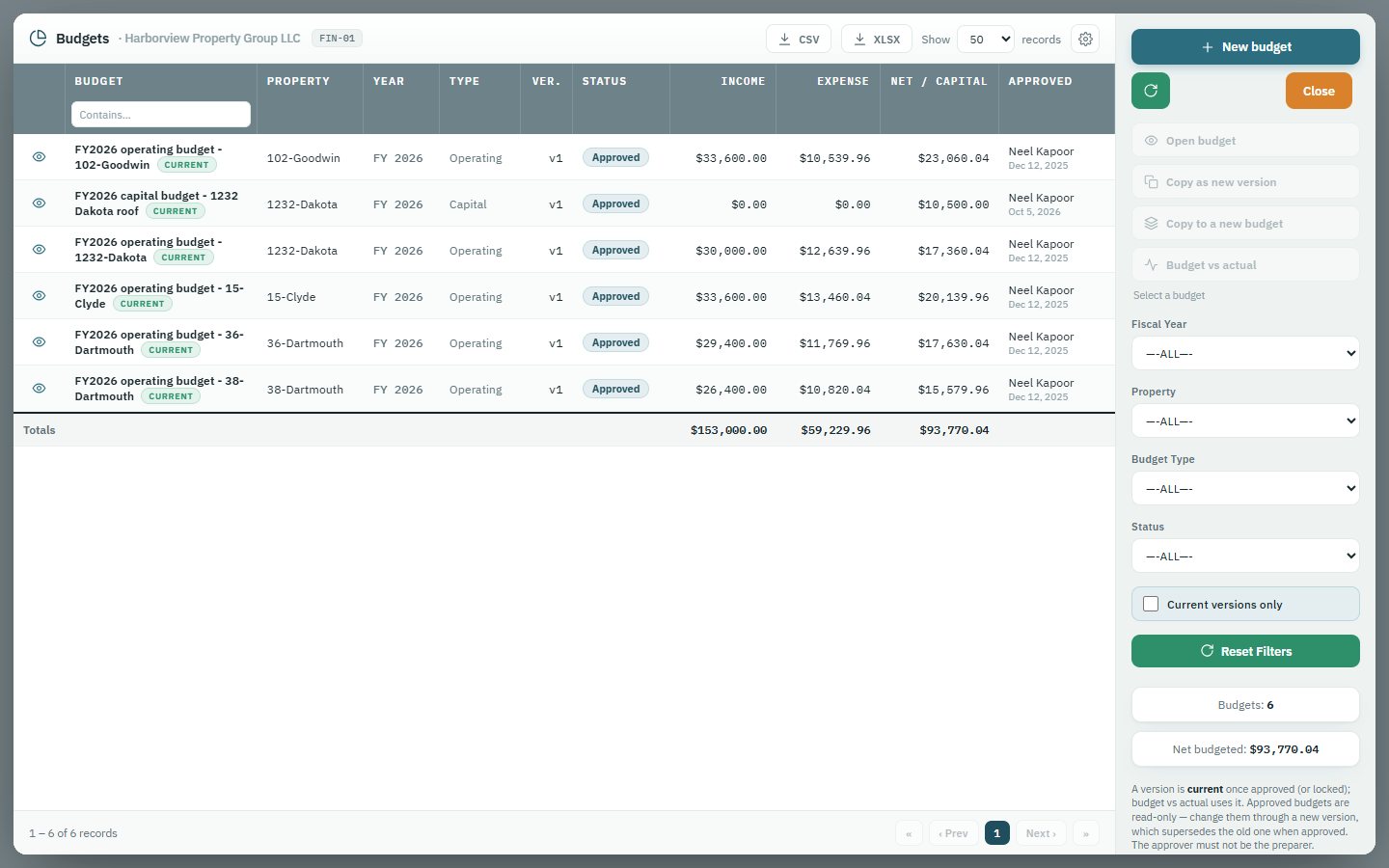
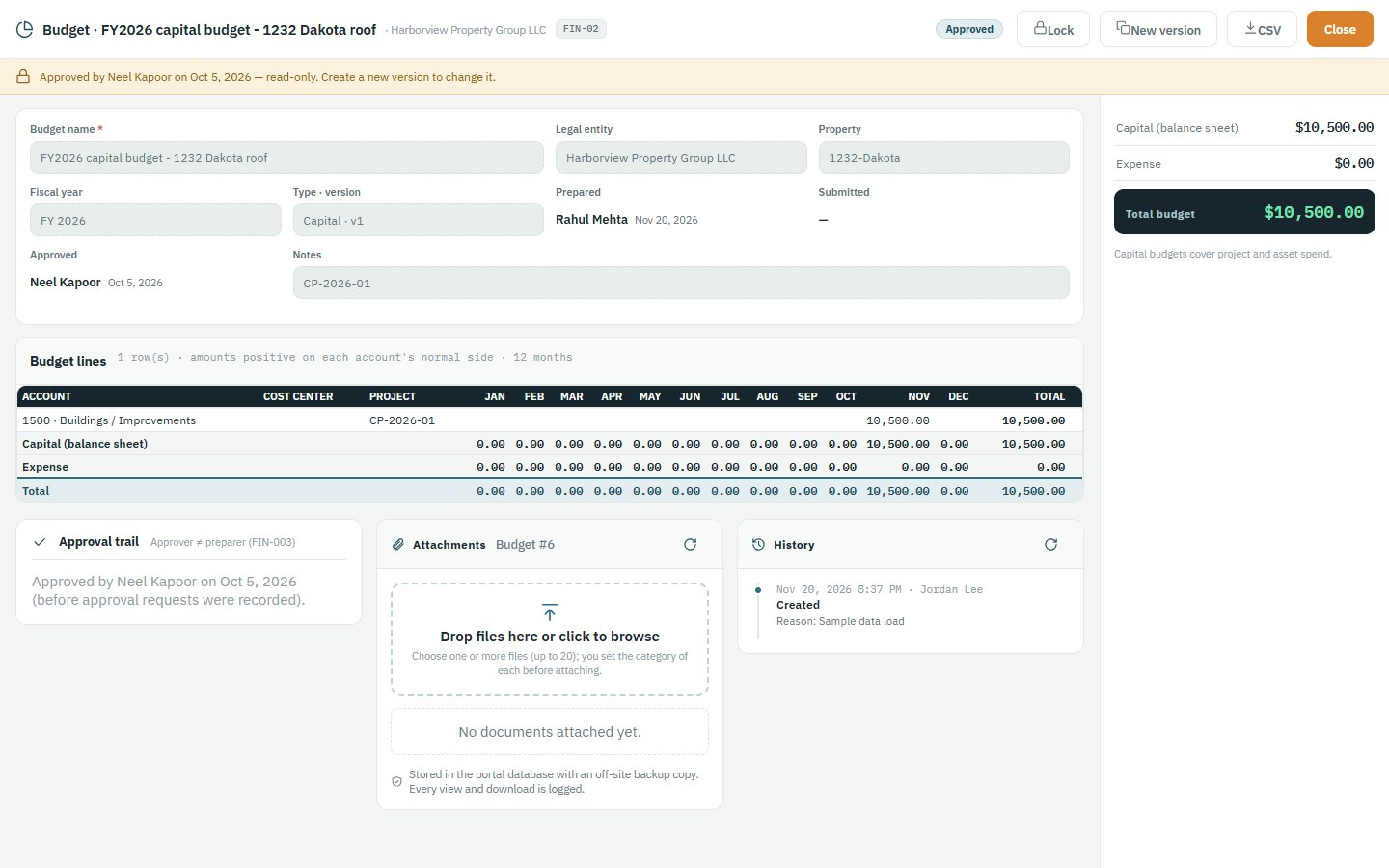
- Budgets
- Operating and capital budgets by entity, property, account and month, with approval.
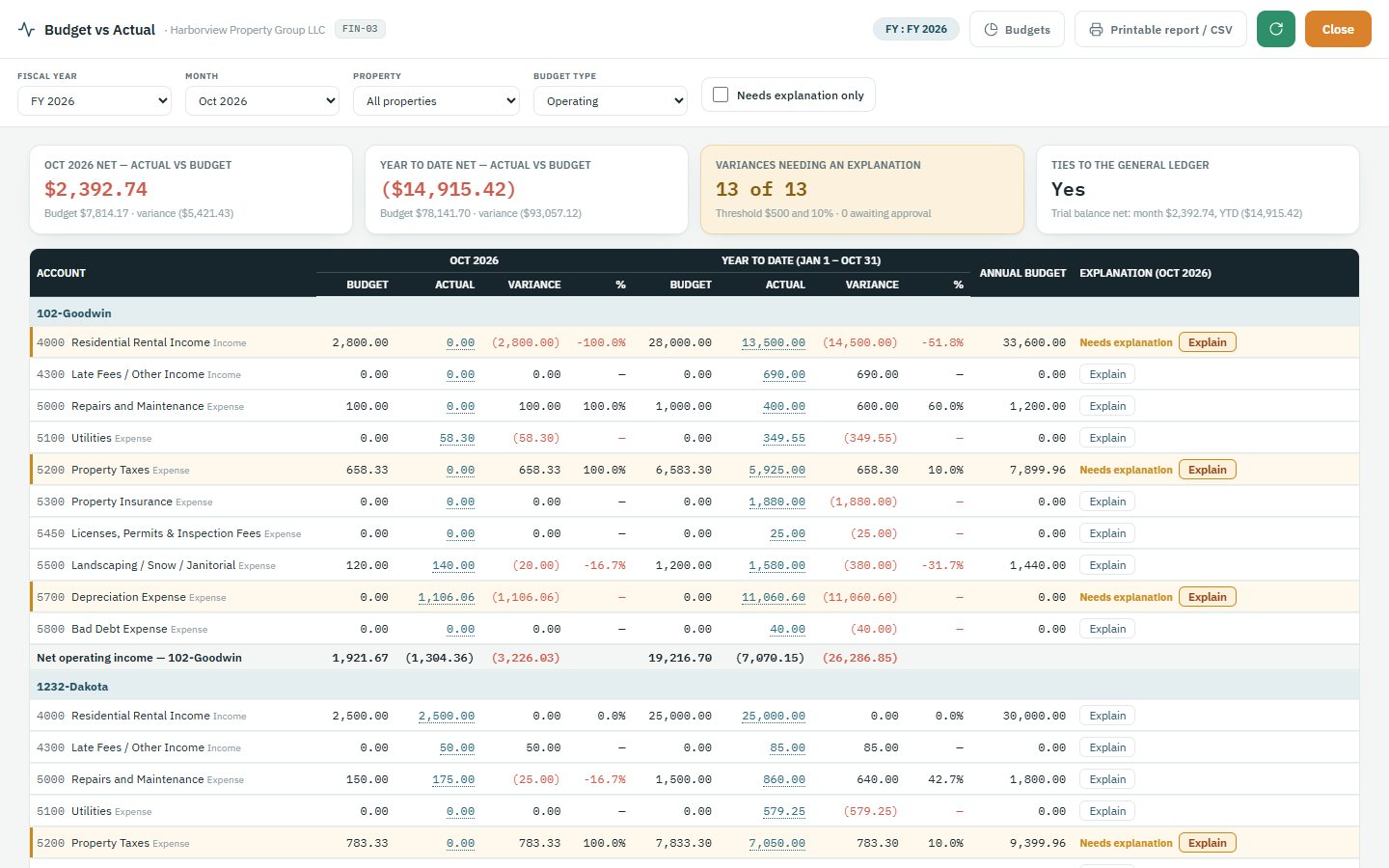
- Budget vs actual
- Variance thresholds by amount and percentage; explanations reviewed and approved.
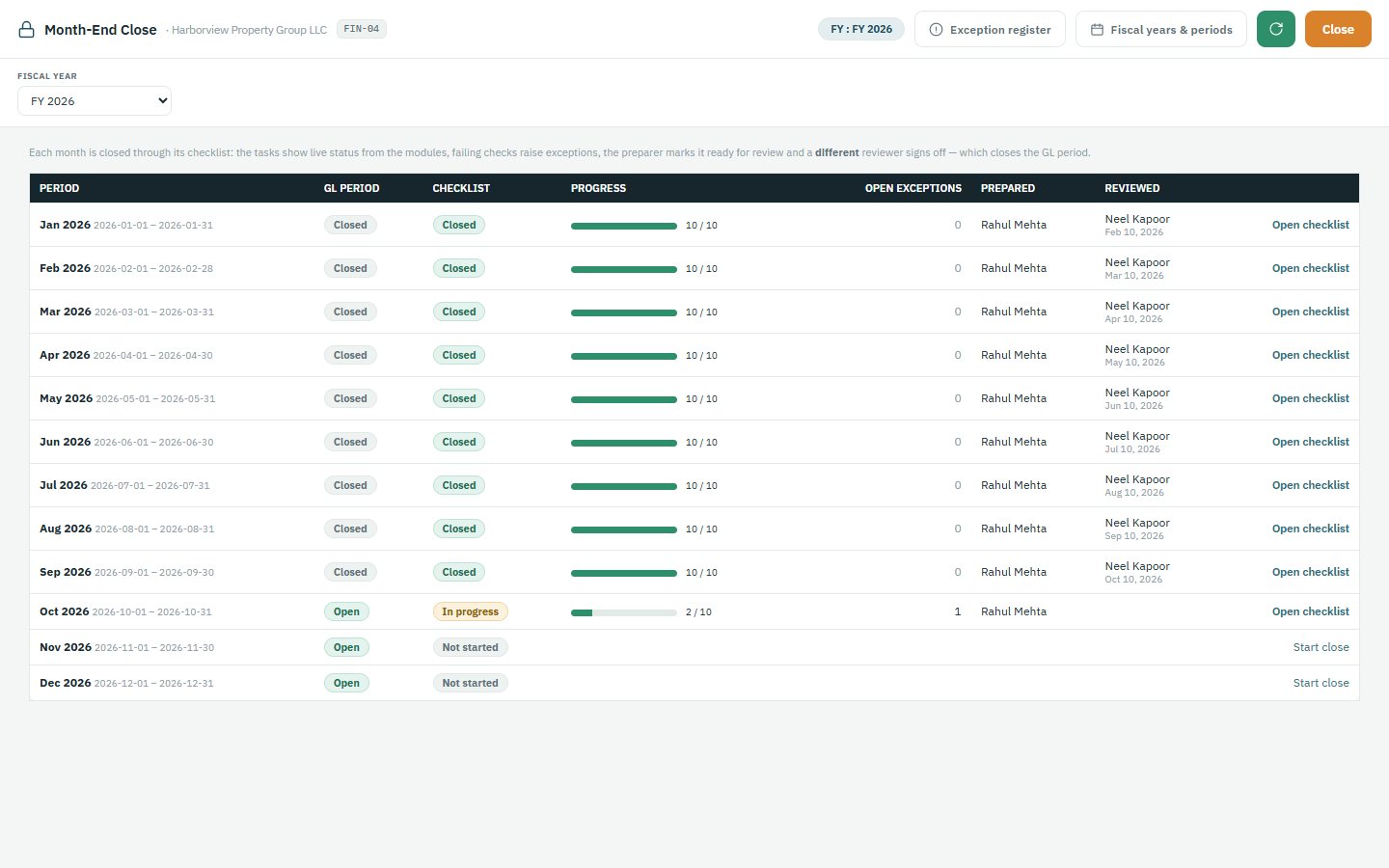
- Month-end close
- Checklist with due days, automatic checks, sign-off and period lock.
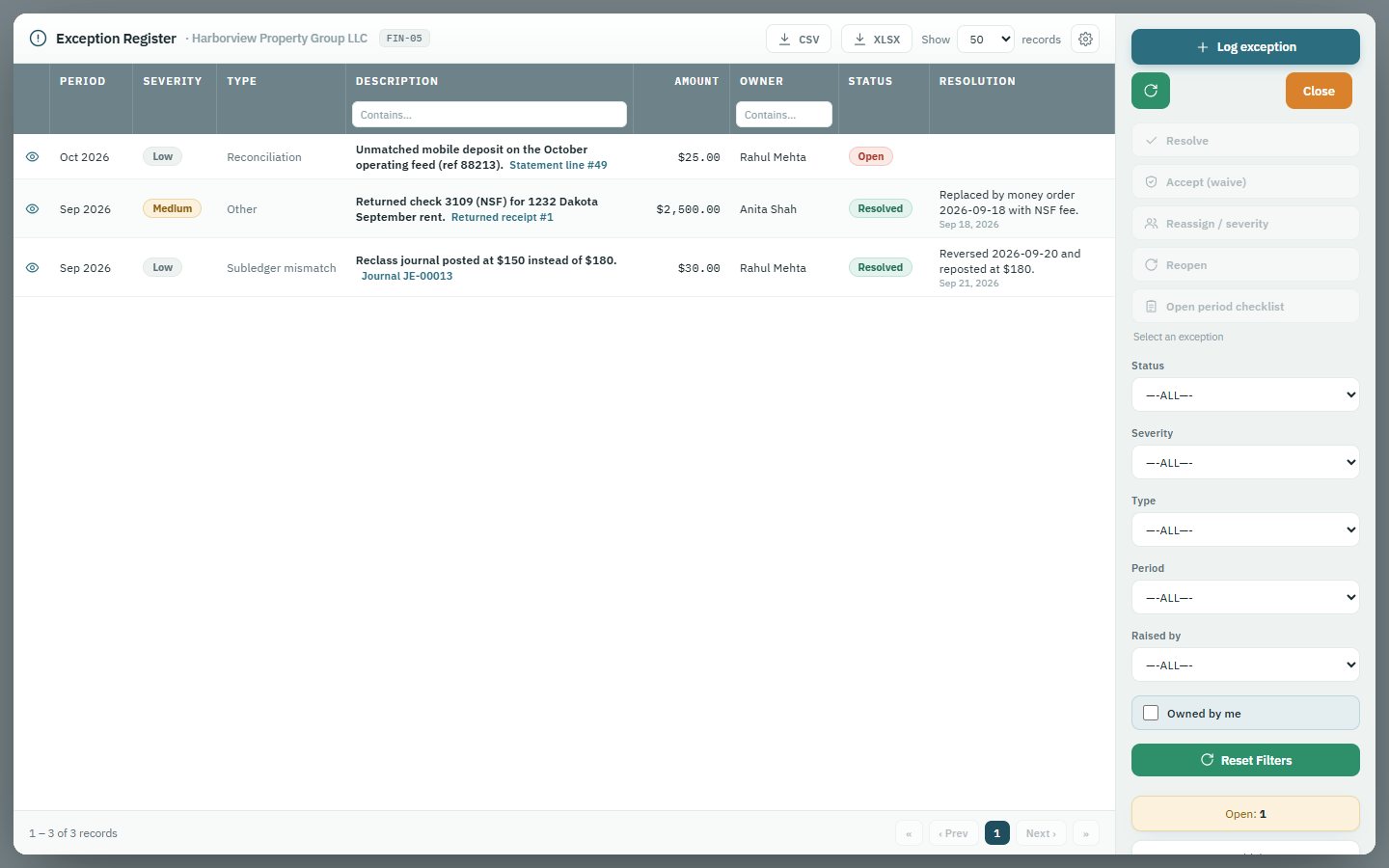
- Exception register
- Close issues with owner, severity, due date and resolution.
Tax & reports
Answers in seconds.
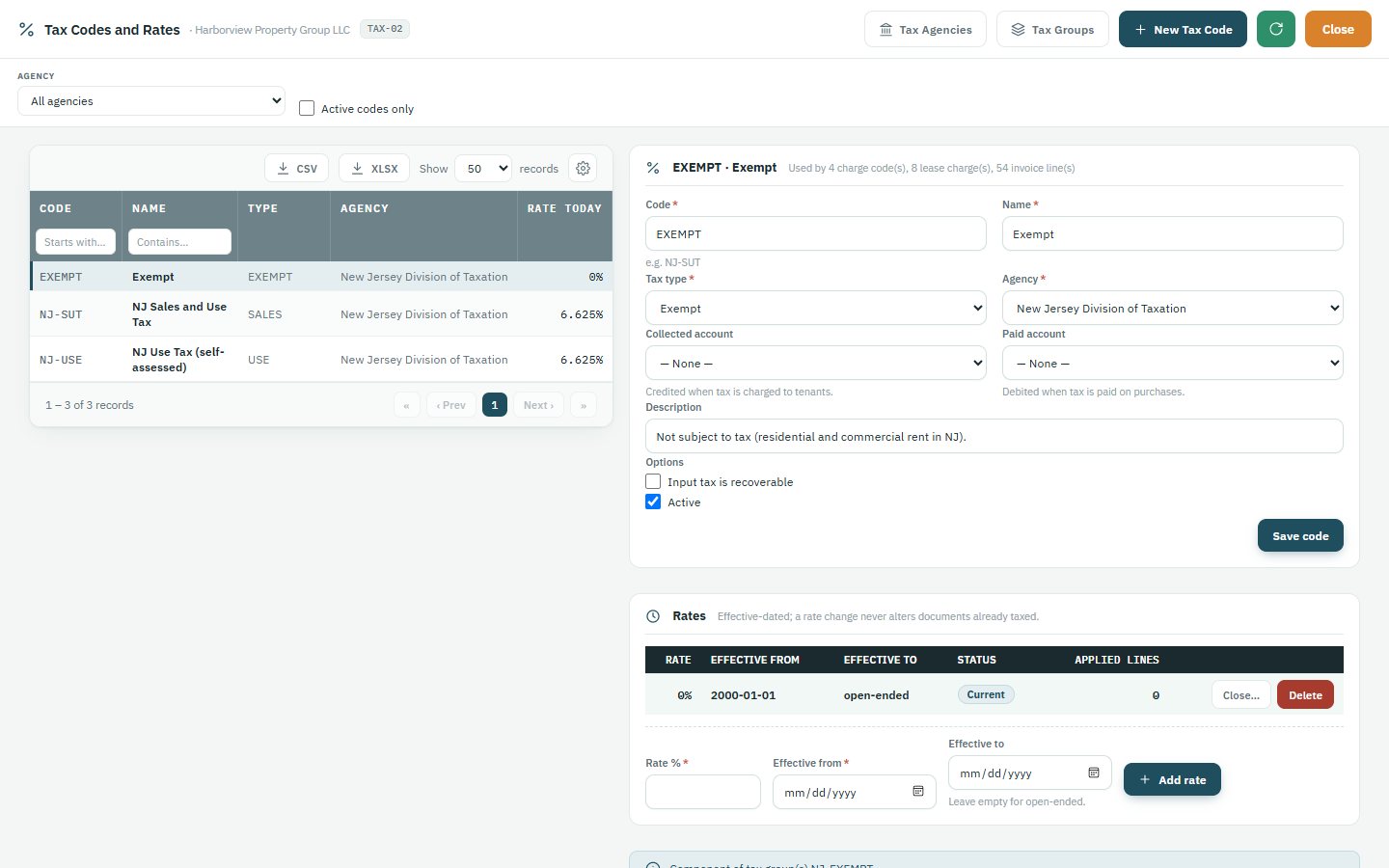
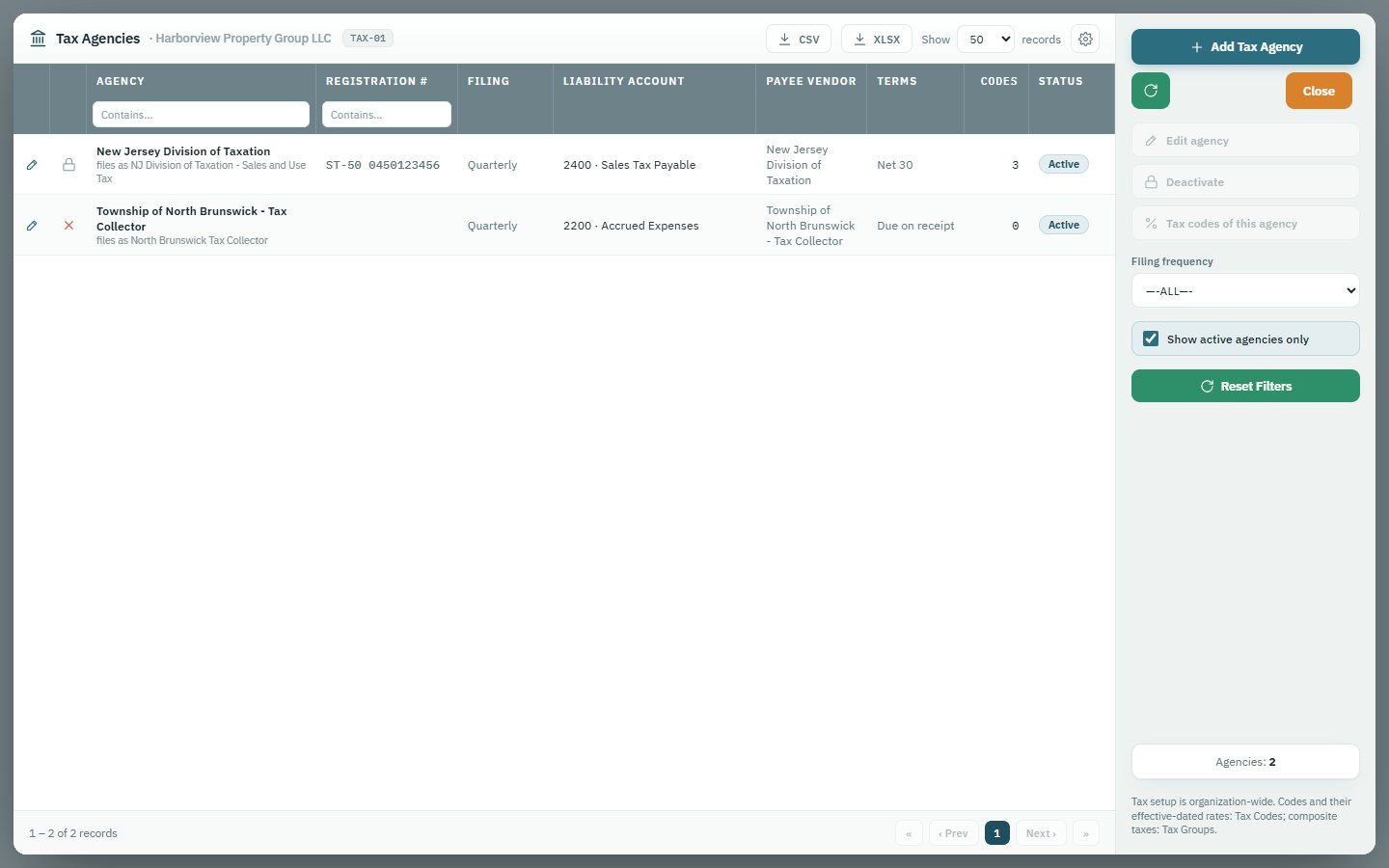
- Tax agencies, codes & groups
- Effective-dated rates and combined groups applied per charge code.
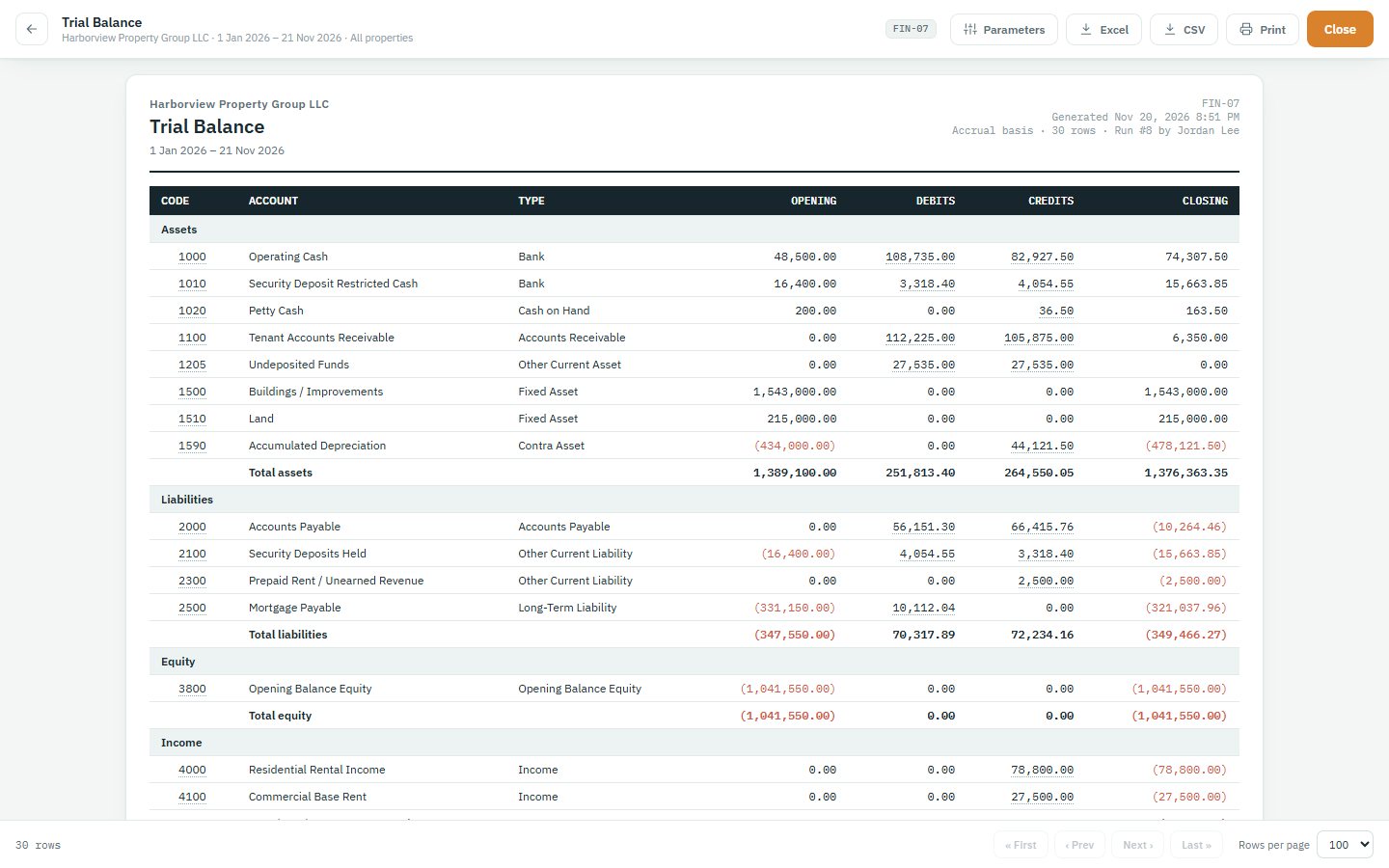
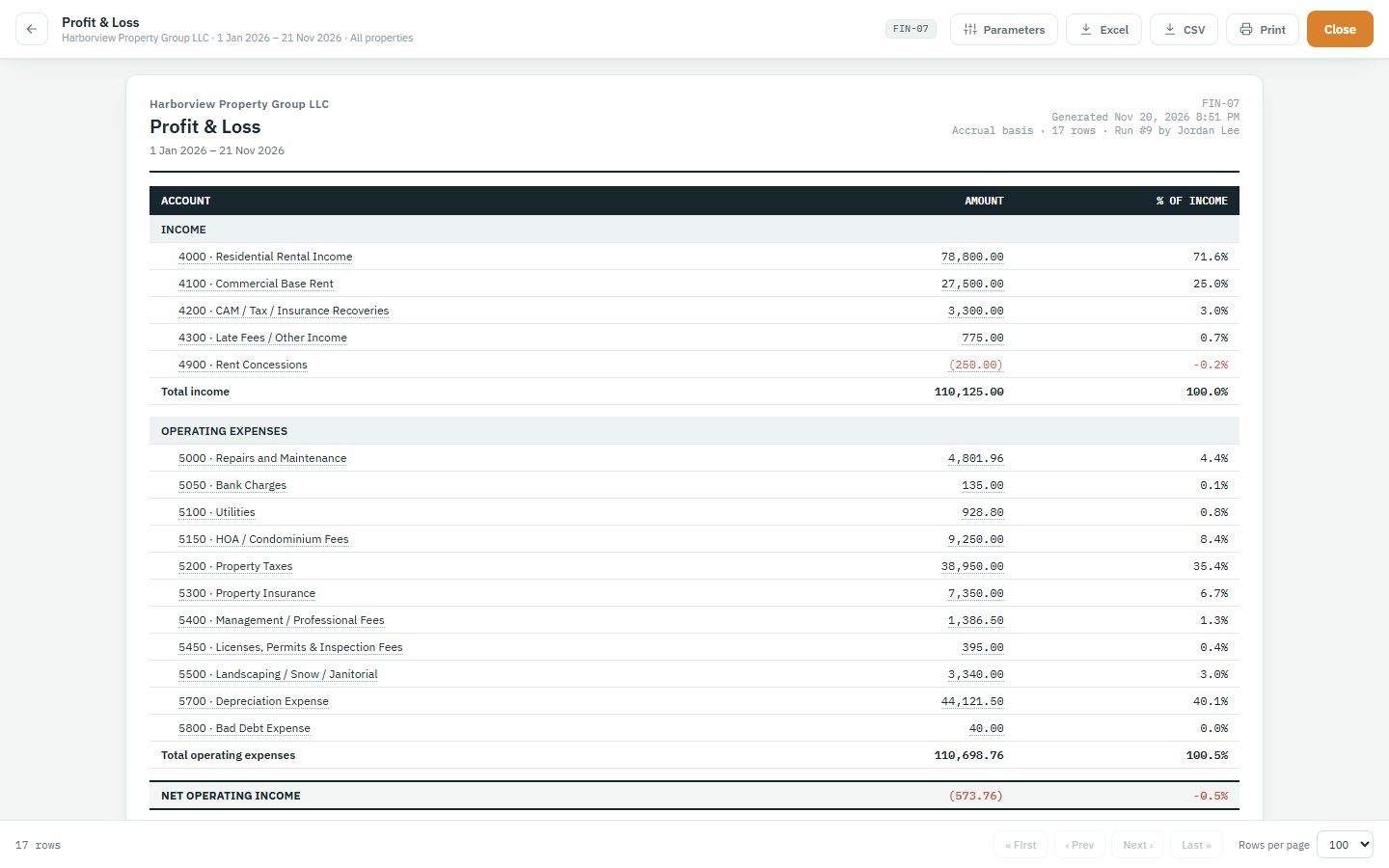
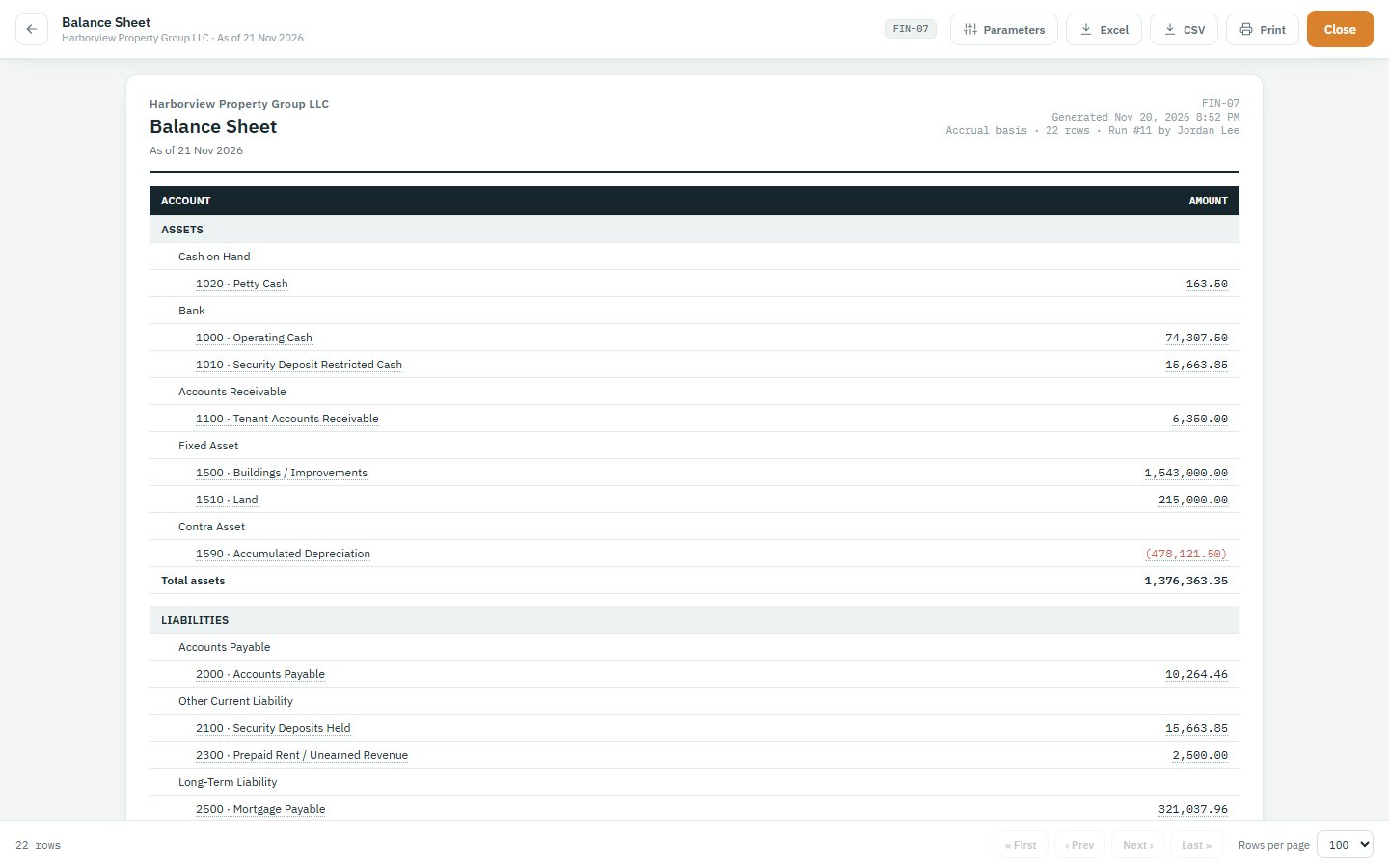
- Report center
- 33 reports in 11 categories: ledger, property, leasing, receivables, payables, banking, budget, compliance, maintenance, tax, audit.
- Flexible parameters
- Periods, properties, basis, zero balances; drill-down to transactions.
- Export & history
- Excel, CSV and print; every run logged with who, when and parameters.
Maintenance & assets
From request to capitalized asset.
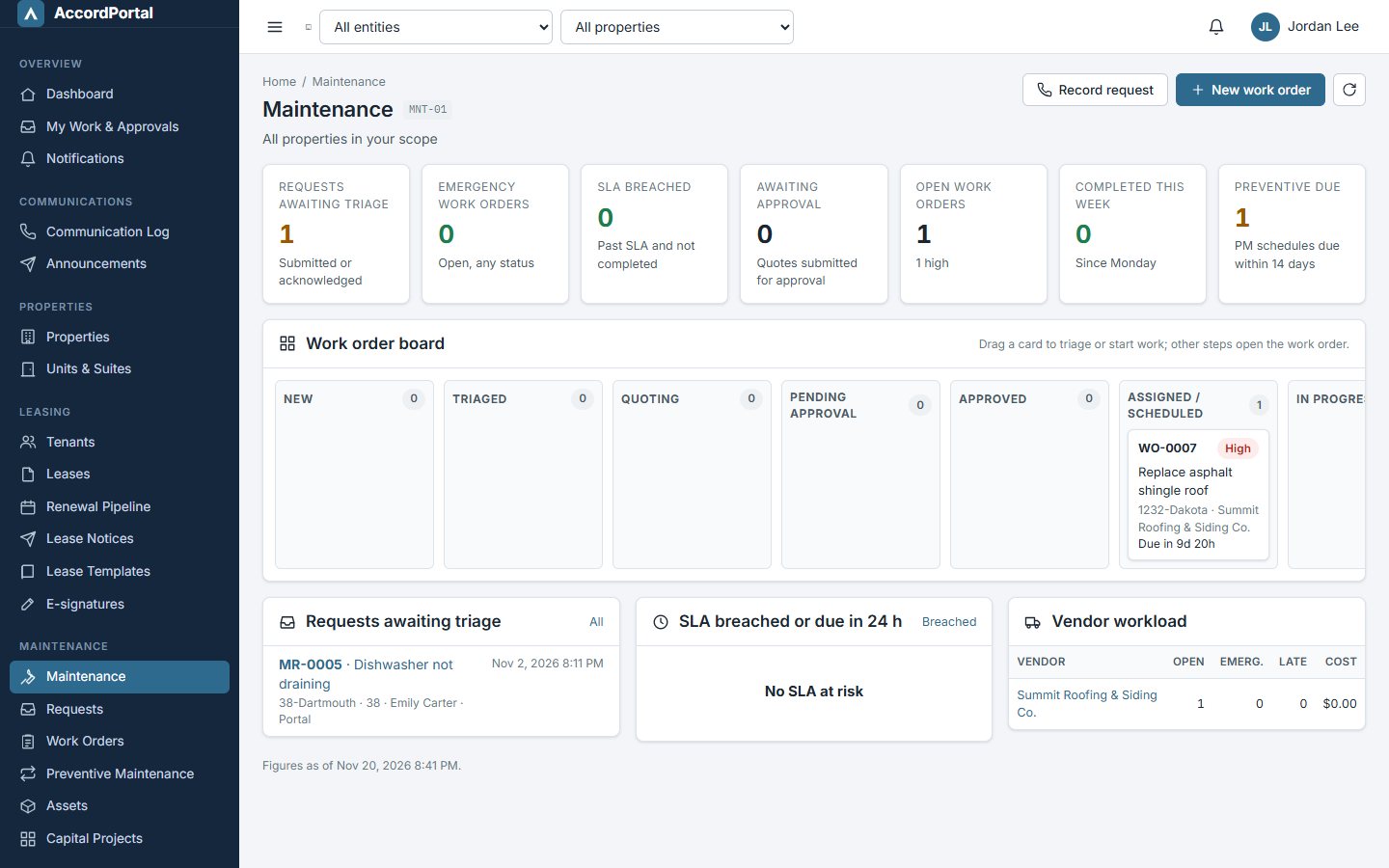
- Maintenance board
- New, scheduled, in progress, awaiting approval and done; SLA alerts; vendor workload.
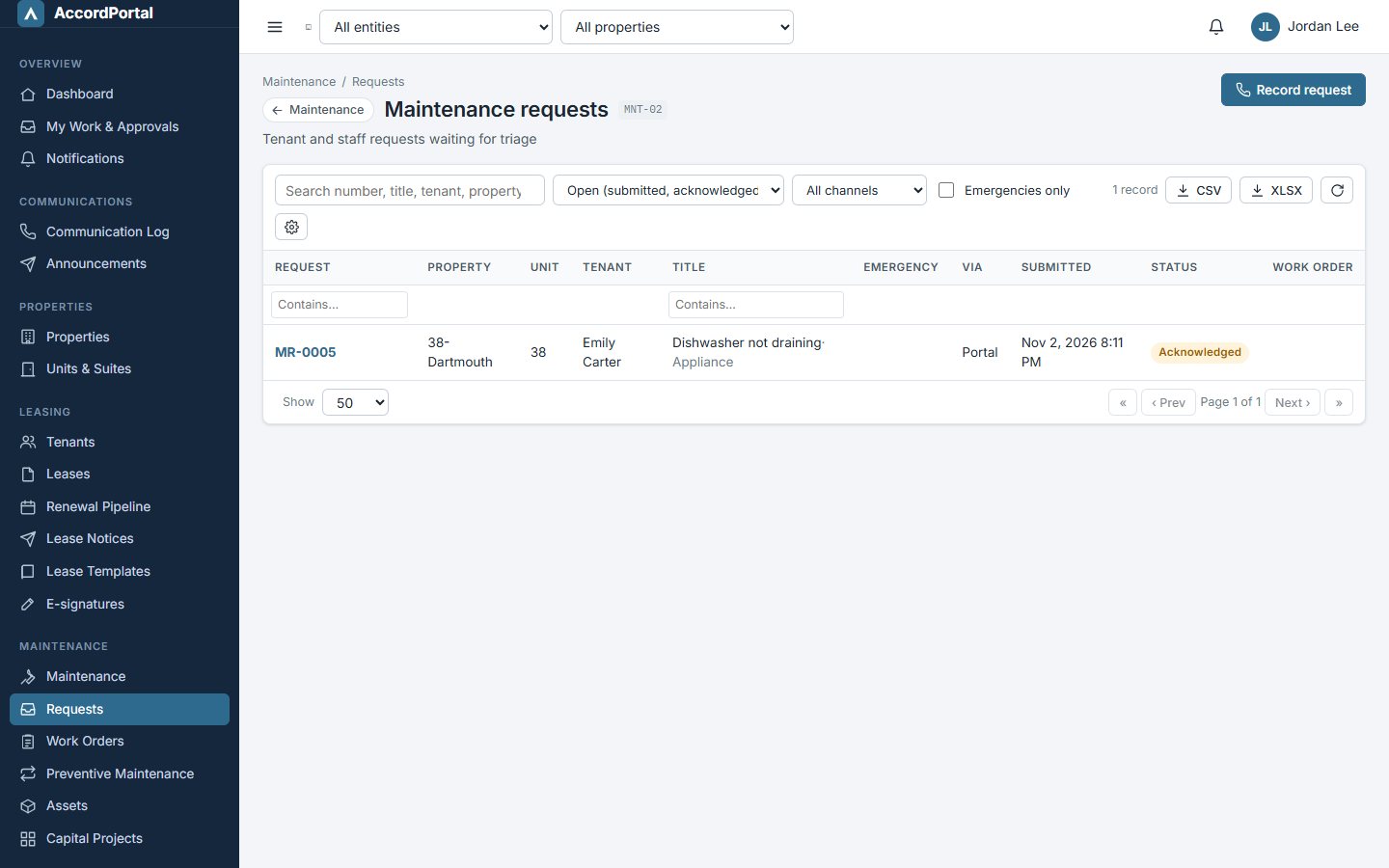
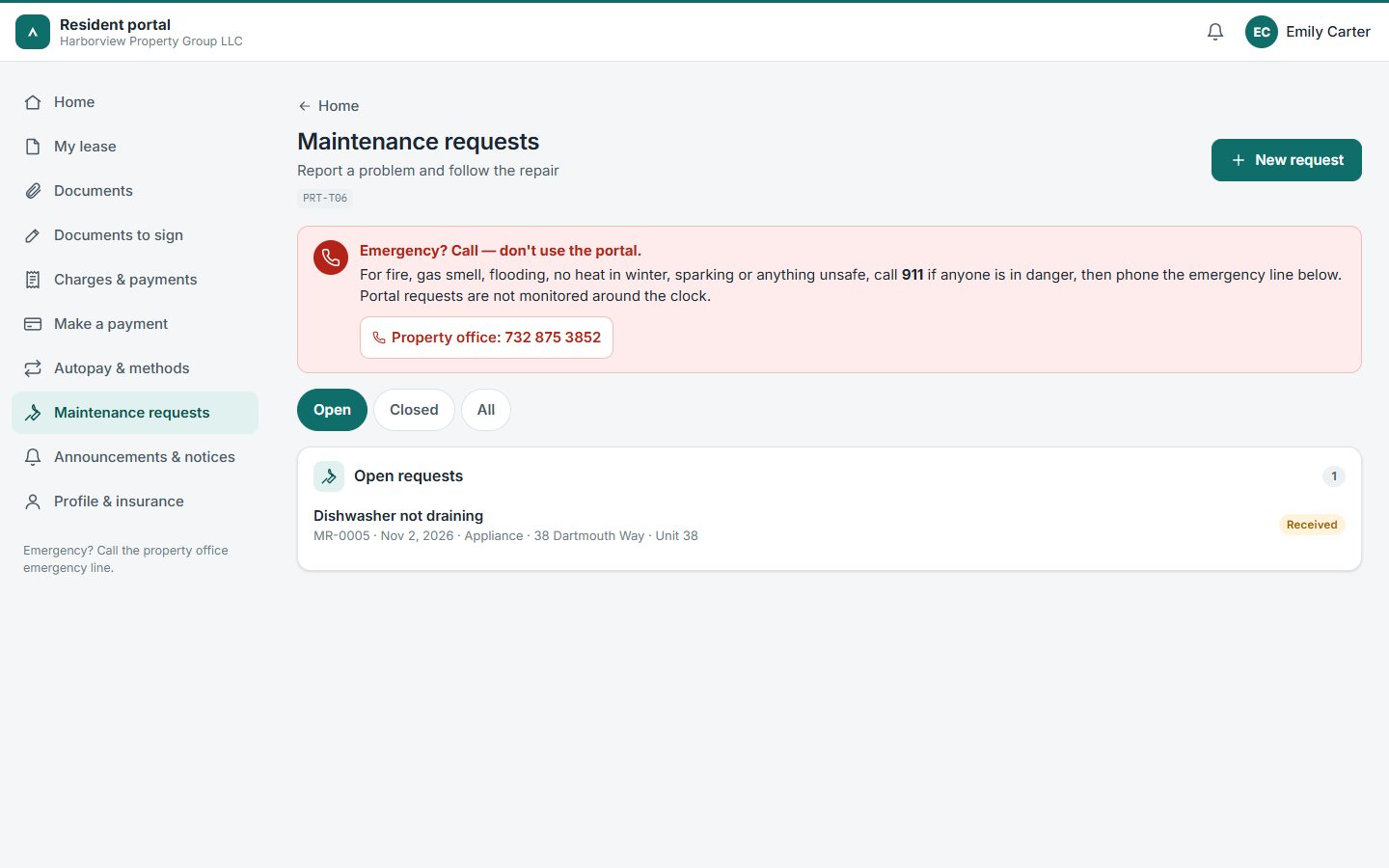
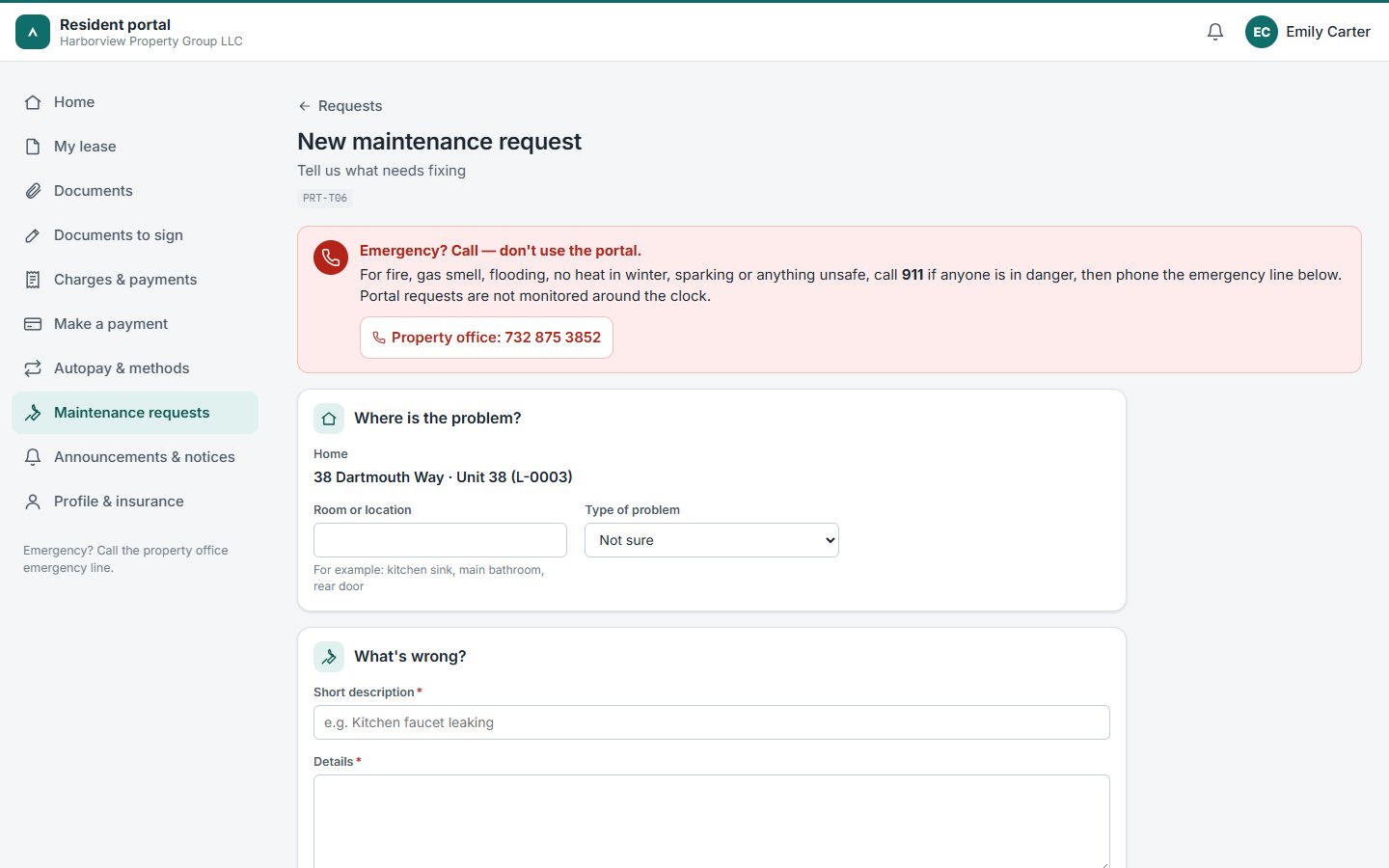
- Requests
- From the resident portal or staff, with photos, entry permission and appointment windows.
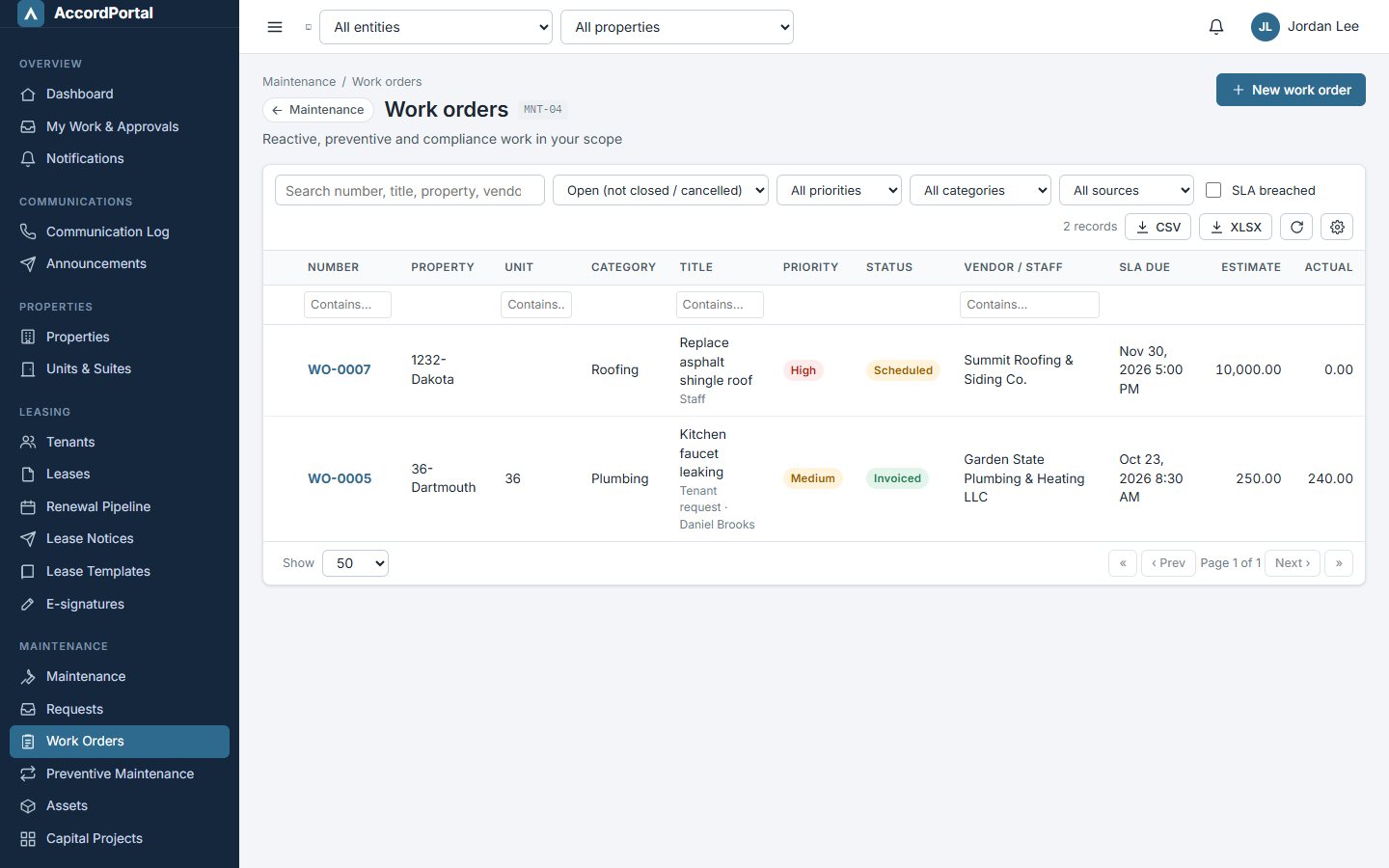
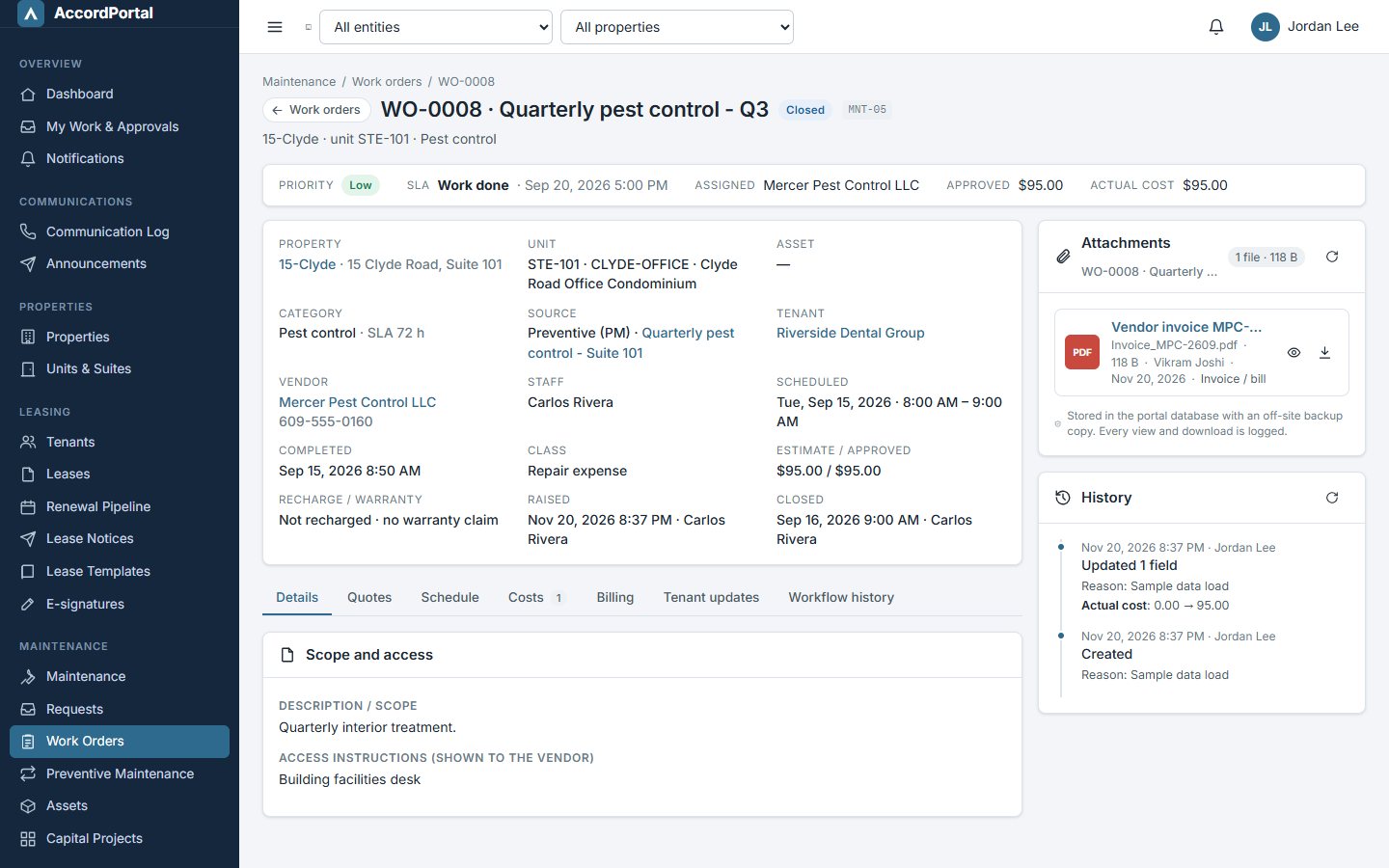
- Work orders
- Scope, schedule, assignment, quotes, costs, tenant billing, updates, evidence and workflow history.
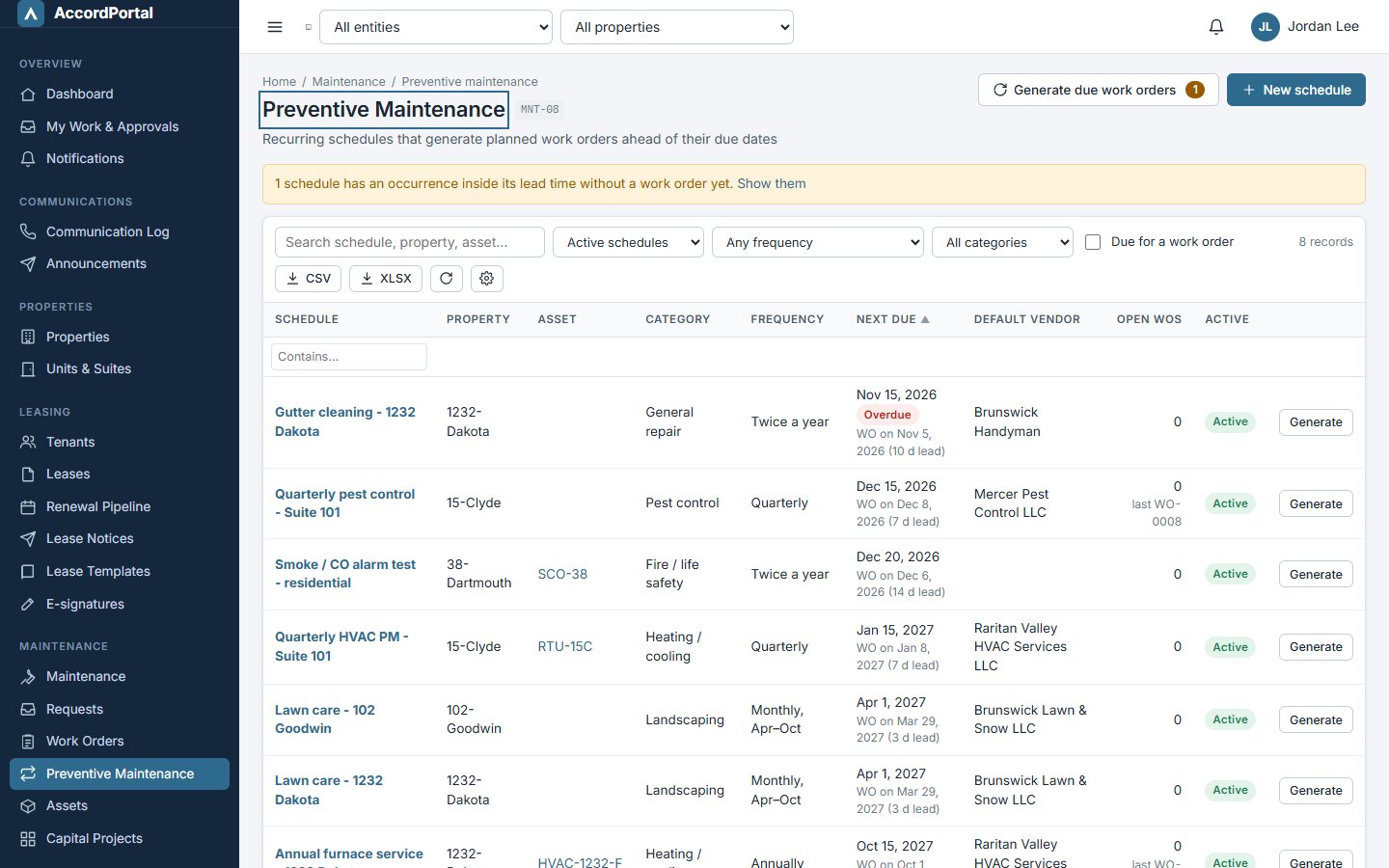
- Preventive maintenance
- Recurring schedules that generate work orders ahead of each due date.
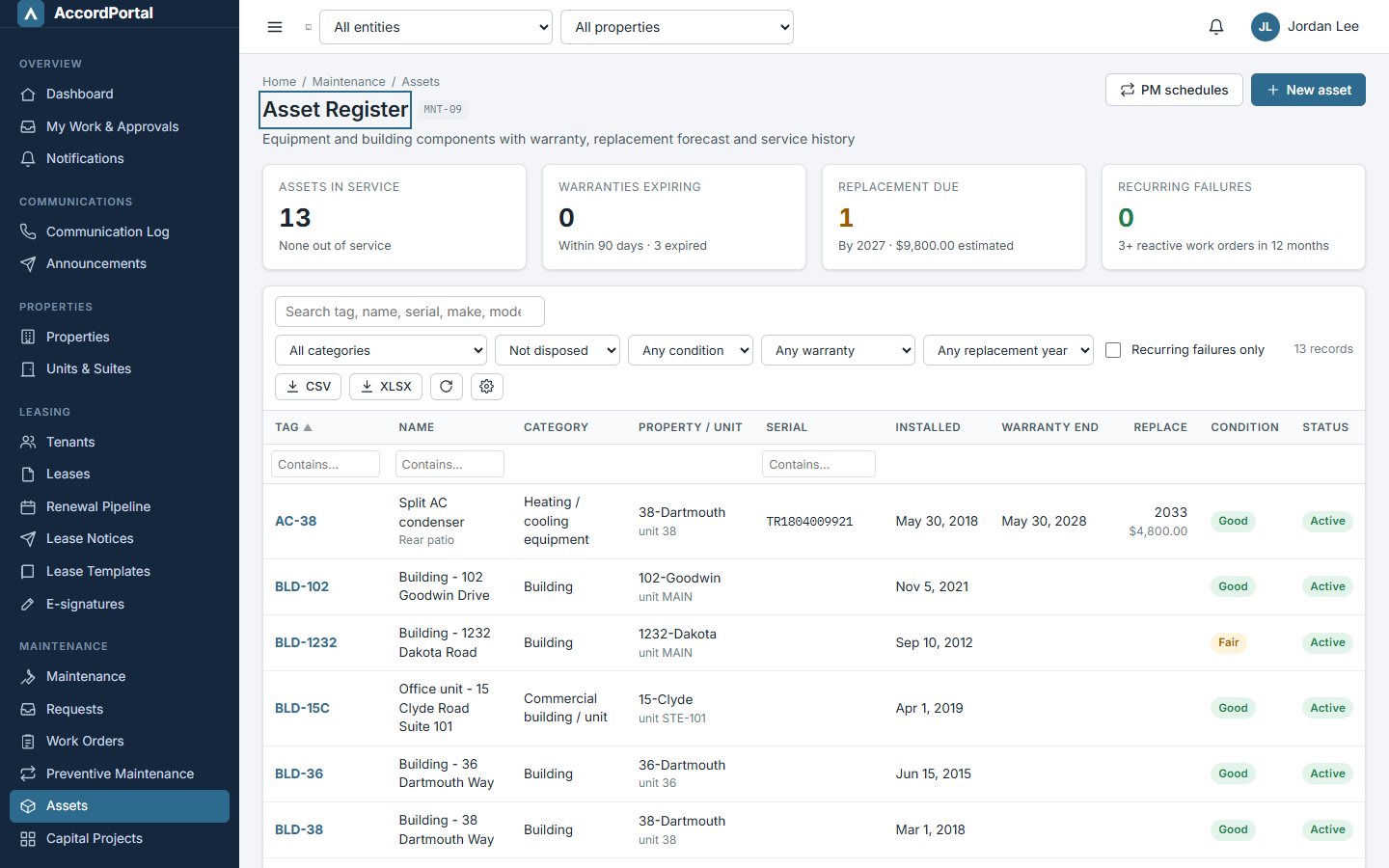
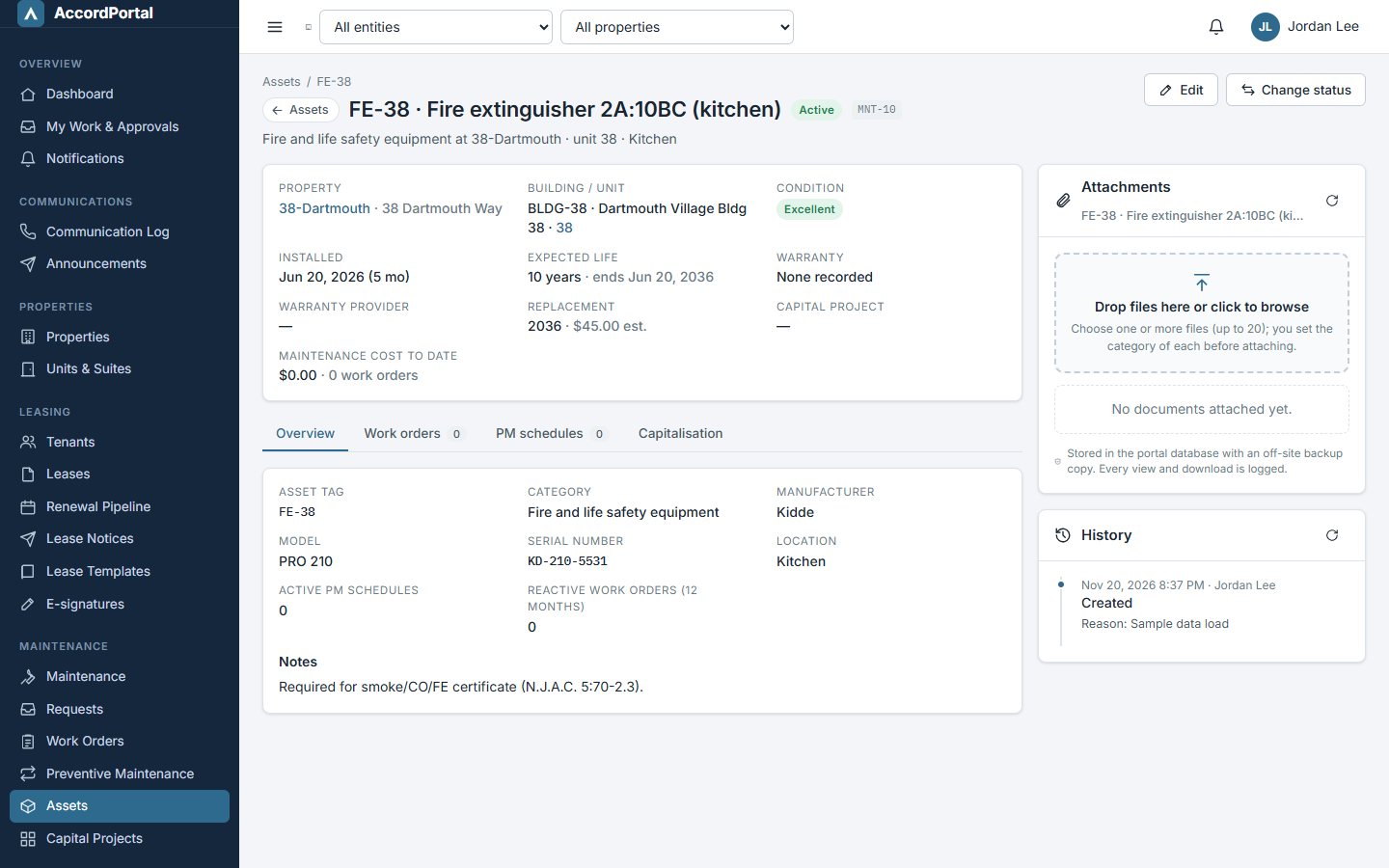
- Asset register
- Location, serial, warranty, cost, useful life, depreciation, replacement forecast.
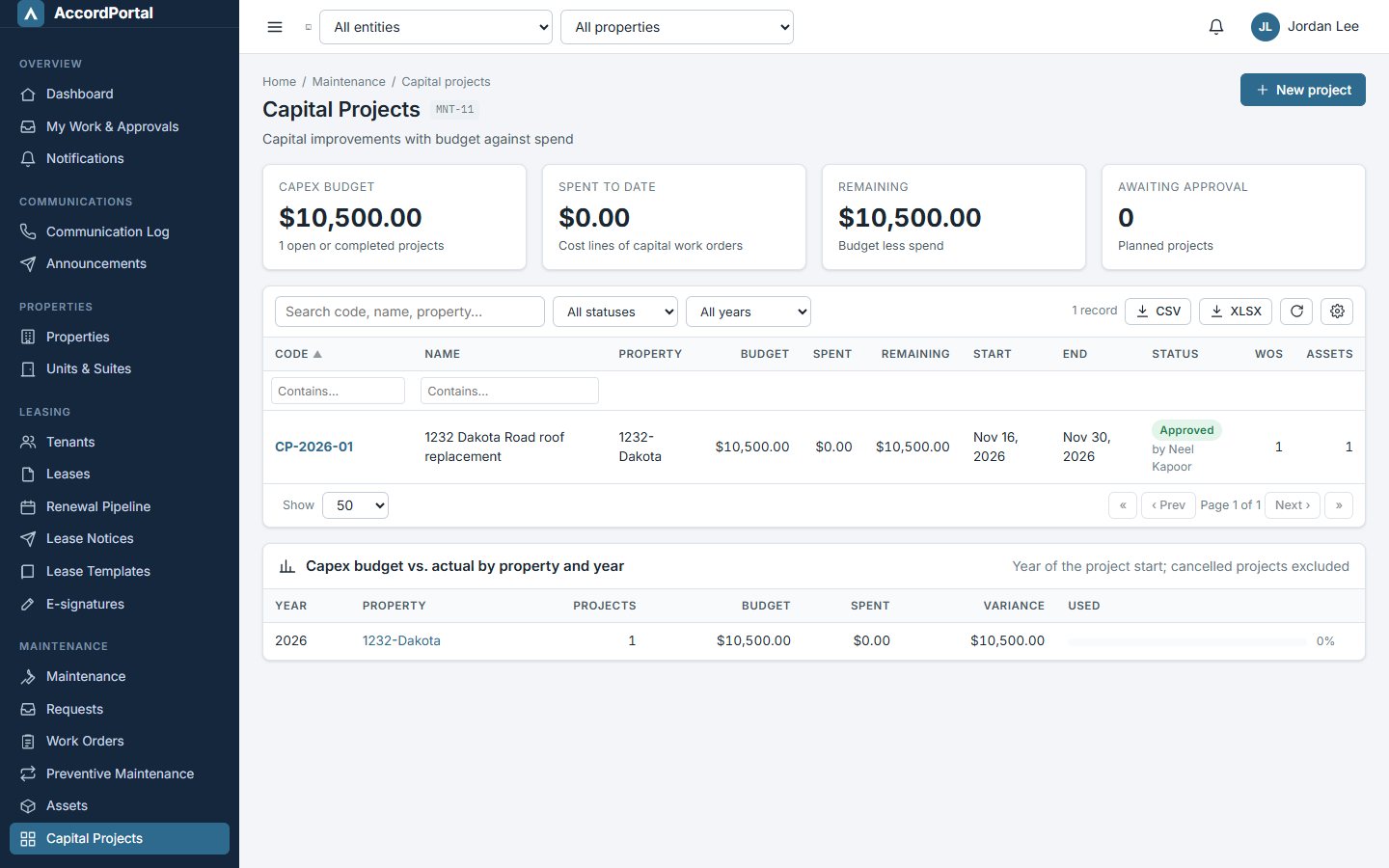
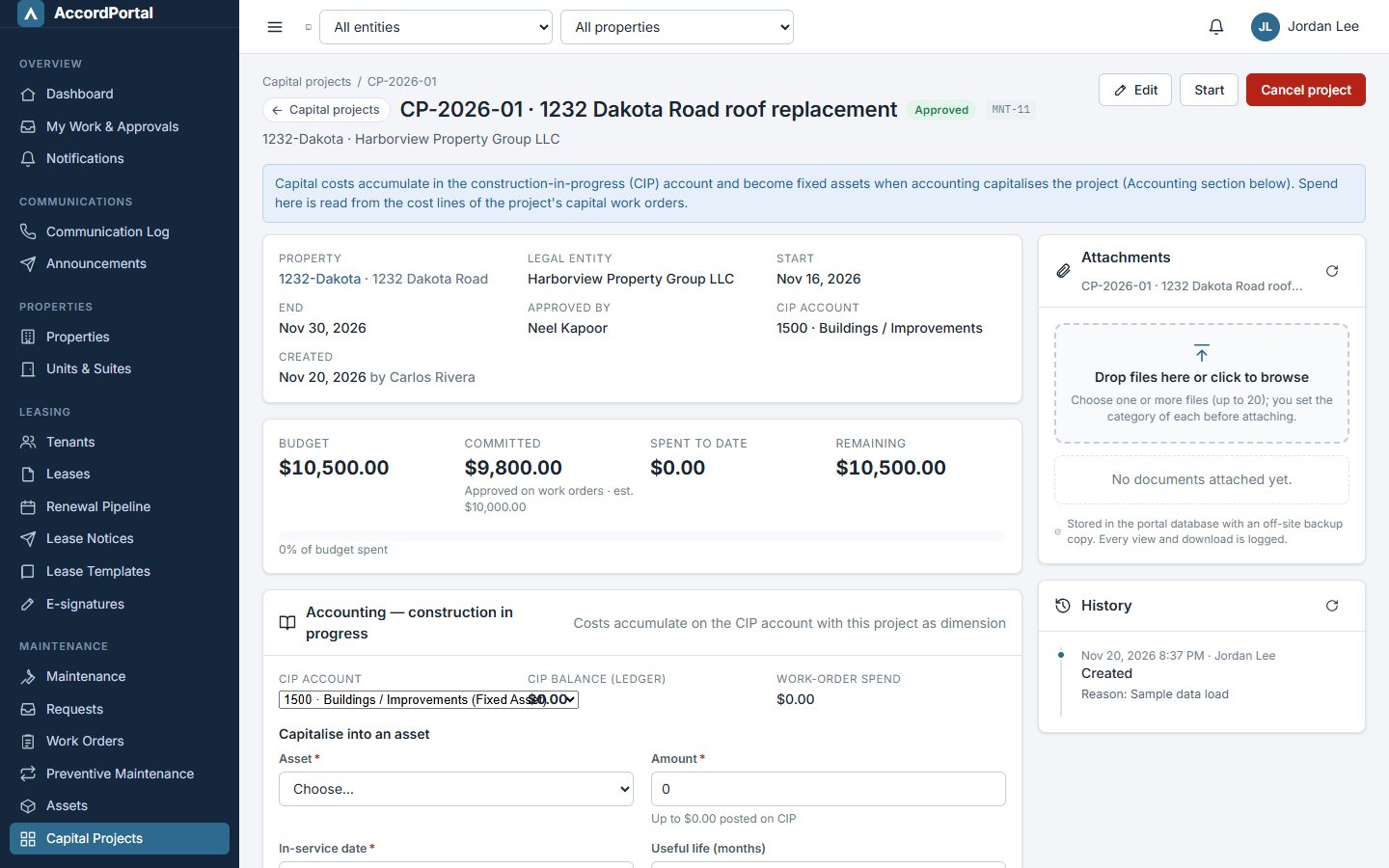
- Capital projects
- Budget, committed, spent and remaining; capitalized to an asset on completion.
Vendors
Who works on your buildings.
- Vendor records
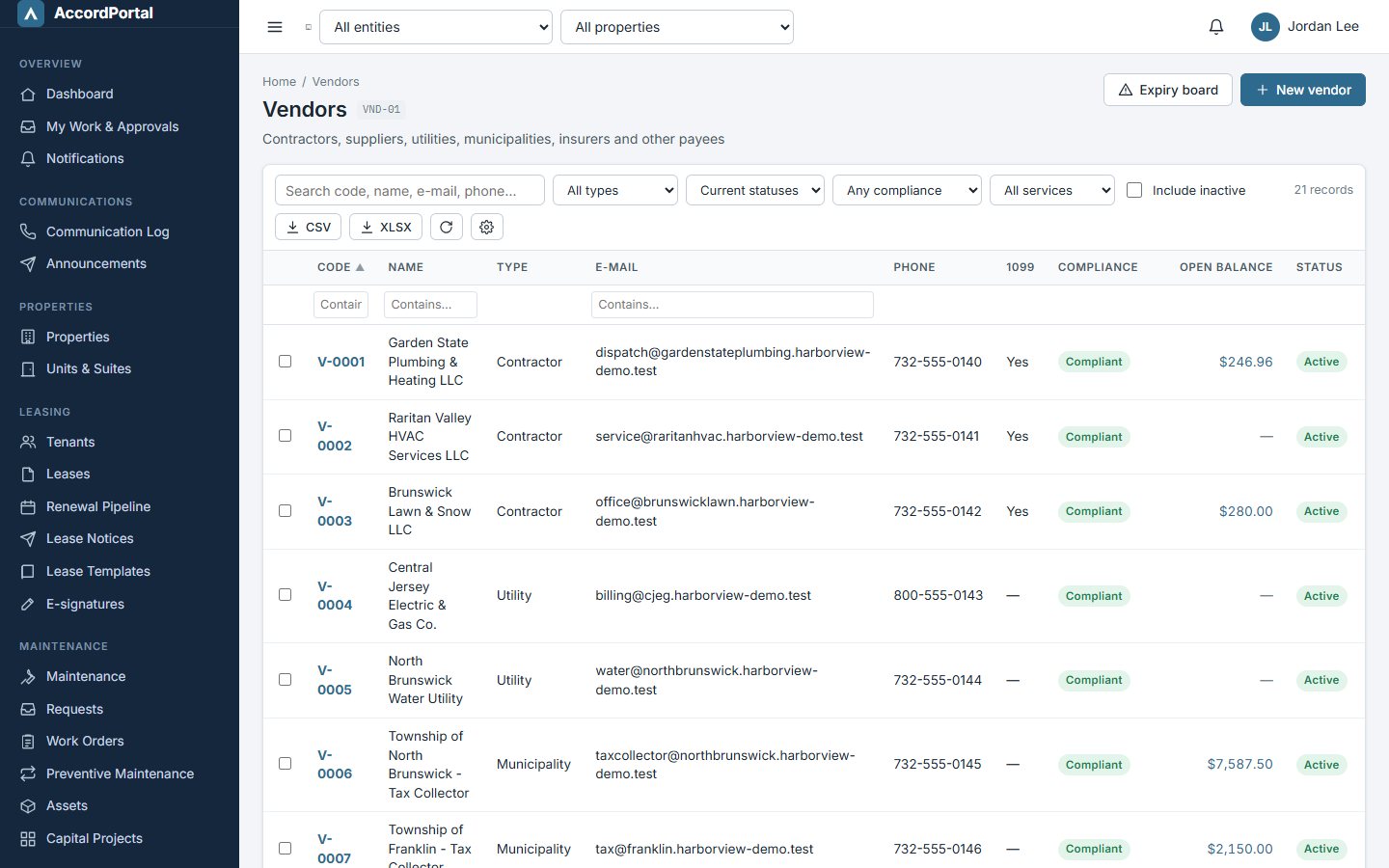
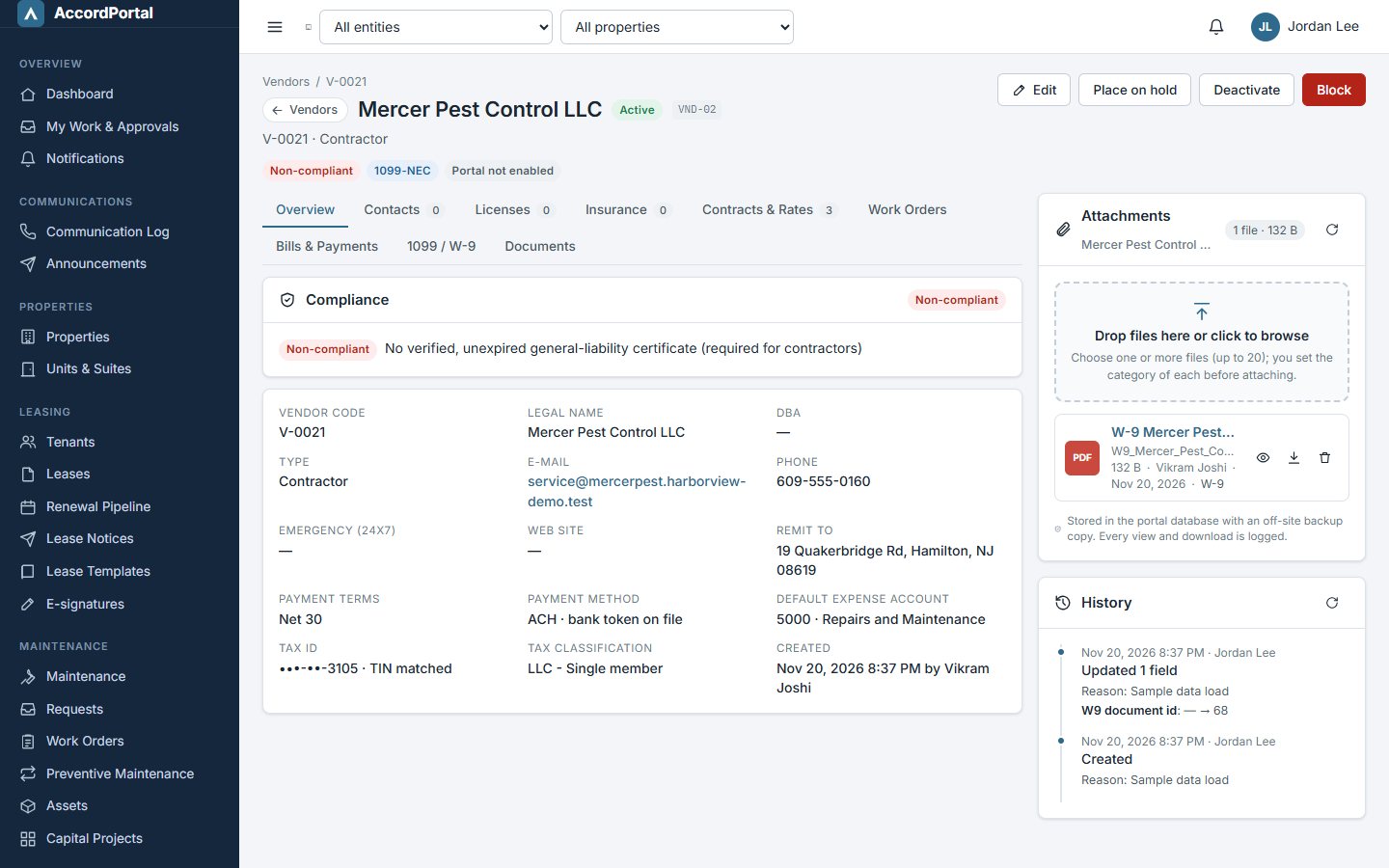
- Contractors, suppliers, utilities and municipalities; contacts, terms, balances and history.
- Compliance documents
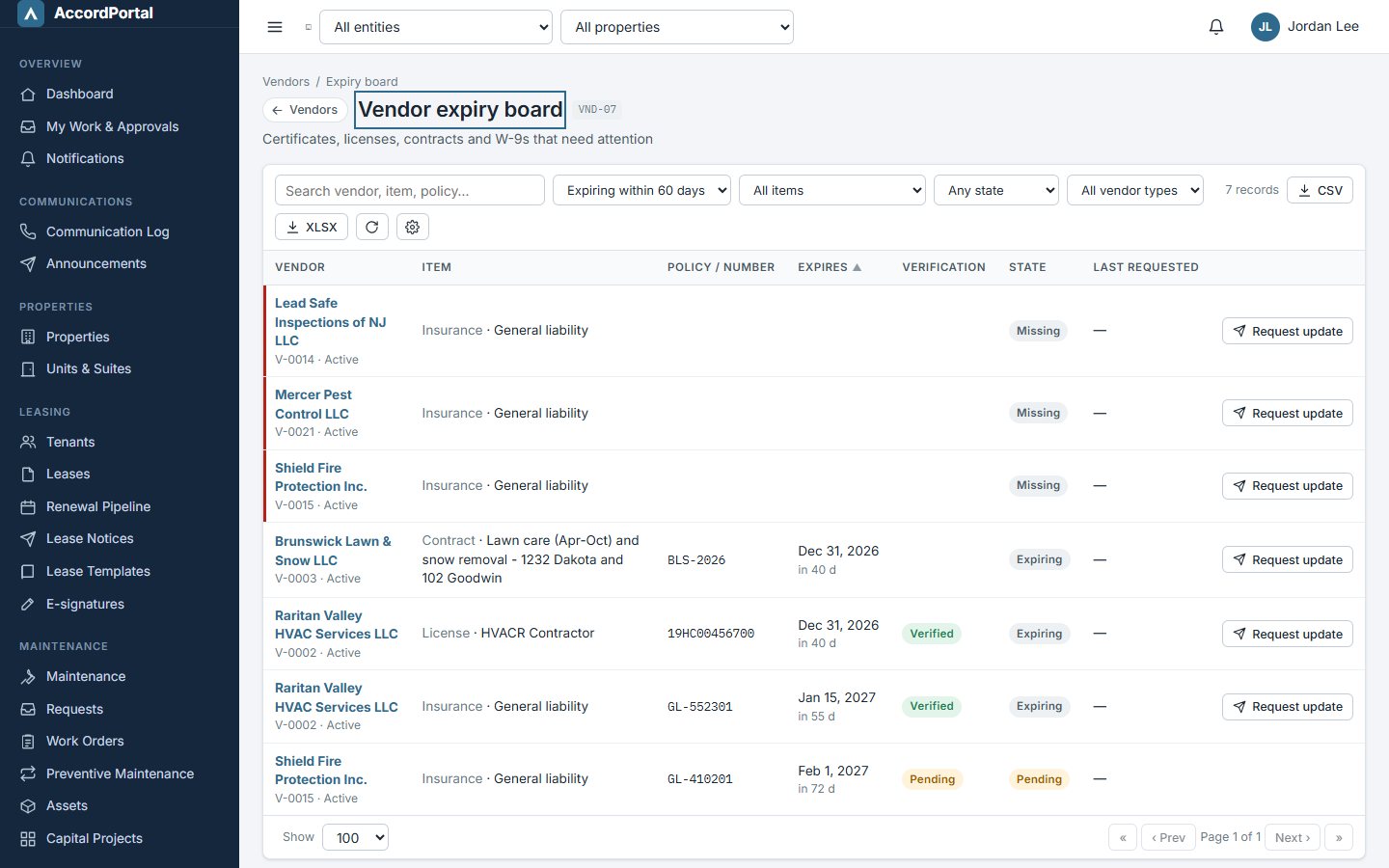
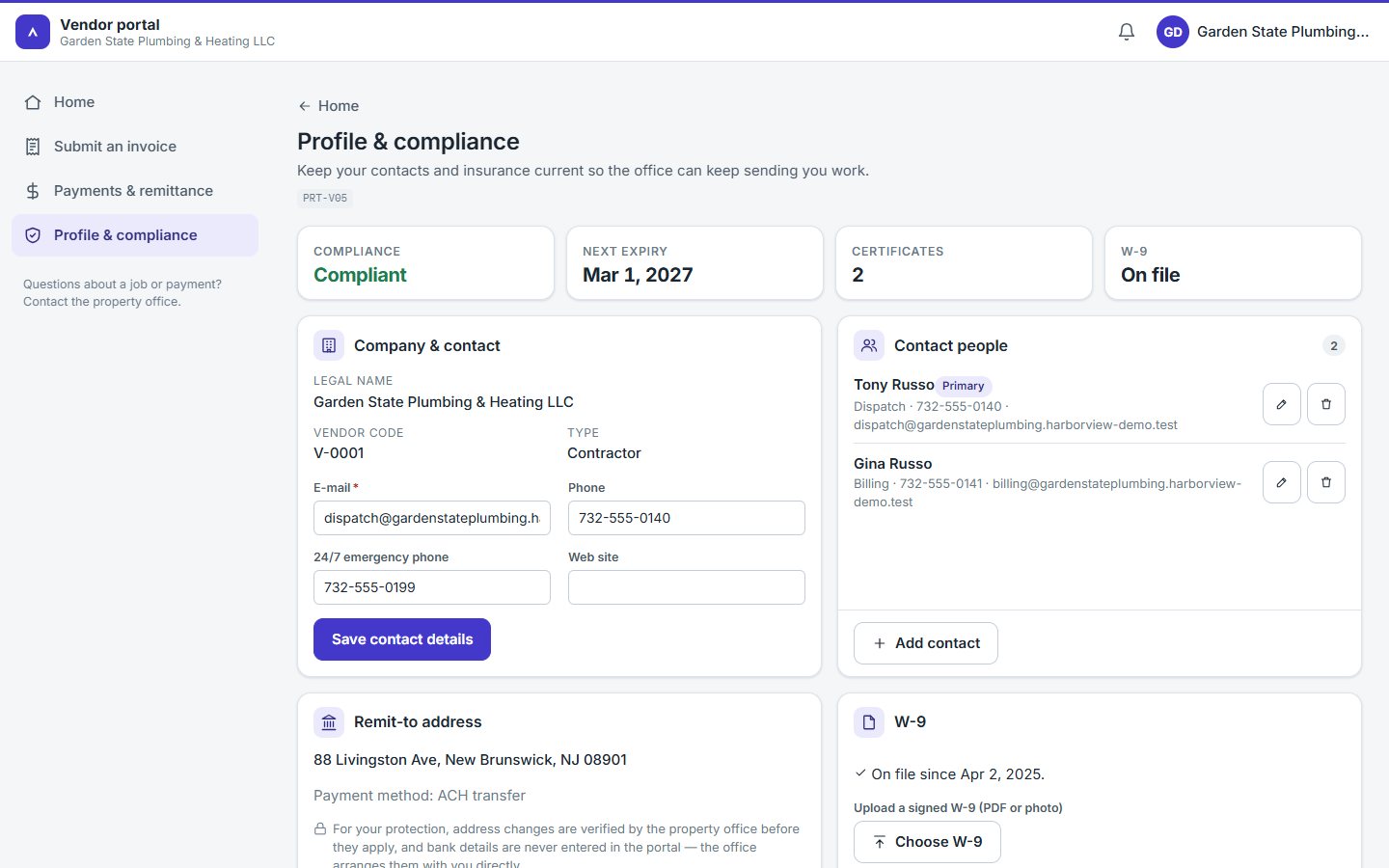
- Licenses, certificates of insurance and W-9 with expiry and verification.
- Expiry board
- What is missing or expiring, with update requests to the vendor portal.
- Preferred vendors
- Per property and category, shown when assigning work.
Compliance
Rules-driven, evidence-backed.
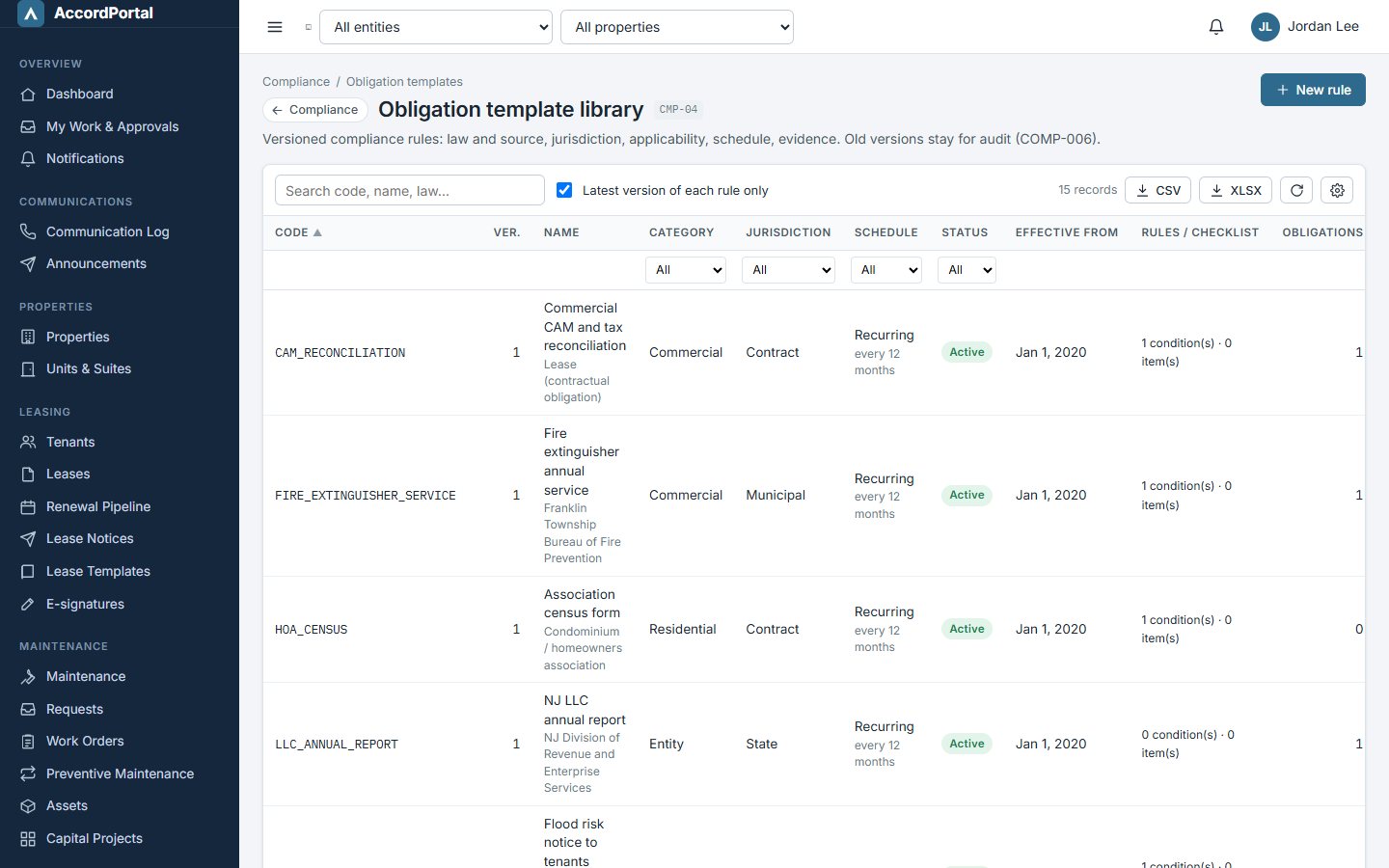
- Obligation templates
- Versioned library (16 New Jersey obligations included) with frequency, lead time and evidence.
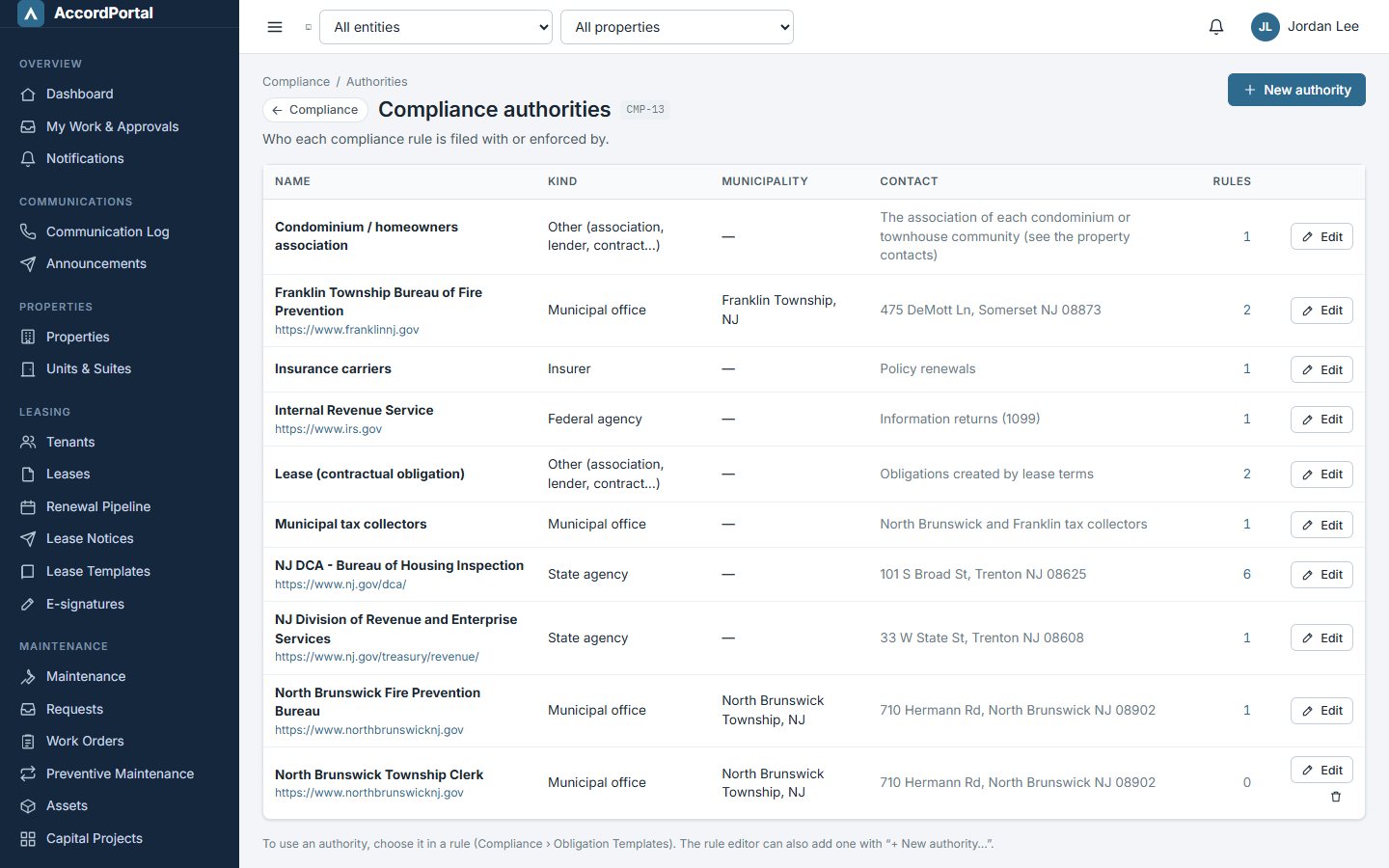
- Authorities
- State, county, municipal and association authorities with contacts and portals.
- Applicability review
- Rules propose obligations per property for acceptance or exemption.
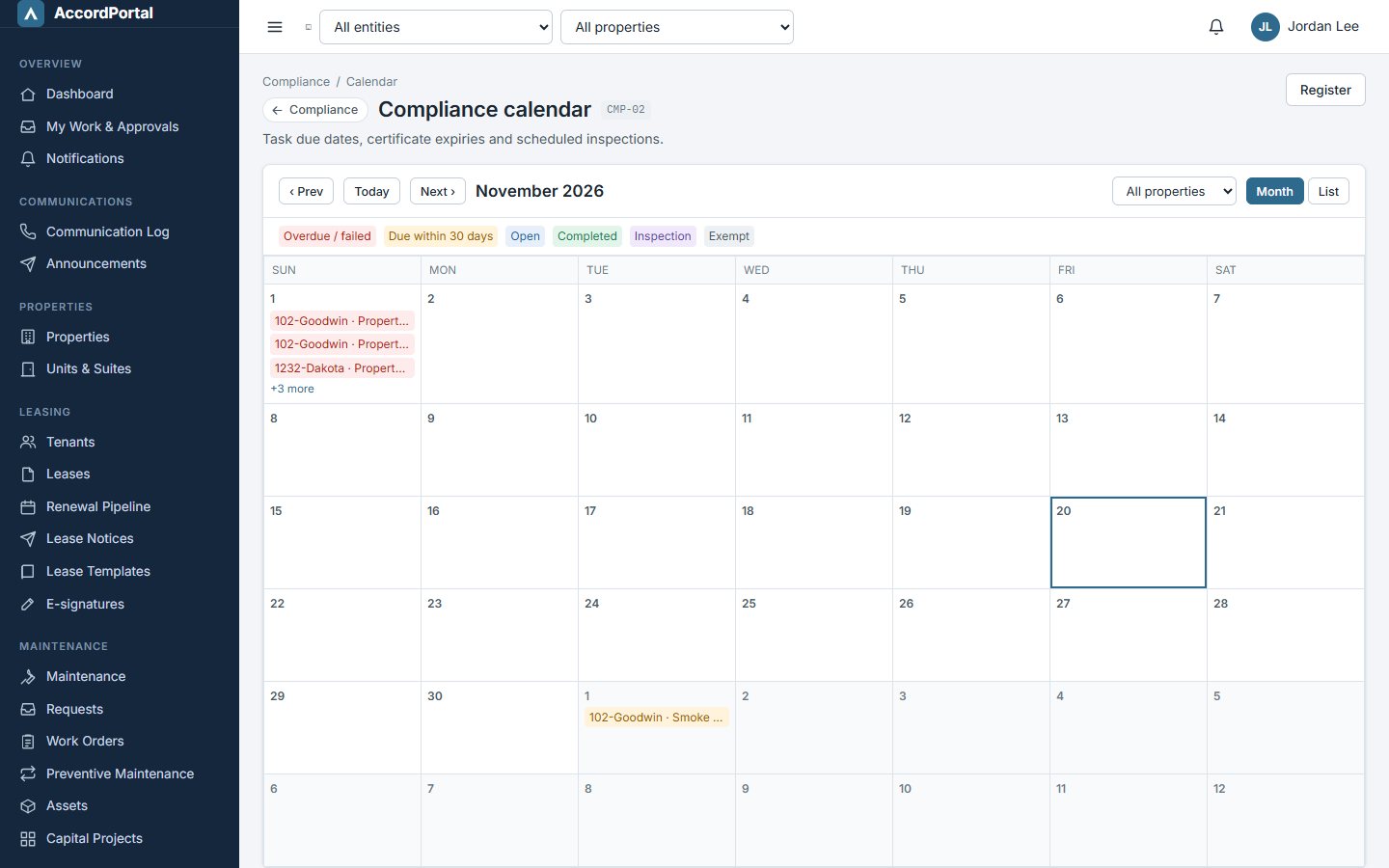
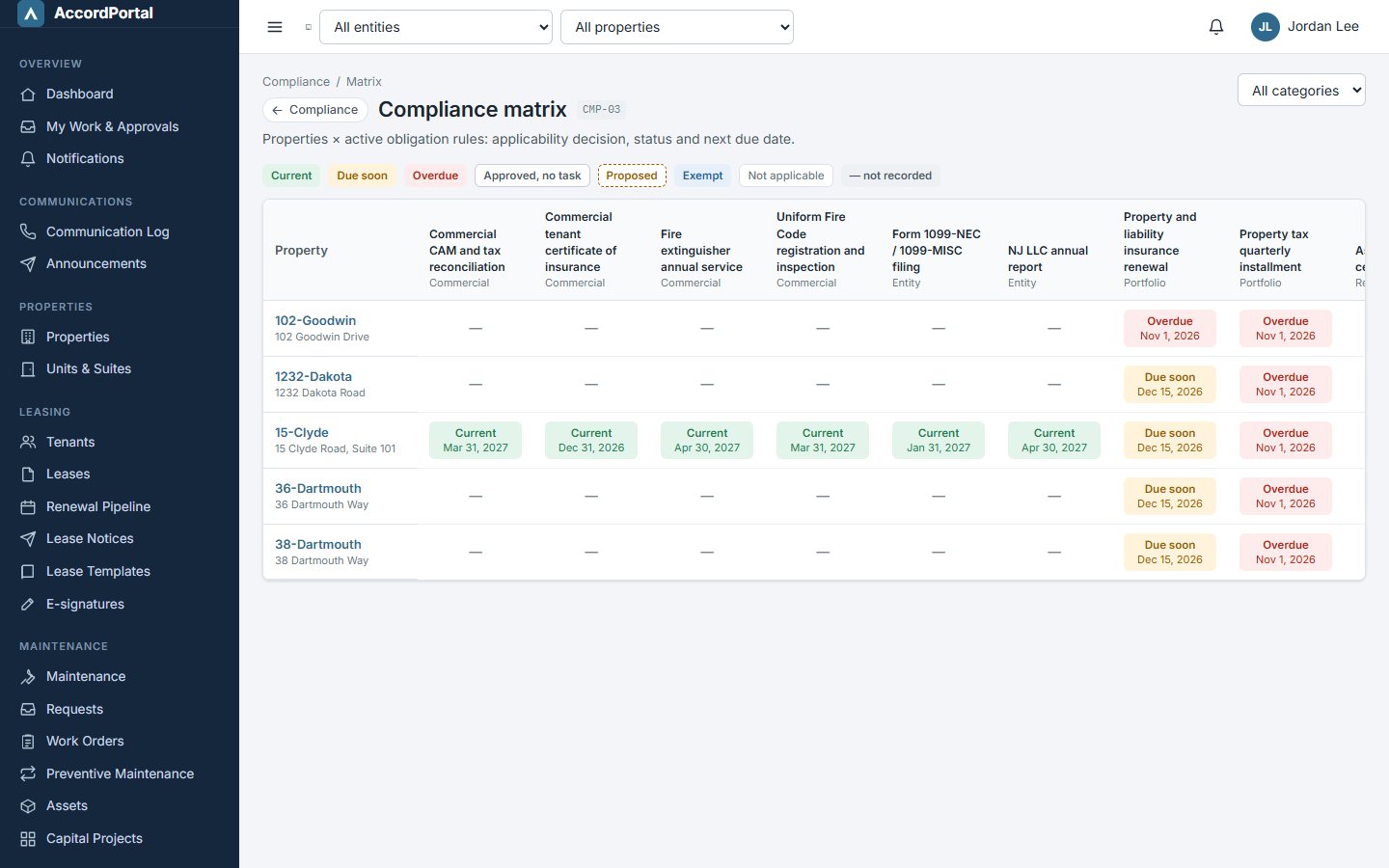
- Register, calendar & matrix
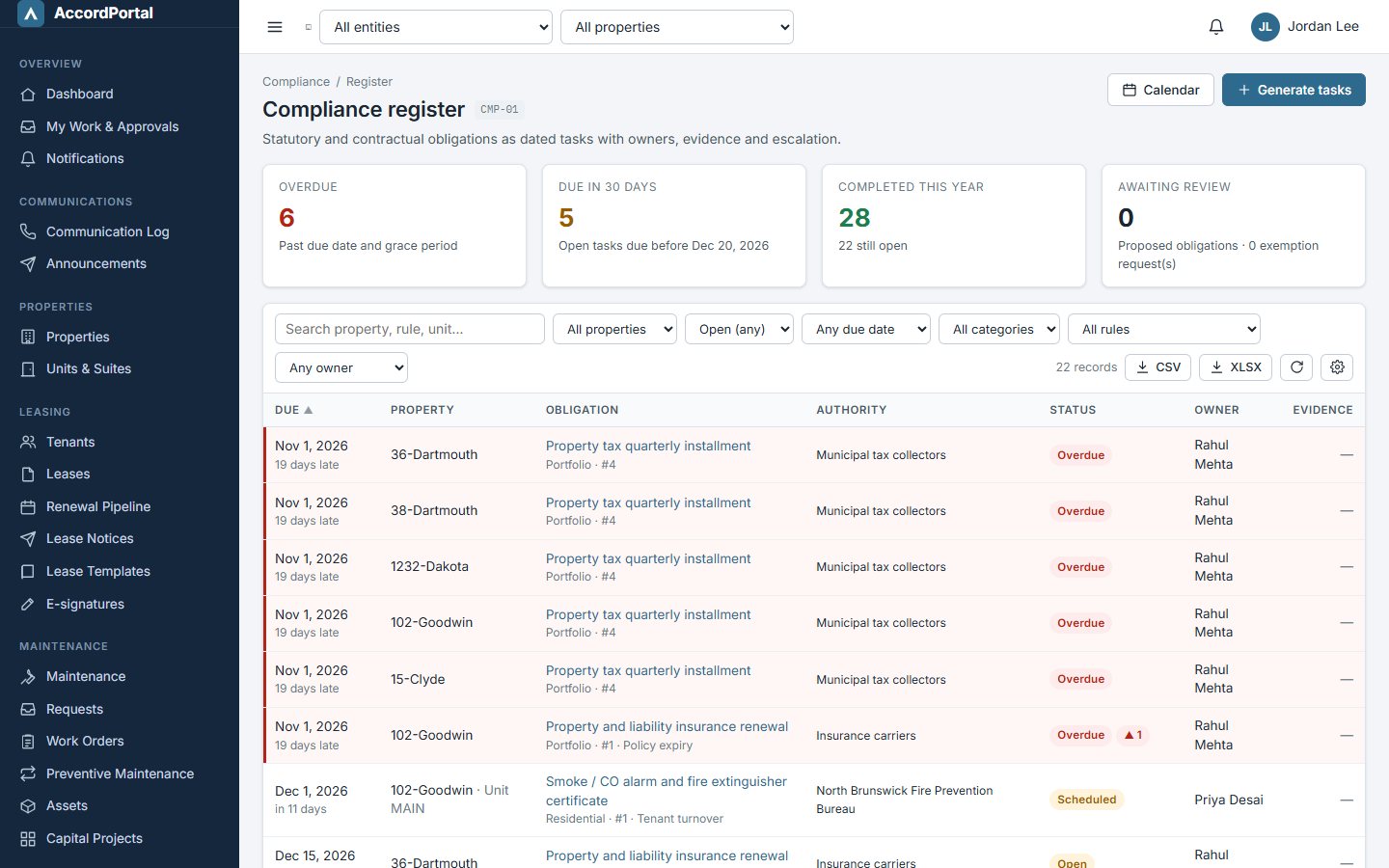
- Tasks by due date, a month calendar and a property × obligation grid.
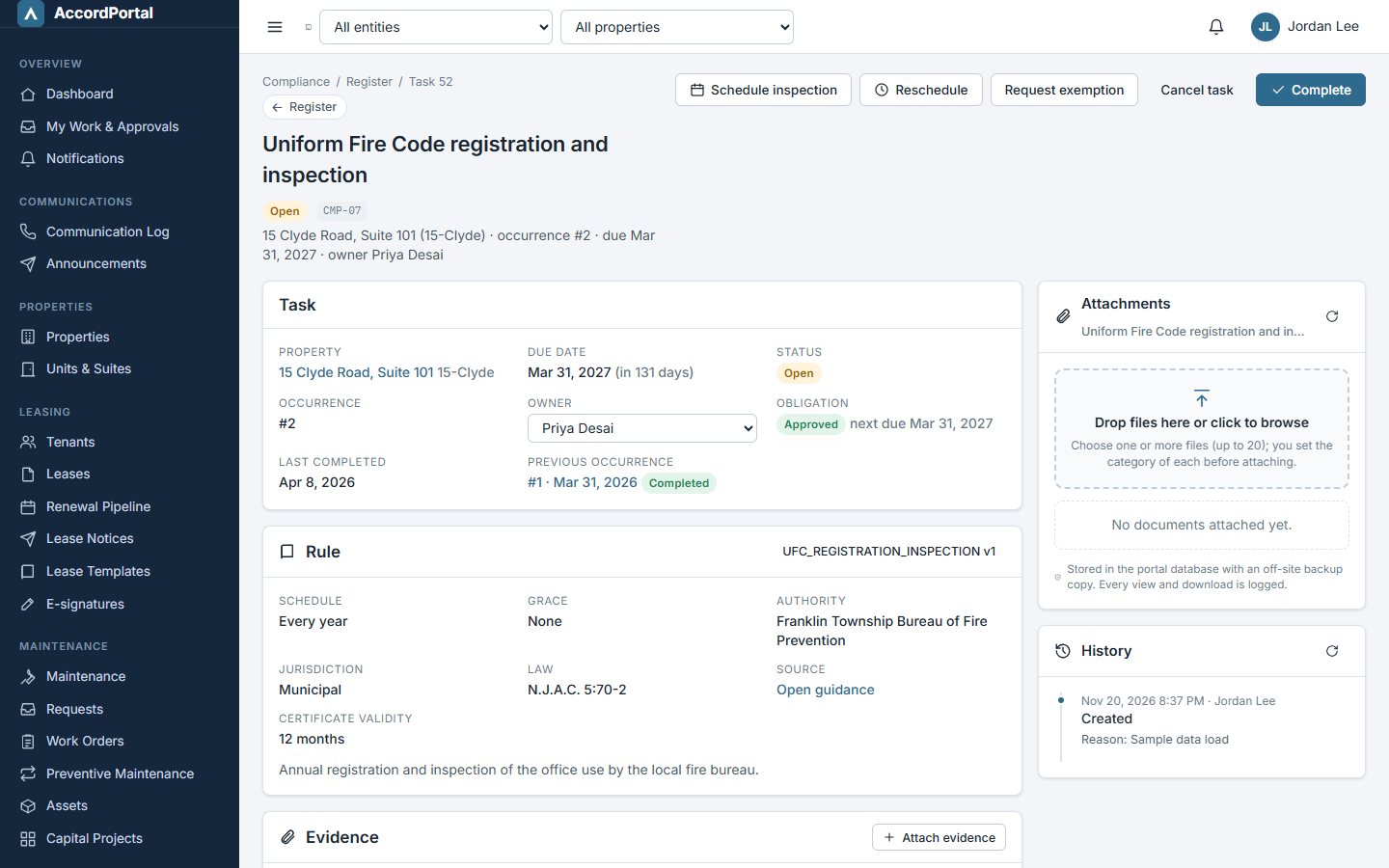
- Tasks & reminders
- Owners, reminders (90/60/30/7 days by default), evidence uploads and completion.
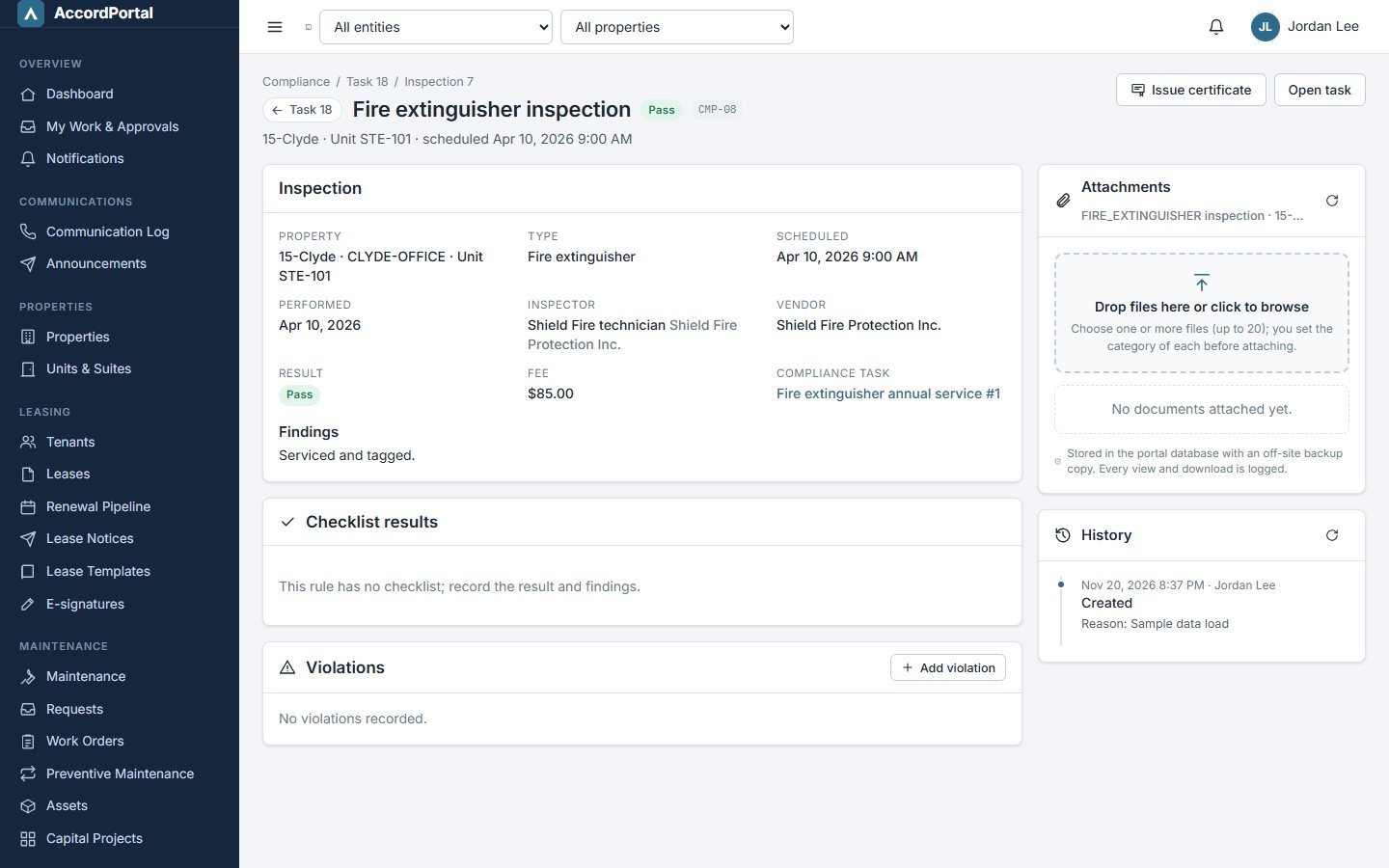
- Inspections & violations
- Checklists, results, violations with fines and cure dates, re-inspections.
- Exemptions
- Requested and decided by a different reviewer.
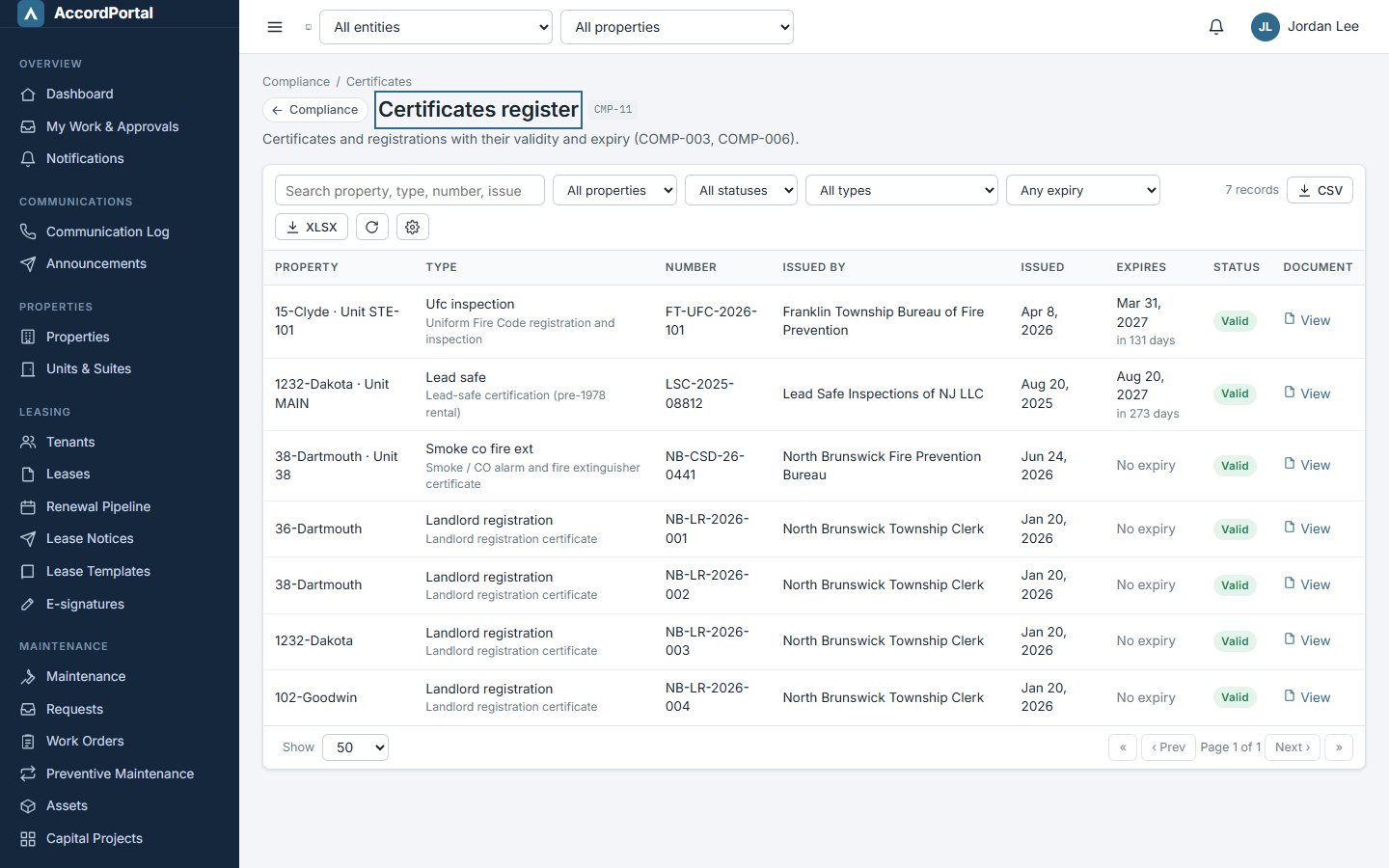
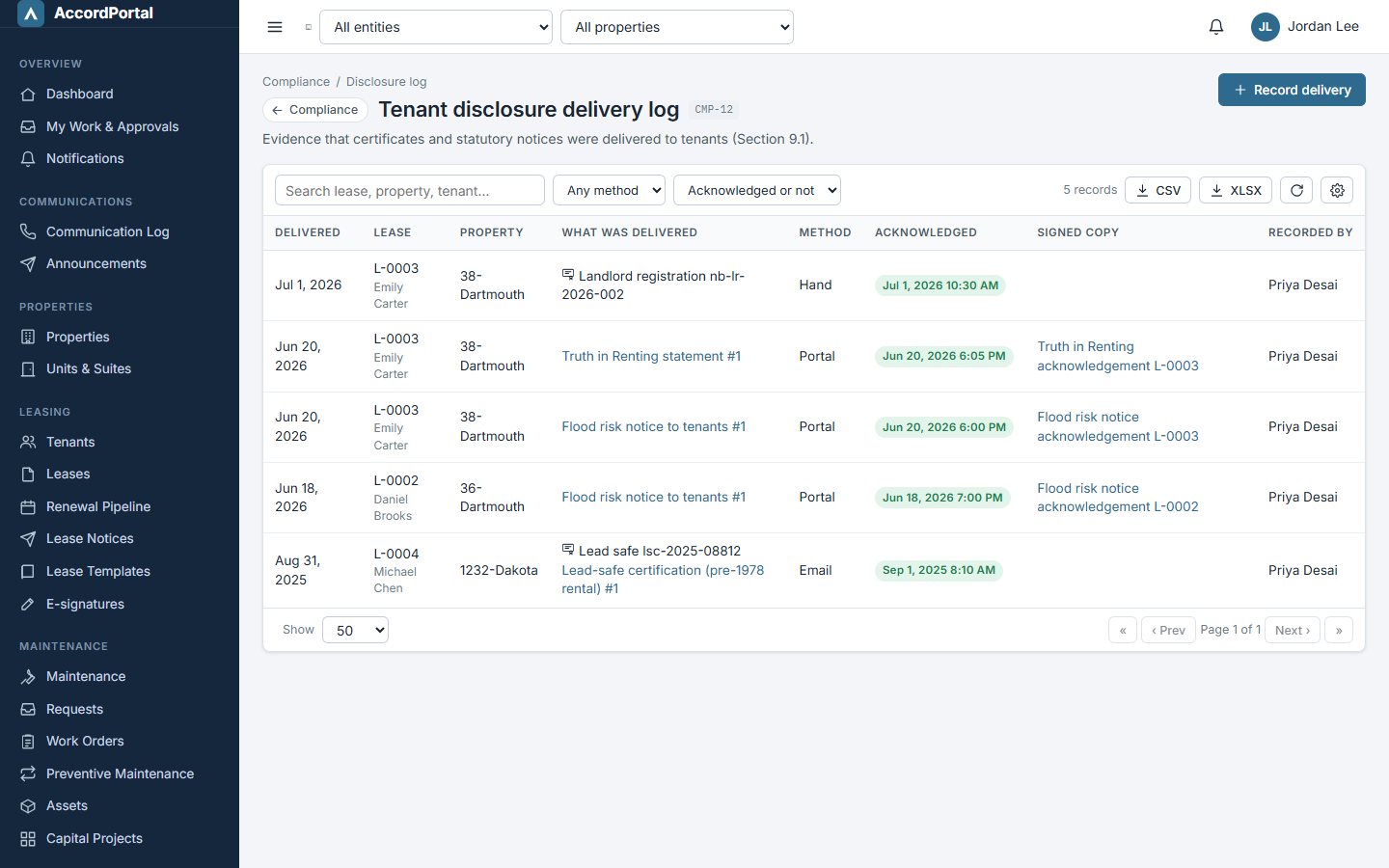
- Certificates & disclosures
- Certificate register with expiry; tenant disclosure delivery log with acknowledgement.
Documents
Secure, linked, logged.
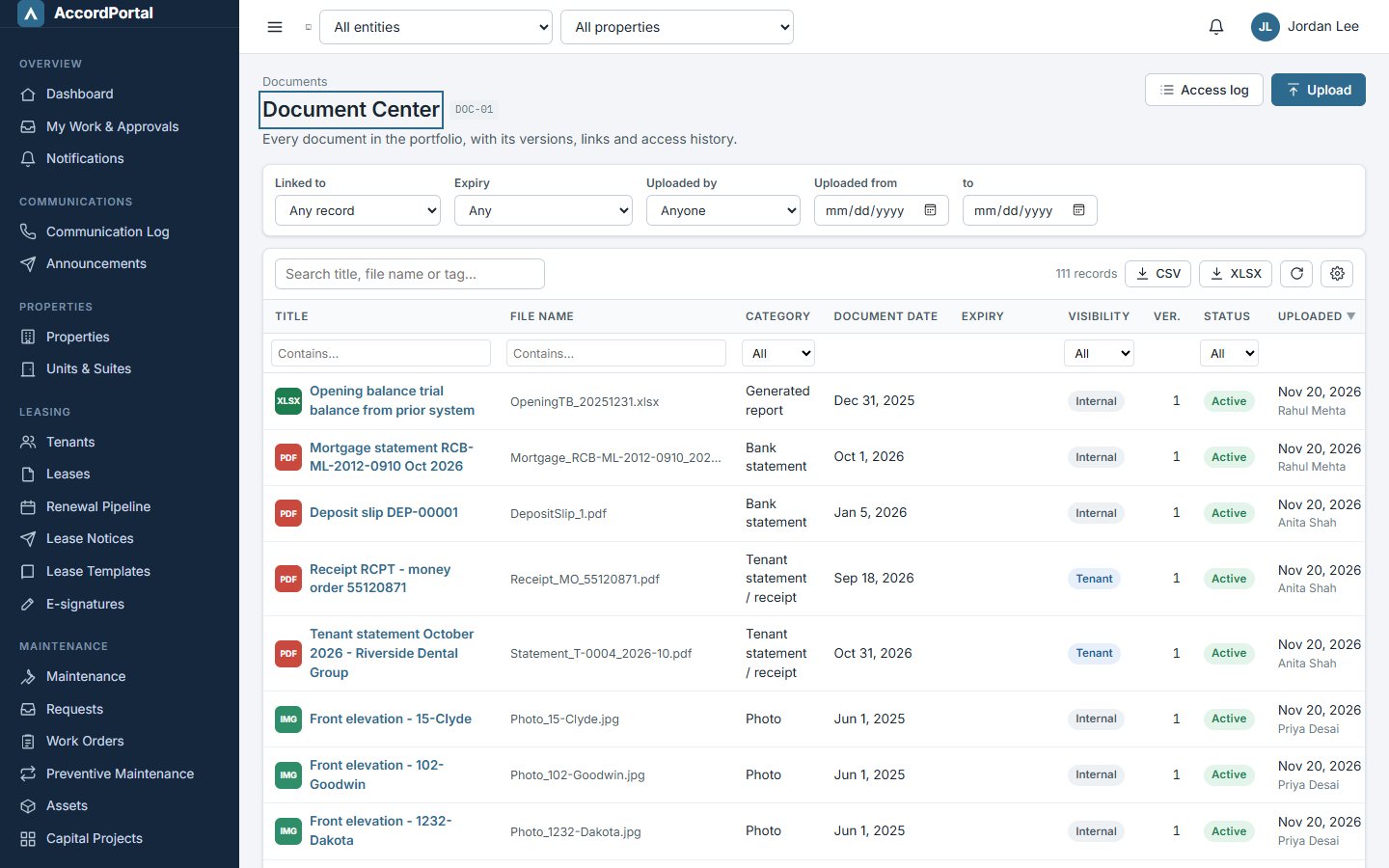
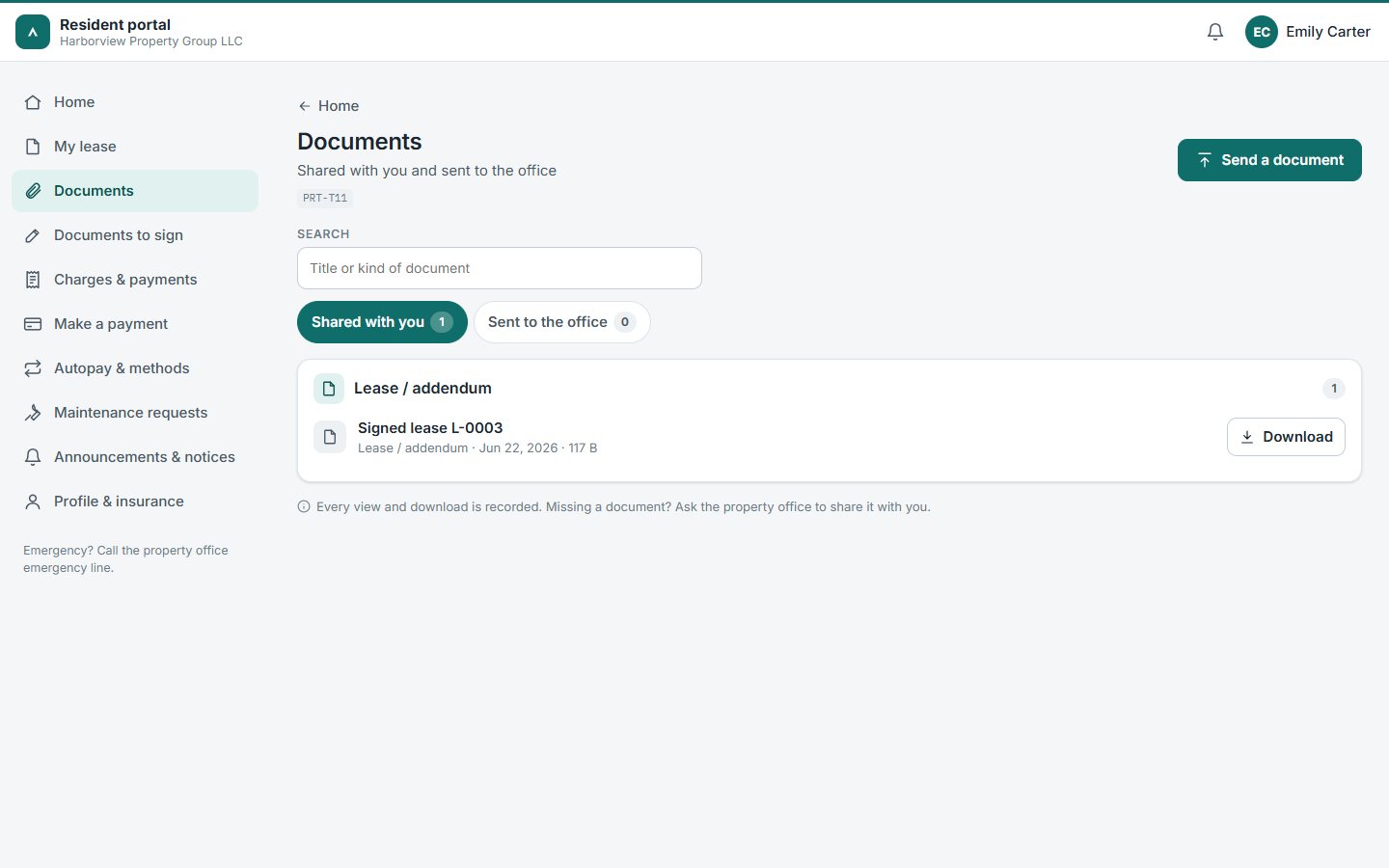
- Document center
- Search and filter every document across records; upload and link to any record.
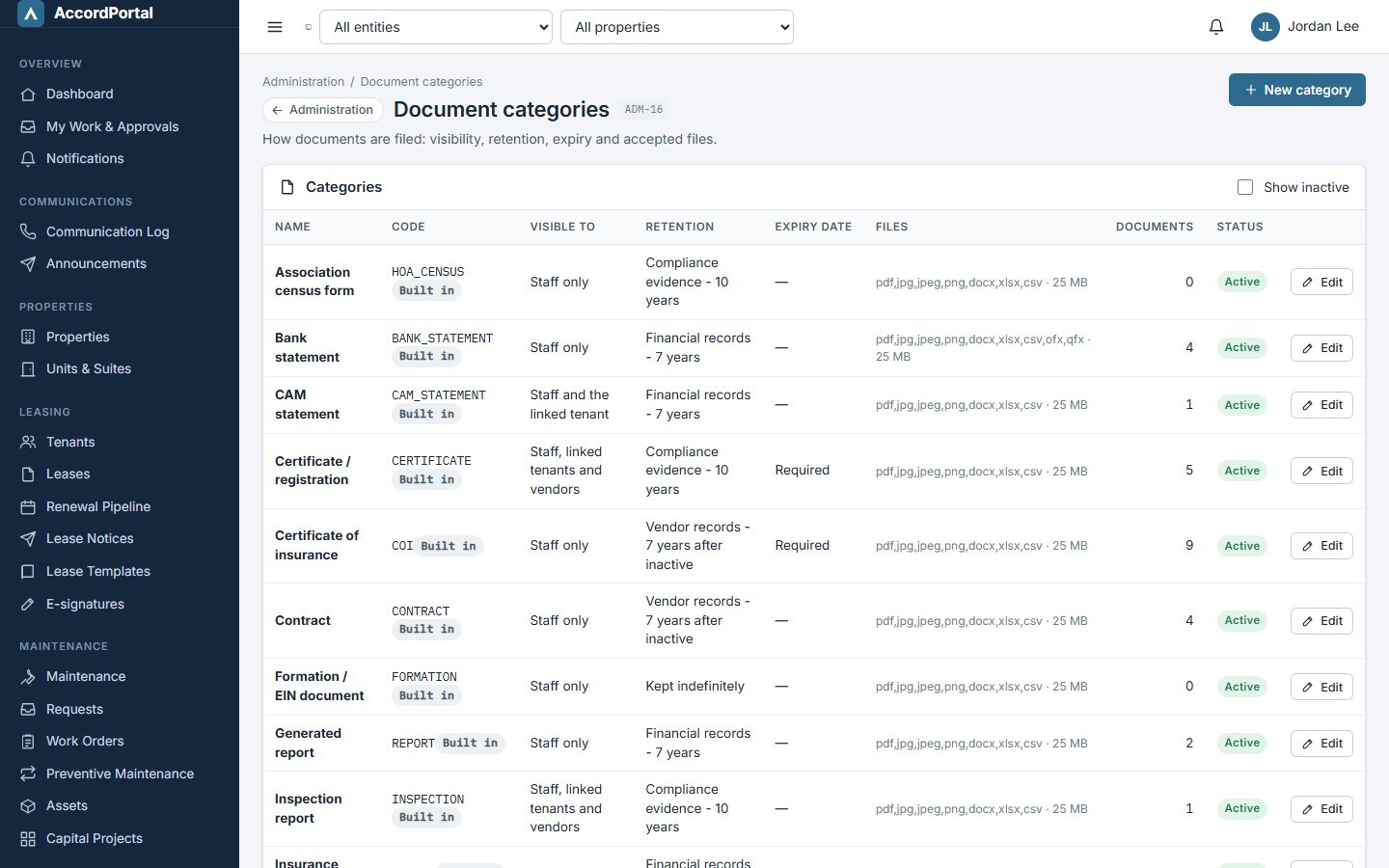
- Categories
- 21 categories with visibility, retention, expiry and accepted file types.
- Versions & sharing
- Version history; share with tenants in one switch; tenant uploads.
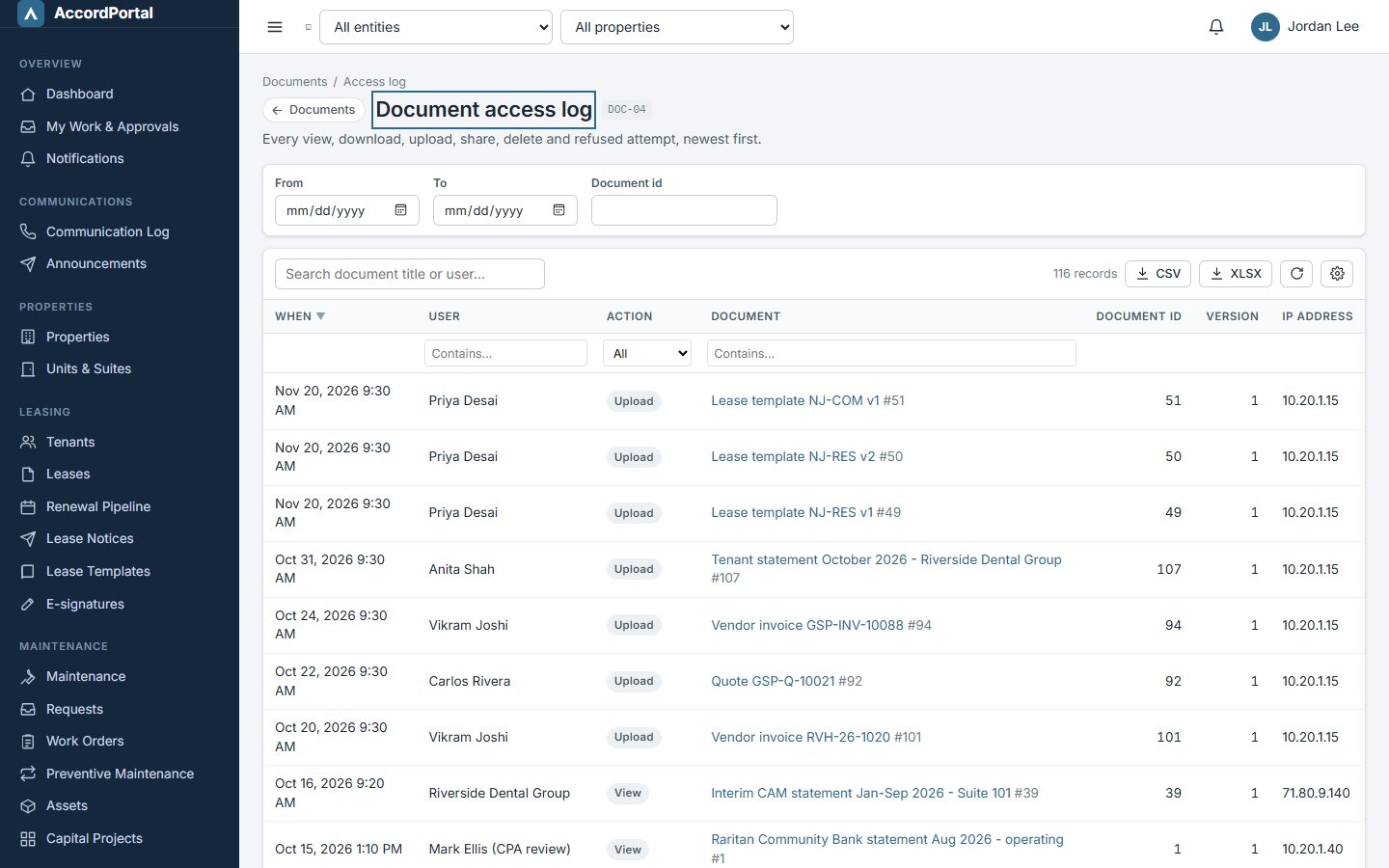
- Access log
- Every view, download and upload recorded.
Portals
Included in every plan.
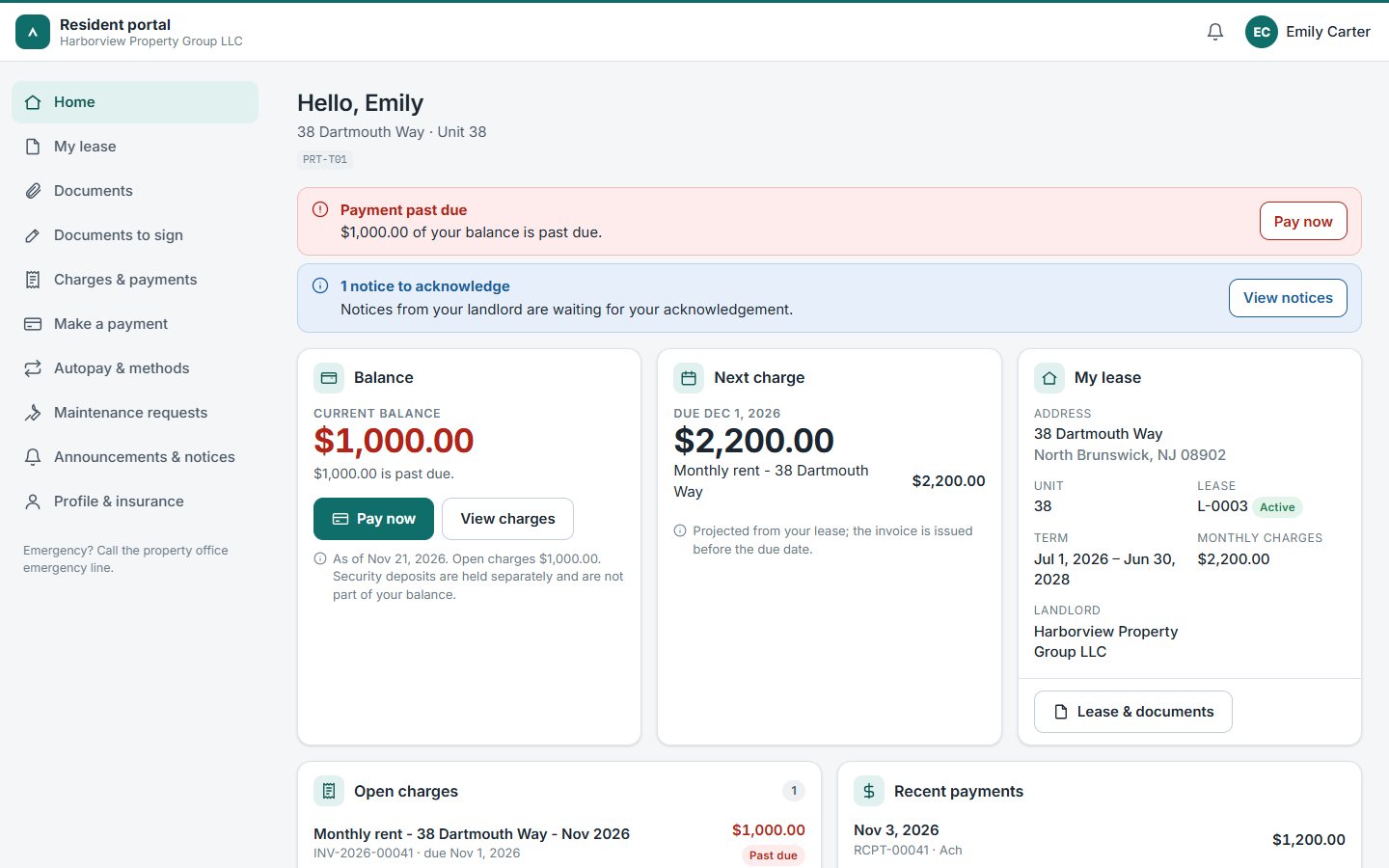
- Resident portal
- Home, charges & payments, pay now, autopay, my lease, documents, signing, renewal offers, maintenance requests, notices, profile & insurance.
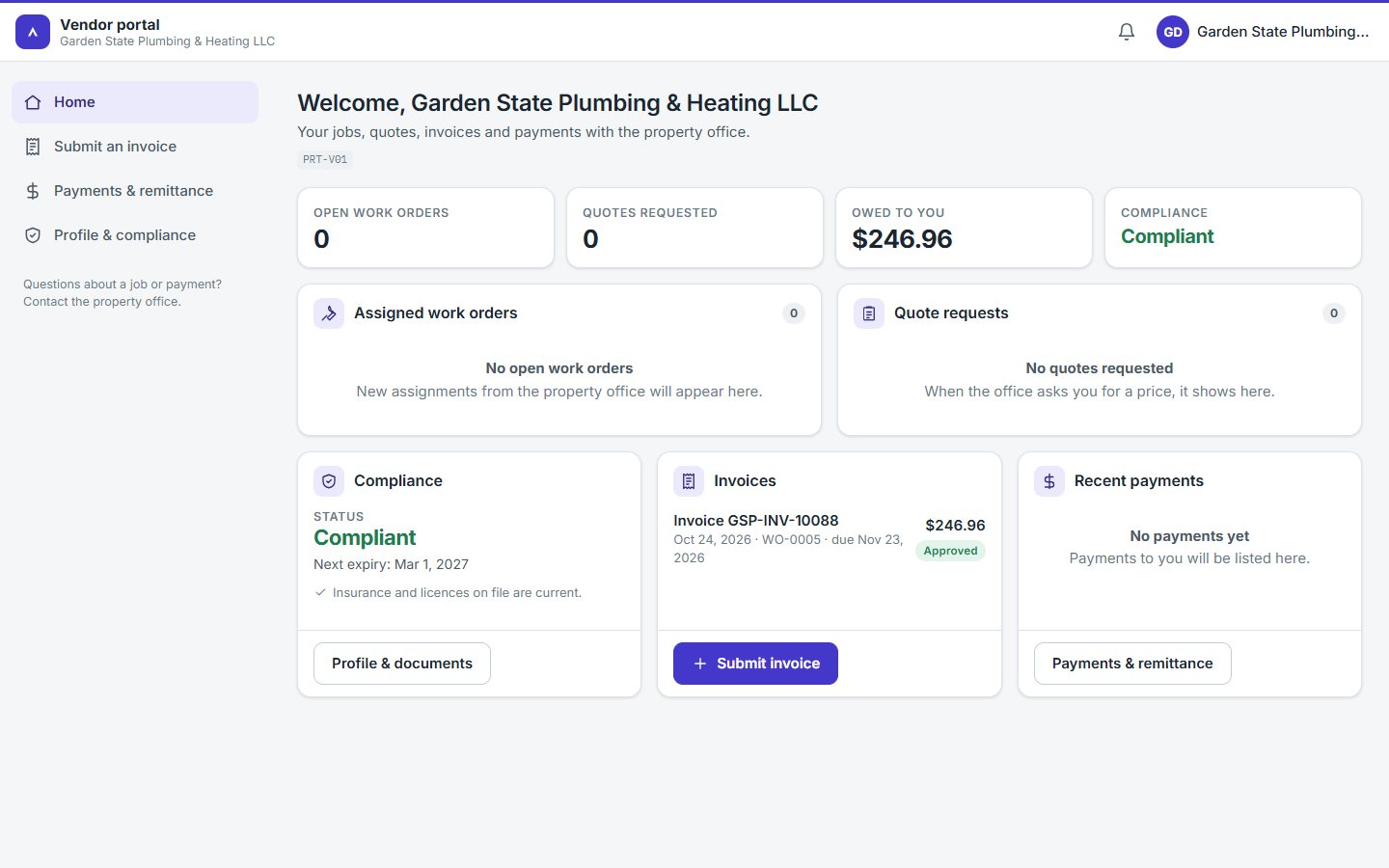
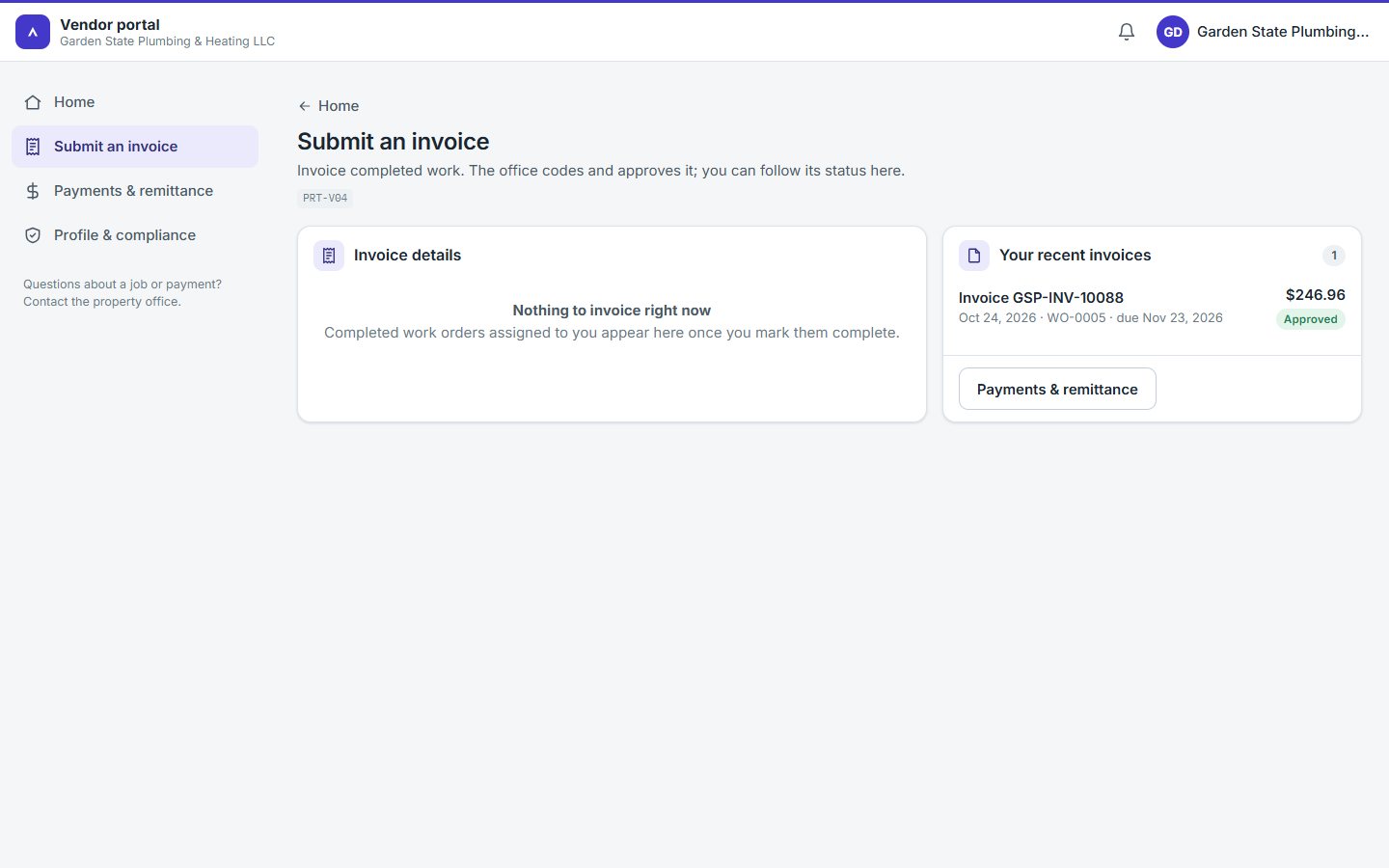
- Vendor portal
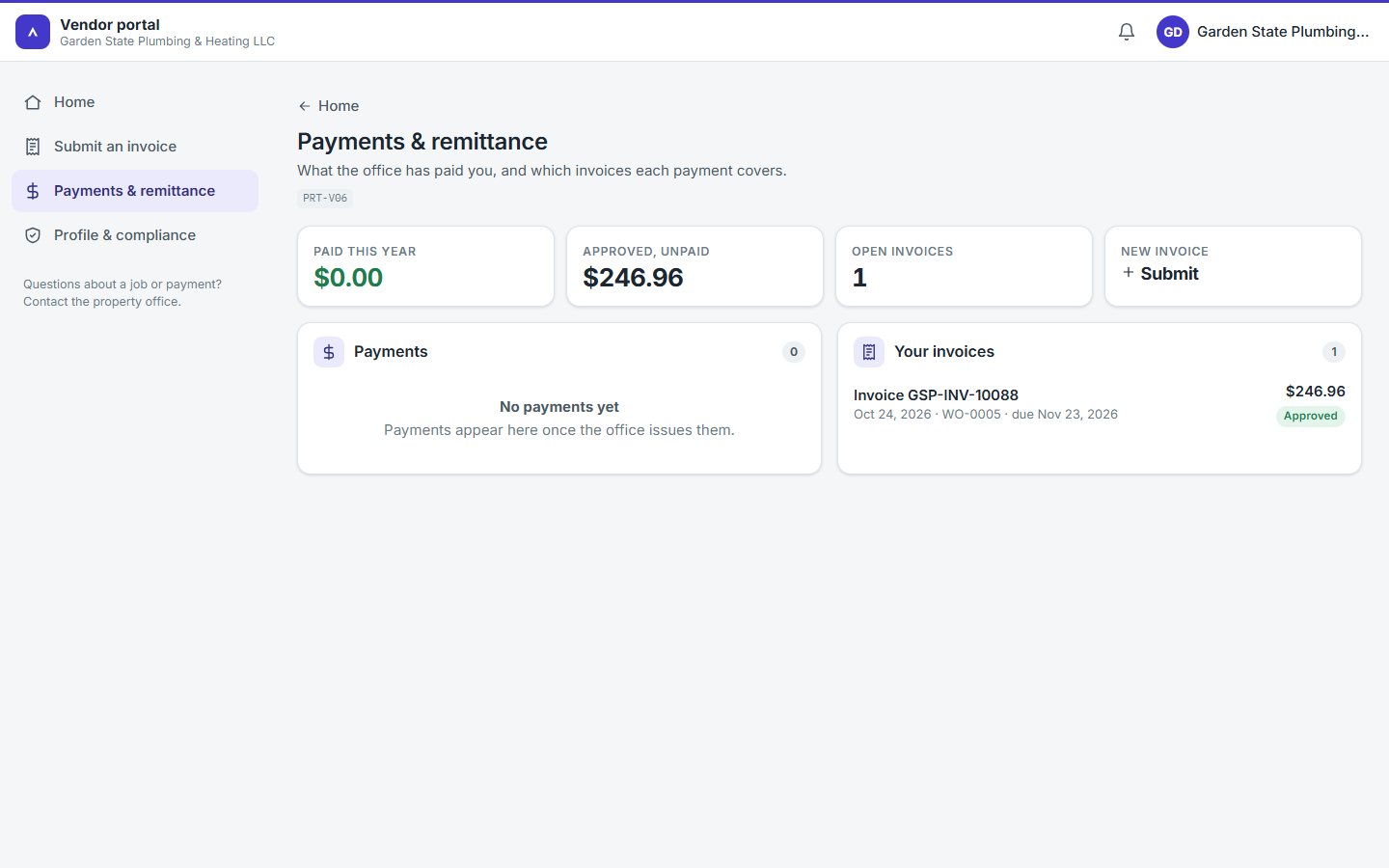
- Work orders, quotes, invoice submission, payments & remittance, profile & compliance.
- Invitations
- Invite, enable, disable and re-send from the tenant or vendor record.
- Isolation
- Server-side scoping to the user's own records, tested automatically.
Administration & security
Configure without consultants.
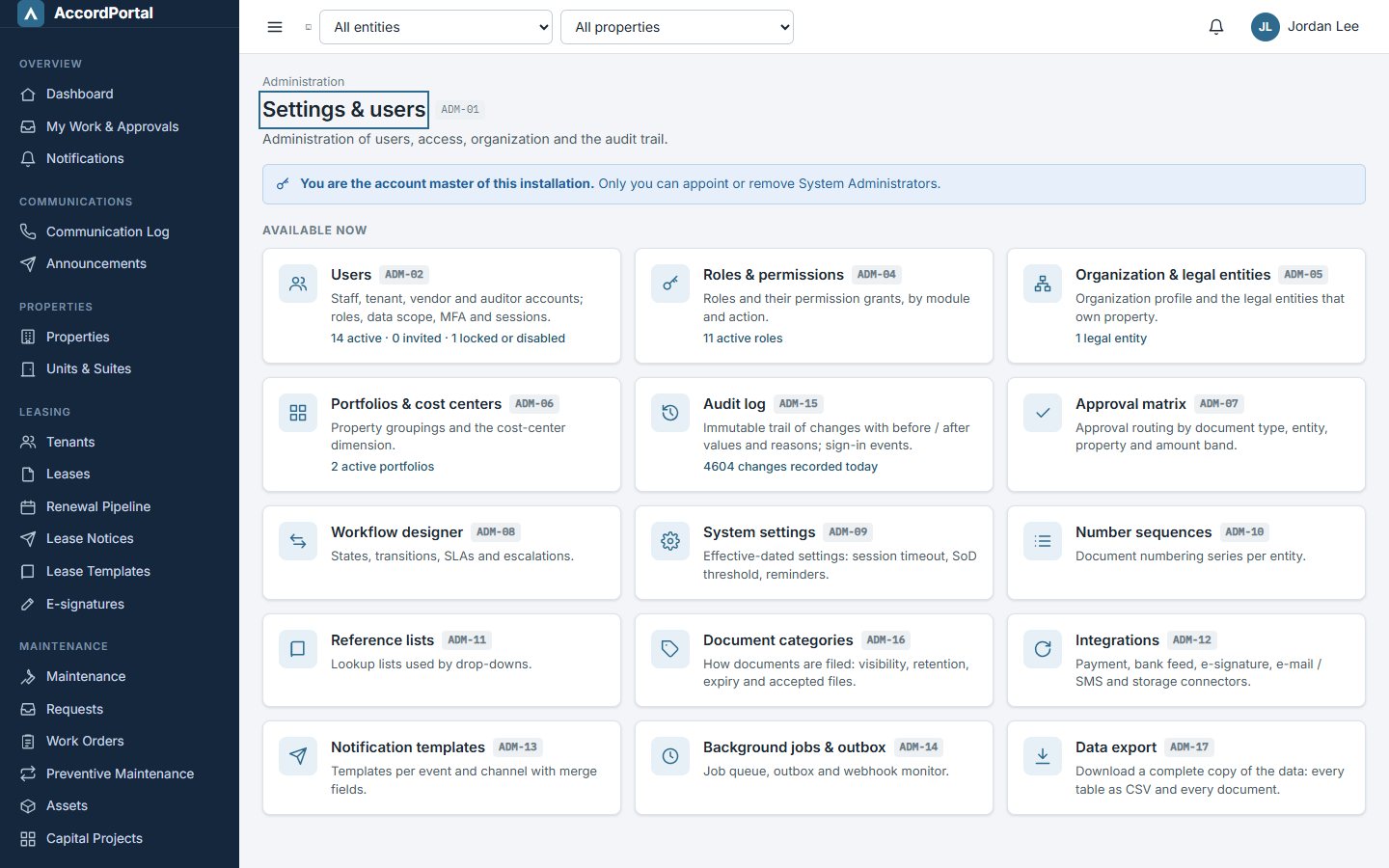
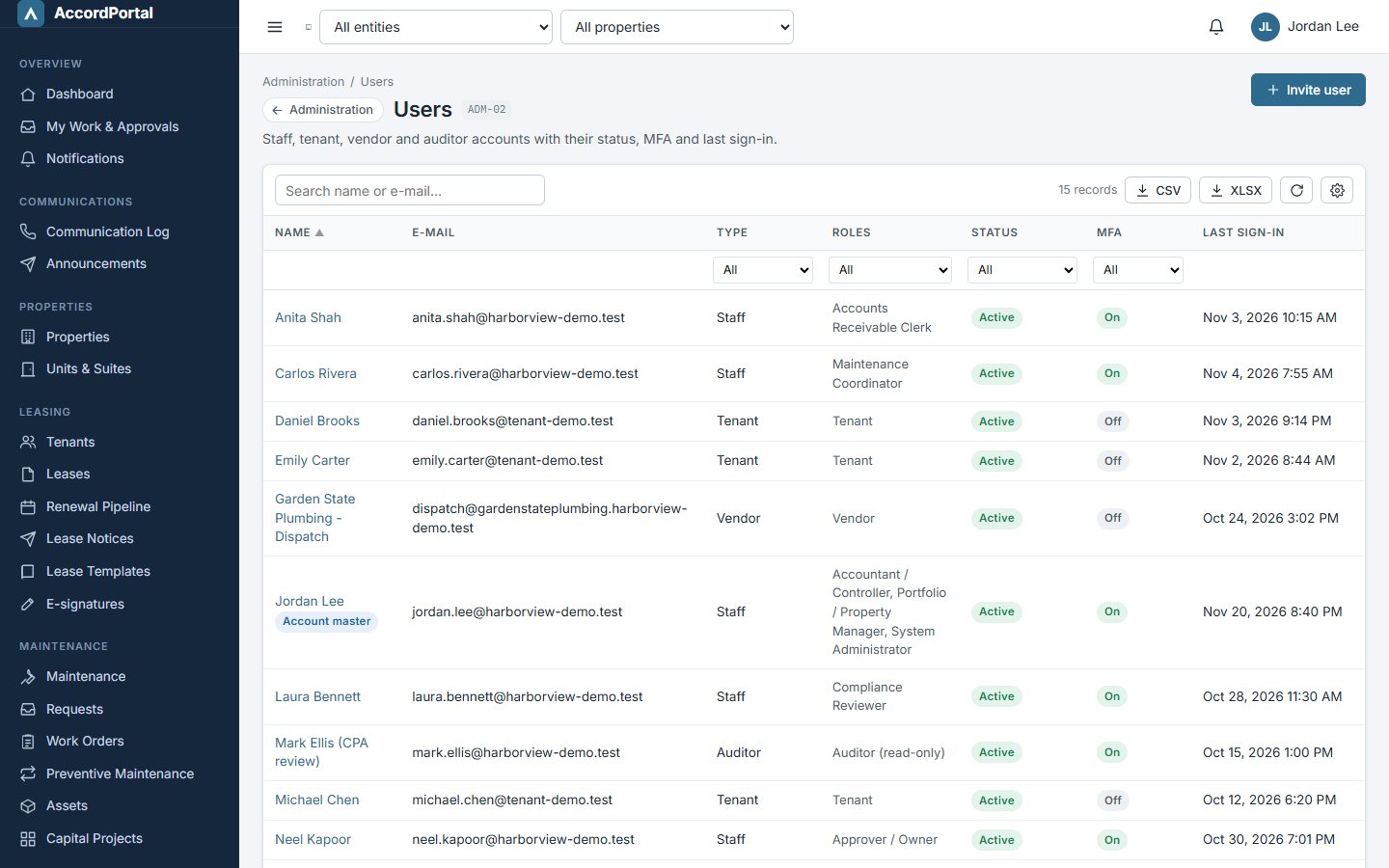
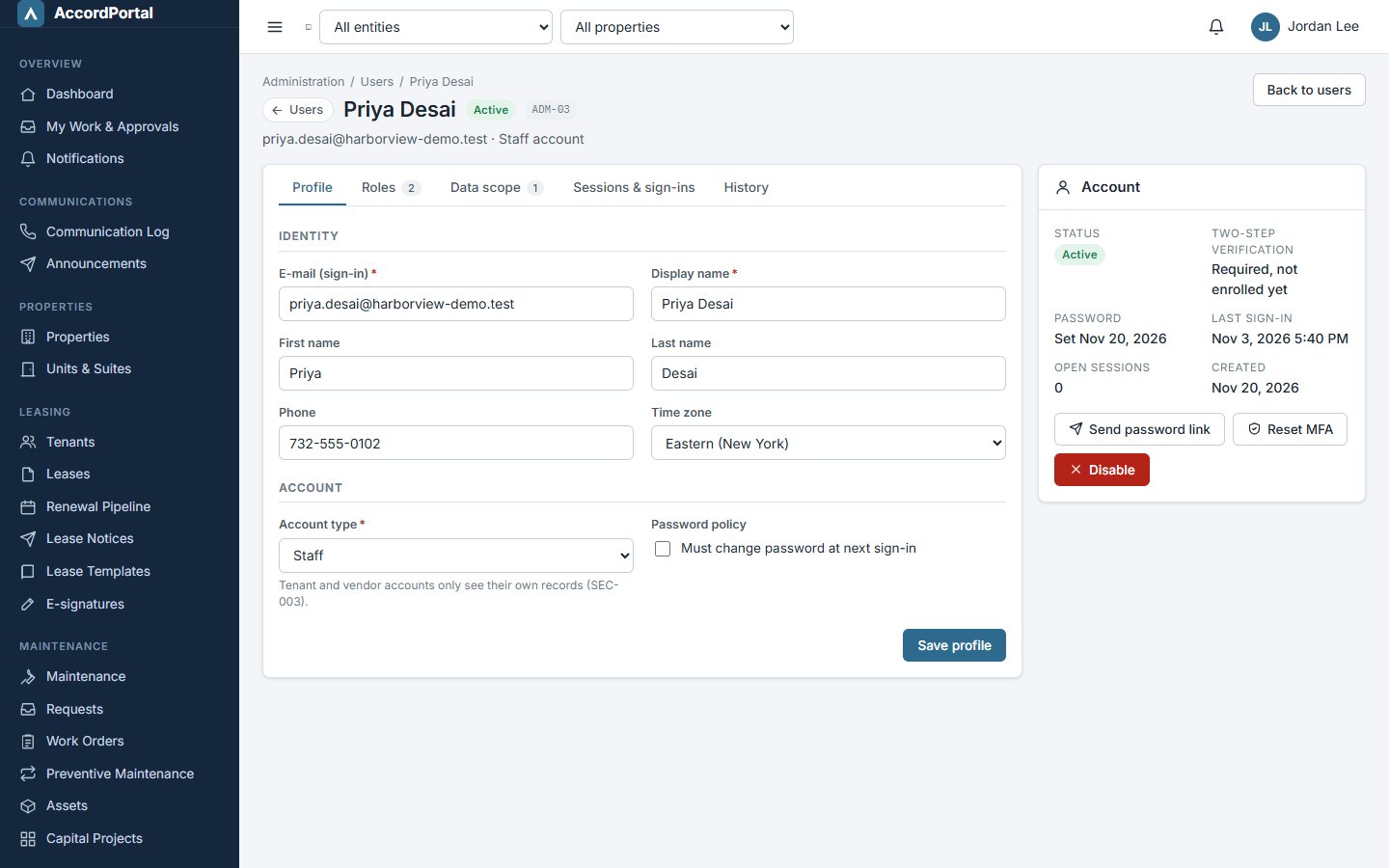
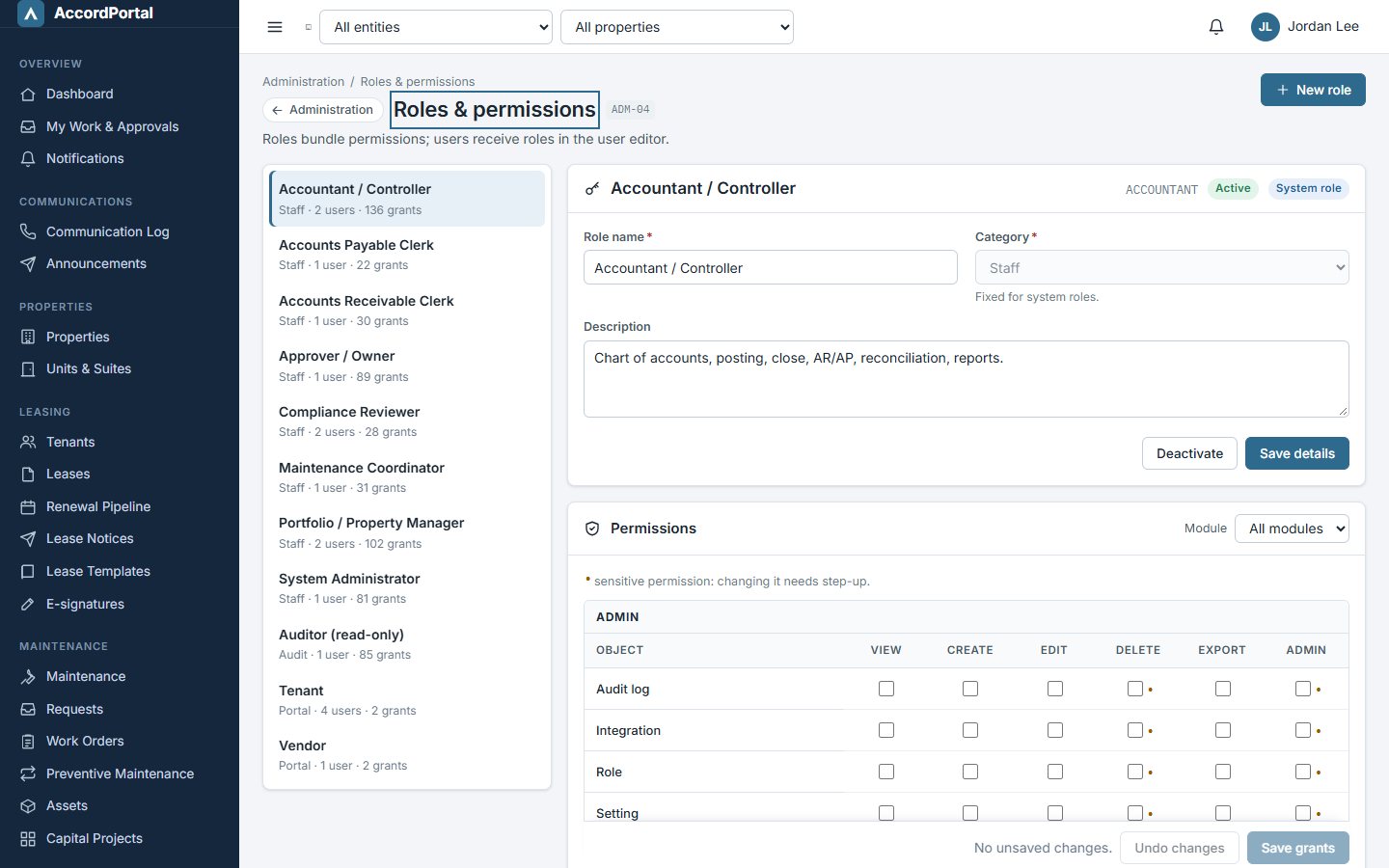
- Users & roles
- 11 roles, 261 permissions, data scope, effective-dated assignments, account master.
- Security
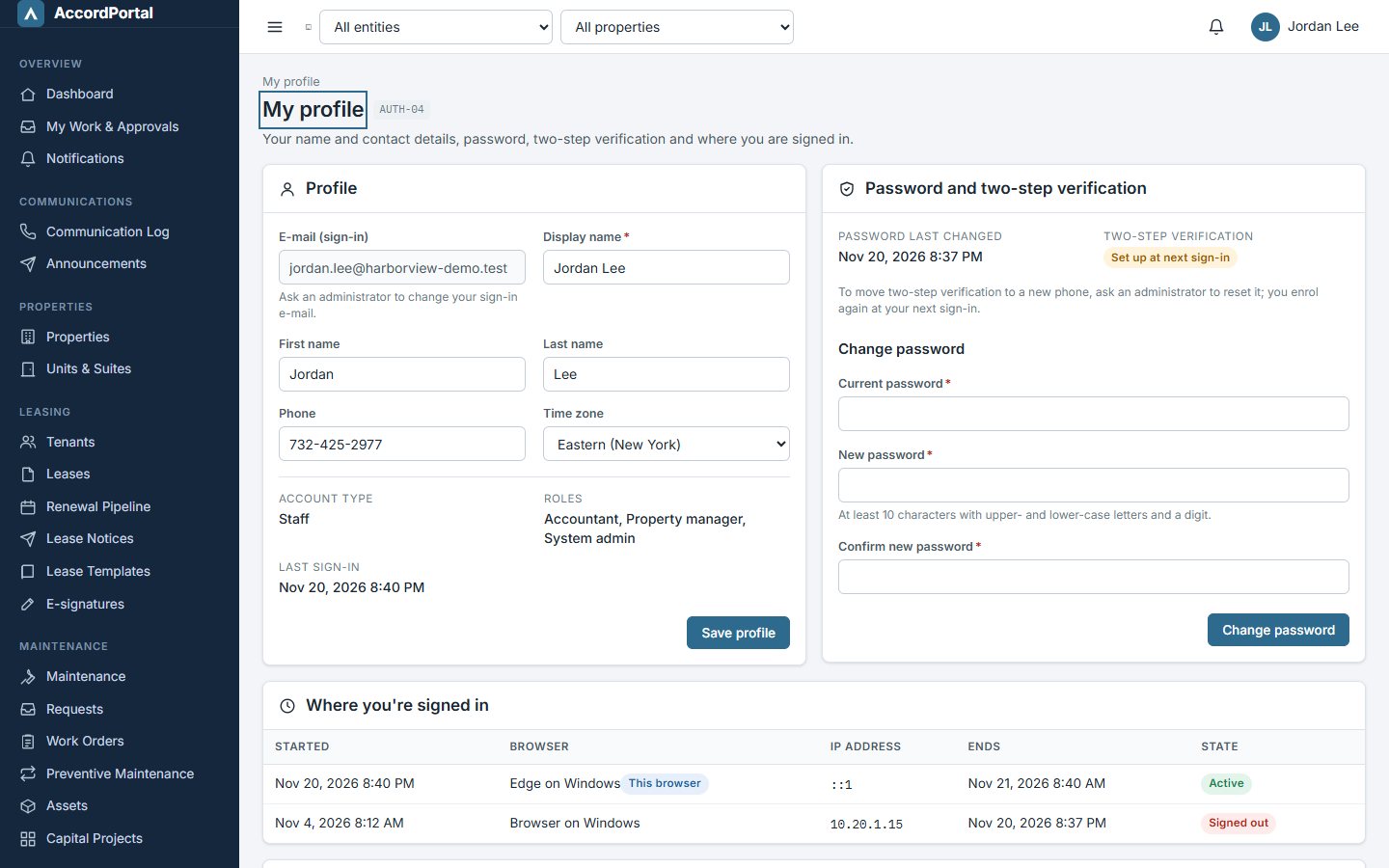
- Two-step sign-in, sign-in check, lockout, idle timeout, revocable sessions, step-up verification.
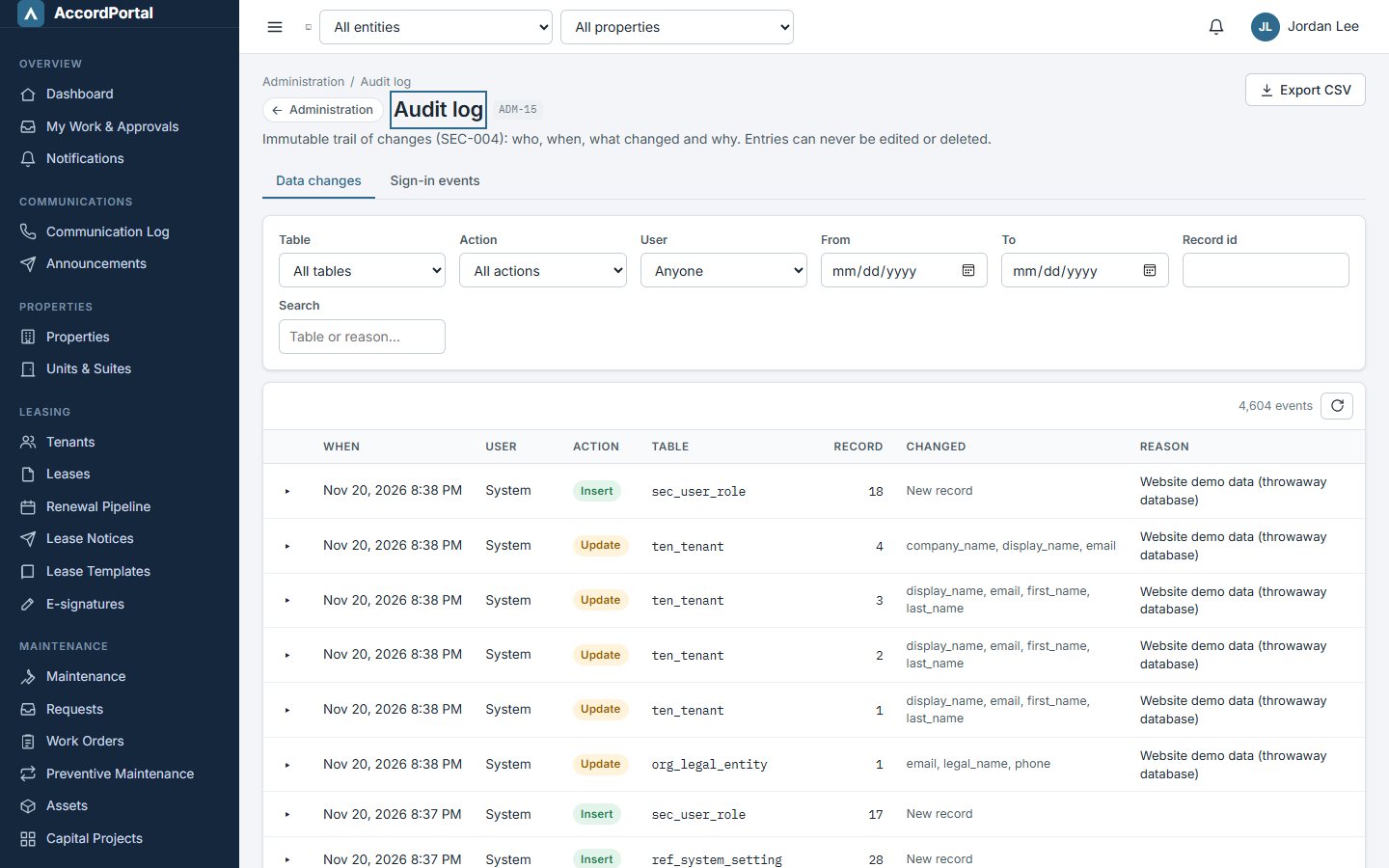
- Audit log
- Append-only before / after history with reasons on 146 tables; sign-in log.
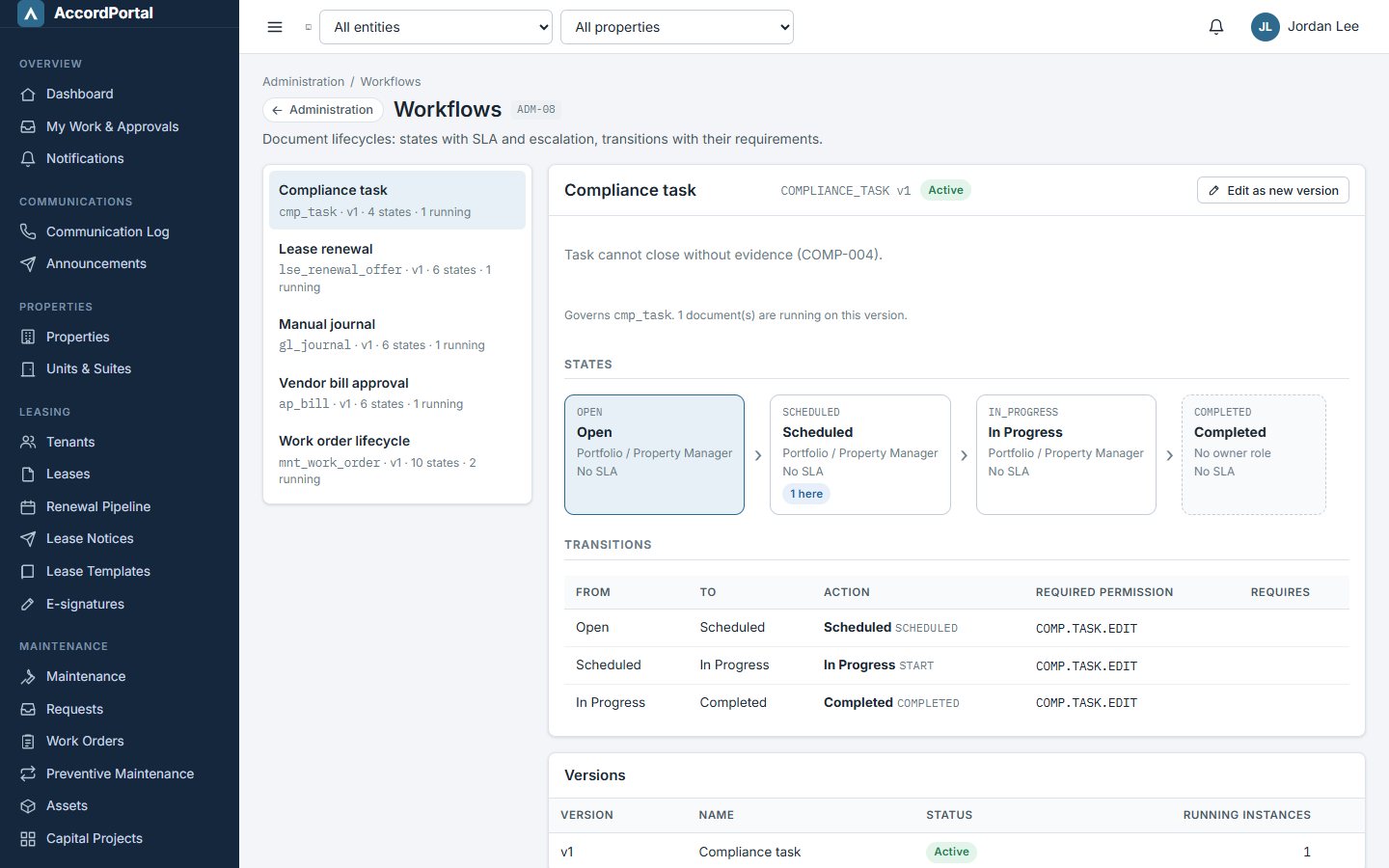
- Approval matrix & workflows
- Steps by document, entity, property and amount; states, transitions and SLAs.
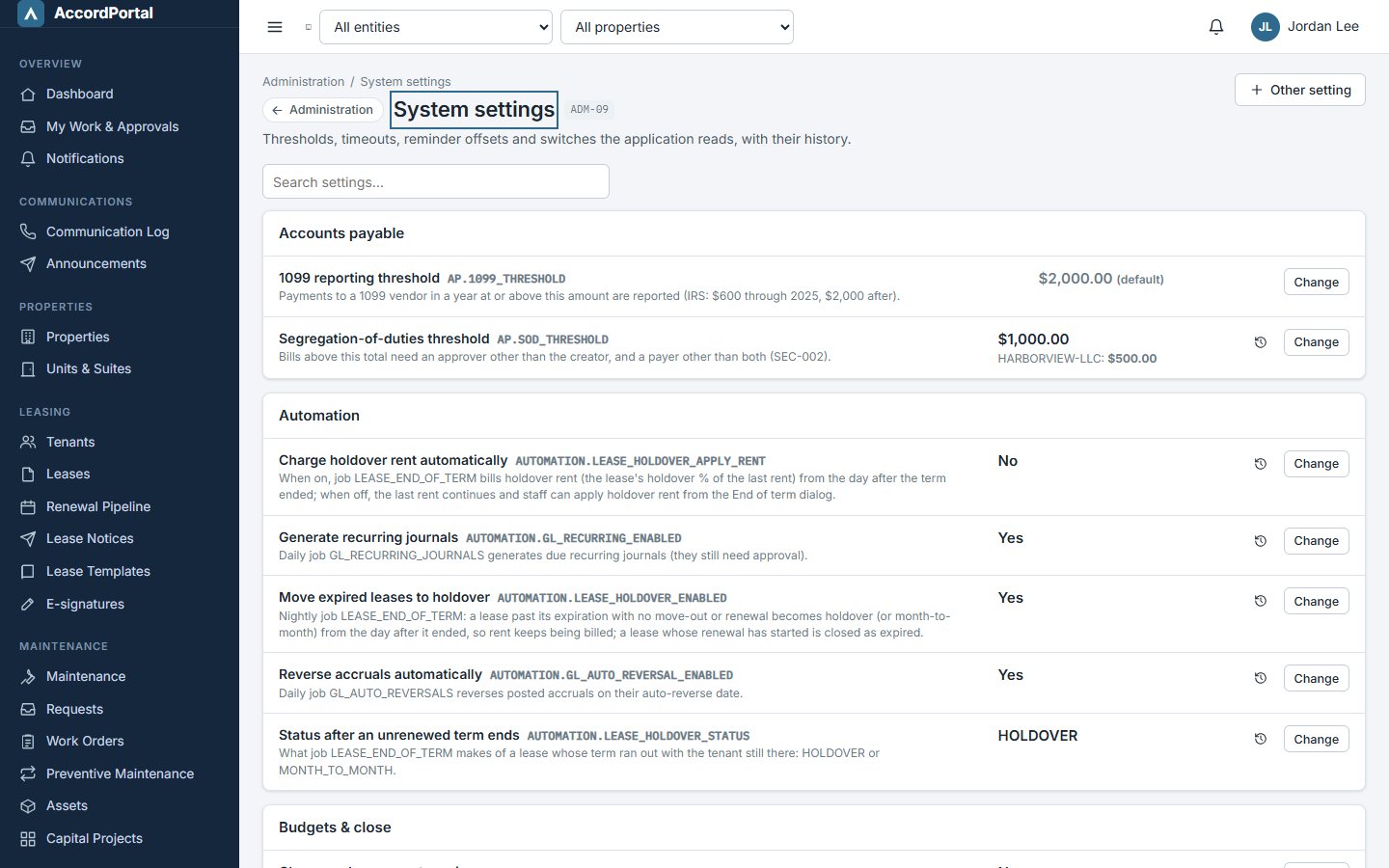
- System settings
- 27 effective-dated settings with per-entity overrides.
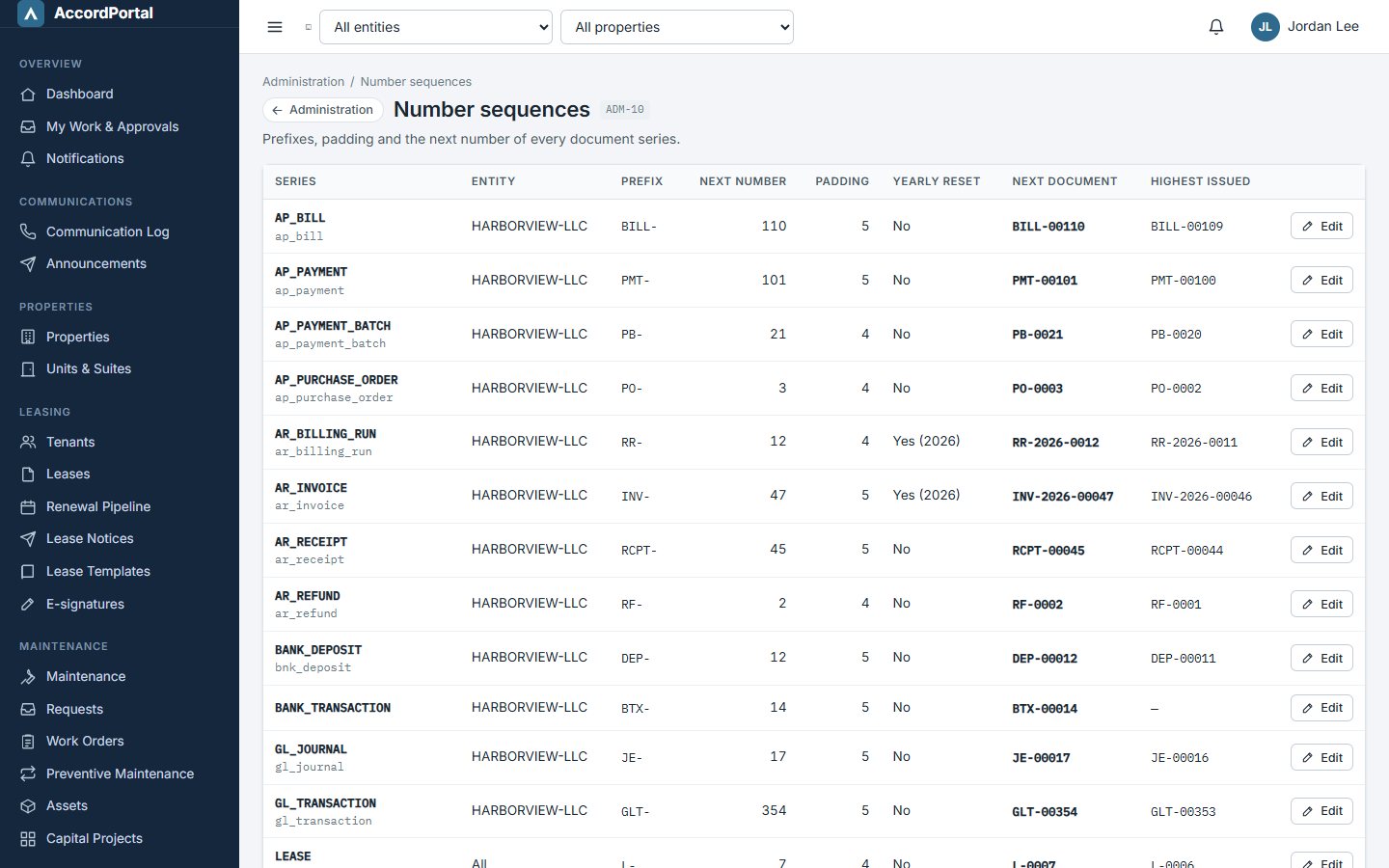
- Numbering & lists
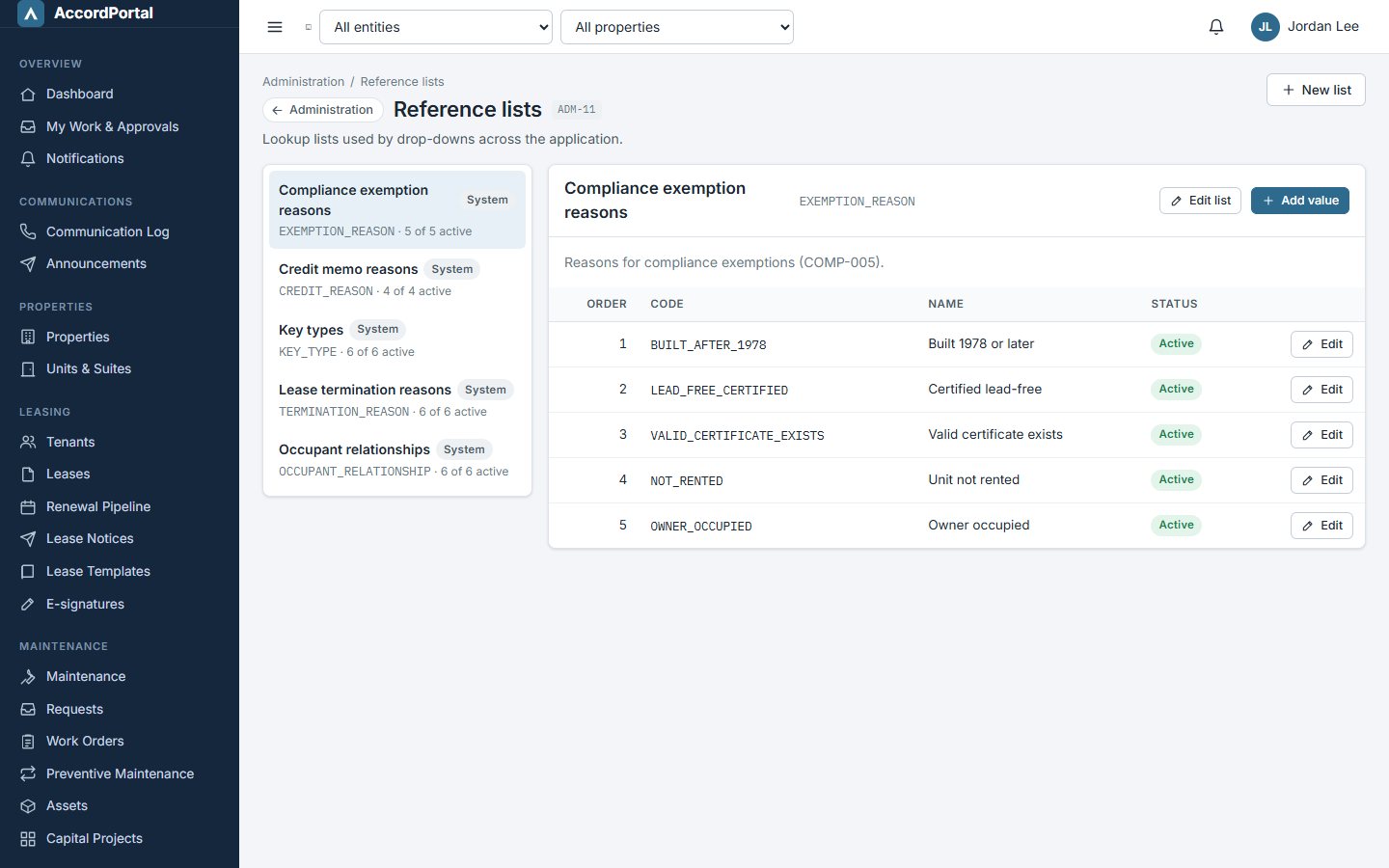
- Number sequences per entity; reference lists for drop-downs.
- Notification templates
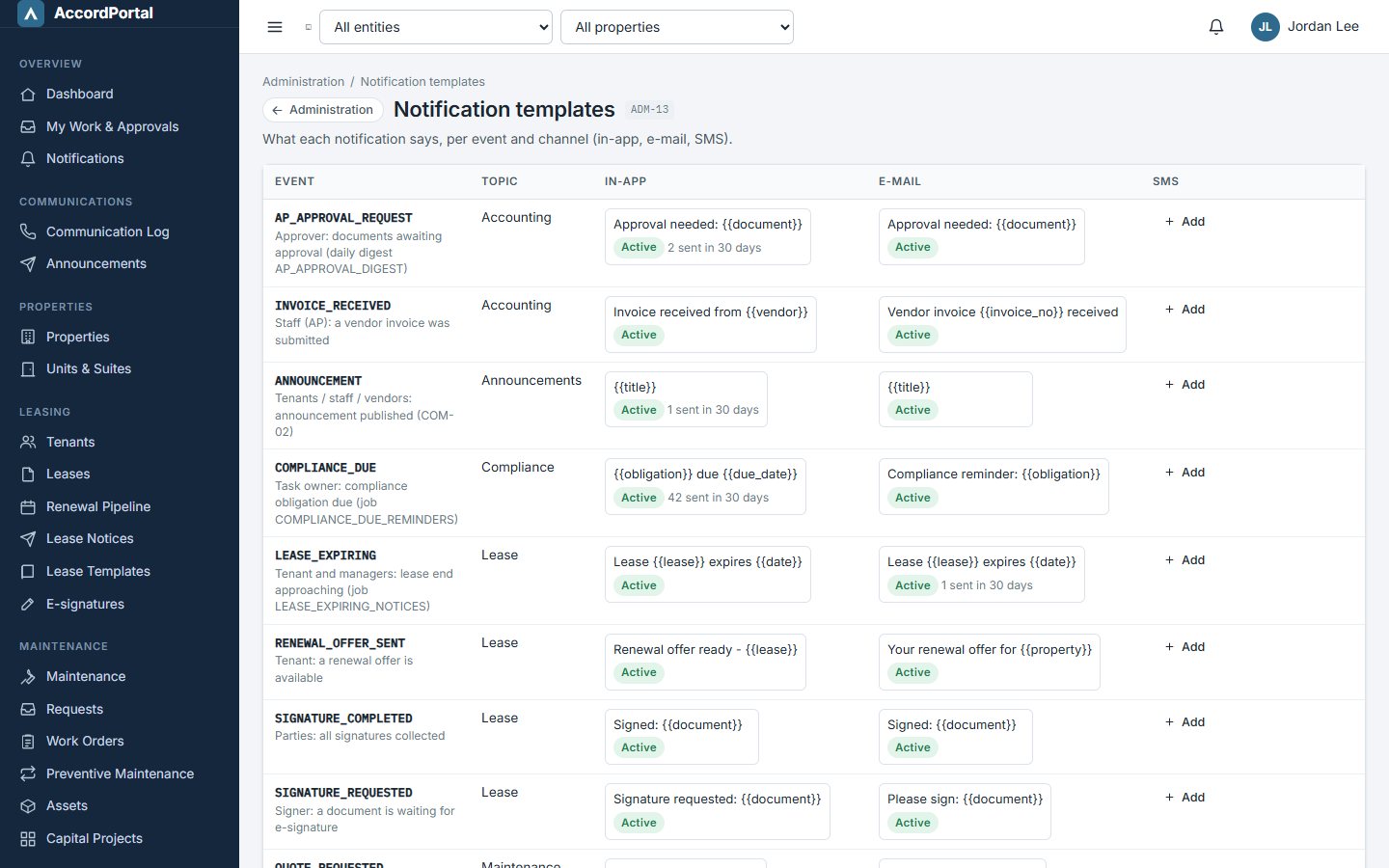
- 59 templates across 26 events and three channels.
- Integrations & jobs
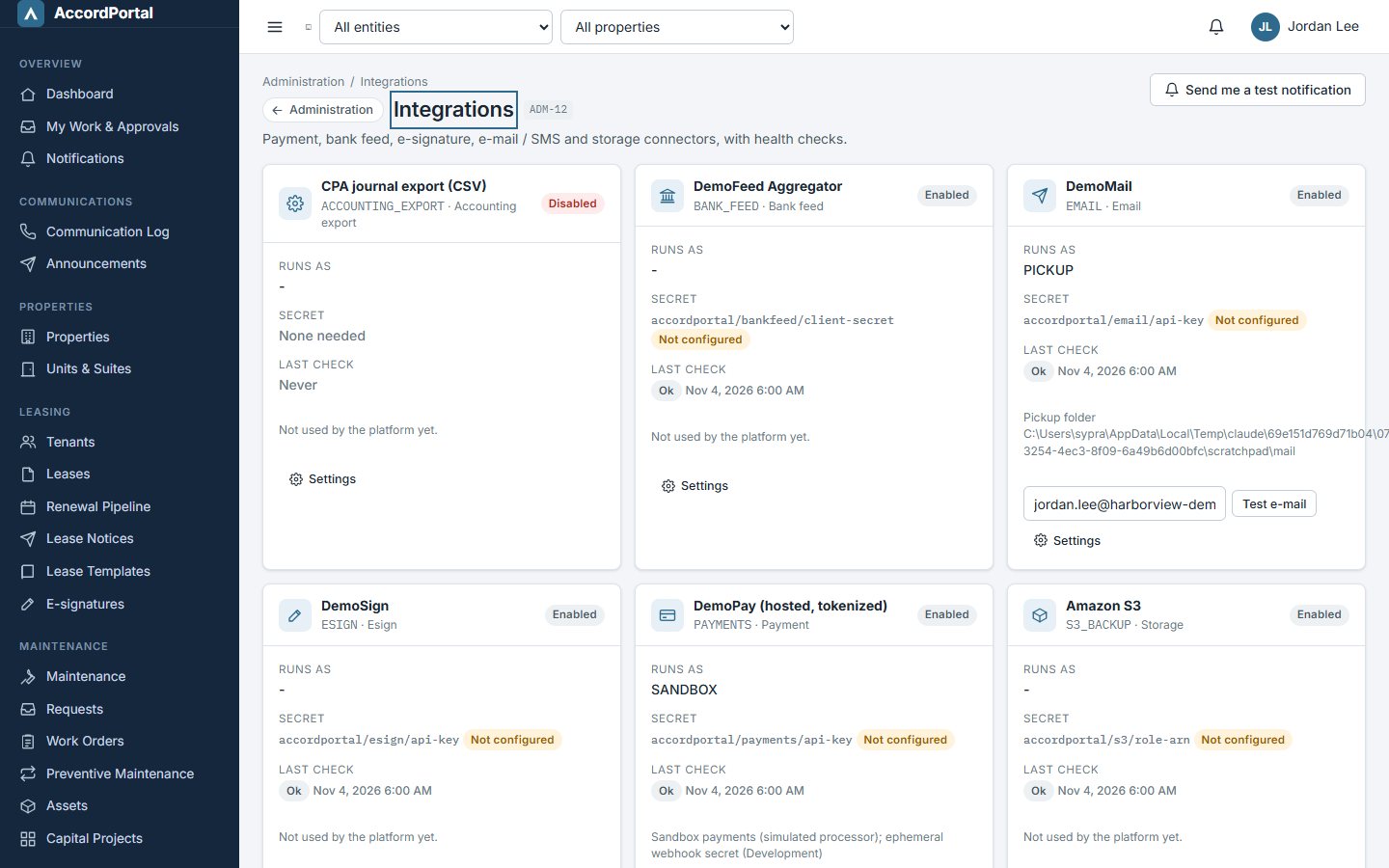
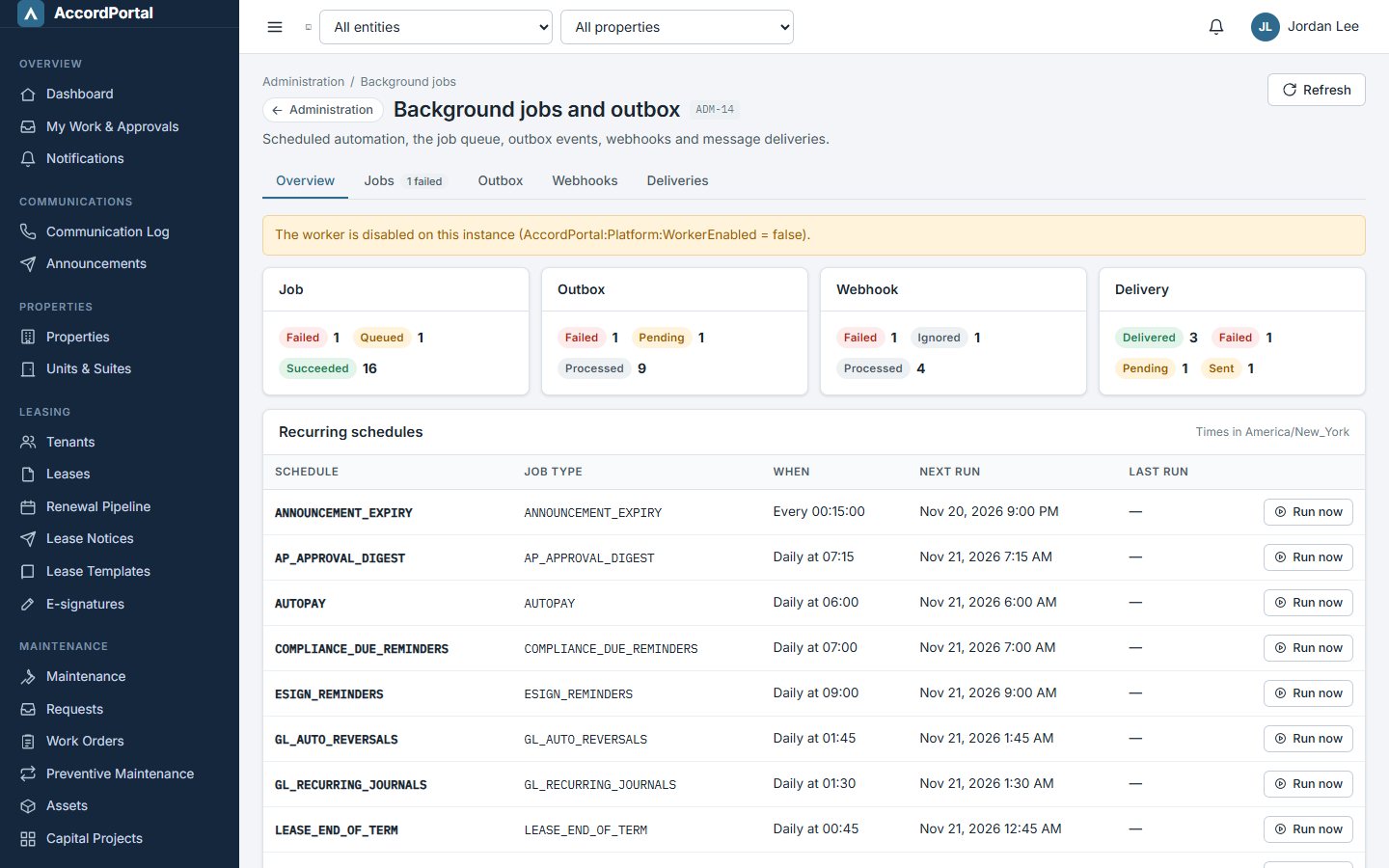
- Seven connectors with health checks; job, outbox and webhook monitor.
- Customizable lists
- Columns, order, widths and default sort per user, with an administrator default.
Cloud service
Subscription made simple.
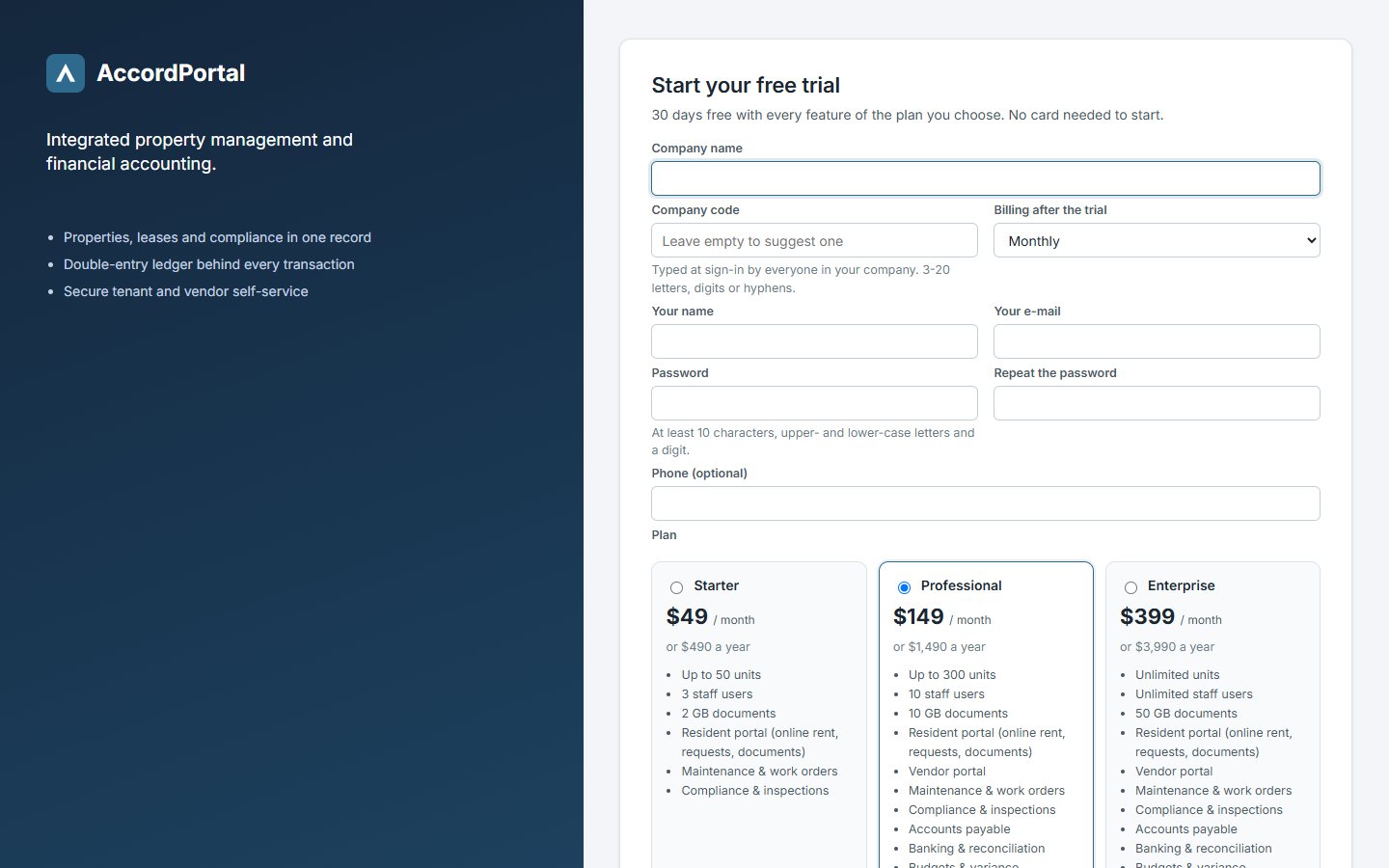
- Self-service sign-up
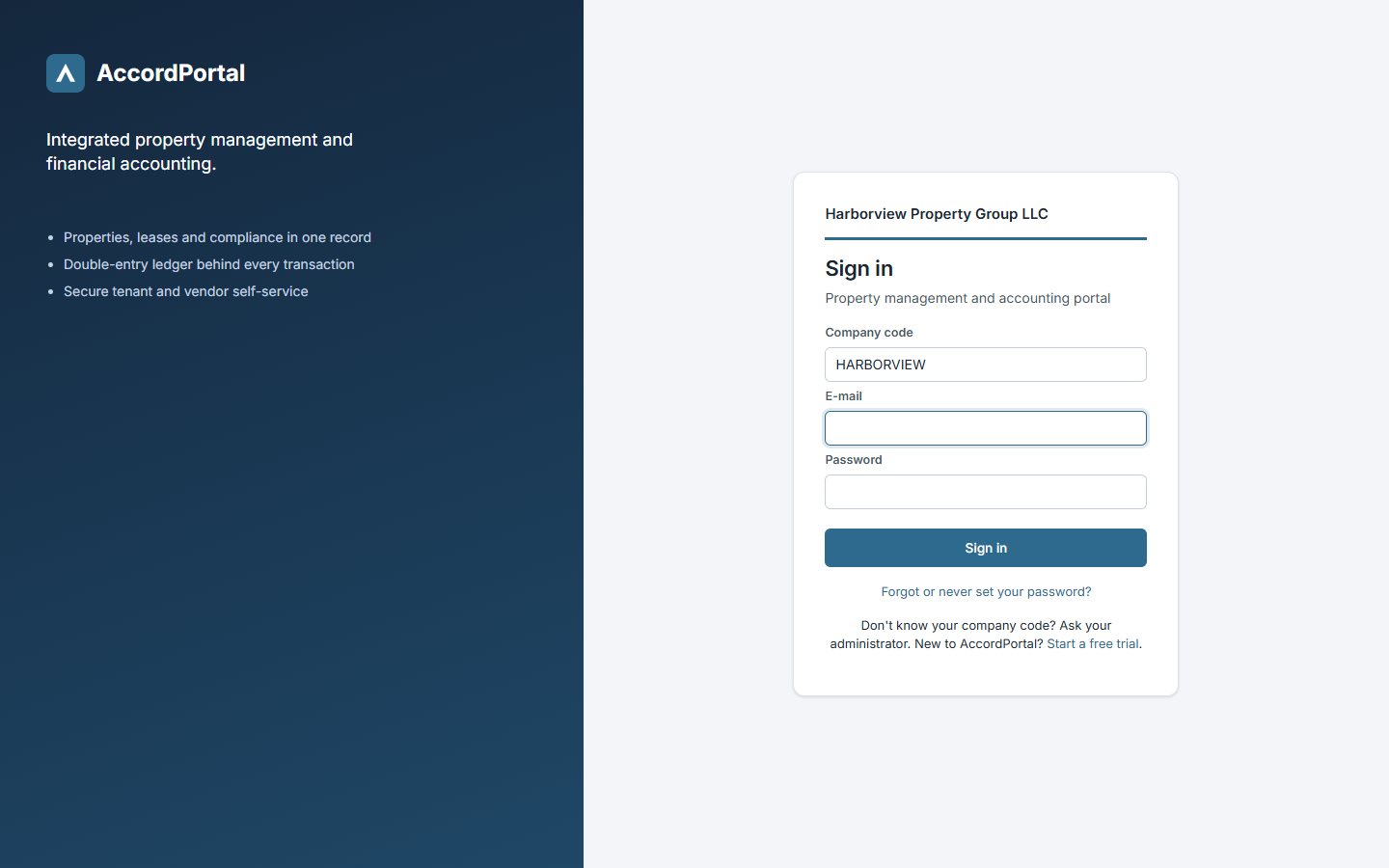
- Choose a plan and company code; confirm by e-mail; 30-day free trial.
- Separate database per company
- Physical isolation, automatic updates, backups and restore.
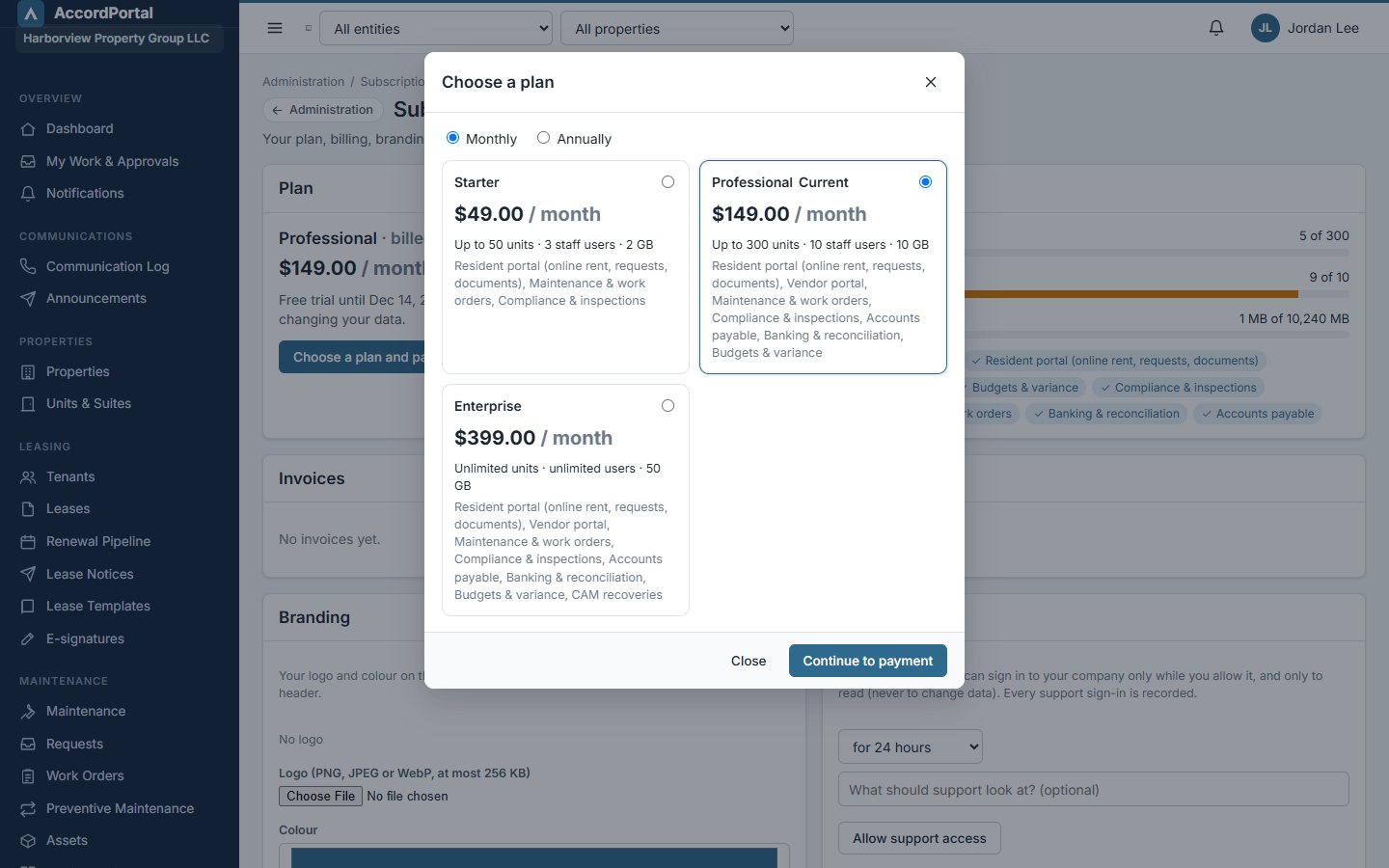
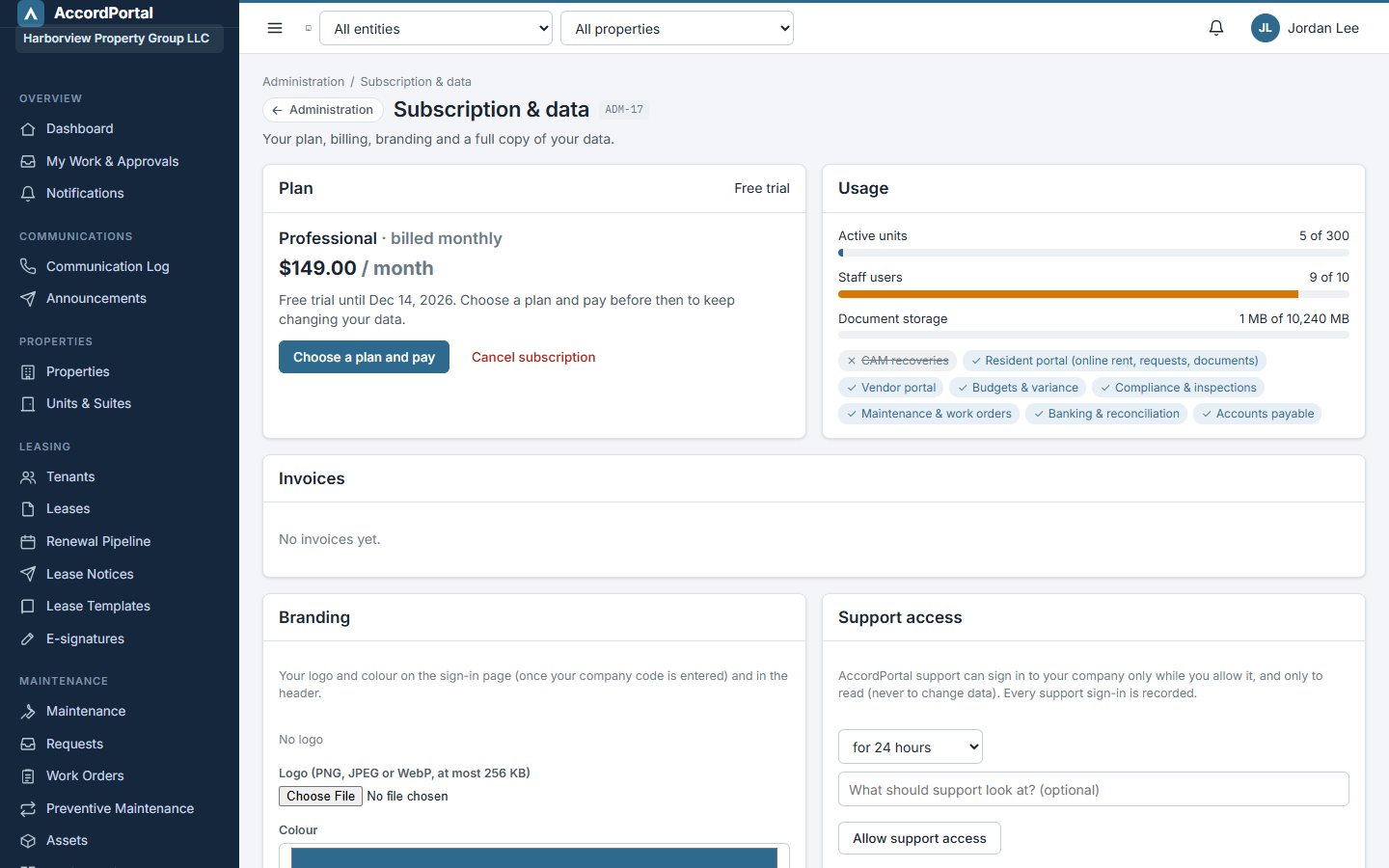
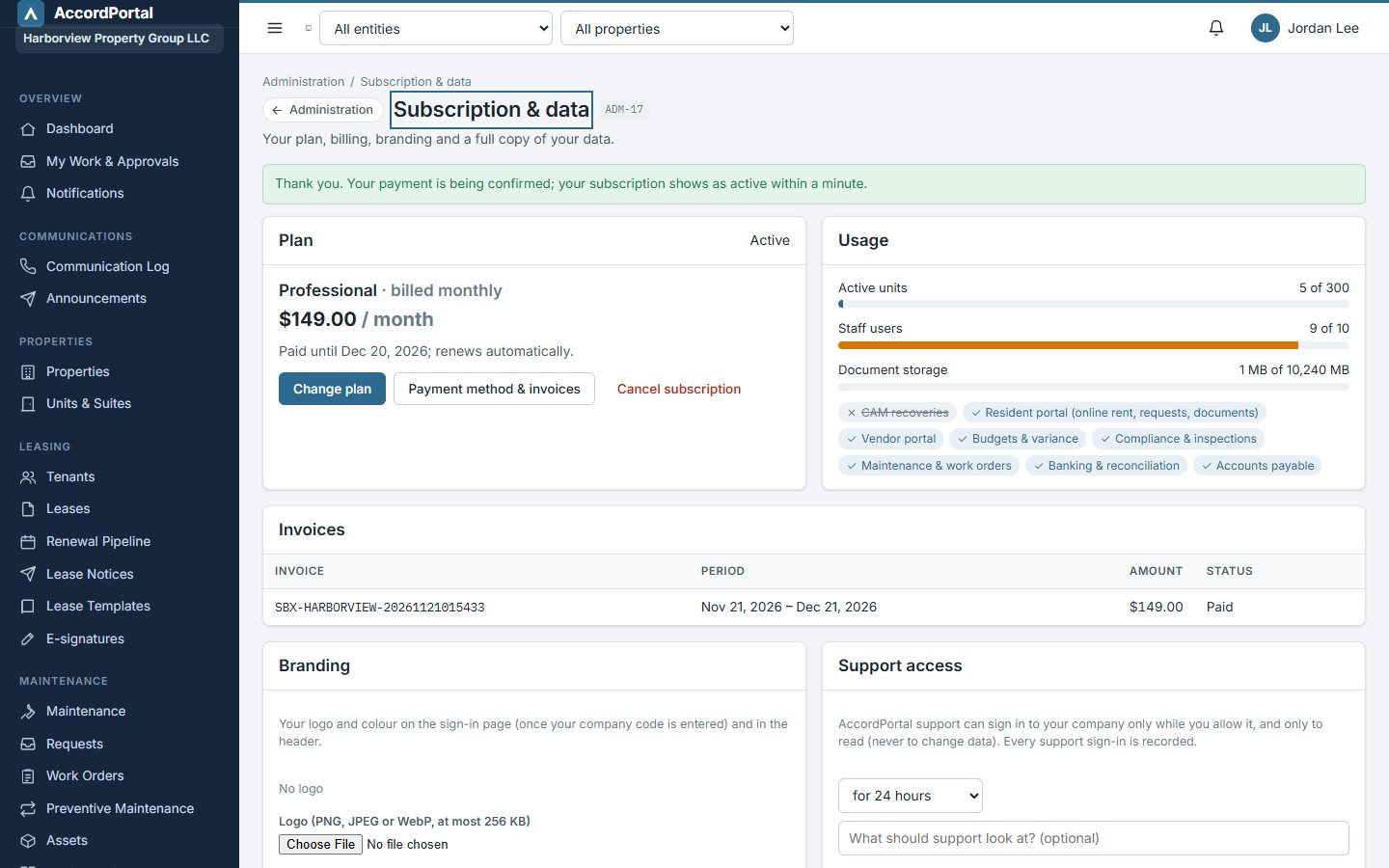
- Subscription & billing
- Plans and usage, change plan, payment method, invoices, cancel or keep.
- Branding
- Your logo and colour on the sign-in page and in the header.
- Support access
- Time-limited, read-only, granted by your administrator, fully logged.
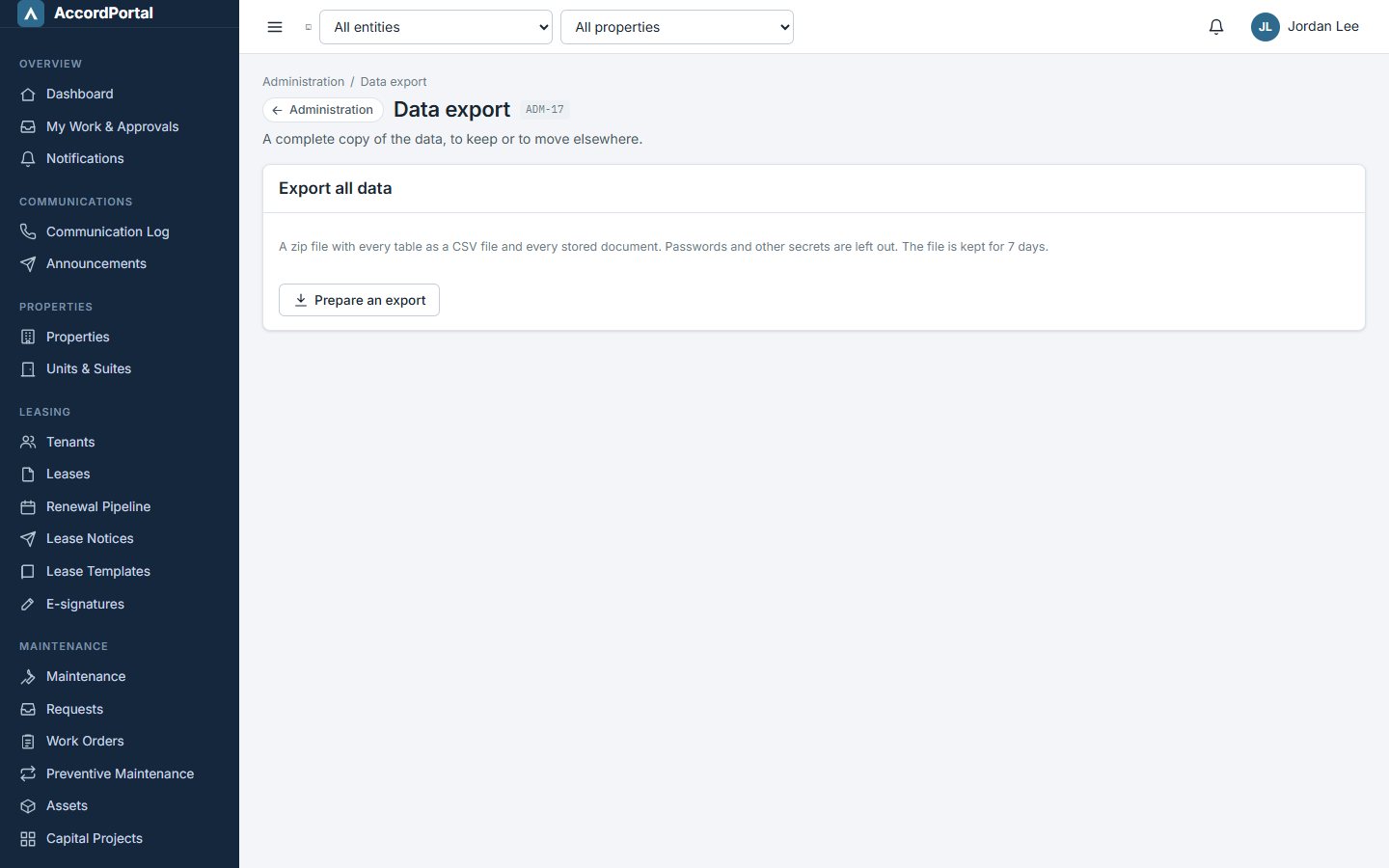
- Data export
- Every table as CSV plus every document, zipped, available for seven days.
Every screen, from the real product
Click any screenshot to enlarge it, then use the arrow keys to browse. All data shown is fictitious demo data.
Ready to see it with your own data?
Start a free trial or book a guided demo with our team.