Keep buildings running and regulators happy
Maintenance, assets, vendors, compliance and documents live next to your leases and ledger — so a repair becomes a bill, a vendor's expired insurance blocks their next job, and an inspection certificate is one click from the property.
Requests in, work orders out, costs on the books
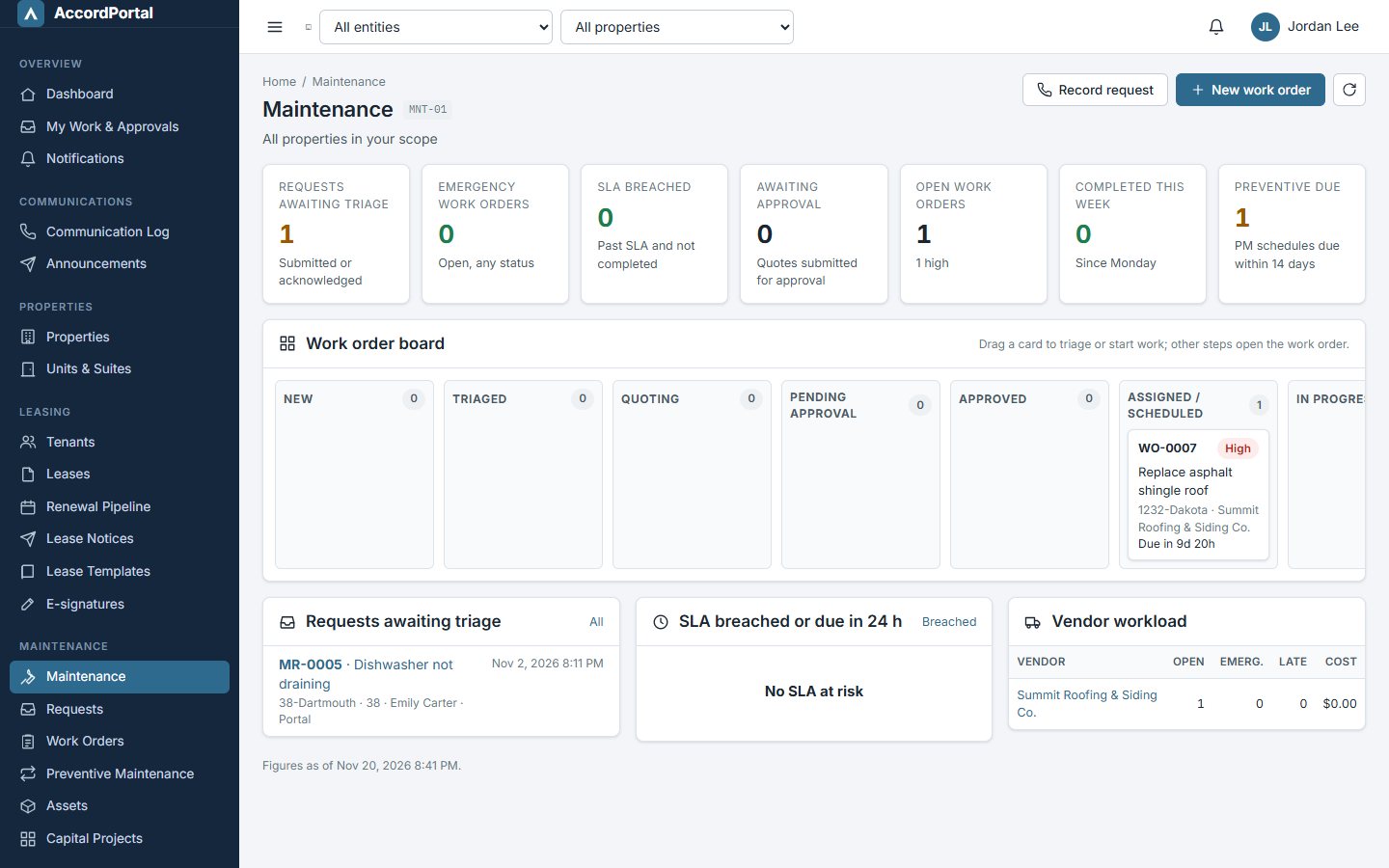
Tenants report issues from the resident portal with photos and preferred appointment windows; staff log calls and walk-throughs. Triage turns a request into a work order with priority, category and service-level target, and the board shows what is new, scheduled, in progress, awaiting approval and done.
- Emergency guidance shown before a tenant submits
- SLA breach and due-in-24-hours alerts
- Vendor workload and open-cost summaries
Work orders with the whole story
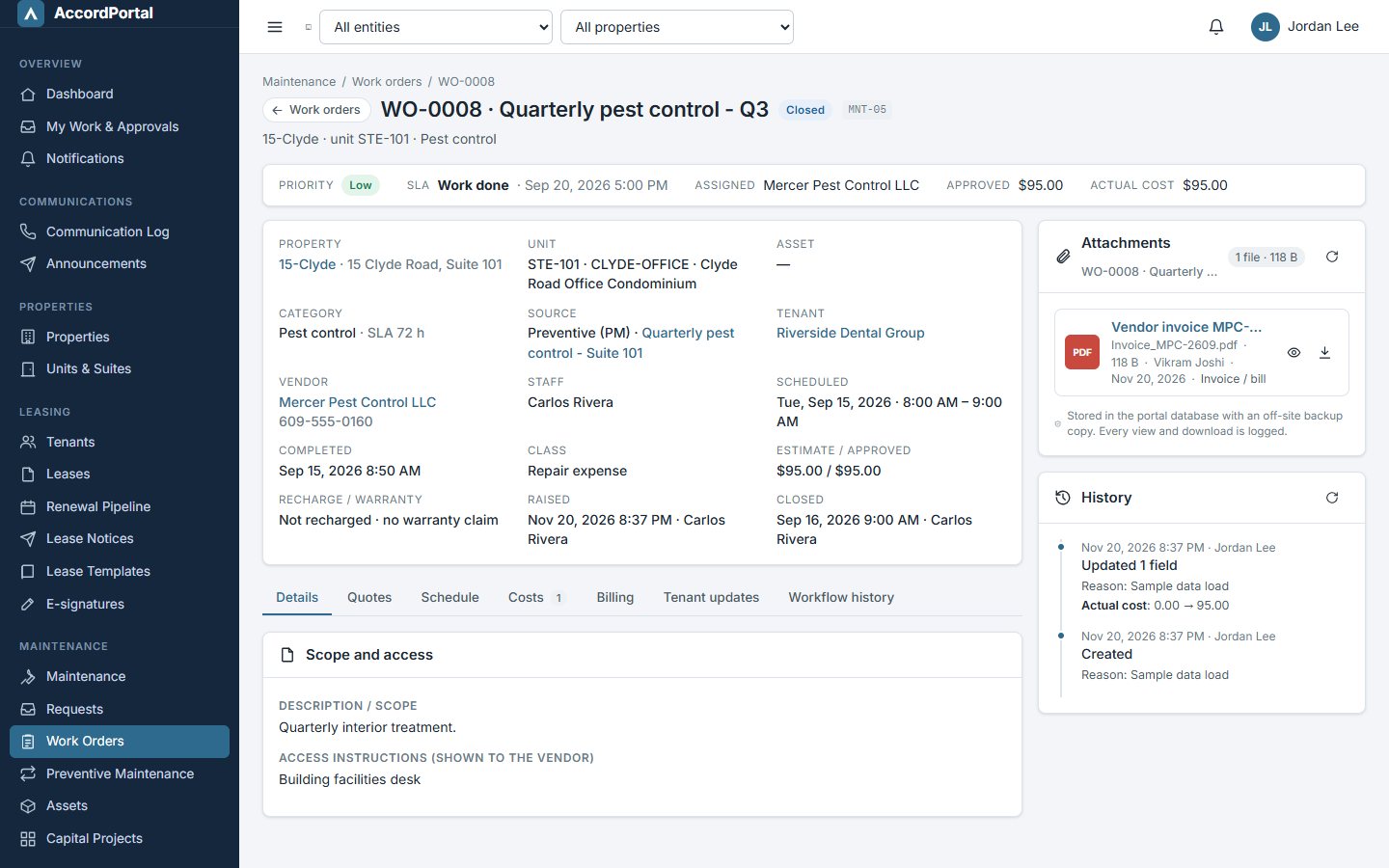
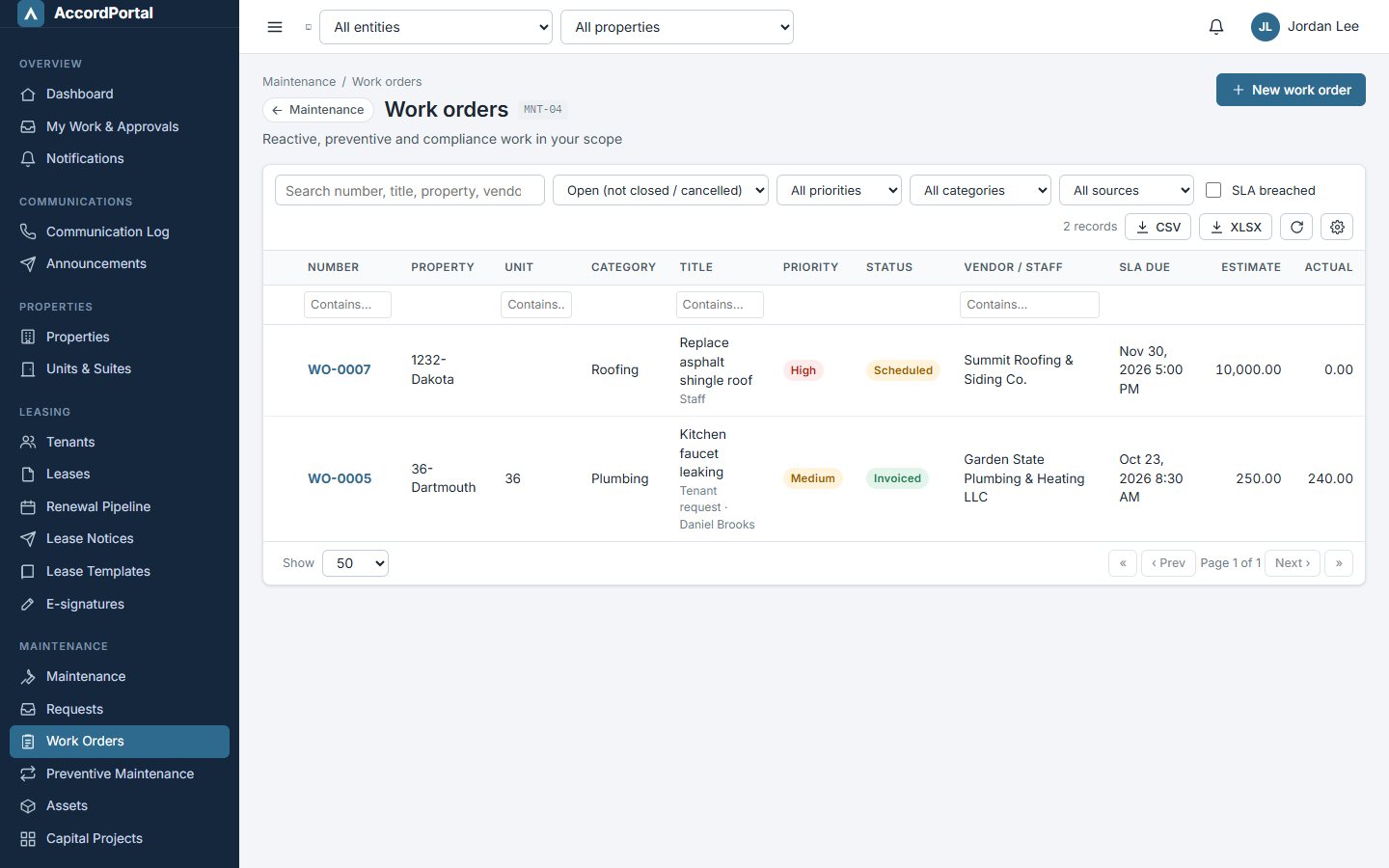
Every work order holds the scope, schedule, assigned vendor or technician, quotes and their approval, labor and material costs, tenant updates, photos and evidence, and the workflow history.
- Quote approval by amount through your approval matrix
- Bill the tenant for damage they caused — straight to their ledger
- Vendor's completed work becomes their invoice in the vendor portal
- Linked to the asset, so repair history builds itself
Schedules that create their own work orders
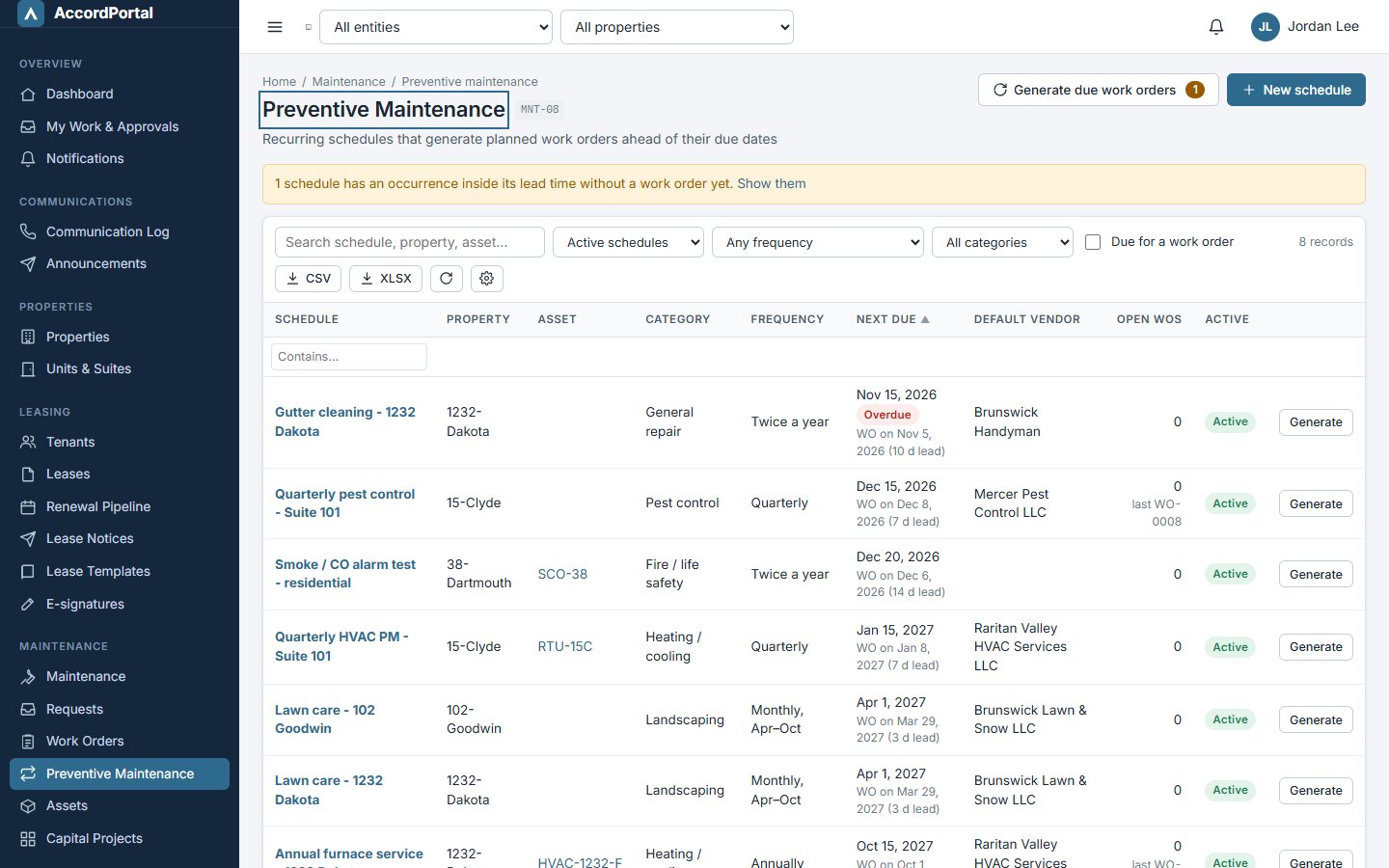
Set up recurring tasks — quarterly pest control, annual boiler service, monthly fire-extinguisher checks — by property, building or asset, with the vendor, estimate and lead time. Work orders are generated ahead of each due date so nothing slips.
Know what you own and when to replace it
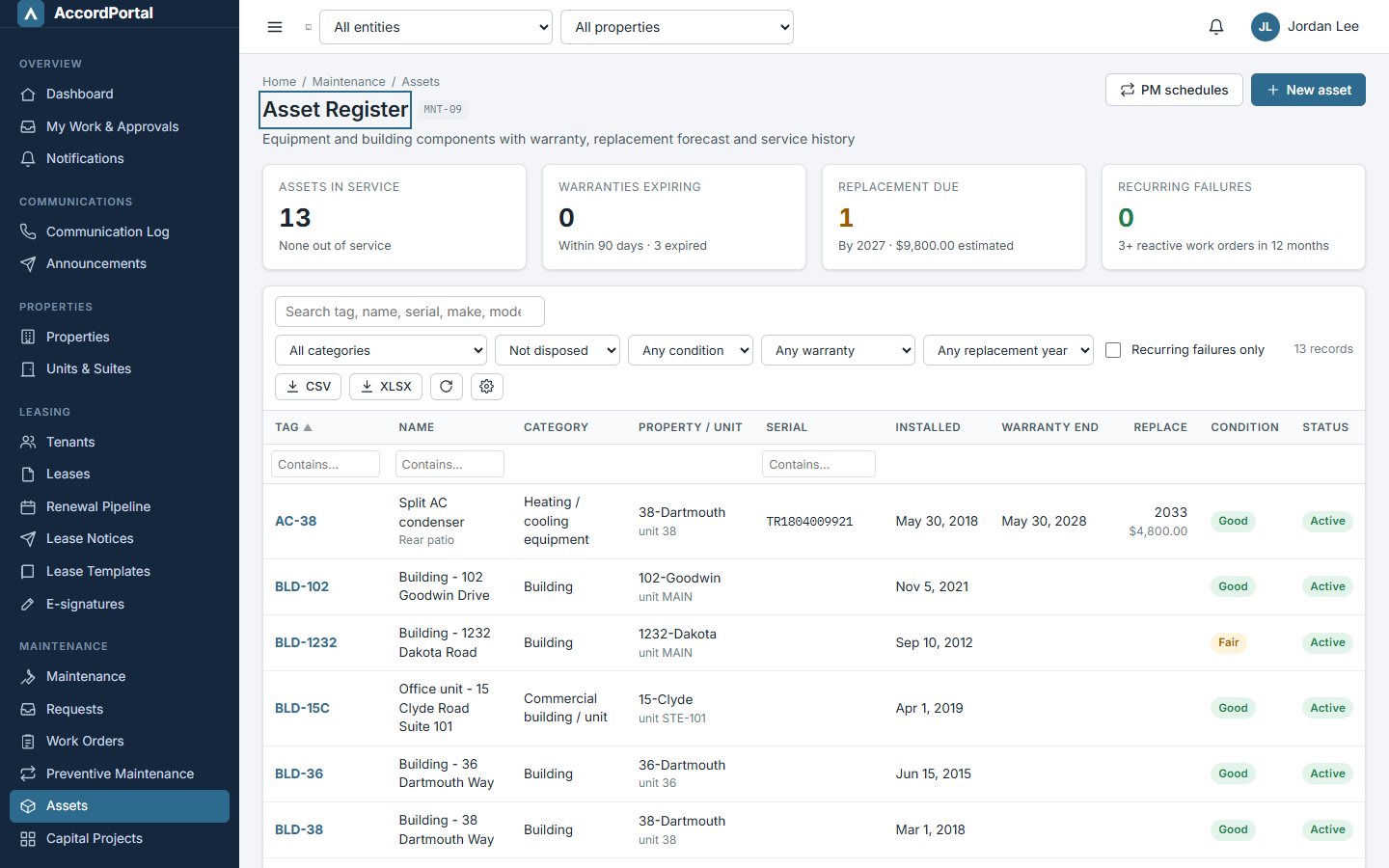
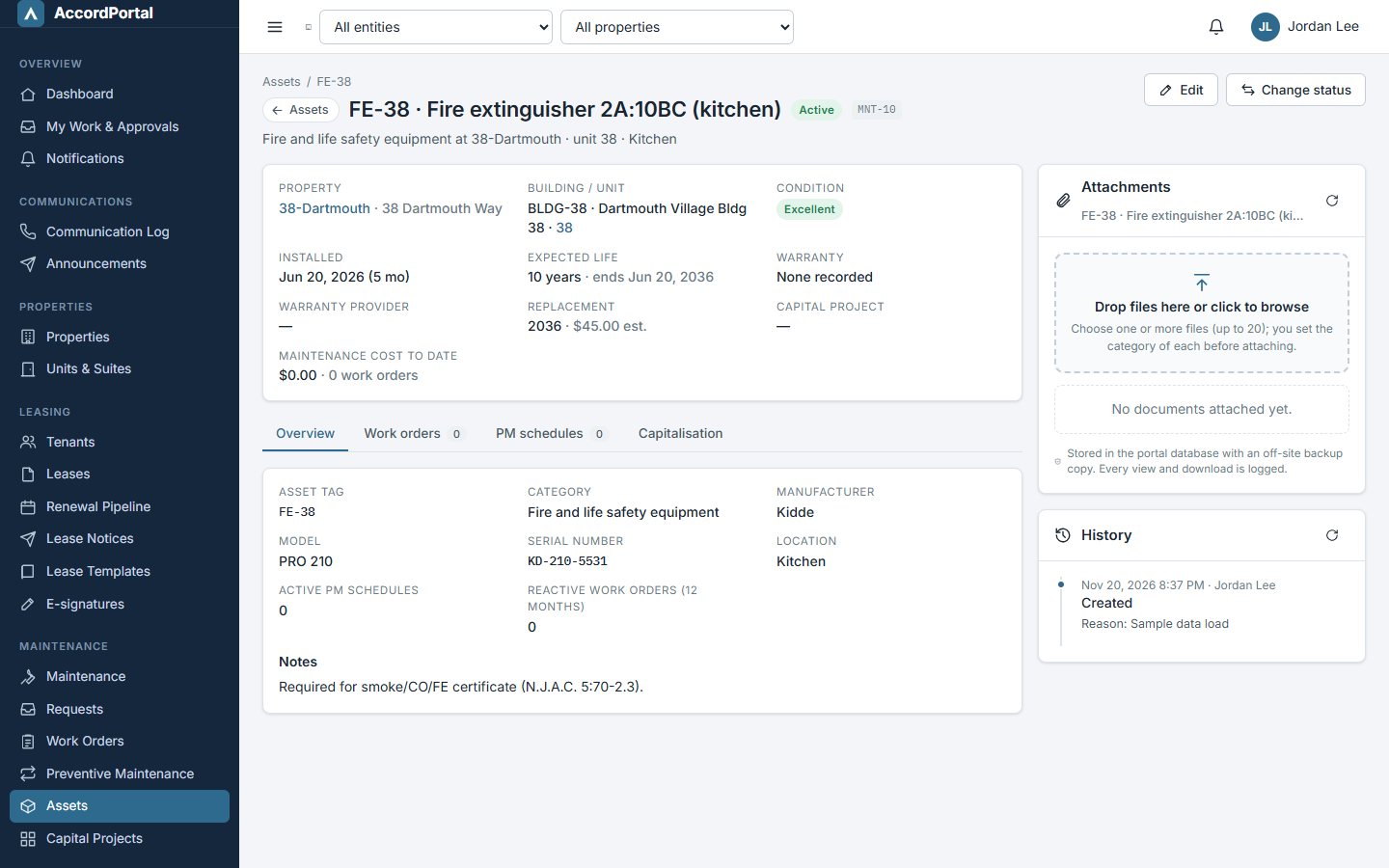
Roofs, boilers, HVAC units, appliances, extinguishers — each asset has its location, make and serial number, warranty, purchase cost, useful life and condition. Depreciation is calculated and posted by the monthly depreciation run, and the replacement forecast feeds your capital budget.
- Warranty expiry and replacement due counters
- Maintenance and inspection history per asset
- Asset Replacement Forecast report
Big jobs, tracked against budget
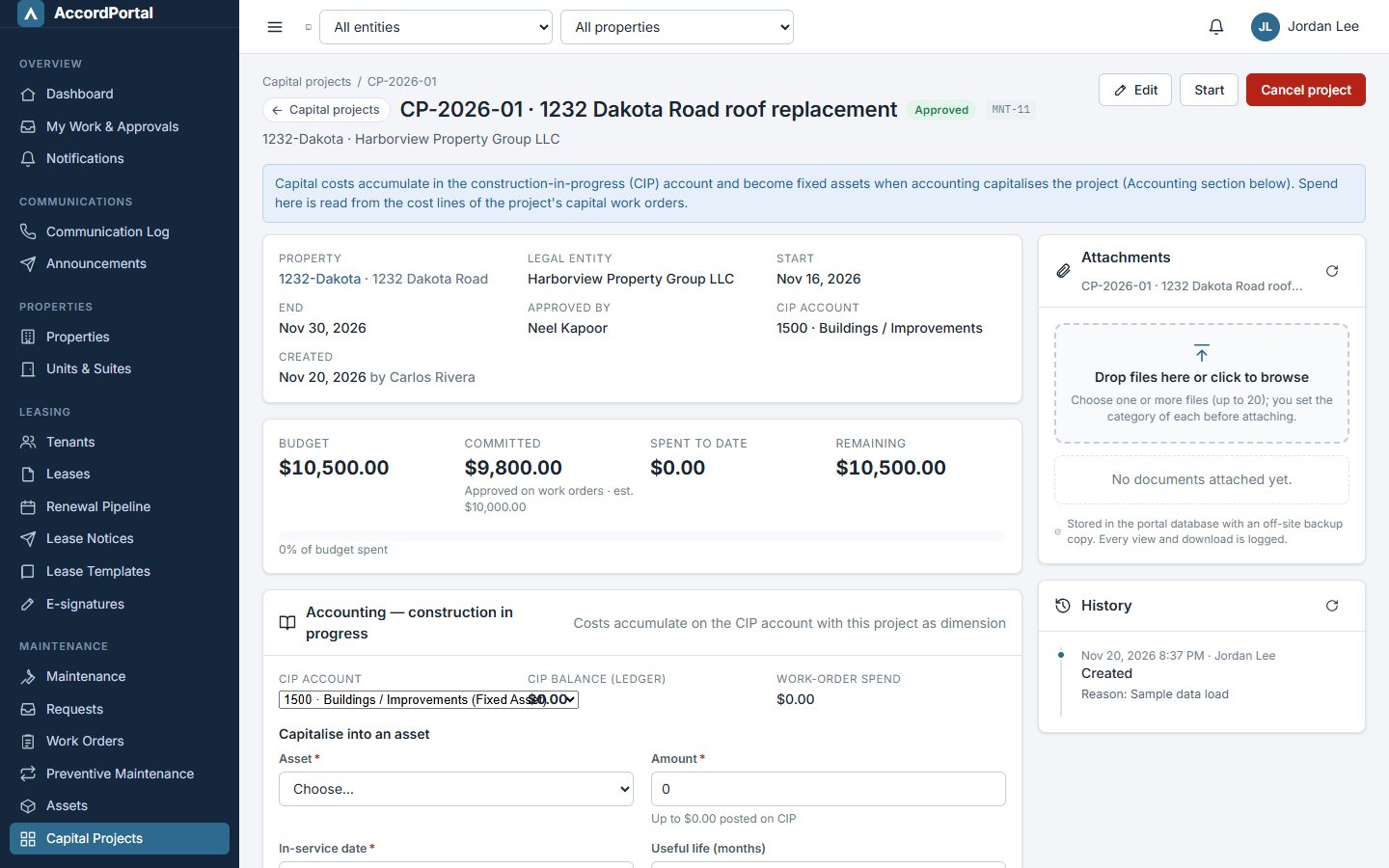
A roof replacement or lobby renovation gets its own project with a budget, committed purchase orders, costs to date and remaining budget. Costs accumulate in construction-in-progress and are capitalized to an asset when the project is complete.
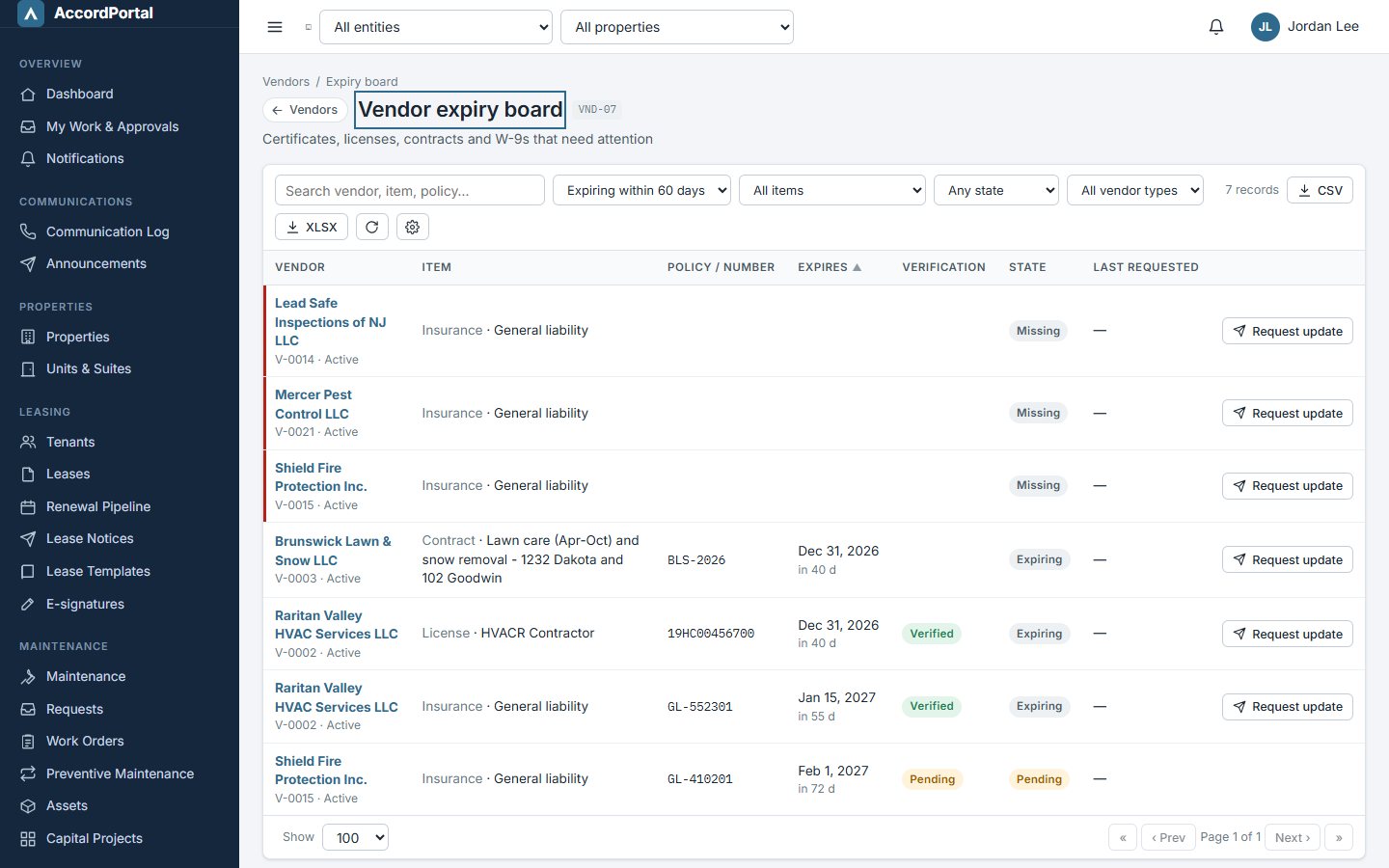
Vendors you can prove are compliant
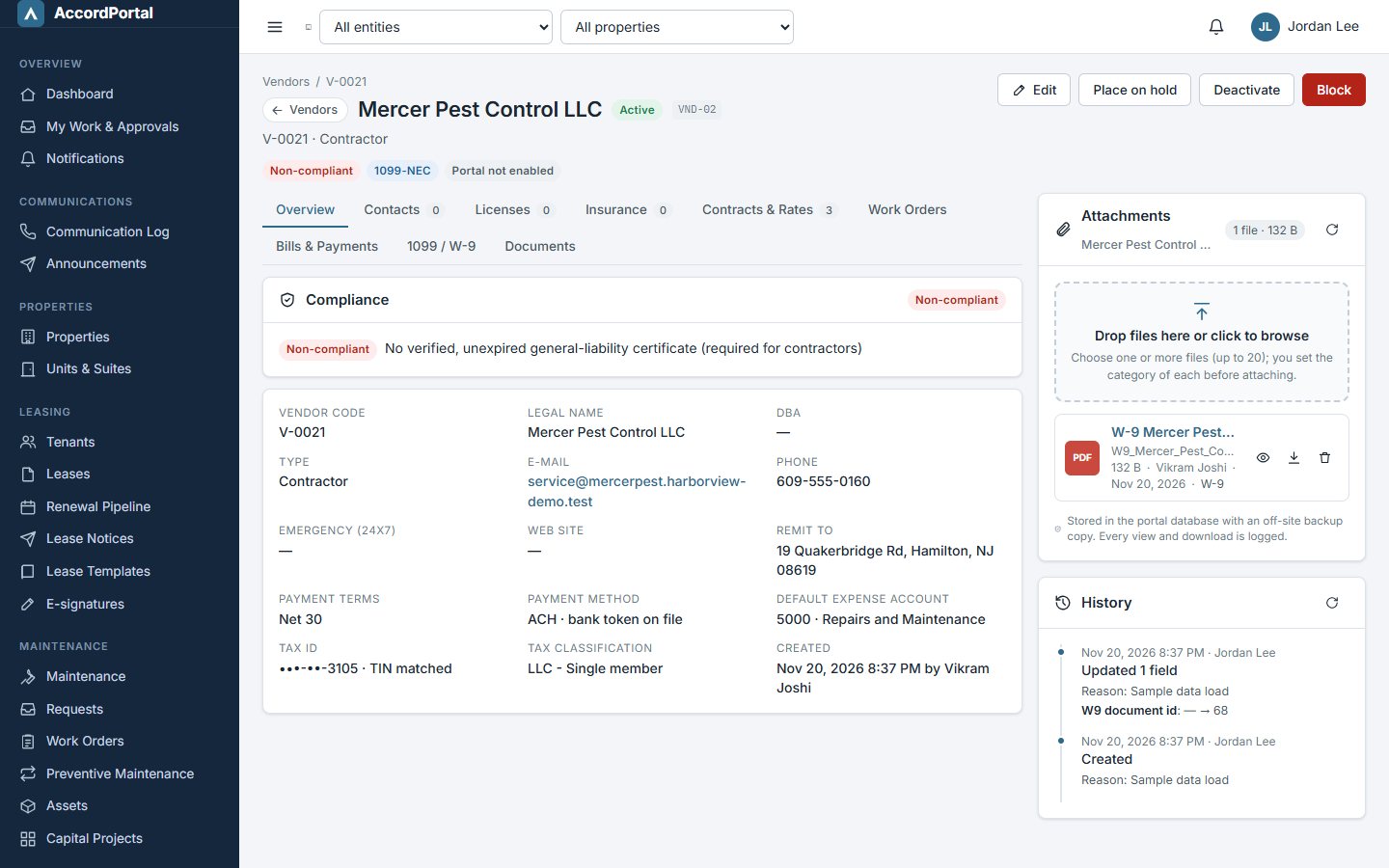
Contractors, suppliers, utilities and municipalities with contacts, payment terms and preferred properties. Licenses, certificates of insurance and W-9s are tracked with expiry dates; the expiry board shows what is missing or about to lapse and requests updates from the vendor through their portal.
- Compliance status shown wherever you pick a vendor
- Tax ids encrypted; 1099 eligibility and totals
- Balances, bills and payments on the vendor record
Every obligation, every property, every deadline
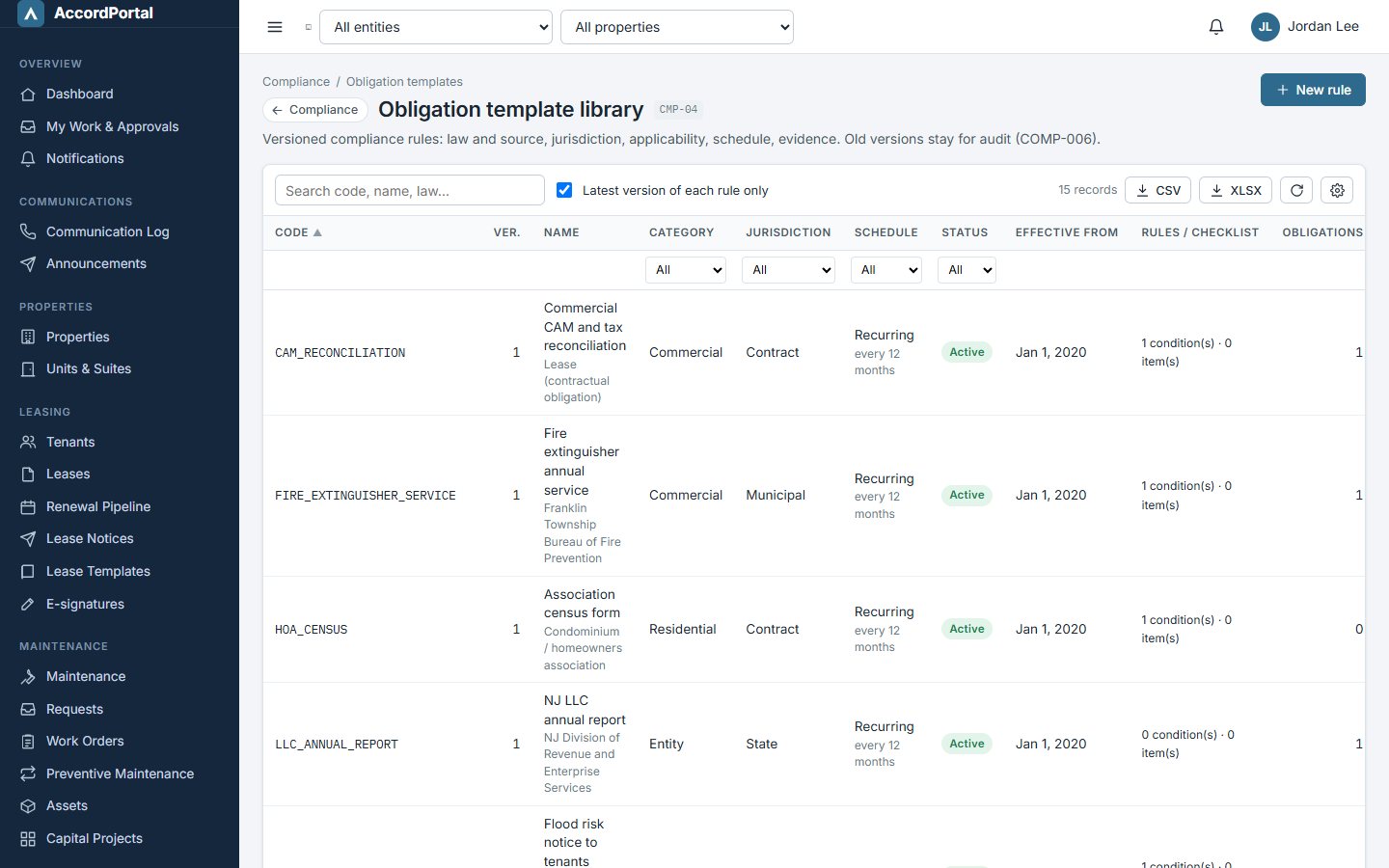
Obligations are not typed in by hand. A template library — shipped with 16 New Jersey obligations and the authorities behind them — and applicability rules decide which properties each one applies to. You review the result, and the system tracks the rest.
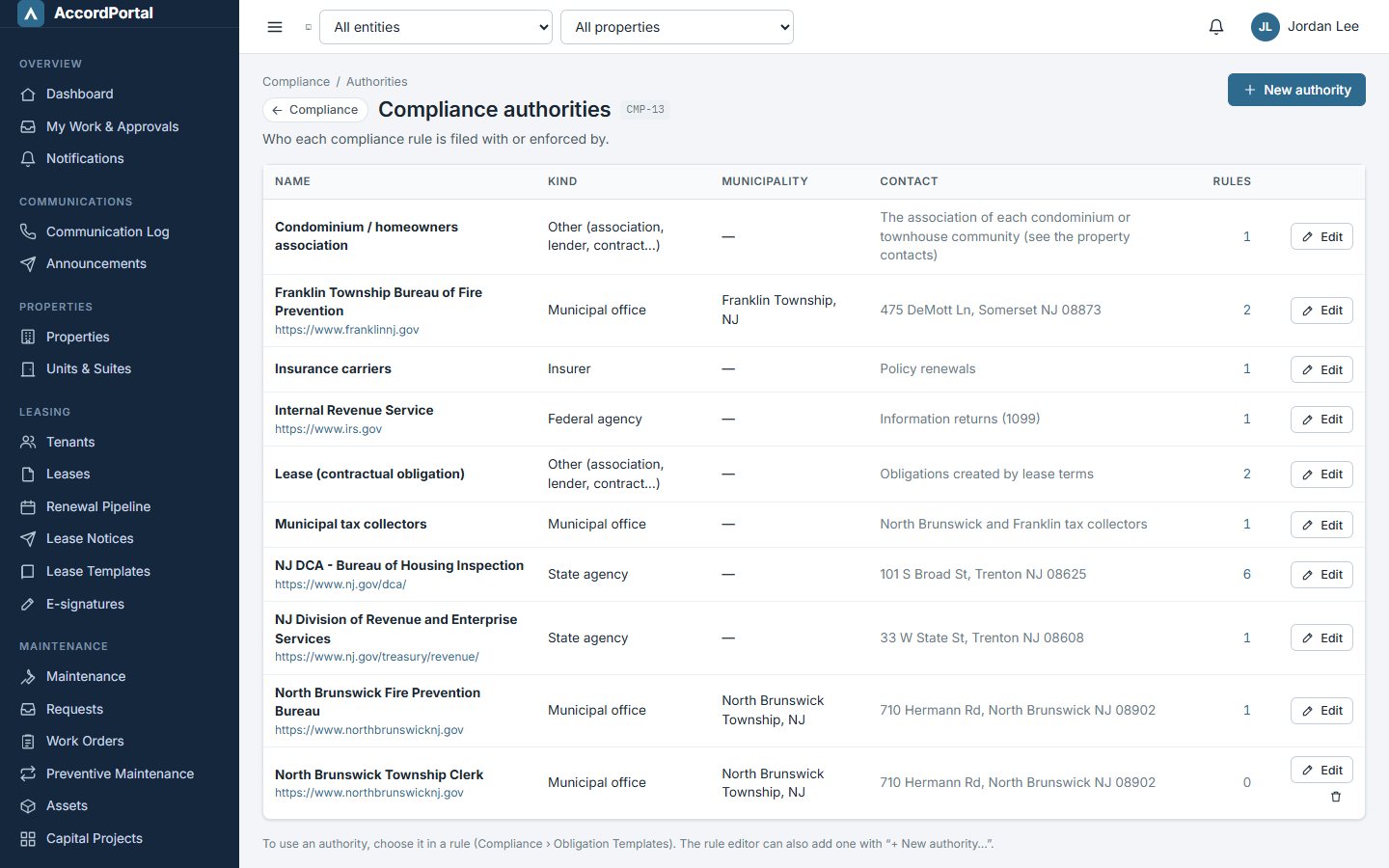
Templates & authorities
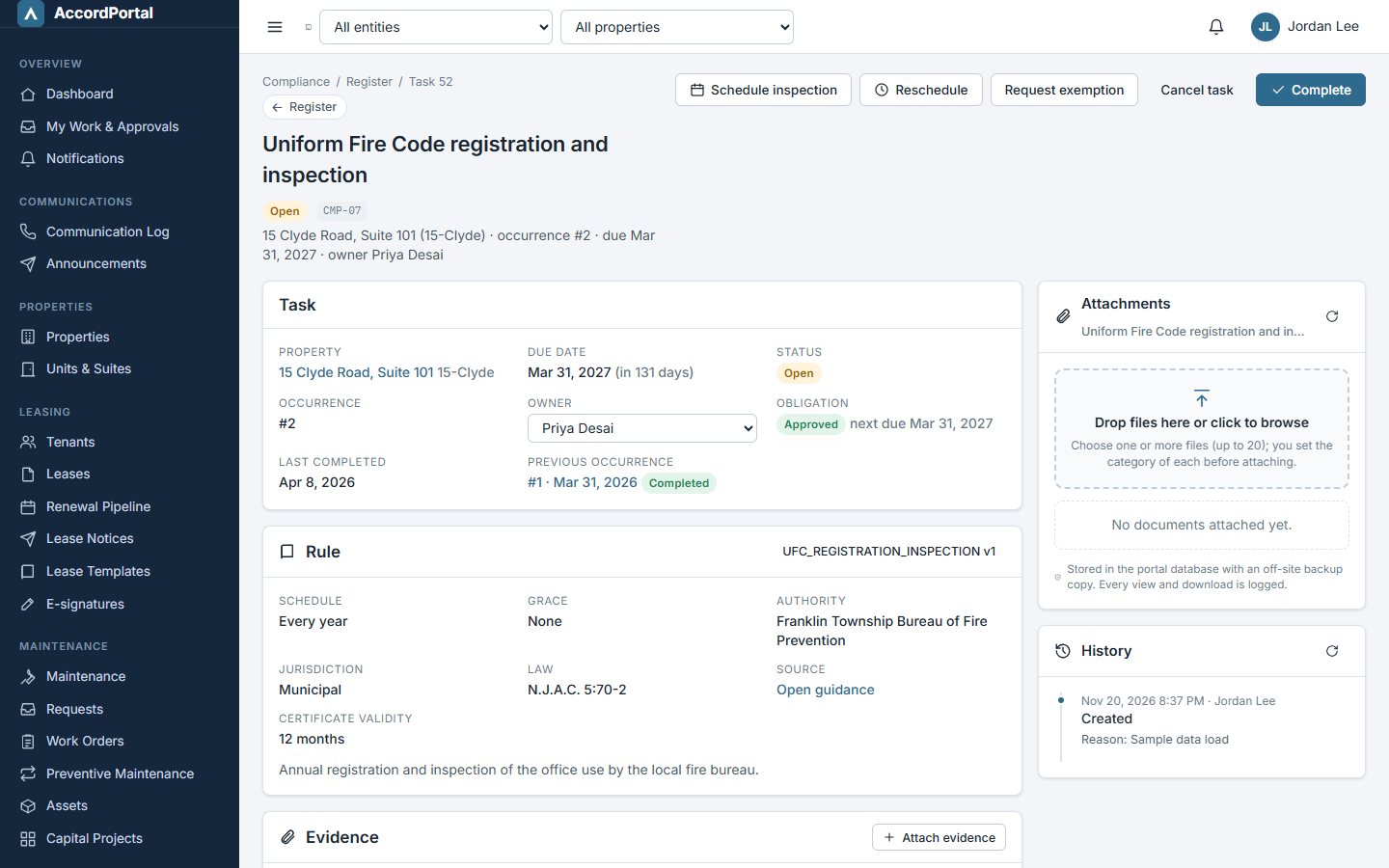
Versioned obligation templates with frequency, lead time, evidence required and the authority (state, county, municipality, association) that enforces it.
Applicability review
Rules by jurisdiction, property type, unit count and features propose obligations per property for a reviewer to accept or exempt.
Register & calendar
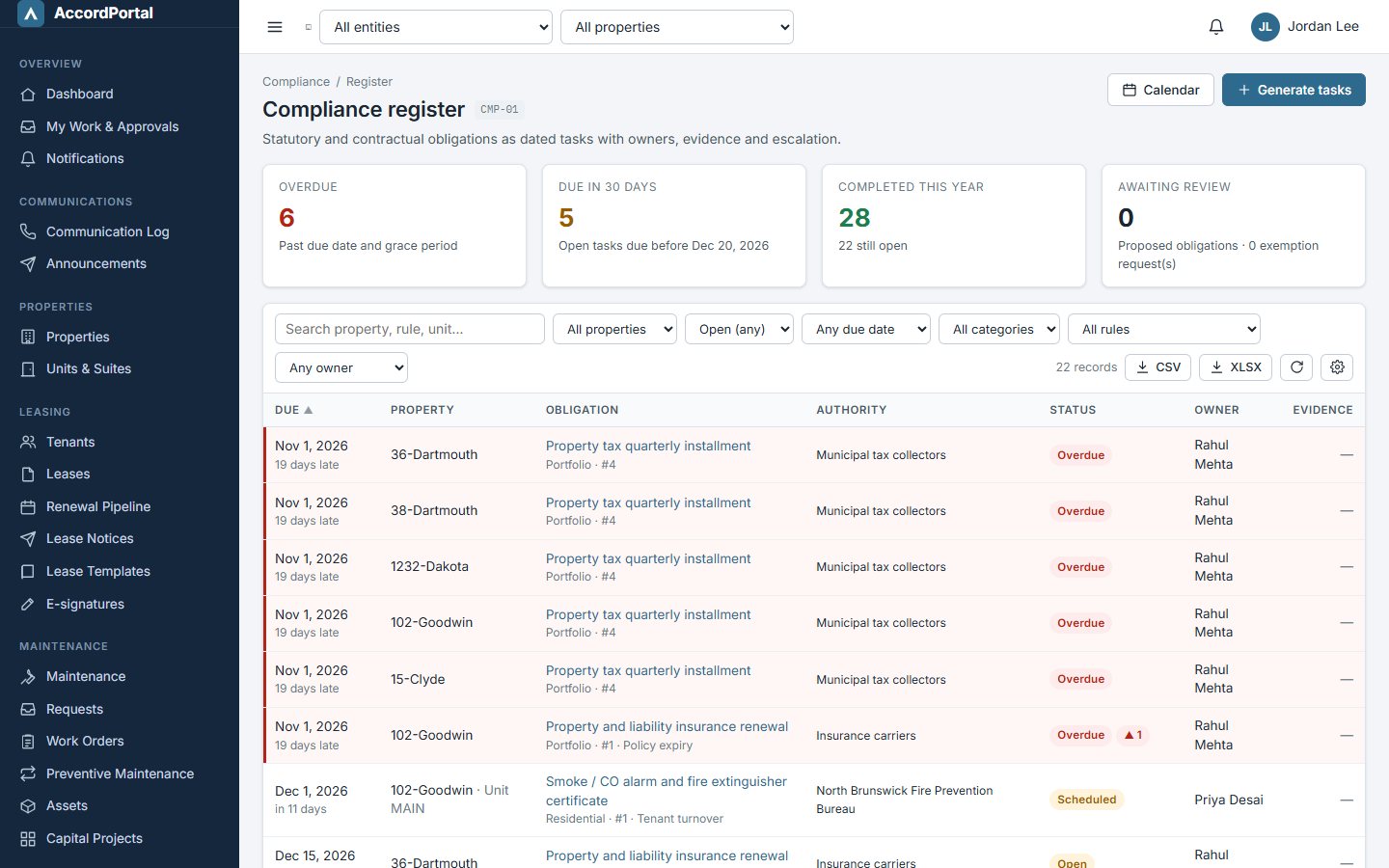
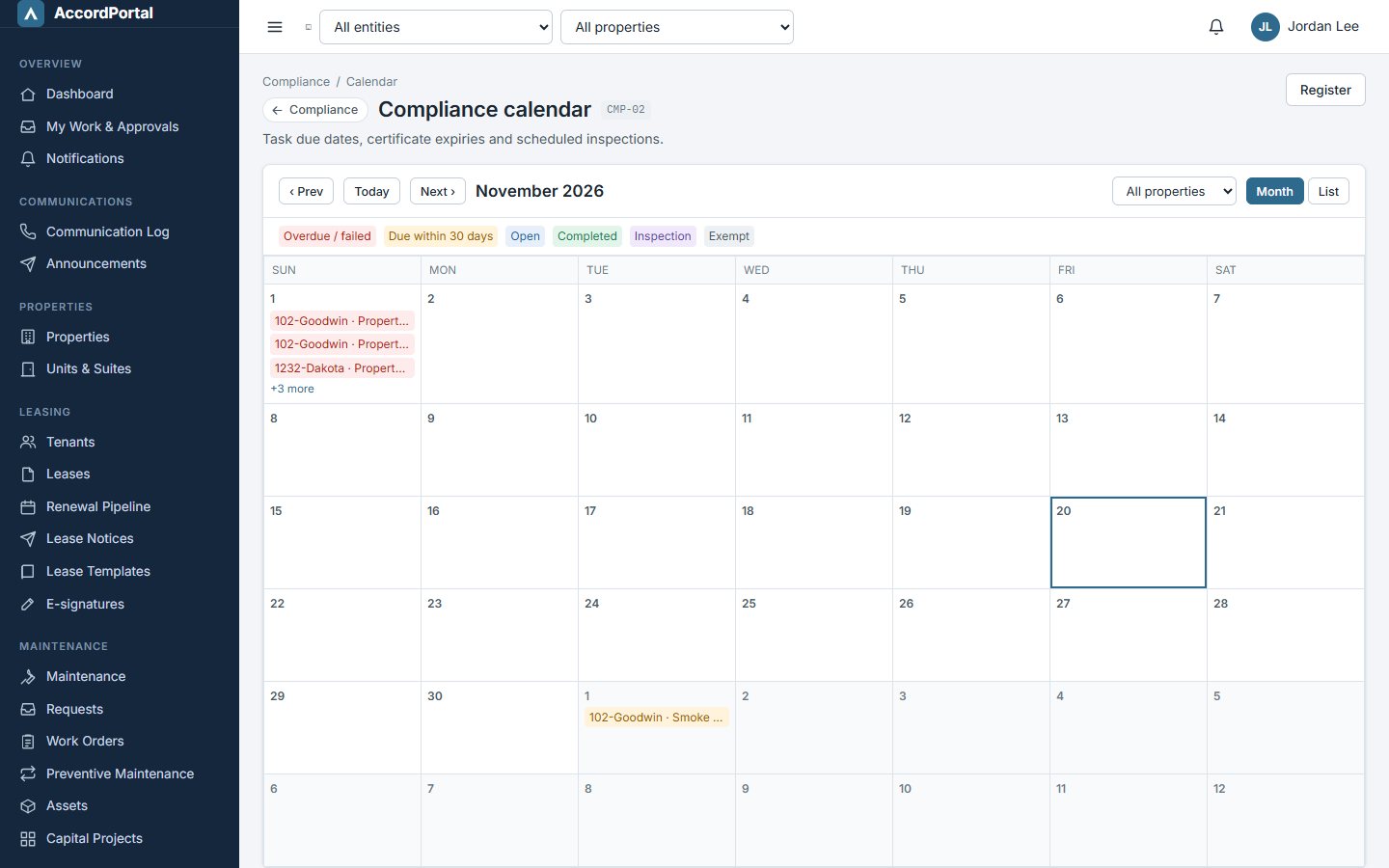
Tasks with due dates, owners and reminders (90, 60, 30 and 7 days by default), shown as a register, a calendar and a property × obligation matrix.
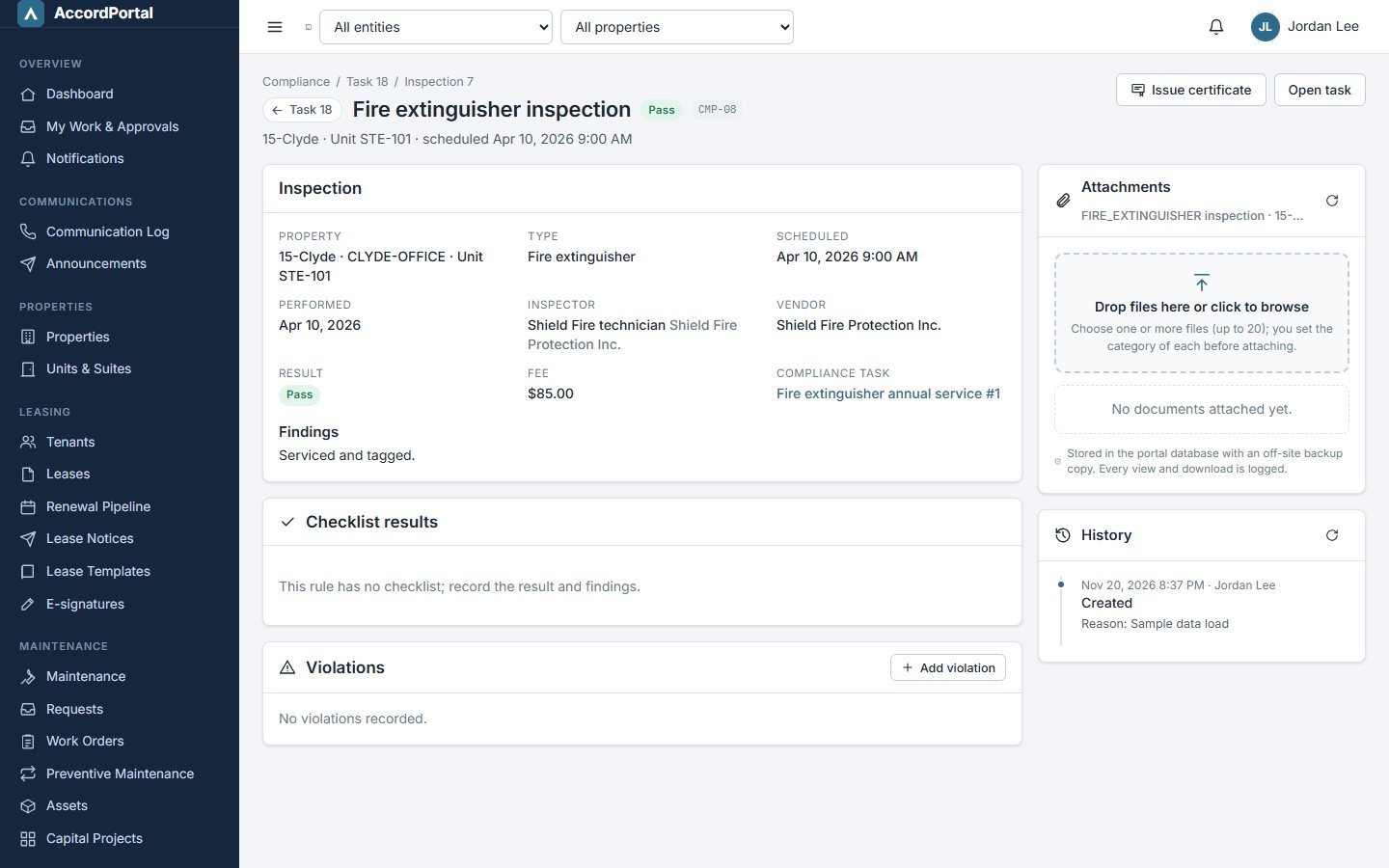
Inspections & violations
Schedule inspections with checklists and results; record violations with fines, cure deadlines and re-inspections.
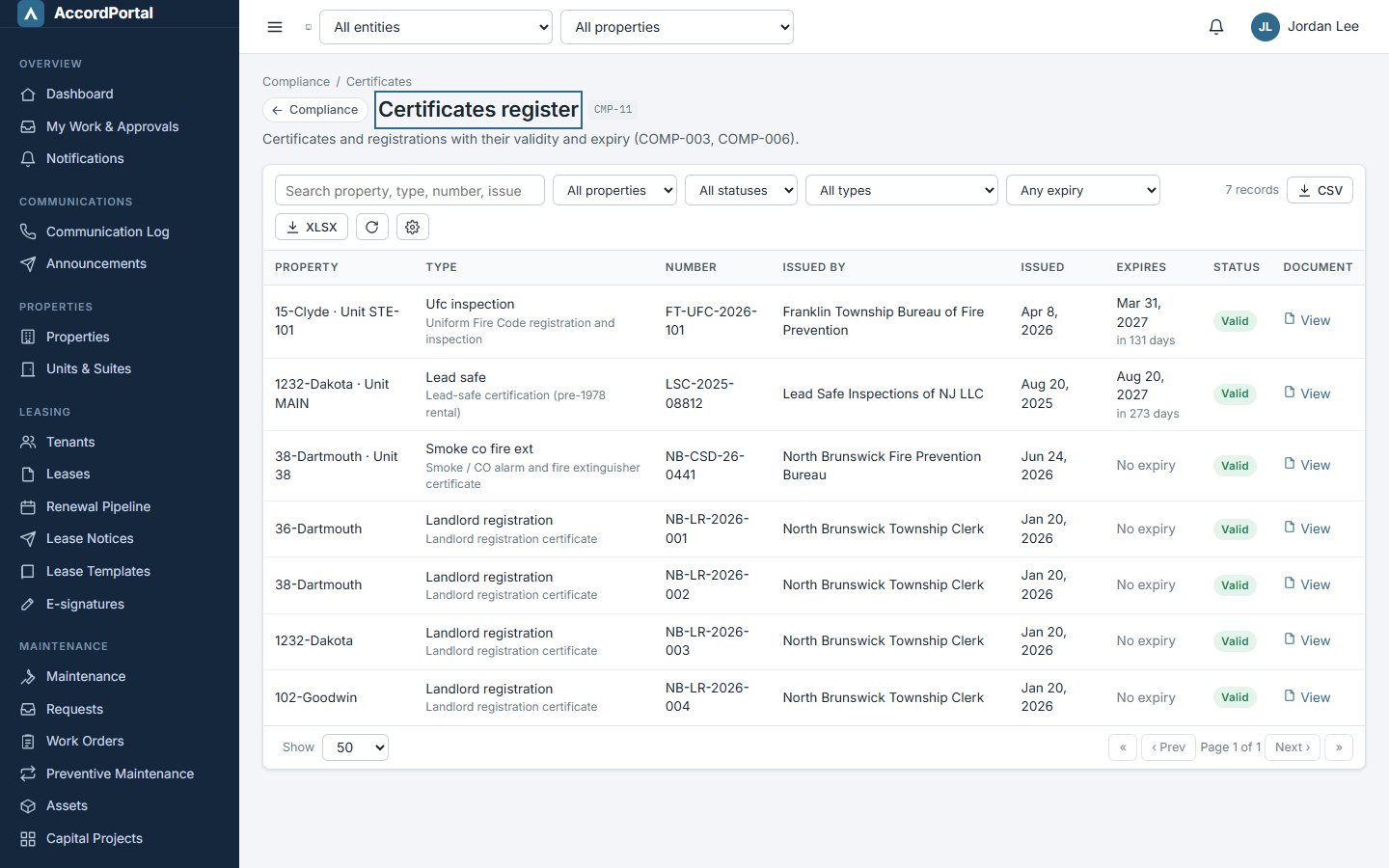
Certificates
Certificates of occupancy, registrations, elevator and boiler certificates, with expiry tracking and the document attached.
Disclosures & exemptions
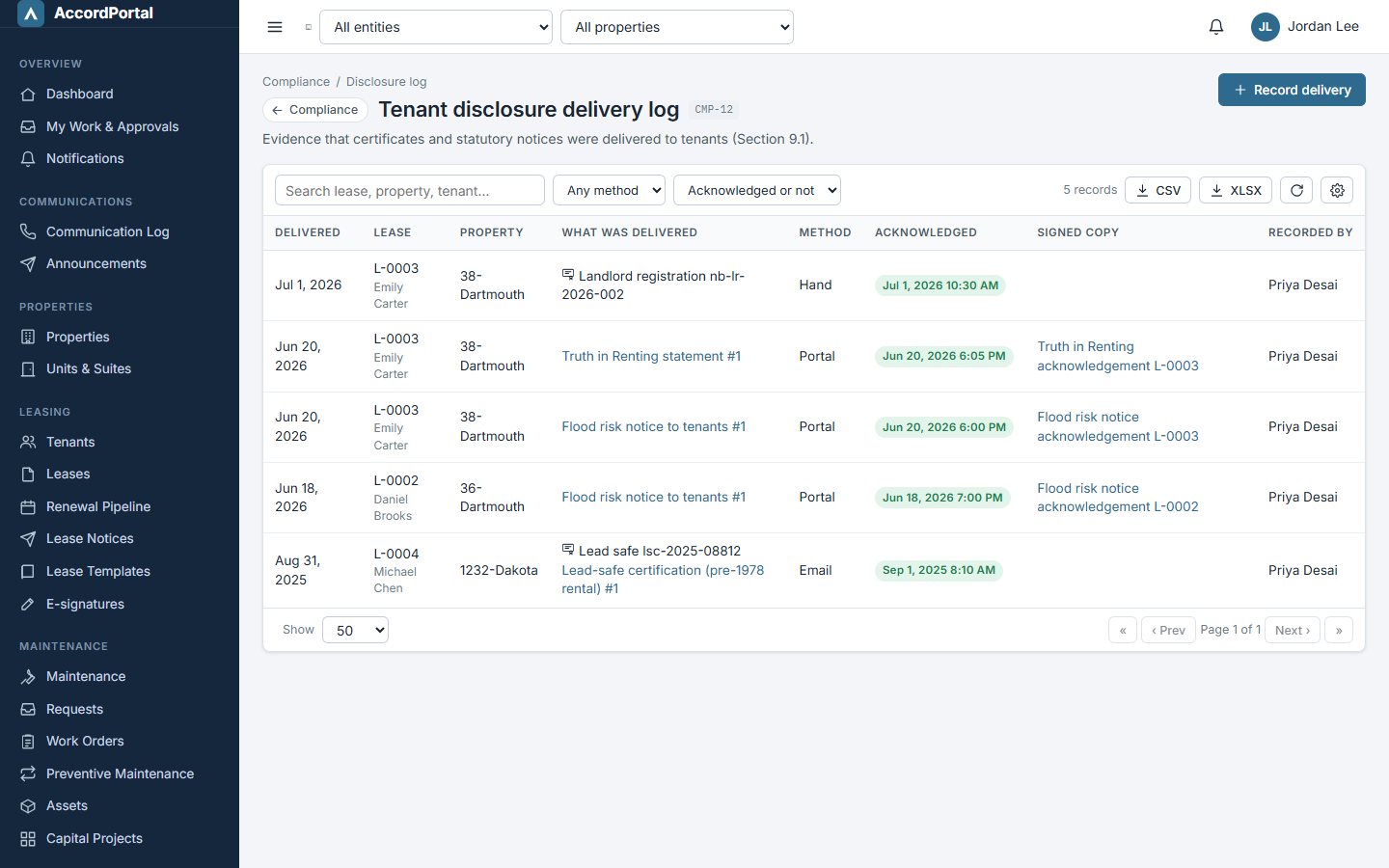
Log required tenant disclosures with delivery method and acknowledgement; exemptions are requested and decided by a different reviewer.
Compliance register
Overdue, due soon and completed counters; filters by property, authority, category and status; one click to the task with its evidence, inspection and history.
Every file, filed — and every view, logged
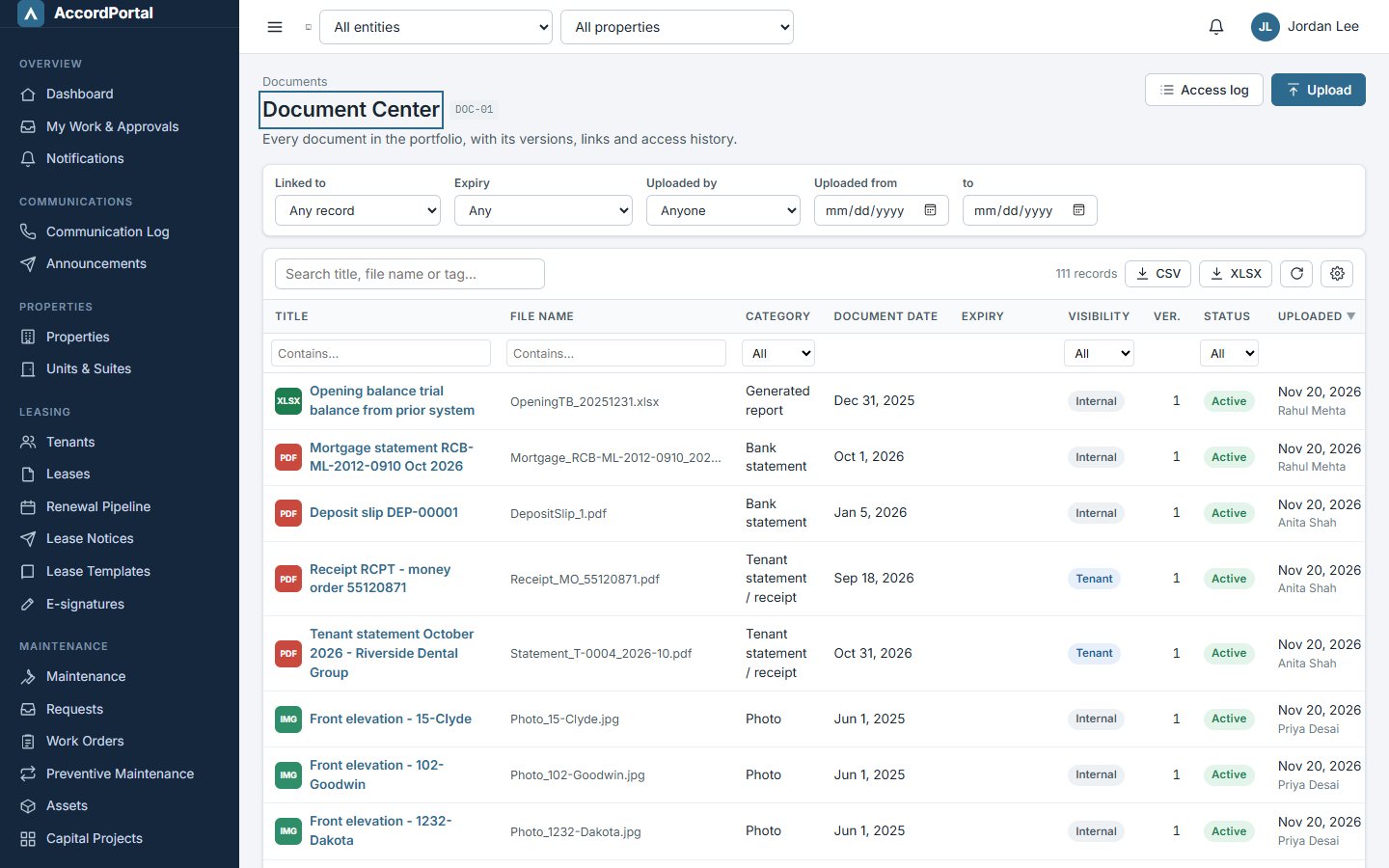
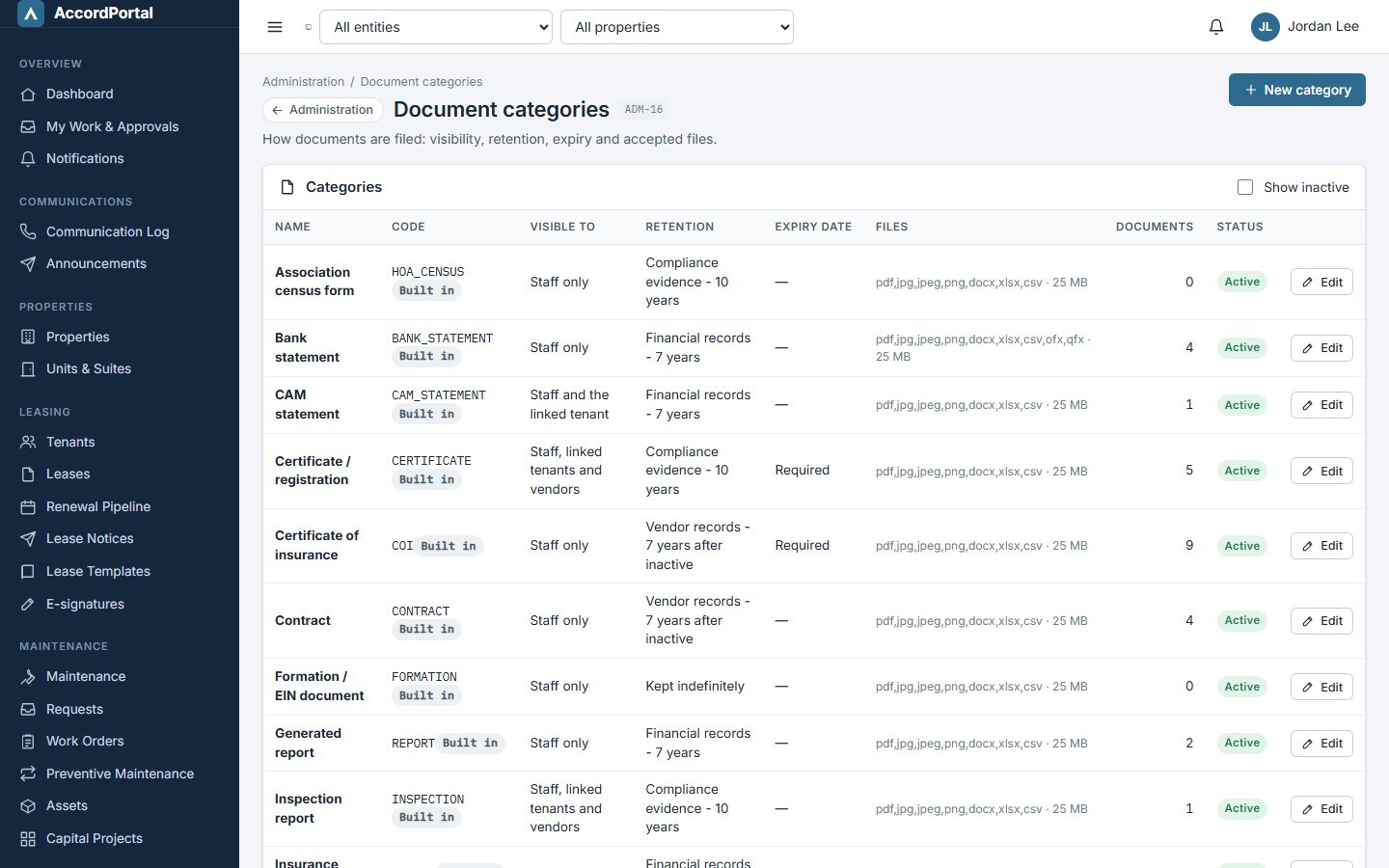
Upload once and link a document to any record: property, unit, lease, tenant, vendor, work order, bill, journal or compliance task. Categories decide who can see a document (internal, tenant, vendor, the parties, restricted), how long it is kept and when it expires.
- 21 categories out of the box: leases, certificates of insurance, W-9s, inspection reports, notices, photos, bank statements and more
- Versions, retention periods and expiry reminders
- Share with the tenant in one switch; tenants can upload too
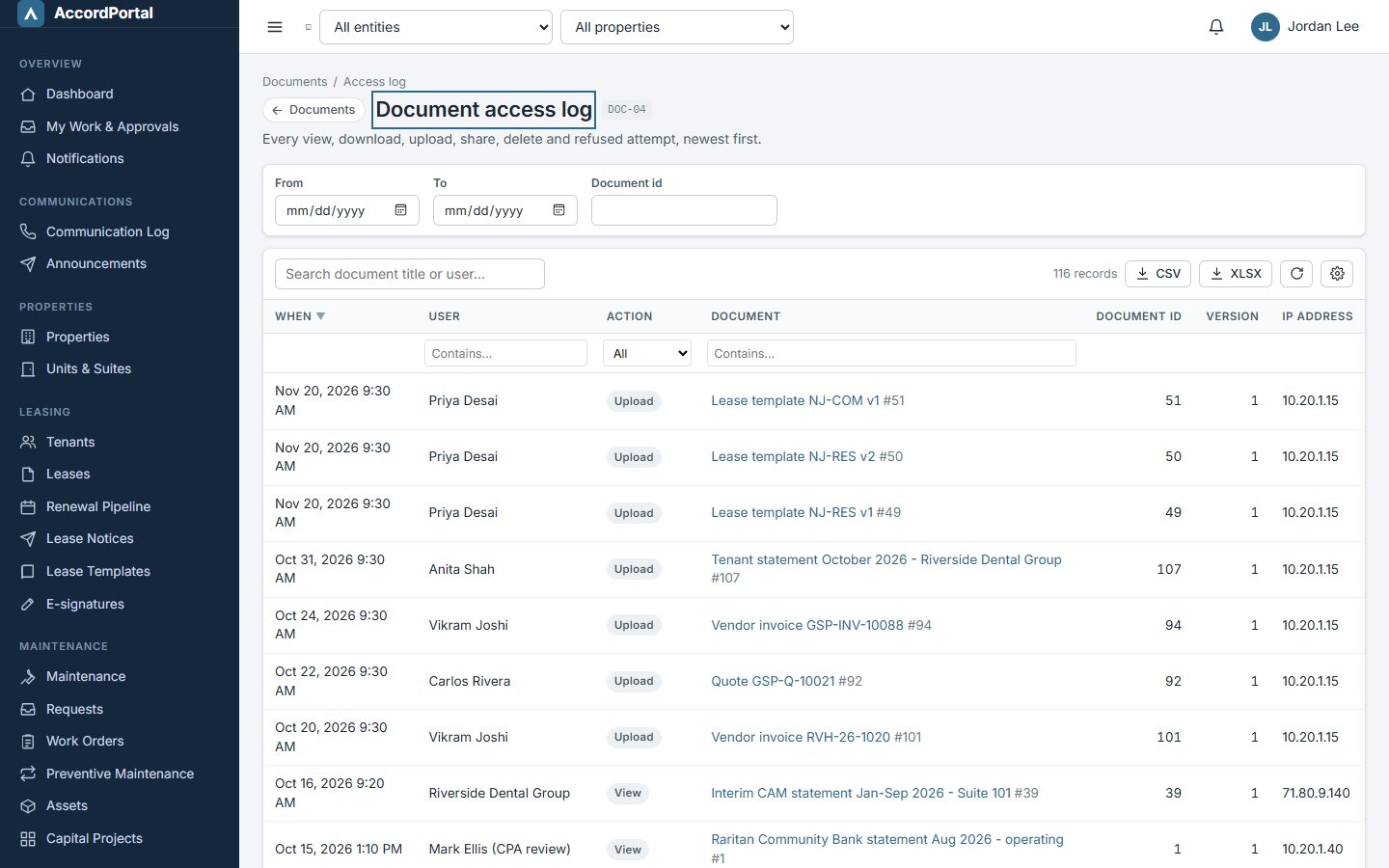
- Access log of every view, download and upload
- Files stored in your company's database, with optional off-site backup
Access log and categories
See who opened what and when — essential for tenant privacy and audits — and tune each category's visibility, retention and accepted file types.
Stop chasing certificates and deadlines
Let AccordPortal remind your team — and your vendors — before anything expires.