Serious security, simple to run
AccordPortal is delivered as a cloud service where every company has its own database, every user has exactly the access they need, and every change is recorded with who, when and why. Your team just signs in.
Your company, your database
Most cloud software keeps every customer in one shared database. AccordPortal gives each subscribing company a physically separate database. There is no query that can reach another company's data.
Isolated by design
A separate database per company, created from the current release in seconds when you sign up.
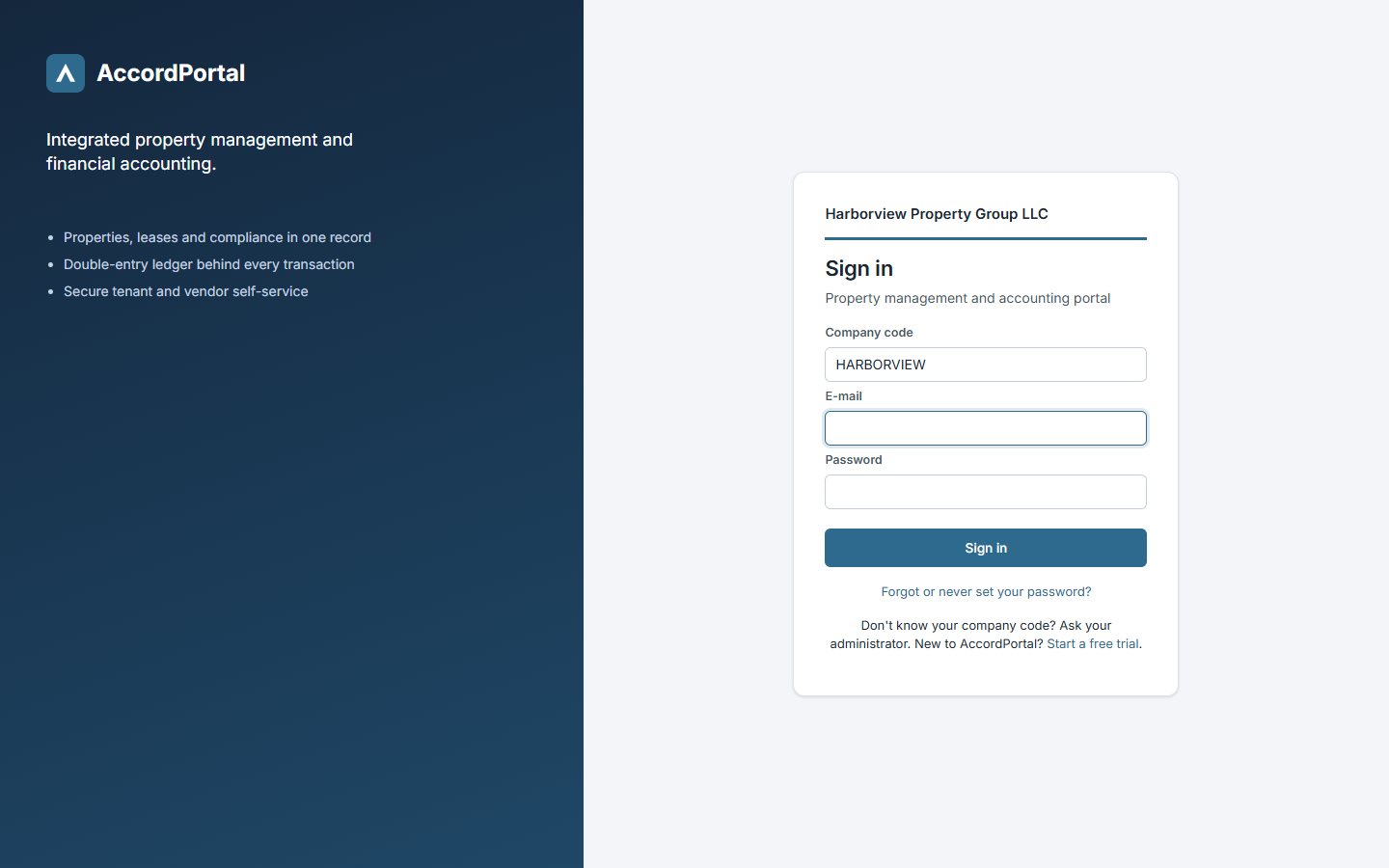
Company code sign-in
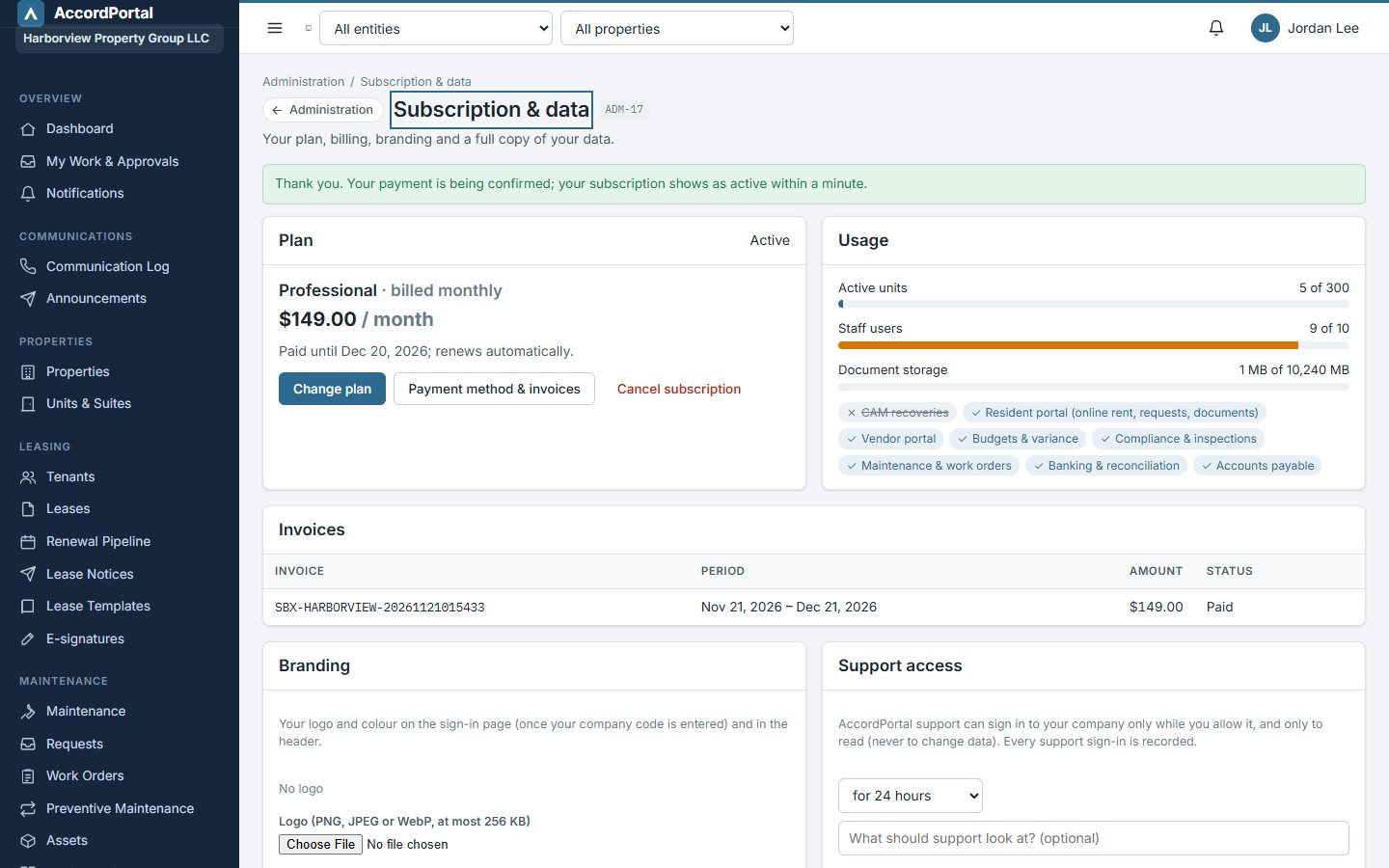
Your people sign in with your company code, e-mail and password. Your logo and colour appear on the sign-in page and in the header.
Always up to date
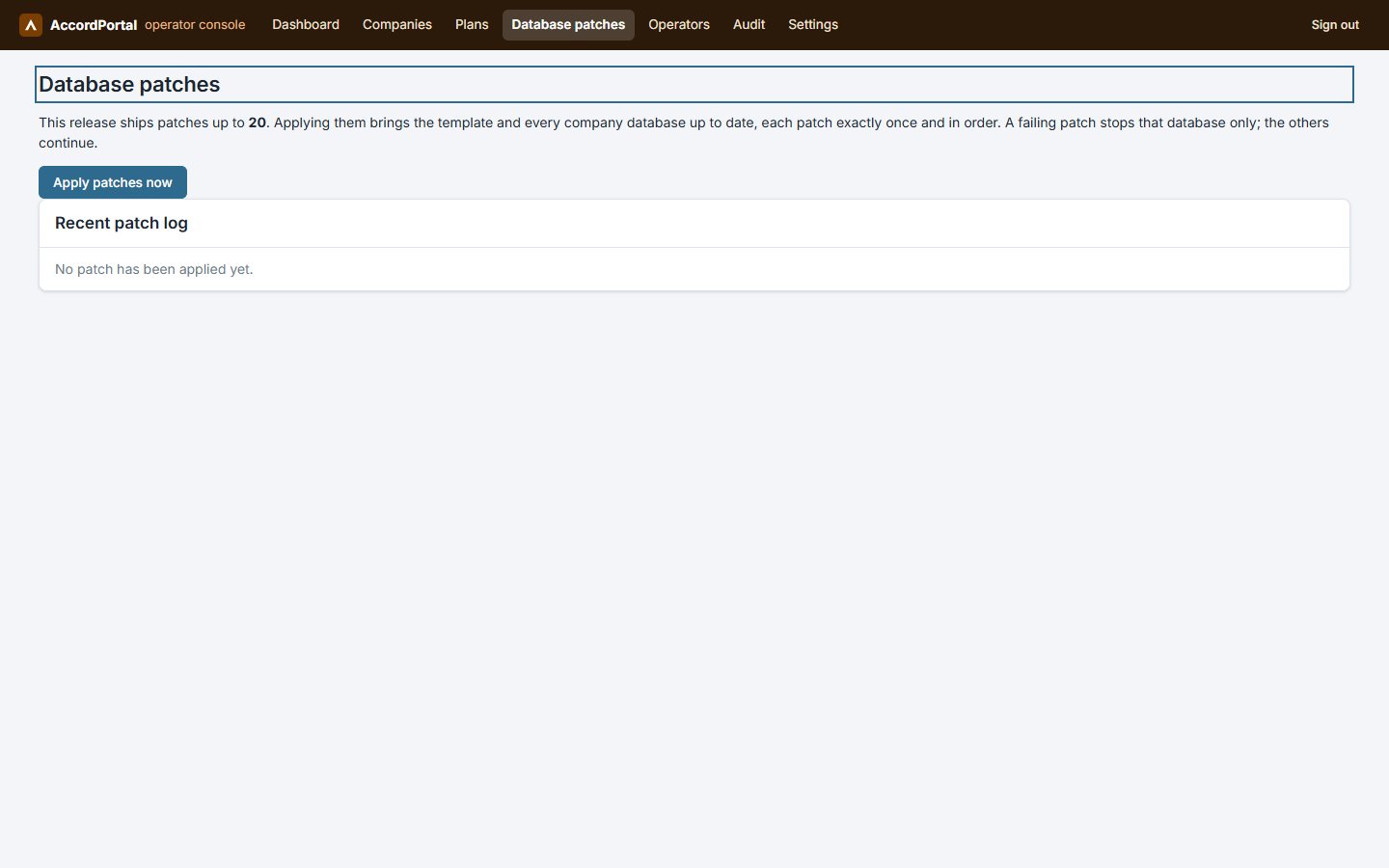
New releases and database updates are applied to every company automatically, each exactly once, with nothing for you to install.
Your data to keep
Export everything at any time — every table as CSV and every document in its original format — even after a subscription ends.
Backed up & restorable
Per-company backups with integrity checks; a restore goes to a new database first, so nothing is ever overwritten by accident.
Support only with your permission
Our support team can open your company only while your administrator allows it, read-only, for the hours you choose — and every visit is recorded.
Subscription & data — managed by you
Your administrators see the plan and its usage (units, staff users, document storage), change plan or billing cycle, update the payment method, see invoices, cancel or keep the subscription, set branding, allow support access and prepare a full data export.
- 30-day free trial with every feature of the chosen plan
- Plan limits checked live, with a clear message before you hit them
- Payment overdue? A grace period before the account turns read-only
- Read-only and cancelled companies can still read and export everything
Security that is on by default
Two-step sign-in
Authenticator-app codes required for staff and auditors by default, set up at first sign-in.
Sign-in protection
Security check on every sign-in, lockout after repeated failures, idle-session timeout.
Encrypted secrets
Tax ids, bank account numbers, authenticator secrets and payment keys encrypted at rest.
Step-up for sensitive changes
Granting administrator rights or sensitive permissions asks for a fresh verification.
Server-side sessions
Every session can be seen and ended — by the user, or by an administrator for anyone.
Privacy masking
Date of birth and restricted records are masked in the audit log; viewing them is logged.
HTTPS everywhere
Encrypted connections, secure cookies, and signed links for password set-up and e-mails.
Segregation of duties
Preparer and approver rules for journals, bills, reconciliations and more — configurable where you need flexibility.
Exactly the access each person needs
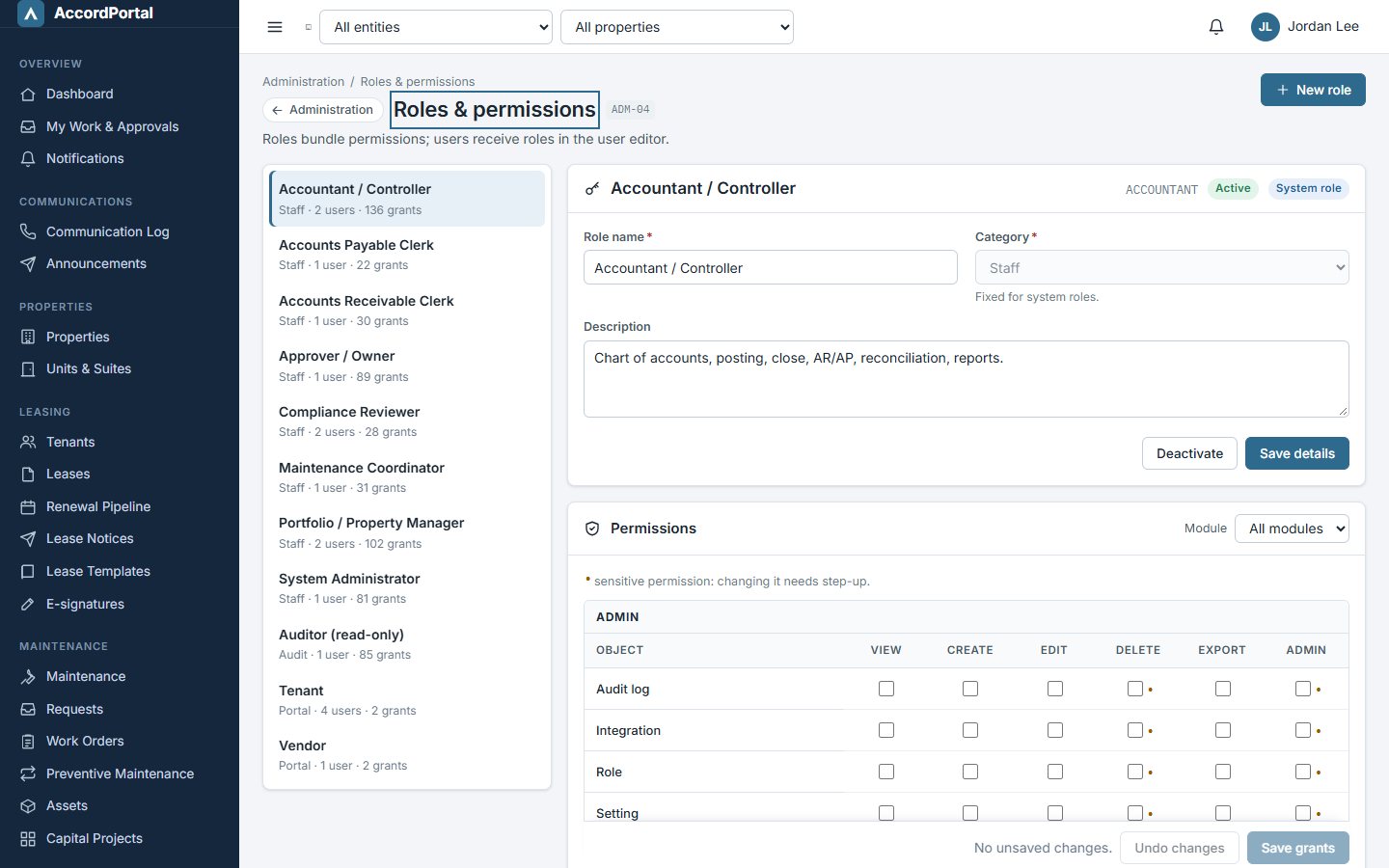
Eleven standard roles — System Administrator, Accountant / Controller, AR Clerk, AP Clerk, Portfolio / Property Manager, Maintenance Coordinator, Compliance Reviewer, Approver / Owner, Auditor (read-only), Tenant and Vendor — built from 261 granular permissions by module and action. Copy a role and adjust it, or combine several roles on one user.
- Data scope per user: the whole organization, a legal entity, a portfolio or chosen properties
- Effective-dated role assignments with start and end dates
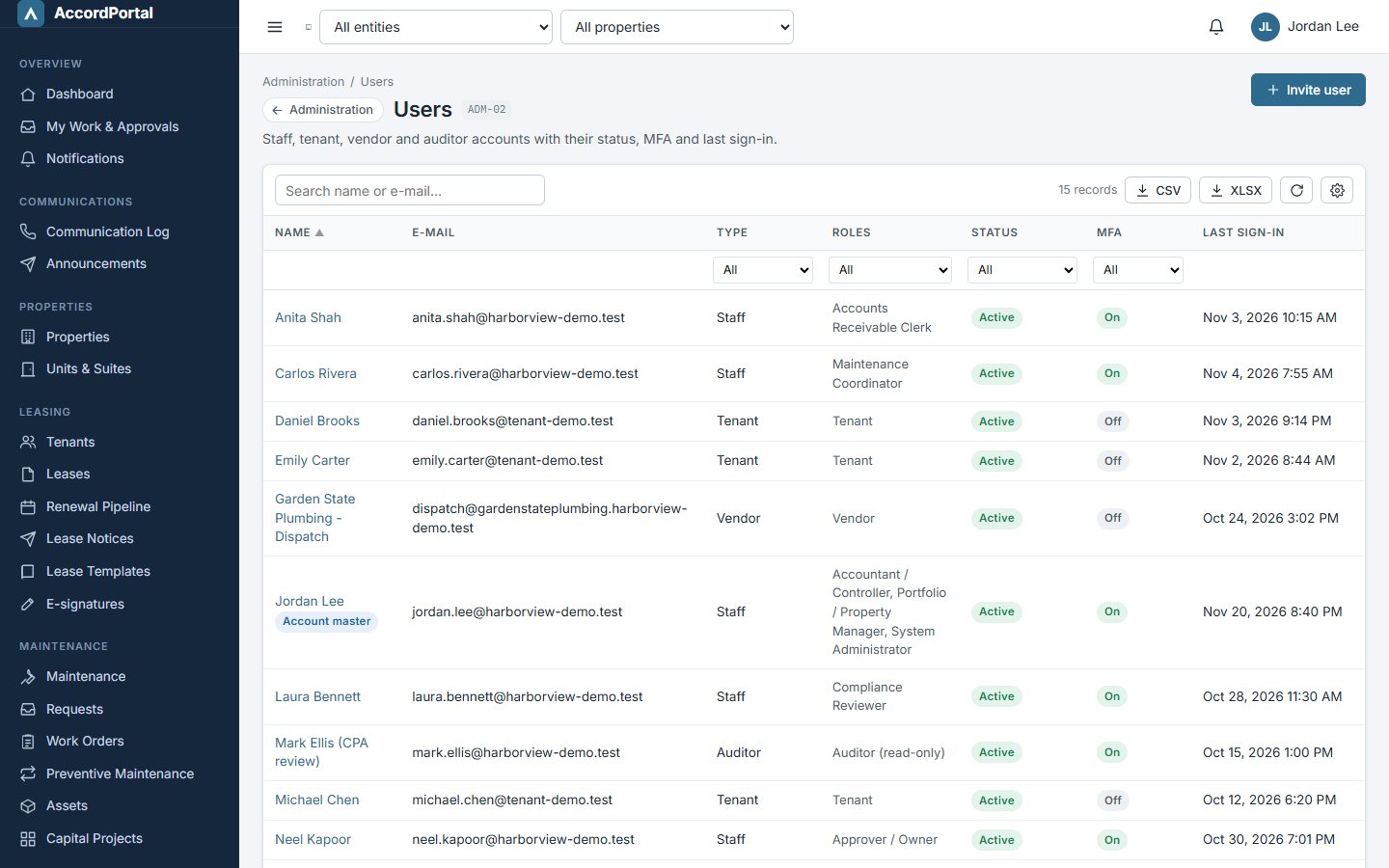
- An account master who alone appoints administrators
- Invite users by e-mail; disable, unlock, reset two-step sign-in, end sessions
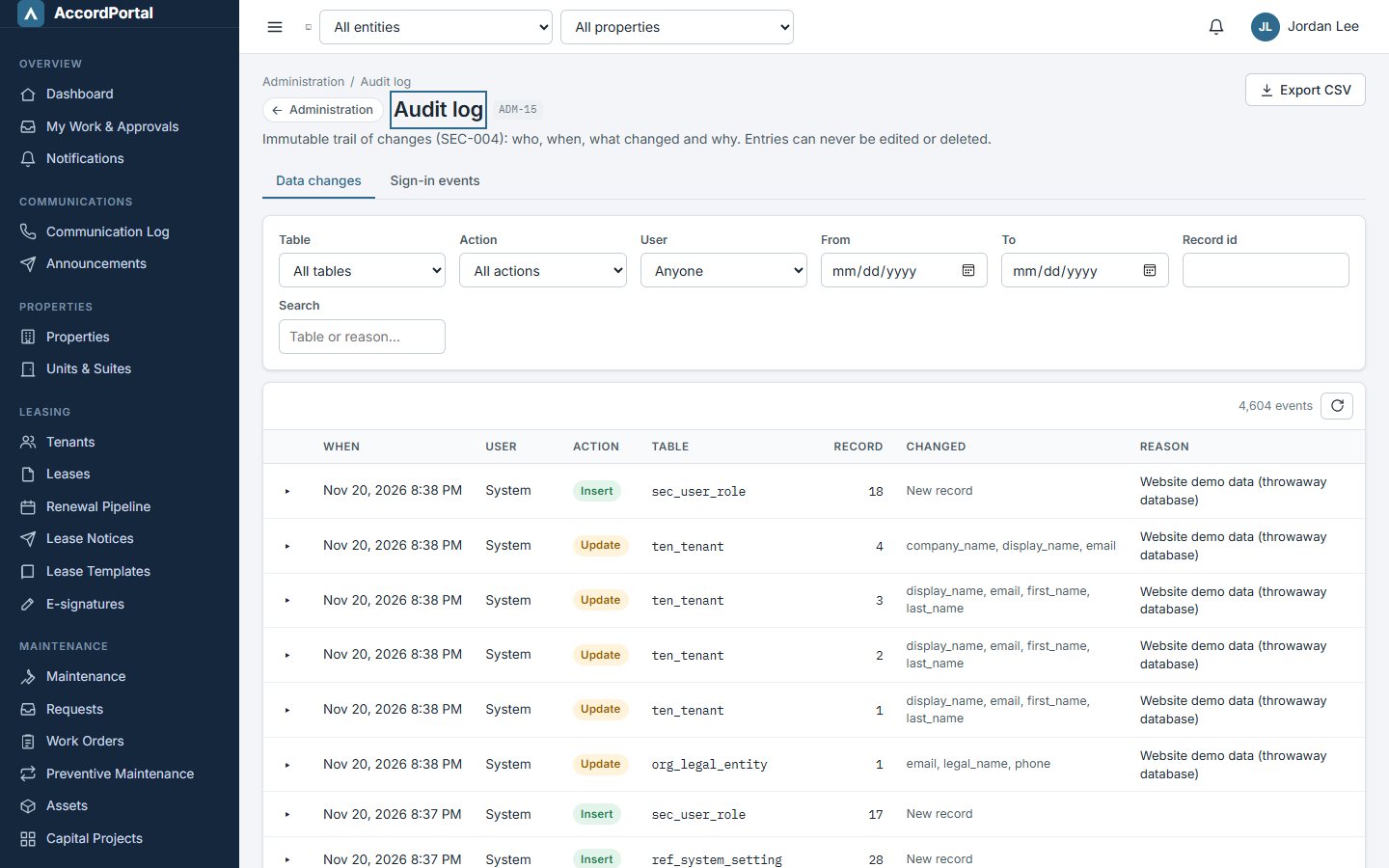
Who changed what, when — and why
146 tables record every insert, change and delete automatically in the database itself, with the before and after values, the user, the time and the reason they gave. The log is append-only: nobody, not even an administrator, can edit it. History panels on every record show its own trail.
- Reason required for sensitive changes, corrections and voids
- Sign-in history: successes, failures, lockouts and two-step events
- Audit Trail report and export for your auditors
- Read-only auditor role for your CPA
Route approvals the way your company decides
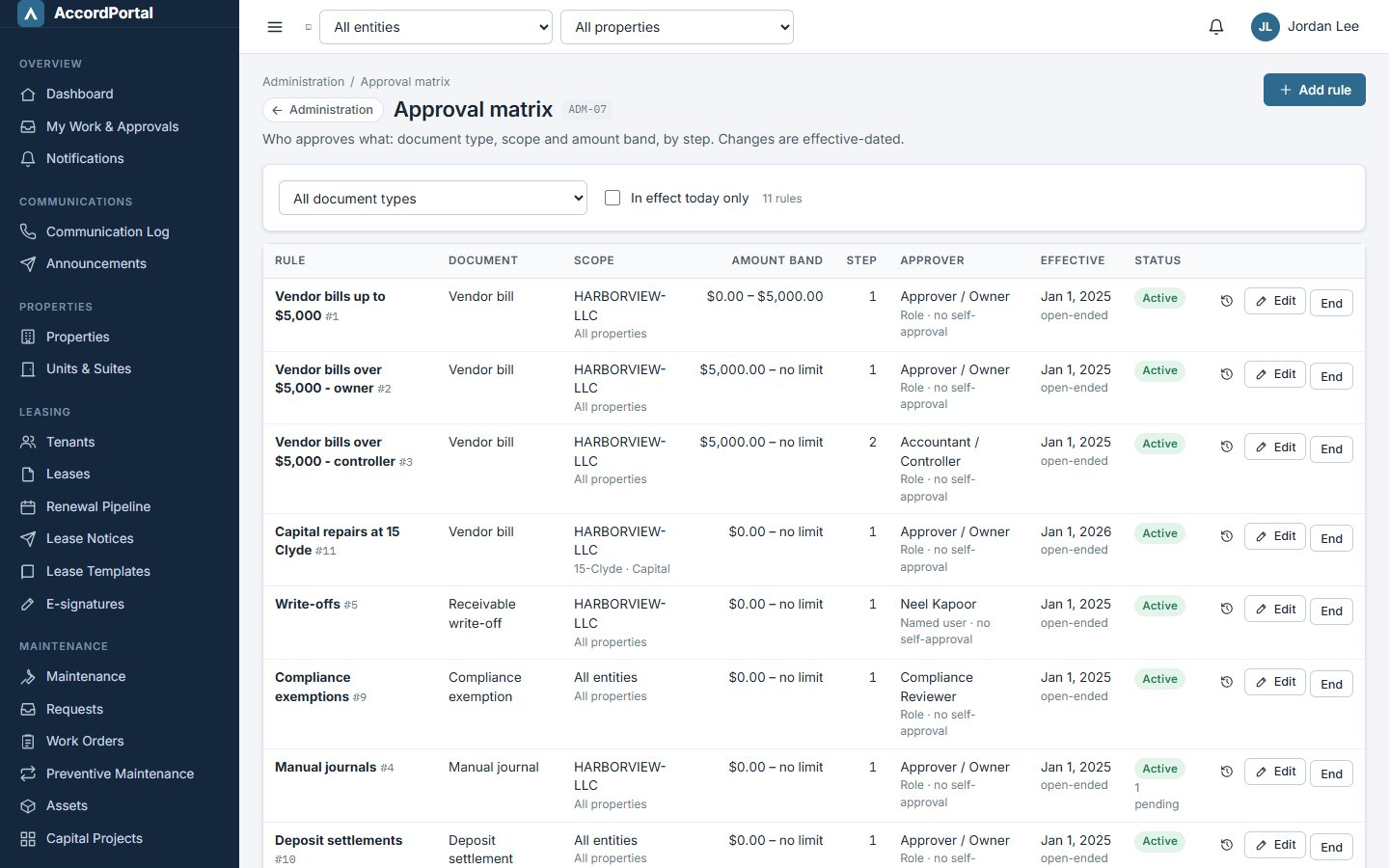
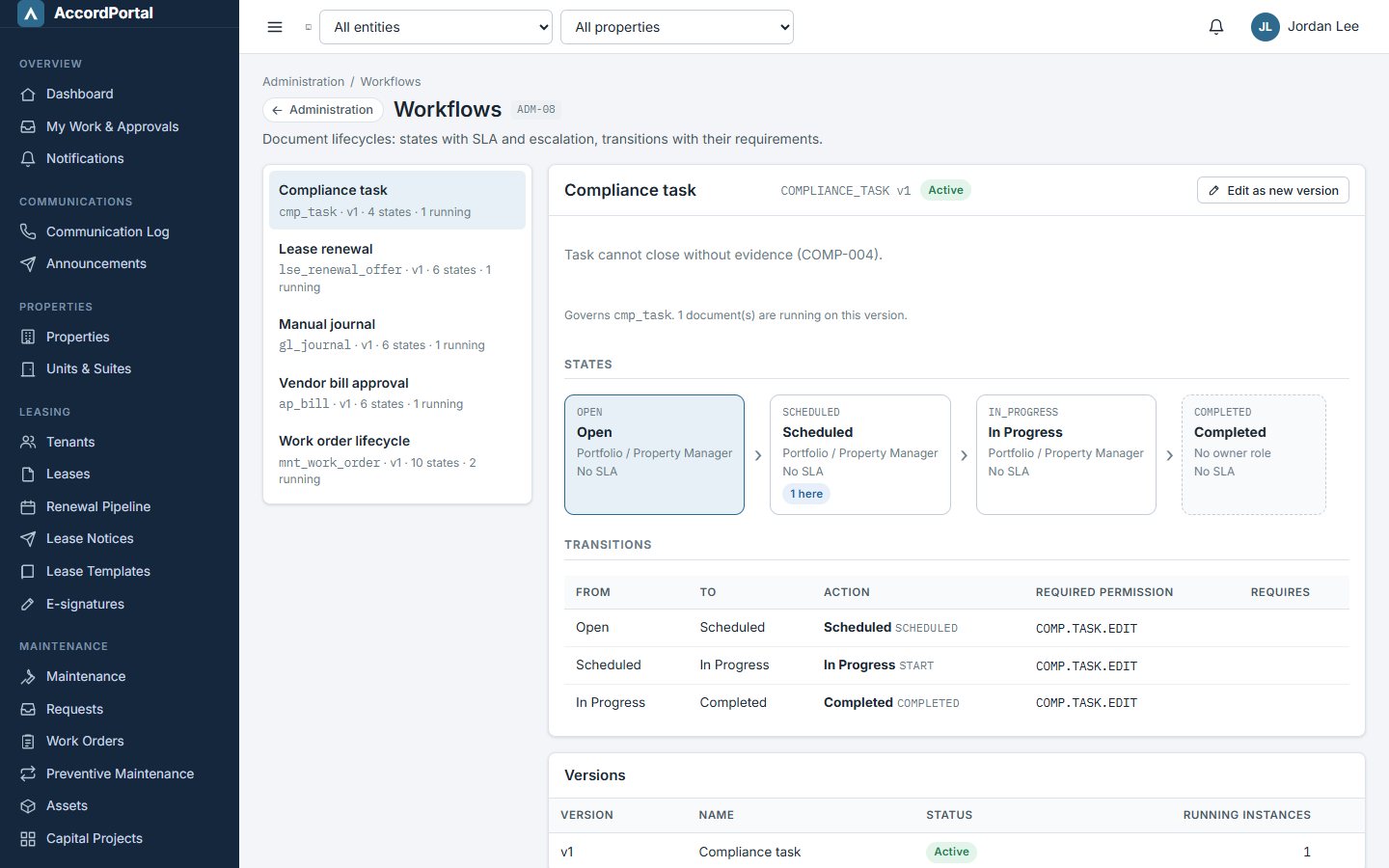
The approval matrix sets who approves what — by document type, legal entity, property and amount band — with a named person or a role at each step, and whether the creator may approve their own document. Workflow definitions describe the states, transitions and service levels of processes such as compliance tasks, work orders and lease reviews.
- Multi-step approvals with escalation
- One "My work & approvals" inbox for everything waiting on you
- Daily approval digest by e-mail
- Effective-dated rules: change policy from a date without losing history
The night shift you never have to staff
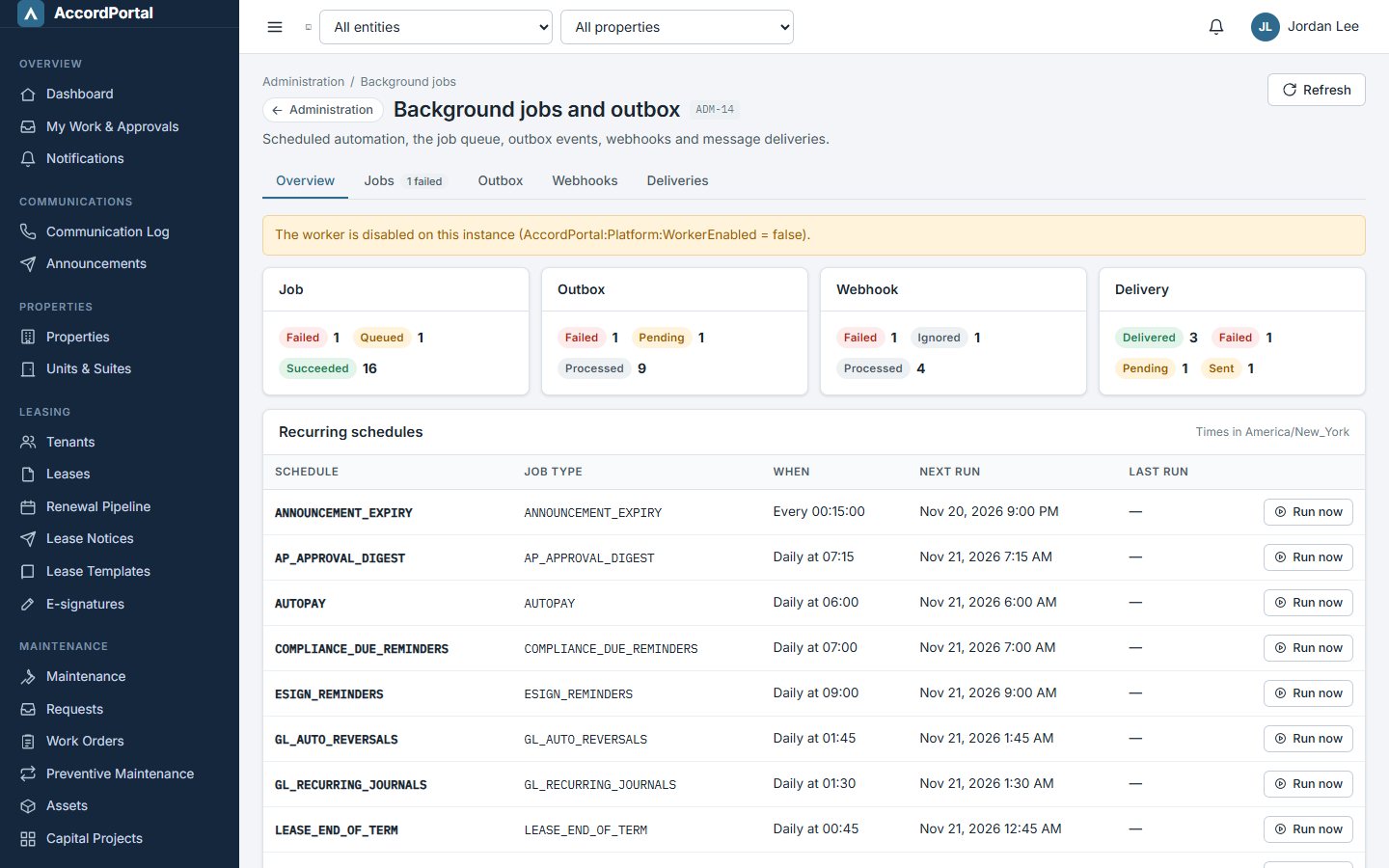
A built-in job engine runs scheduled work in your company's time zone, retries what fails, and shows every job, event and incoming webhook on a monitor.
- Rent-due reminders
- Autopay charges
- Lease-expiry notices
- Holdover / month-to-month
- Recurring journals
- Accrual reversals
- Compliance reminders
- Vendor document expiry
- Announcement delivery & expiry
- Approval digests
- E-signature reminders
- Payment webhook processing
The right message, on the right channel
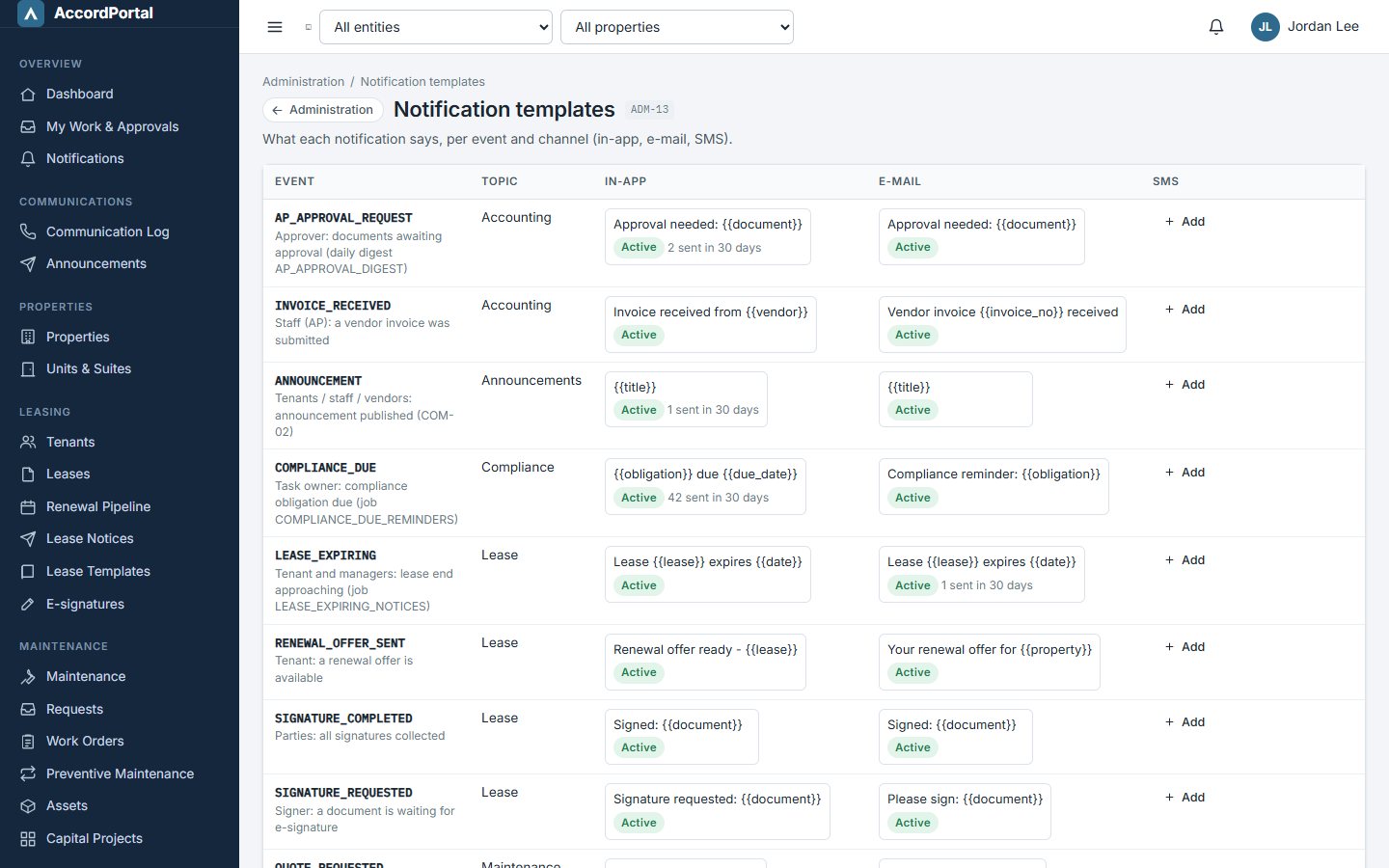
59 ready-made templates cover 26 events — rent due, payment received or failed, lease expiring, renewal offer, maintenance updates, approvals needed, compliance due, documents submitted and more — in-app, by e-mail and by SMS. Edit the wording with merge fields; people choose their channels in their preferences.
Connected where it counts
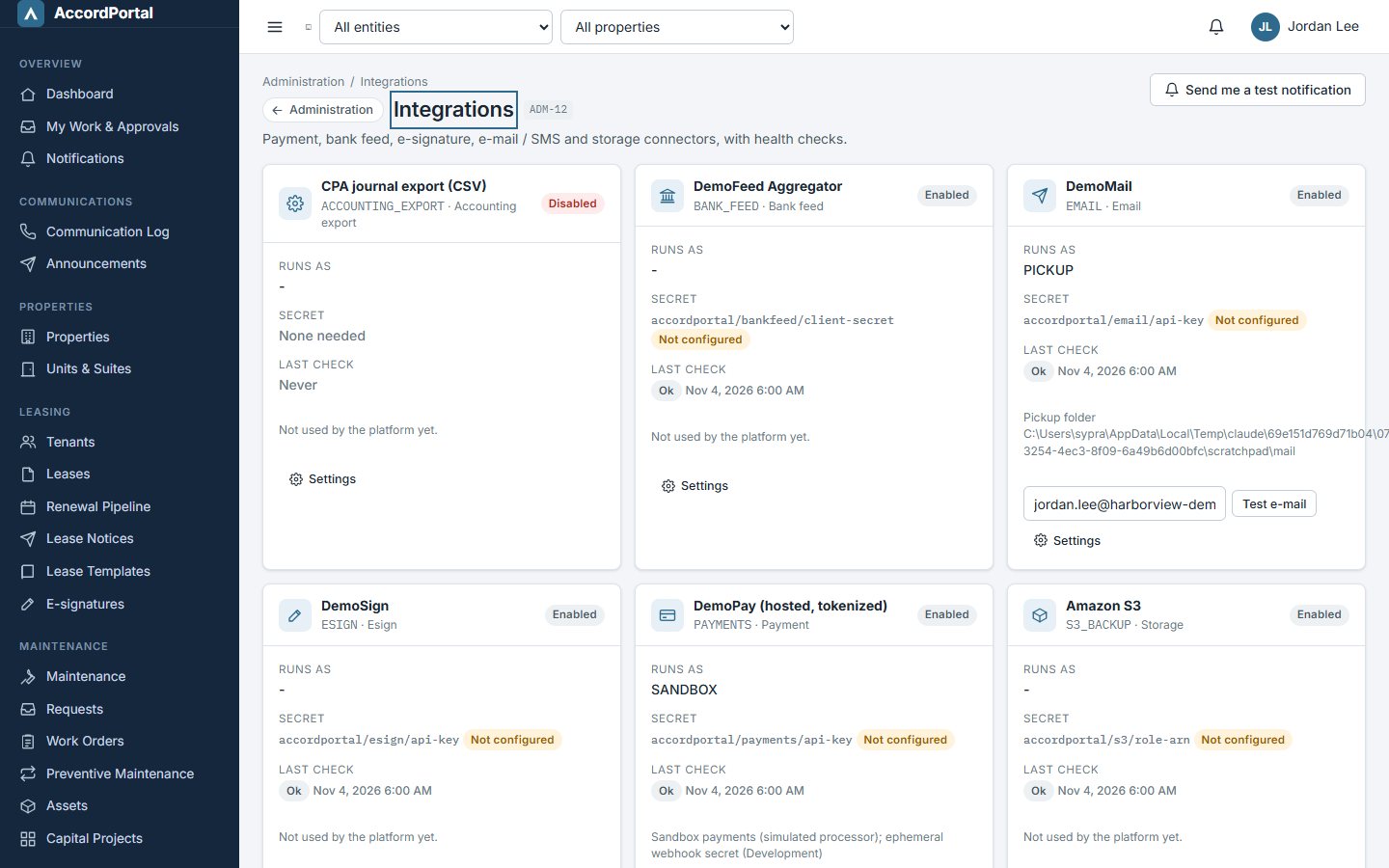
Each connector has health checks, a test button and its secrets stored encrypted.
Payments
Card and ACH through your own merchant account, with signed webhooks.
Bank feeds & statements
Statement import formats and classification rules per bank.
E-signature
Built-in signing service — no extra subscription.
E-mail & SMS
Notifications sent under your company's name.
Document backup
Optional off-site copy of every document to cloud storage.
Accountant export
Journal export in CSV for your CPA's software.
Excel & CSV
Export any list or report; print-ready layouts.
Webhooks
Inbound events recorded, verified and processed exactly once.
Configure it yourself — no consultants required
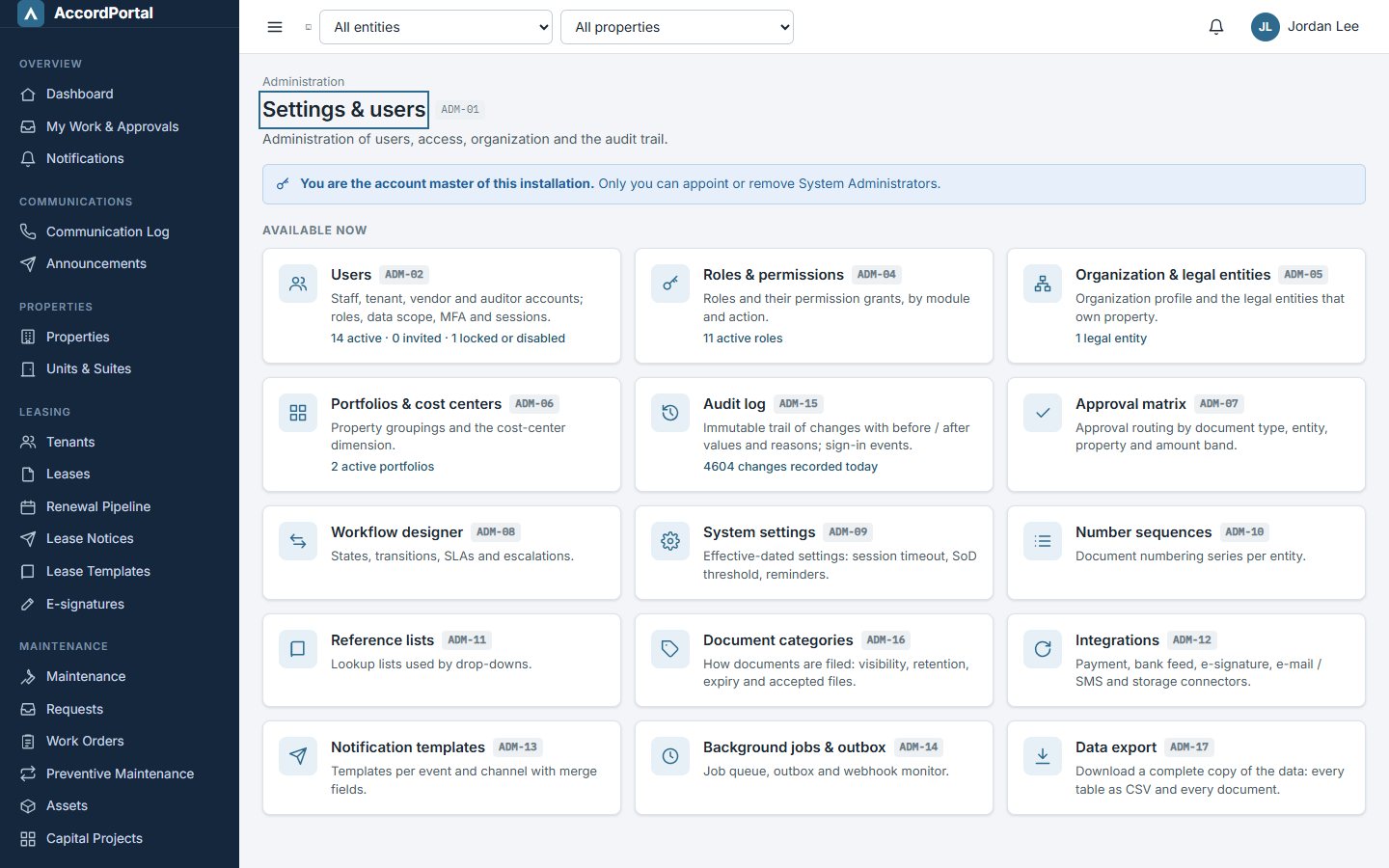
Organization & entities
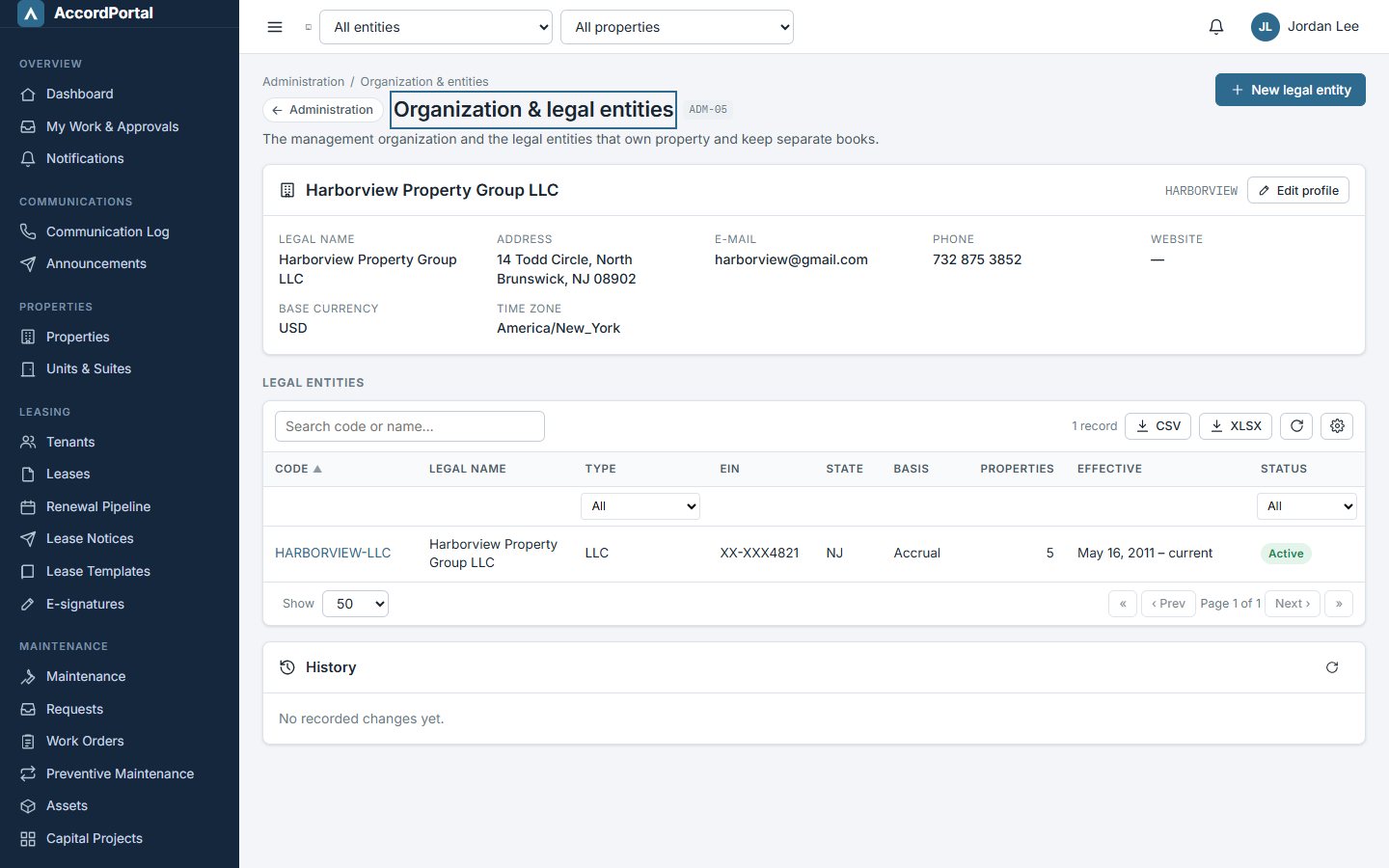
Company profile, legal entities, portfolios and cost centers.
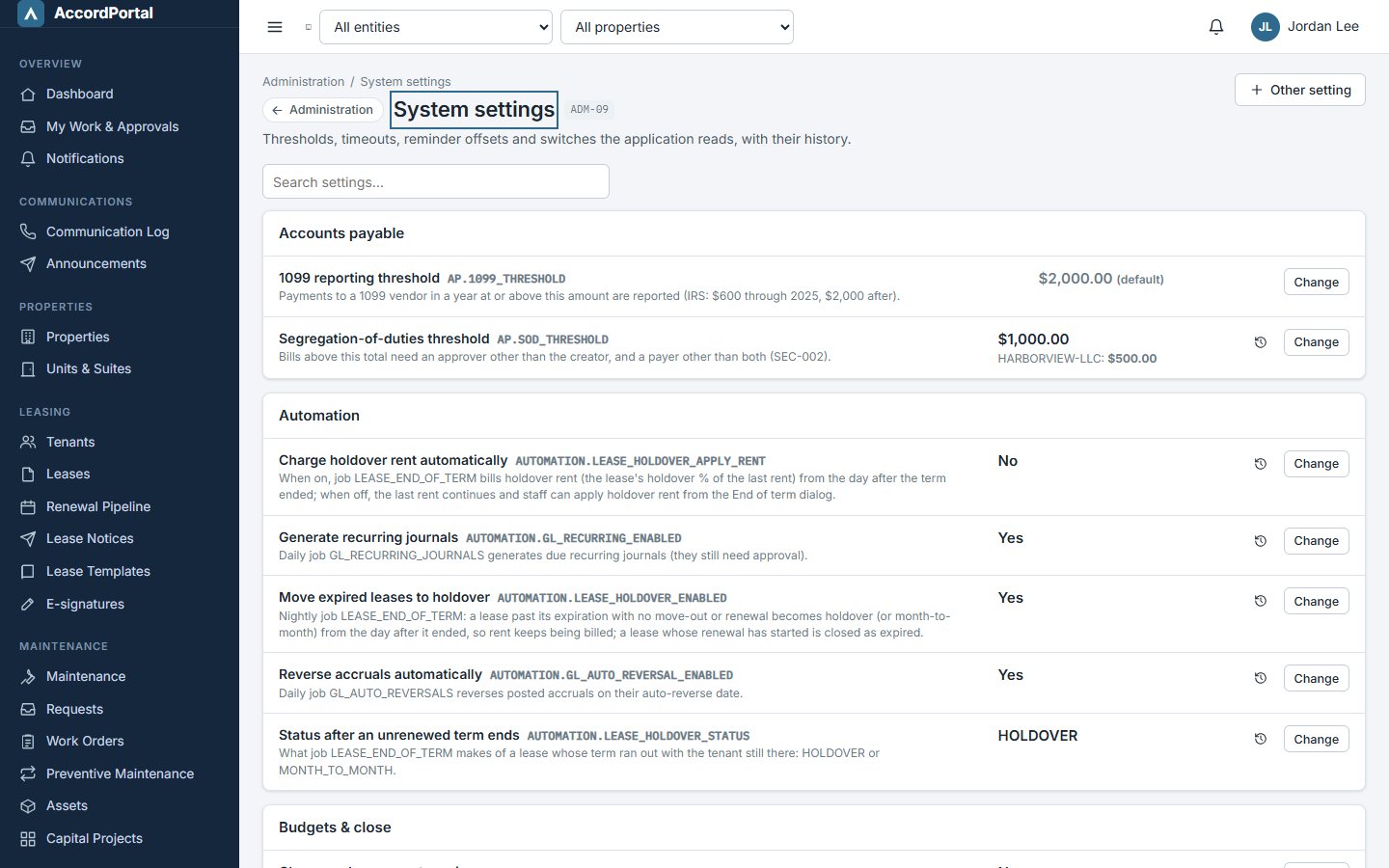
System settings
27 effective-dated settings — thresholds, reminders, late fees, deposit rules — with per-entity overrides.
Number sequences
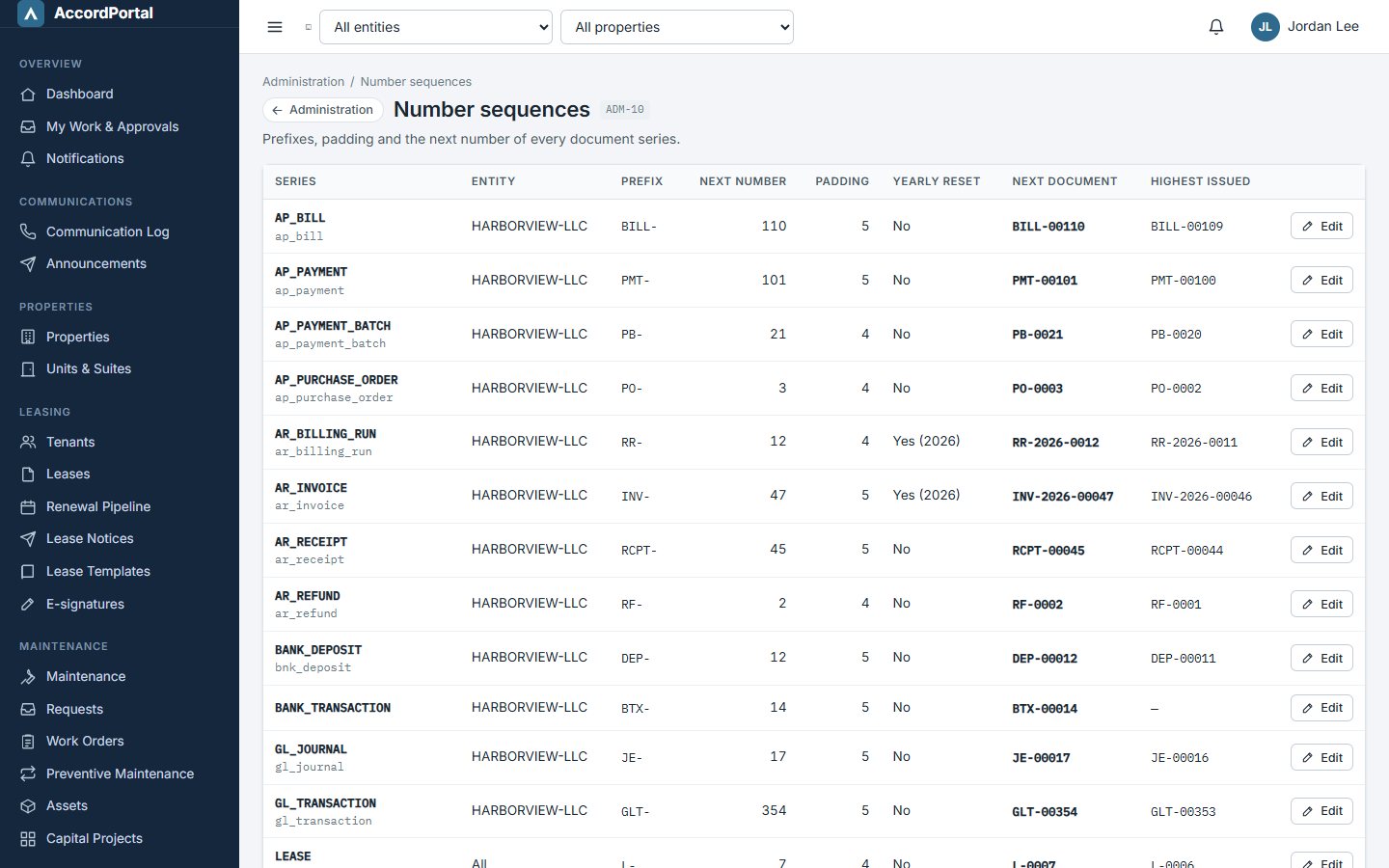
Your own prefixes and numbering for invoices, receipts, bills, journals, POs and more, per entity.
Reference lists
The drop-down lists users see — categories, reasons, types — maintained in one place.
Document categories
Visibility, retention, expiry and accepted file types per category.
Audit & jobs
Audit log, document access log, background jobs, outbox and webhooks.
Small things that save hours
- Customize columns on any list — show, hide, reorder, resize, choose the default sort; administrators set the default for everyone
- Filters on every column, search, paging and export to Excel or CSV
- Entity and property switcher in the header narrows every page at once
- Attachments and history panels on every record
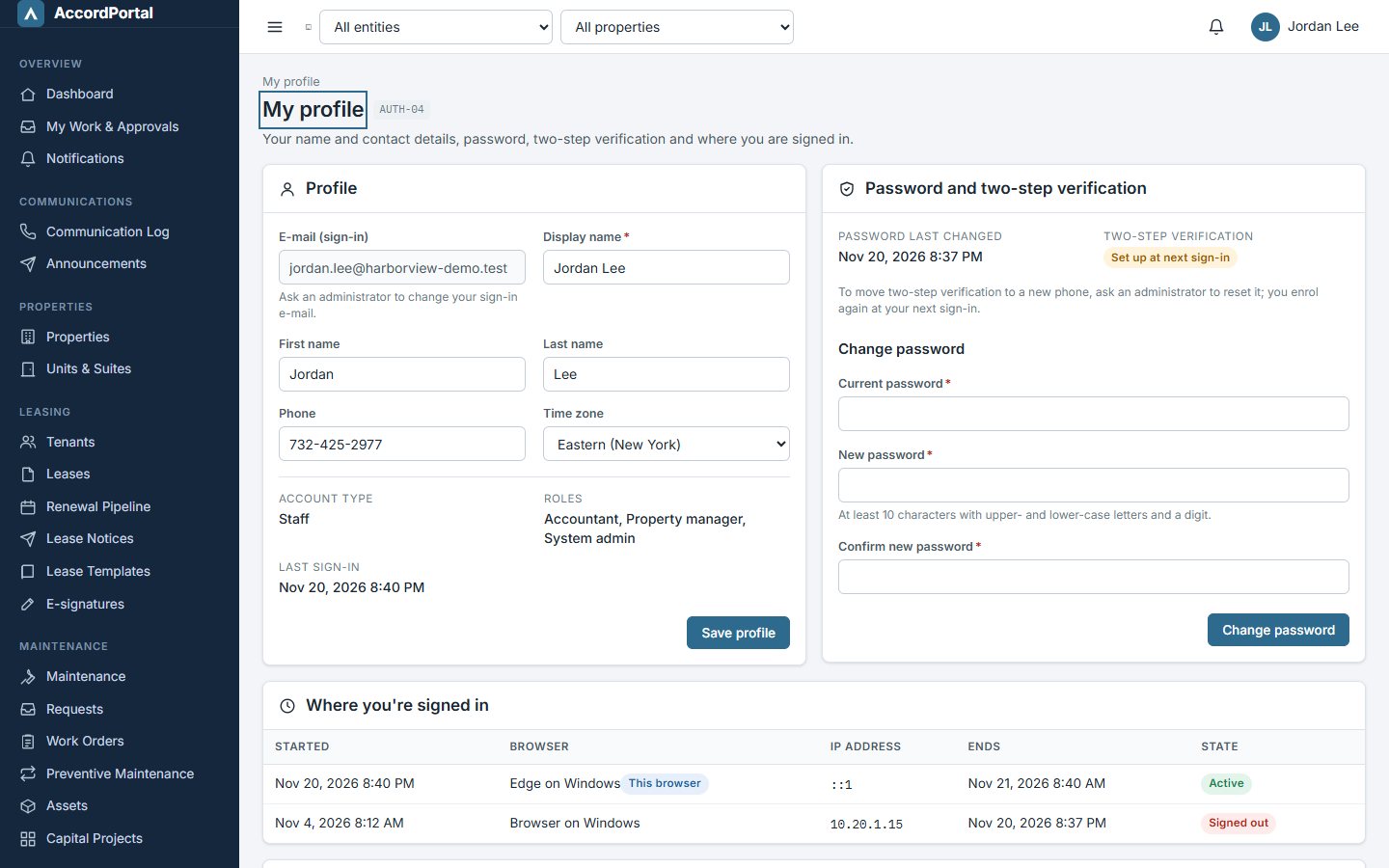
- My profile: time zone, password, two-step sign-in, active sessions and notification preferences
- Notification center and work inbox on every page
Operated by a team that watches every company
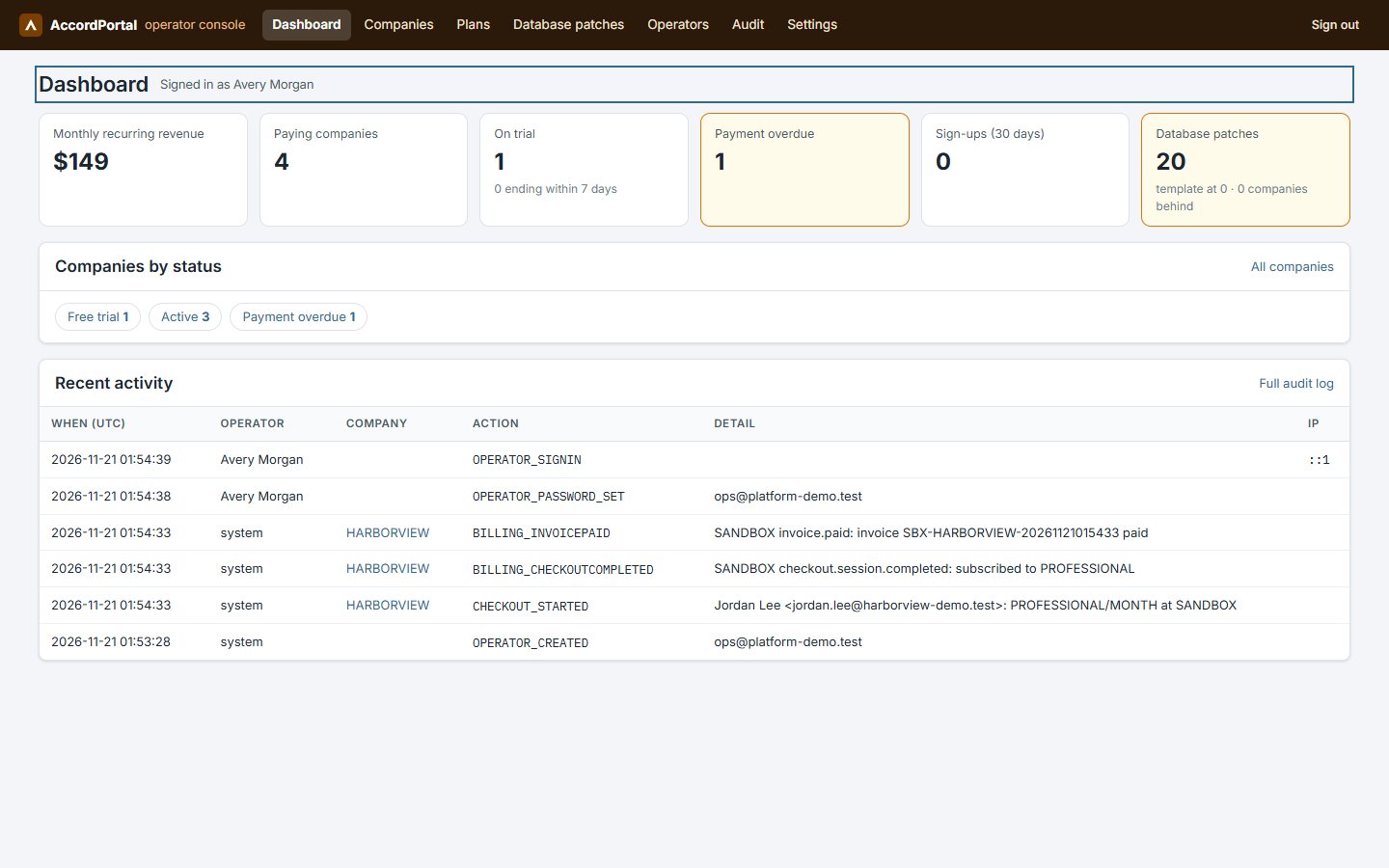
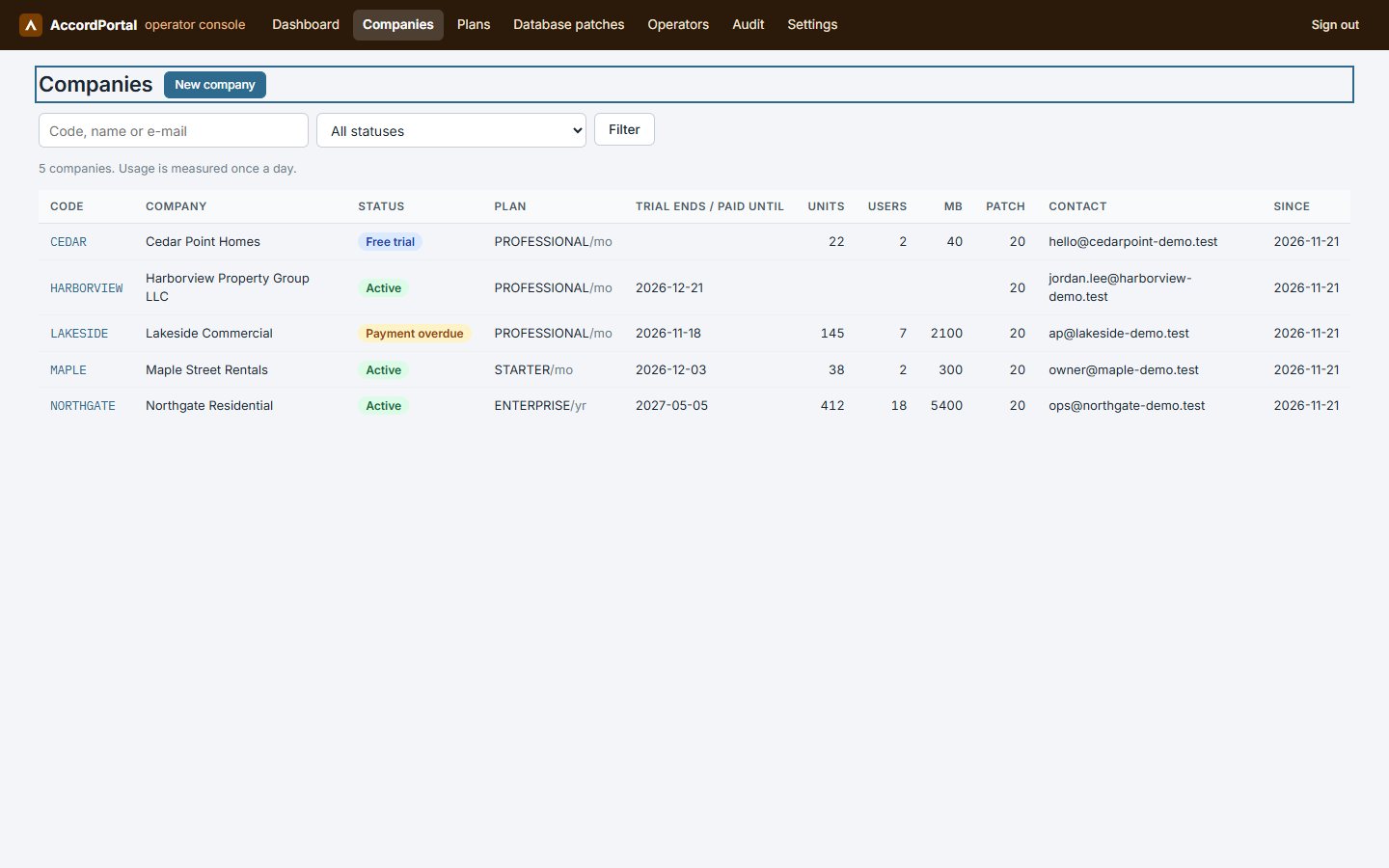
Our operations console shows every subscriber's plan, status, usage and database version, applies updates across all companies, manages plans and keeps an append-only log of every operator action. Operators sign in with two-step verification on a separate console — and can never open your data without your permission.
Questions from your IT or security team?
We are happy to walk them through how AccordPortal protects your data.